

Meta Marketing API: Automating Campaign Management at Scale
Build reviewable Meta API operations with a versioned paused campaign example, saved-state checks, dependency handling and careful retry policies.
Use the Marketing API to turn an approved campaign plan into explicit, reviewable operations. The useful unit is not “launch hundreds of ads”: it is a request with an owner, expected saved state, retry policy and evidence that the correct object was changed. This guide builds that workflow without assuming that automation improves ROAS.
Pin the version and permission boundary
The published Python Business SDK configuration identifies Graph API v26.0 and SDK v26.0.2 on October 2, 2026. The educational example uses those versions explicitly. Pin the package in your environment, record the version alongside every operation and review accepted fields again before upgrading.
For reading advertising data, start with ads_read; campaign mutation requires ads_management. Meta’s official Marketing API collection distinguishes access for your own account from managing other people’s accounts. Permission names alone do not establish authorization: the app’s approved access level, token and assigned account assets must permit the intended call. Request extra business, Page or catalog permissions only for operations that actually need them.
Create a paused teaching object and read it back
This is an original educational Python example, not an executed production integration. It requires the facebook-business package at version 26.0.2 and credentials supplied through your secret-management environment. META_AD_ACCOUNT_ID must use the account identifier expected by the SDK, such as act_ followed by your account number. No credential belongs in source code, terminal arguments or logs.
Running this example with META_ALLOW_PAUSED_CREATE set to yes creates a real campaign in an authorized account. It contains no activation call and creates no ad sets or ads. The fictional traffic objective and empty special-ad-category list are teaching assumptions; choose the objective and legally applicable category for your actual business before permitting creation.
import json
import os
from facebook_business.api import FacebookAdsApi
from facebook_business.adobjects.adaccount import AdAccount
from facebook_business.adobjects.campaign import Campaign

# Running this example creates one real PAUSED campaign, but no ads.
if os.environ.get("META_ALLOW_PAUSED_CREATE") != "yes":
    raise SystemExit("Creation requires explicit approval")
api = FacebookAdsApi.init(
    app_id=os.environ["META_APP_ID"],
    app_secret=os.environ["META_APP_SECRET"],
    access_token=os.environ["META_ACCESS_TOKEN"],
    api_version="v26.0",
)
created = AdAccount(os.environ["META_AD_ACCOUNT_ID"], api=api).create_campaign(
    params={
        "name": "Educational paused traffic campaign",
        "objective": "OUTCOME_TRAFFIC",
        "status": "PAUSED",
        "special_ad_categories": [],
        "is_adset_budget_sharing_enabled": False,
    }
)
# Persist created["id"] in the operation ledger before continuing.
saved = Campaign(created["id"], api=api).api_get(
    fields=["id", "name", "objective", "status", "effective_status",
            "special_ad_categories", "is_adset_budget_sharing_enabled"]
)
if saved["status"] != "PAUSED":
    raise SystemExit("Unexpected saved state; stop and investigate")
print(json.dumps({key: saved.get(key) for key in
    ["id", "name", "objective", "status", "effective_status",
     "special_ad_categories", "is_adset_budget_sharing_enabled"]}))
The parameters follow Meta’s campaign-creation schema. Schema presence does not guarantee acceptance in every account. Compare the returned name, objective, categories and budget-sharing setting with the approved request; inspect configured and effective status separately. Reject an unexpected readback. A successful creation response does not establish that a later ad would deliver.
The example shows the call boundary, not a production operation ledger. Persist the returned object ID durably immediately after creation; if the response or persistence fails, mark the outcome unknown and reconcile before running creation again. A comment in the example does not supply that persistence. Keep activation as a separate approved operation after ad-set budgets, currency, targeting, schedule, identity, creative, destination and tracking have been reviewed. Use the account-structure worksheet for that hierarchy.
Treat token validity as a monitored dependency
A System User credential can serve a server integration when the business, app and assets are configured for it. Inspect the token’s actual validity, granted scopes, app ownership and expiry metadata; do not translate an expiry setting into a promise of permanent access. Revocation, removed asset access and permission changes can still interrupt work.
For code 190, stop affected writes and inspect the subcode and redacted token metadata. Meta’s access-token diagnostic guidance separates expired sessions from invalid or revoked credentials. Recover using the authorization or re-issuance process appropriate to that token type, then verify access with a read. Do not assume every 190 response permits an automatic refresh or blindly replay a write after credentials change.
Make batches respect dependencies and partial results
Stop wasting ad budget
NovaStorm AI cuts Meta Ads CPA by 30% on average. No complex setup required.
Build the dependency chain explicitly: create and verify campaign → create and verify its paused ad set → prepare creative → create and verify paused ad → request activation approval. A child operation may proceed only when its parent ID and required saved values are known. For a first implementation, execute these stages separately rather than depending on the position of requests inside one batch.
Batch independent operations only after the request shape and permitted batch size have been verified for your endpoint and version. Meta’s SDK batch implementation processes individual responses through success and failure callbacks; an outer response is not proof that every inner operation succeeded. Persist each outcome and leave dependent work blocked when its prerequisite fails.
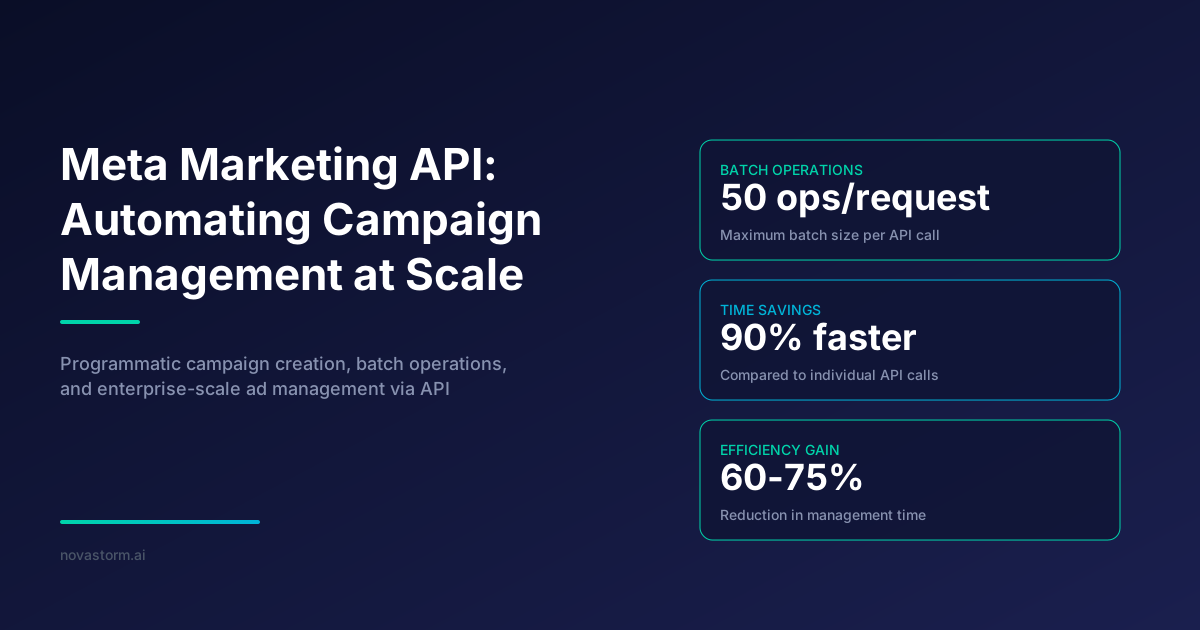
Illustrative arithmetic, not a throughput result: if an accepted implementation groups 500 independent reads into 50 per batch, it produces 10 outer requests. It still performs 500 inner reads. This calculation establishes neither a 90% latency reduction nor permission to batch every kind of mutation. Measure elapsed time, errors and retries on your own approved workload.
| Operation state | Worker behavior | Evidence to retain |
|---|---|---|
| Pending | Lock one operation key and read the latest object state | Account, version, request hash, expected state and approver |
| Succeeded | Save the returned ID and verify fields before child work | Object ID, sanitized outcome and verification timestamp |
| Failed with a known rejection | Classify permission, validation or temporary error before retry | Code, subcode, attempt count and next action |
| Unknown after timeout | Reconcile remotely; do not repeat object creation blindly | Local operation key, time window and candidate IDs |
| Parent rejected or unknown | Keep dependent requests blocked | Parent operation key and reason |
Use bounded retries, not duplicate creation
A proposed production design uses a durable operation key and payload hash, with one worker allowed to execute that key. This is an application design, not a claim that Meta offers a universal idempotency key. Repeating a POST that creates an object can create another object. A matching name is only a reconciliation clue; if you cannot uniquely identify the result, stop for review.
- For safe reads, handle temporary failures with bounded backoff and jitter, respecting current usage signals and any retry guidance returned by the API.
- For an update to a known object, re-read the current state before a retry. Setting PAUSED expresses the same desired state, but a concurrent approved change may make the old request stale.
- For invalid parameters or denied permissions, repair the cause rather than increase retry frequency. For an ambiguous write, reconcile before deciding whether another write is safe.
- Allow-list log fields. Retain operation IDs, object IDs, code/subcode and timing; omit tokens, app secrets, authorization headers and unfiltered exception payloads.
Keep reporting dates and time zones explicit
A date_preset chooses a reporting range; it does not remove time-zone differences. Read and record account currency and time-zone fields, the requested date range, reporting level, attribution settings and extraction time. When comparing accounts, define whether your business report uses account-local dates or a shared reporting calendar. Do not sum daily rows with different boundaries and call the result a single comparable day.
For async reporting, store the job ID, poll with a bounded schedule, check completion and collect every result page before closing the job. Retain failed and incomplete extracts distinctly from zero spend or zero conversions. The reporting guide explains how to turn compatible figures into a decision.
Measure the automation you actually run
Before claiming speed or reliability, record workload, operation types, accepted and rejected calls, retries, ambiguous outcomes, end-to-end time including readbacks, and manual repair time. Reliability needs a stated denominator: API acknowledgments, verified saved objects and approved delivered campaigns are different outcomes. Budget savings need a separate comparison of business outcomes and costs; fewer clicks in a UI do not prove less wasted media spend.
A proposed NovaStorm workflow is to prepare the campaign as PAUSED, review the plan and saved values, and approve further publishing or activation separately. Draft preparation is the useful product connection here. This article does not claim NovaStorm implements this Python worker, token recovery, batch orchestration or the proposed ledger, and provides no measured time-saving or campaign-success result.
Published by NovaStorm AI. Worked examples and proposed tests are labeled in the article.
Disclaimer: This article was generated with the assistance of AI and reviewed by the NovaStorm AI team. While we strive for accuracy, we recommend verifying specific data points and consulting official sources (linked where available) for critical business decisions.
Ready to automate your Meta Ads?
NovaStorm AI takes full responsibility for your campaigns — from monitoring to optimization.
Start NowMore on Meta platform and automation
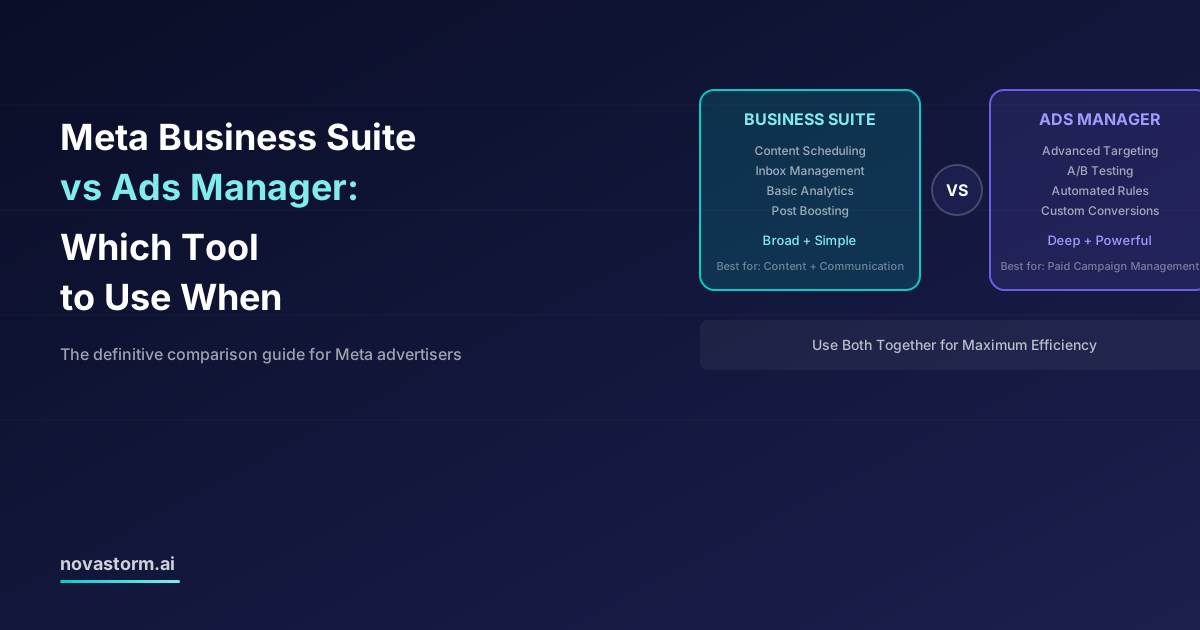
Meta Business Suite vs Ads Manager: Which Tool to Use When
Choose Business Suite or Ads Manager by the booking, publishing, inbox and reporting controls your task requires, with a saved-setting checklist.
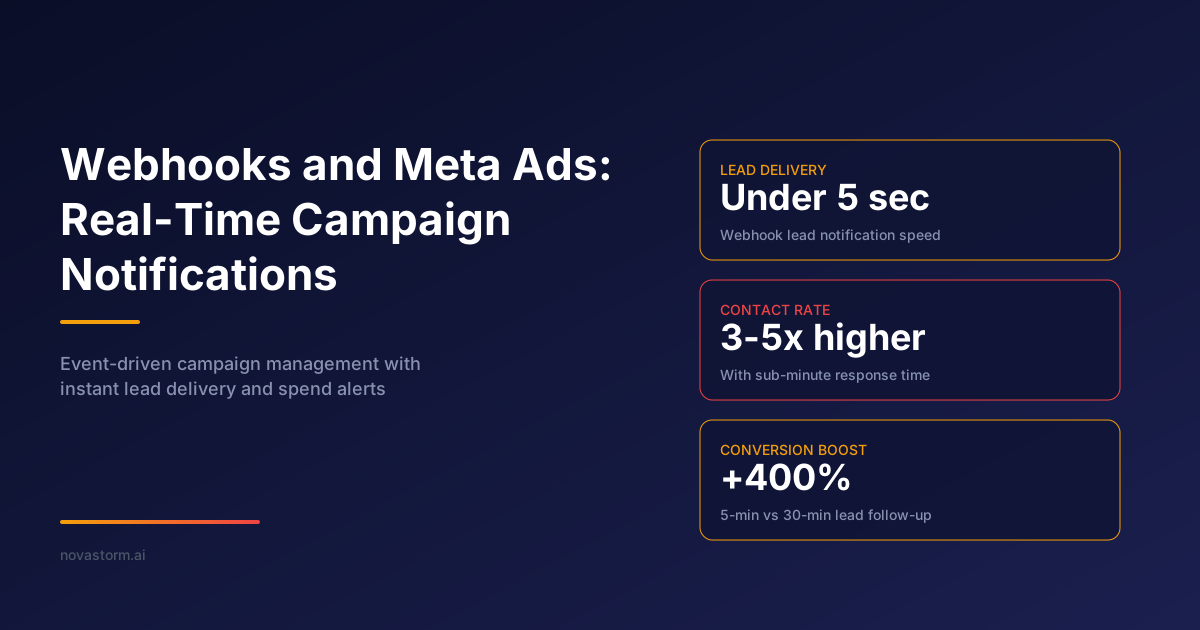
Webhooks and Meta Ads: Real-Time Campaign Notifications
Design a Meta Lead Ads webhook receiver with verified access, durable receipt, safe replay and reconciliation; keep unverified spend events separate.
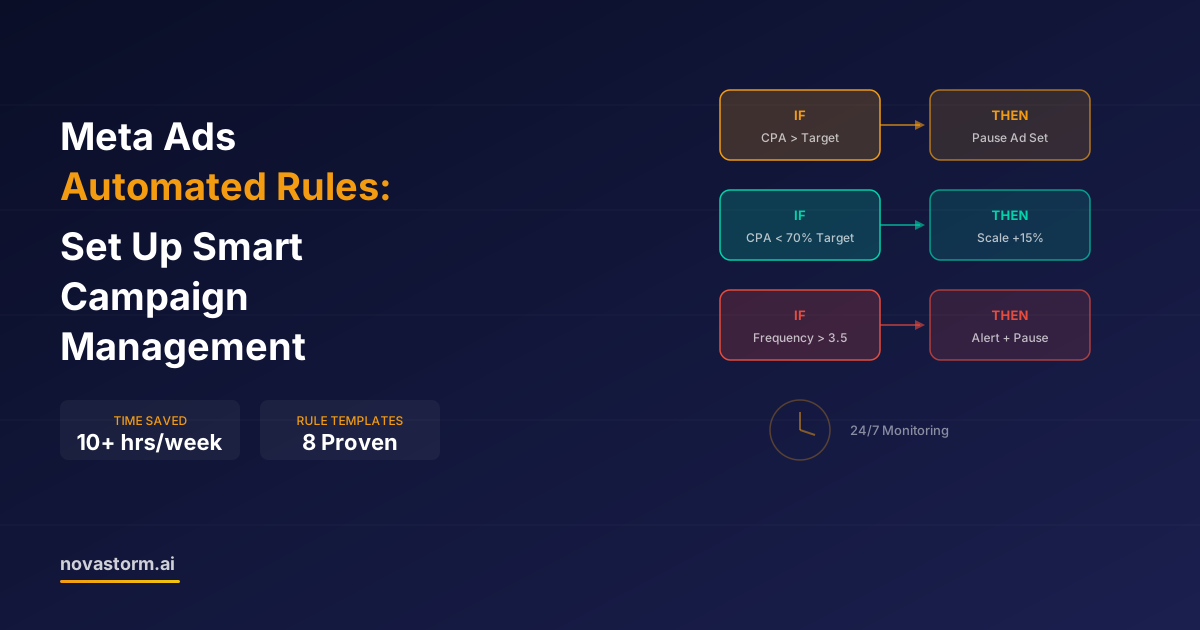
Meta Ads Automated Rules: Set Up Smart Campaign Management
Design Meta automated rules with mature inputs, zero-conversion handling, conflict priority, execution checks and a capped owner-approved budget.
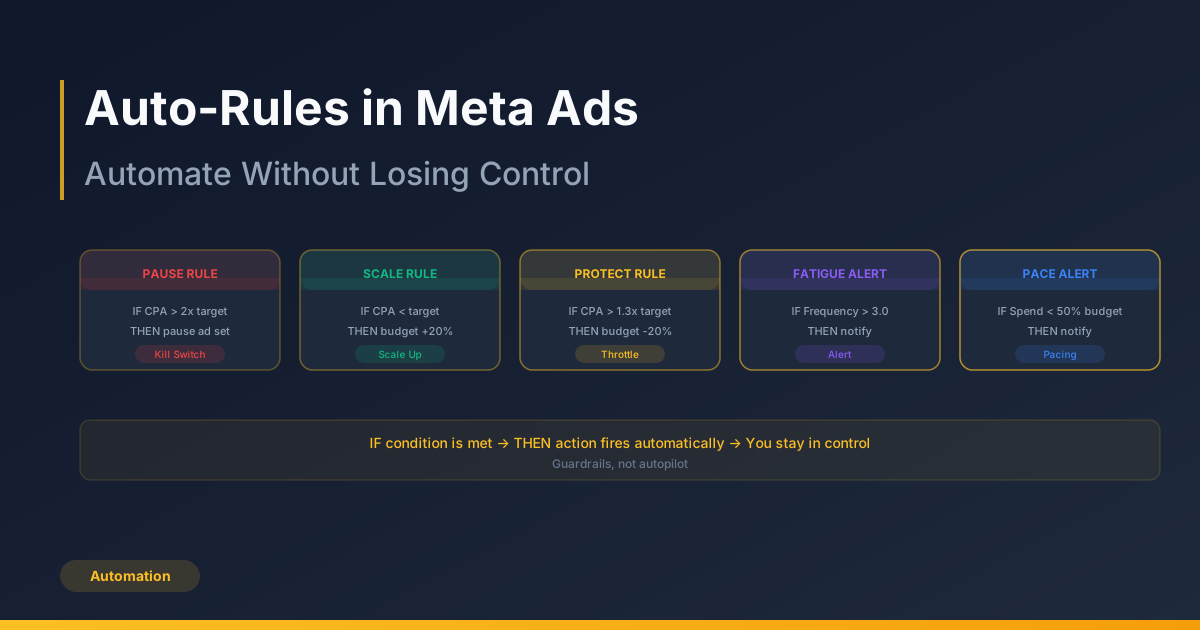
Auto-Rules in Meta Ads: Automate Without Losing Control
Design automated-rule guardrails around cash, mature outcomes and cooldowns, with a false-trigger journal before enabling actions.