Skip to content
NovaStorm

Plan a product video for TikTok.

Plan the opening shot, product demonstration and next action. Use the examples to write your brief, then create the video in Nova Creative.

A channel guide. NovaStorm currently manages Meta campaigns only. TikTok’s creative guide.

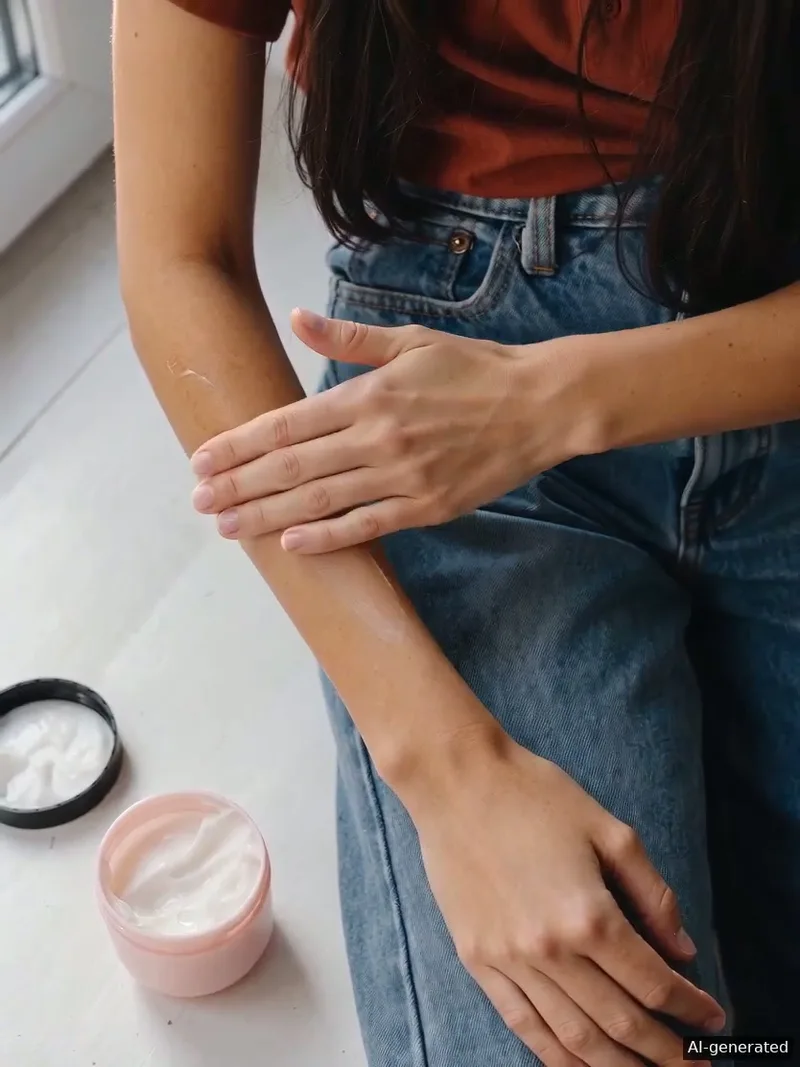
Person applying skincare cream to their forearm. AI-generated example.
Person fastening a gold necklace. AI-generated example.
Person wearing a black patterned scarf moving in the breeze. AI-generated example.
Illustrative feed with AI-generated creatives. Not live TikTok ads. Tap to pause. Use the up and down arrow keys to browse. Press Space or Enter to pause or resume.Preview plays automatically unless reduced motion is enabled.

Show the product
from the first shot.

Show what matters

Make the subject recognisable. Start with the product or action rather than an introduction that delays it.

Keep one message

Build around one demonstration or product benefit. Check that text and sound help the viewer follow it.

Give a next step

Make the call to action fit what the video shows and what the destination offers.
Show how
people use it.

Person applying skincare cream to their forearm

Show the skincare application

Show how the product is used. Keep the texture and application visible.
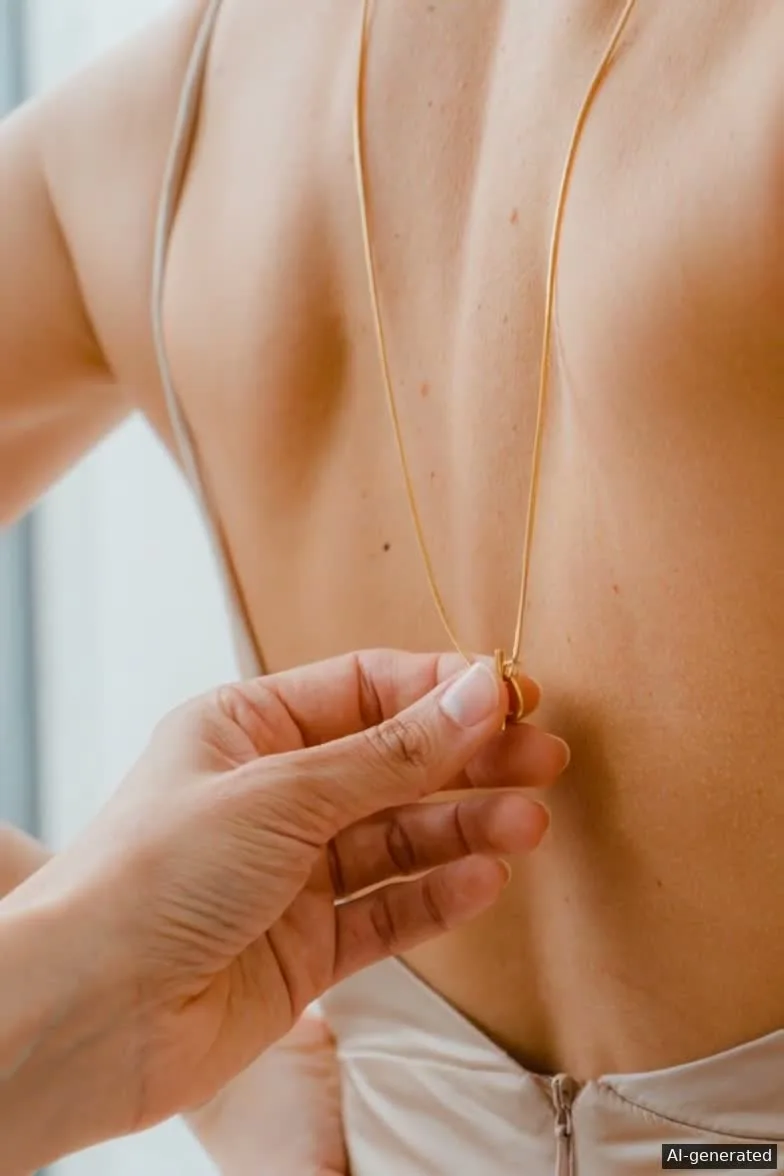
Person fastening a gold necklace

Show the necklace being fastened

Start with someone fastening the necklace so viewers can see how it is worn.
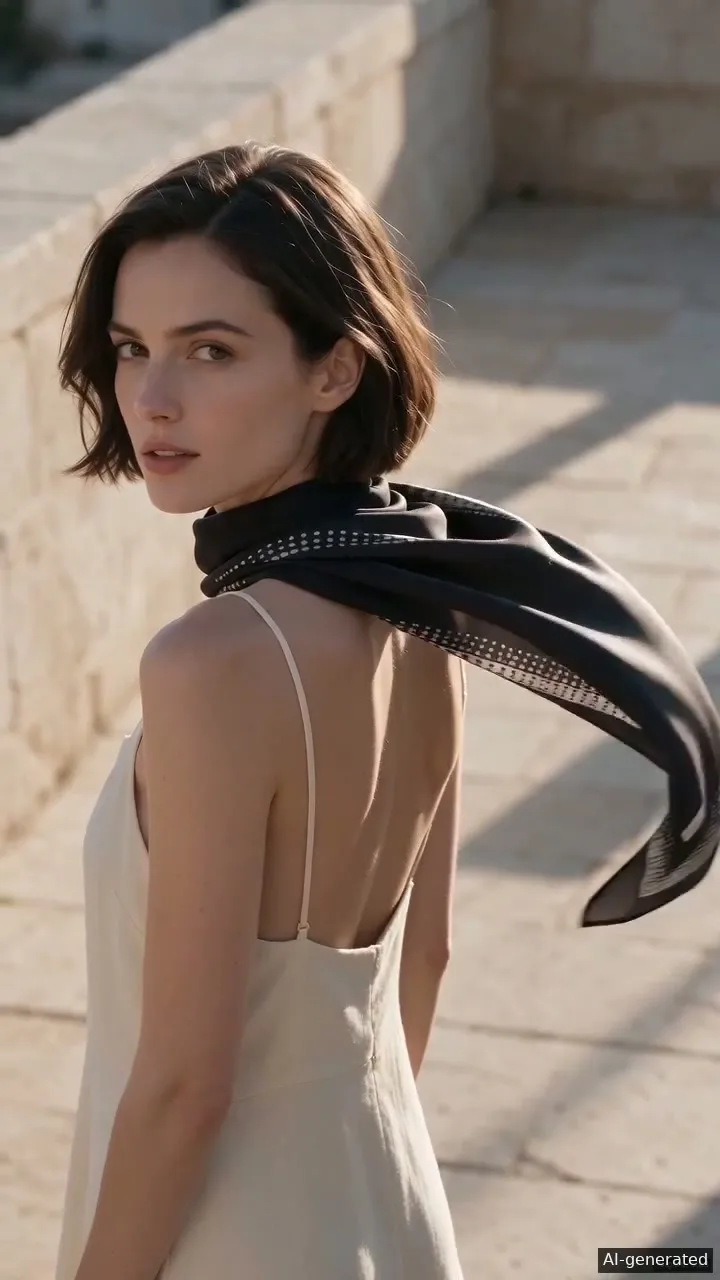
Person wearing a black patterned scarf moving in the breeze

Show the scarf’s movement

Show how the scarf moves and drapes while keeping its pattern visible.

Write the brief for
your product video.

Subject and opening
Name the product and describe what happens in the first shot.
Message and next action
Choose what the viewer should understand and where the call to action leads.
Format and review
Check current placement requirements. Review the crop, product identity, claims and destination before publishing.

Create your next product video.

Create in Nova Creative