Launch-page interest
Review visits to the new offer. Check which creative brought people to the page and whether they explored further.


Give a new product an introduction people can understand. Use NovaStorm to prepare the creative and campaign around what it does and where people can buy it.
Sign in to NovaStorm to continue. For Facebook and Instagram ads.
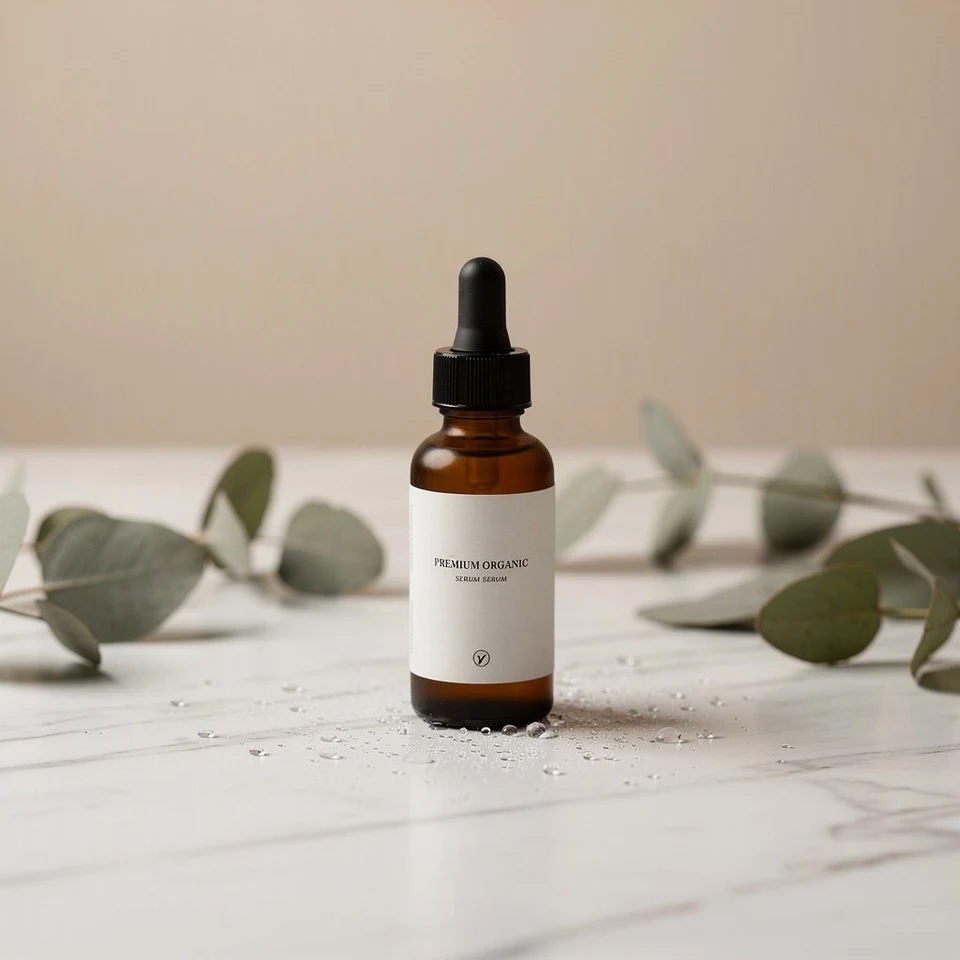
Show the new serum and explain what is new.
Link to its page with the confirmed price, stock and delivery details.
Your store handles the purchase and order confirmation.
Start with this kind of brief, then adapt it to your business.
Your brief“Introduce our new skincare serum. Show the bottle clearly, use only confirmed product details and link to the new product page.”
NovaStorm campaign demo with sample metrics. The video shows the general workflow, not this example business.
Share accurate references, the name, availability and approved product claims. Add the URL people should visit when it becomes available.
Prepare an image or video that introduces the product. Check the packaging, label and claims against what you sell.
Review the campaign’s destination, objective, audience and budget. Confirm the product page and stock are ready when advertising starts.
An introduction, an enquiry and a purchase have different evidence.
Review visits to the new offer. Check which creative brought people to the page and whether they explored further.
Use your form or store records to confirm enquiries or orders. A website Sales campaign needs an accessible Meta Pixel; check Purchase events to assess tracking and optimization readiness.
Use the launch review to choose what to show next: a clearer product view, a use demonstration or an answer to a common question.
Yes. Prepare the brief and creative in advance. Check the actual availability, destination and campaign status before approving launch.
No. Choose the setup around the action: an introduction, a visit, an enquiry or a tracked purchase. The product’s release date does not determine the objective.
Provide accurate reference images, confirmed features, approved claims, price, availability and the destination URL. Review generated creative against those details.