

Meta Ads Automated Rules: Set Up Smart Campaign Management
Design Meta automated rules with mature inputs, zero-conversion handling, conflict priority, execution checks and a capped owner-approved budget.
Meta Ads Automated Rules: Set Up Smart Campaign Management
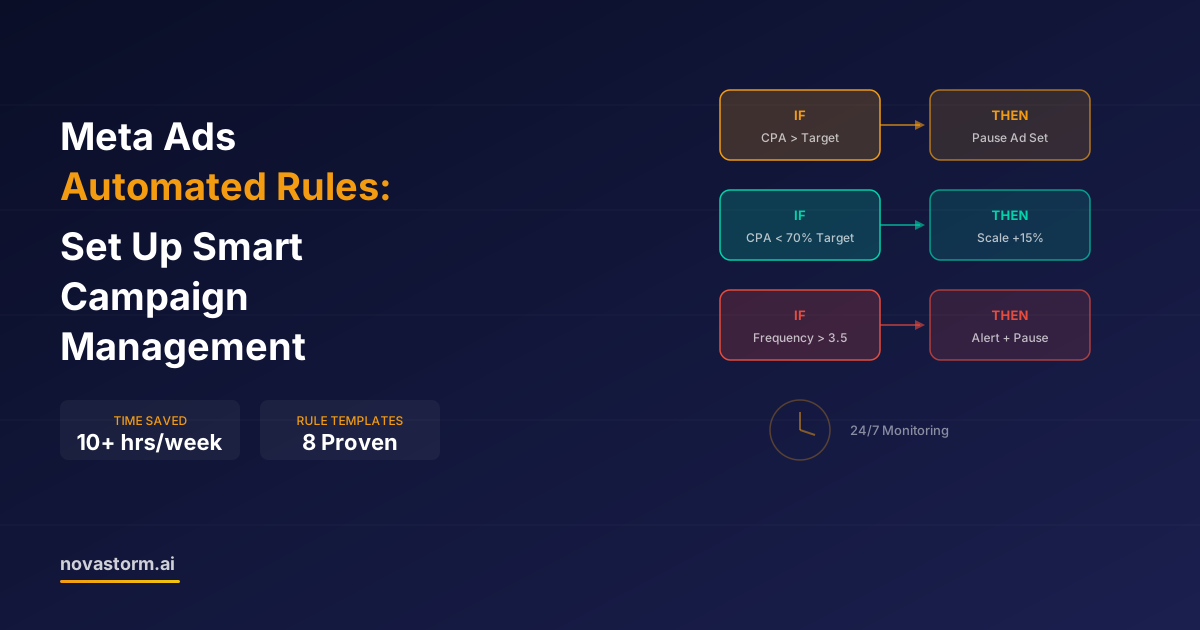
An automated rule is an authorized decision encoded as conditions and an action. Its value depends on the accuracy and maturity of its inputs, its execution delay and what happens when another rule disagrees. Begin with a notification rule and a documented owner; automatic budget changes require a tested boundary and an approved risk allowance.
Write a complete rule contract
The official Meta ad-rule SDK defines evaluation, execution and scheduling specifications. The fields alone do not certify that every rule/action is available in every interface. Record the supported scope, metric definition, observation window, action, check schedule and owner from your account rather than assuming a universal 30-minute interval.
| Contract field | Illustrative draft value | Acceptance test |
|---|---|---|
| Scope | One named ad set, not all future campaigns | Preview affected objects |
| Low CTR condition | CTR below 0.5% AND impressions above 2,000 | Percent and volume stored separately; this is a chosen diagnostic threshold |
| Action | Notify reviewer before pause | Reviewer inspects destination/event/quality |
| Measurement | Defined mature reporting window and specific CTR type | Do not compare link CTR with all-click CTR |
| Missing/zero outcomes | No CPA division; separate spend/no-result alert | Zero purchases must not become CPA $0 |
| Risk and owner | Fixed approved allowance, named approver and pause-only emergency path | Reactivation requires explicit review |
The0.5%/2,000 numbers above are illustrative diagnostic choices, not proven cutoffs. At zero mature purchases, CPA is undefined; a “CPA exceeds target” condition may not capture the case. Use a supported spend-with-no-results condition where available, or a separate notification/manual review. Check conversion lag and data collection before calling an ad a commercial failure.
Handle delays and conflicting actions
- Allow for report lag, the next scheduled evaluation, action execution and continued delivery before confirmation. A rule is not a hard real-time spend lock.
- Do not pair automatic pause and automatic reactivation based on different time windows without an explicit state/priority design. A cash-safety pause should remain paused until an owner confirms the defect/risk is resolved.
- Record requested action time, confirmed saved status/budget, subsequent actual spend and the final reviewer decision. An attempted action is not completed execution.
- Treat frequency3.5, spend $50 or 120% of a daily plan as chosen alert thresholds only. Calibrate their meaning to the approved cash ceiling, mature business outcomes and available delivery controls.
Stop wasting ad budget
NovaStorm AI cuts Meta Ads CPA by 30% on average. No complex setup required.
Prevent compounding beyond the ceiling
Illustrative calculation: increasing an assumed $50 daily plan by 15% on 14 consecutive days gives $50 ×1.15^14 ≈$353.79. A condition “current budget is below $100” is insufficient if the next increase would exceed $100; the proposed next value must also be capped.
For a chosen $100 maximum, calculate next budget=min(current budget×1.15,$100), require an approved total-period cash allowance, and stop increases when cumulative spend/commitments would exhaust it. If native rules cannot express the exact cap and priority, use notifications and owner approval instead of pretending the guard exists.
A rule rehearsal before activation
| Hypothetical rehearsal case | Expected handling | Evidence to retain privately |
|---|---|---|
| No mature conversions; spend rising | Separate no-result alert; check collection and maturity | Input snapshot, reviewer decision |
| Pause and reactivate conditions both true | Pause priority; no automatic restart | Conflict record and accepted status |
| $95 proposed 15% increase | Clamp to $100 if supported, otherwise ask owner | Old value, proposed $109.25, approved $100 |
| Action execution delayed | Escalate within the cash allowance; verify saved state | Request/confirmation times and residual spend |
Compare the time spent maintaining/reviewing the rules with the routine they replace before claiming time savings. No measured 10–15-hour saving,80% waste prevention or three-day fatigue prediction is established here. Use NovaStorm to prepare a clear campaign/rule brief and review the draft with the owner; rule execution and availability must be separately confirmed in the actual connected tool.
Published by NovaStorm AI. Worked examples and proposed tests are labeled in the article.
Disclaimer: This article was generated with the assistance of AI and reviewed by the NovaStorm AI team. While we strive for accuracy, we recommend verifying specific data points and consulting official sources (linked where available) for critical business decisions.
Ready to automate your Meta Ads?
NovaStorm AI takes full responsibility for your campaigns — from monitoring to optimization.
Start NowMore on Meta platform and automation
Meta Ads Policy Review: Rejections, Categories and Review Requests
Review a Meta ad rejection by its cited standard, market and exact creative, then prepare a documented request without promising approval or a fixed response time.
Meta Business Suite vs Ads Manager: Which Tool to Use When
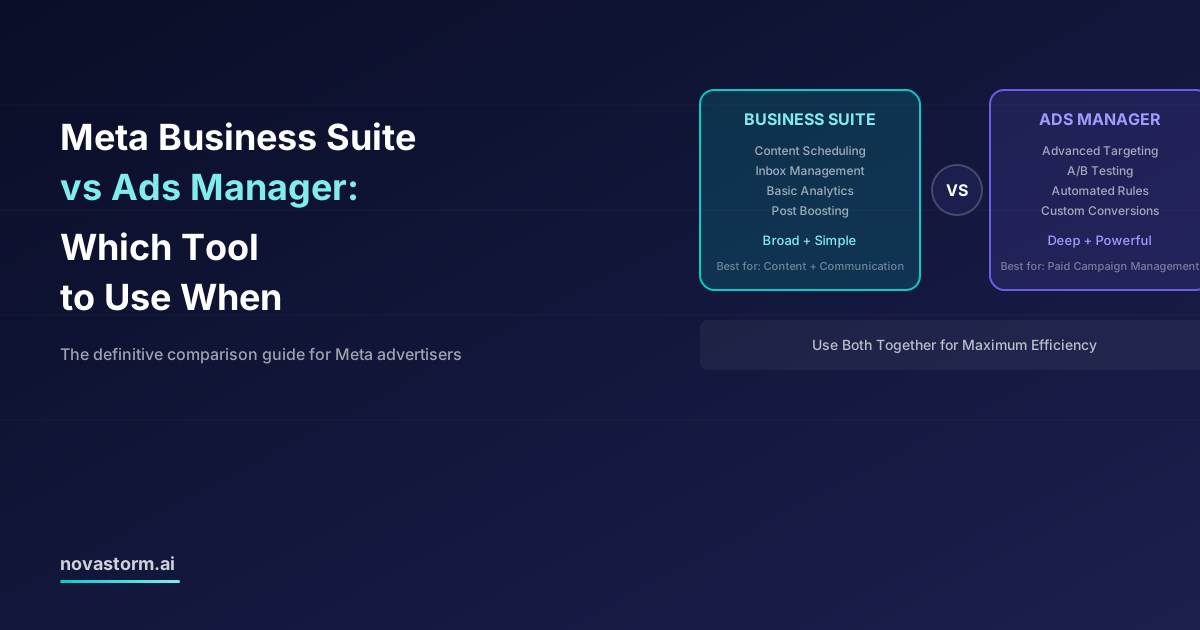
Choose Business Suite or Ads Manager by the booking, publishing, inbox and reporting controls your task requires, with a saved-setting checklist.
Meta Marketing API: Automating Campaign Management at Scale
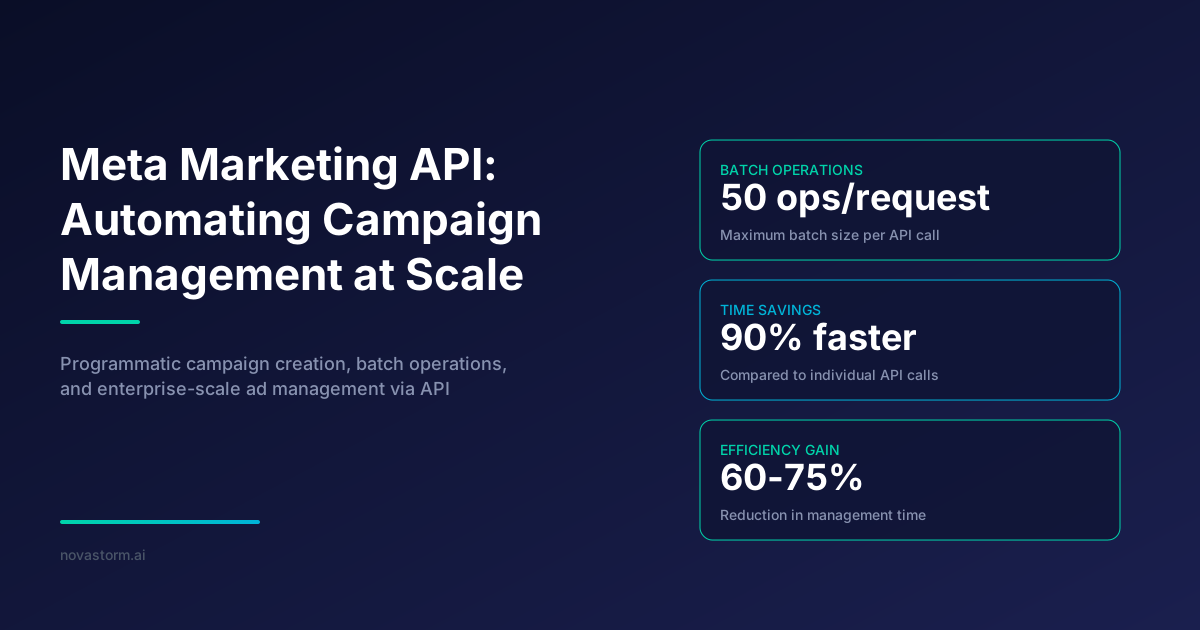
Build reviewable Meta API operations with a versioned paused campaign example, saved-state checks, dependency handling and careful retry policies.
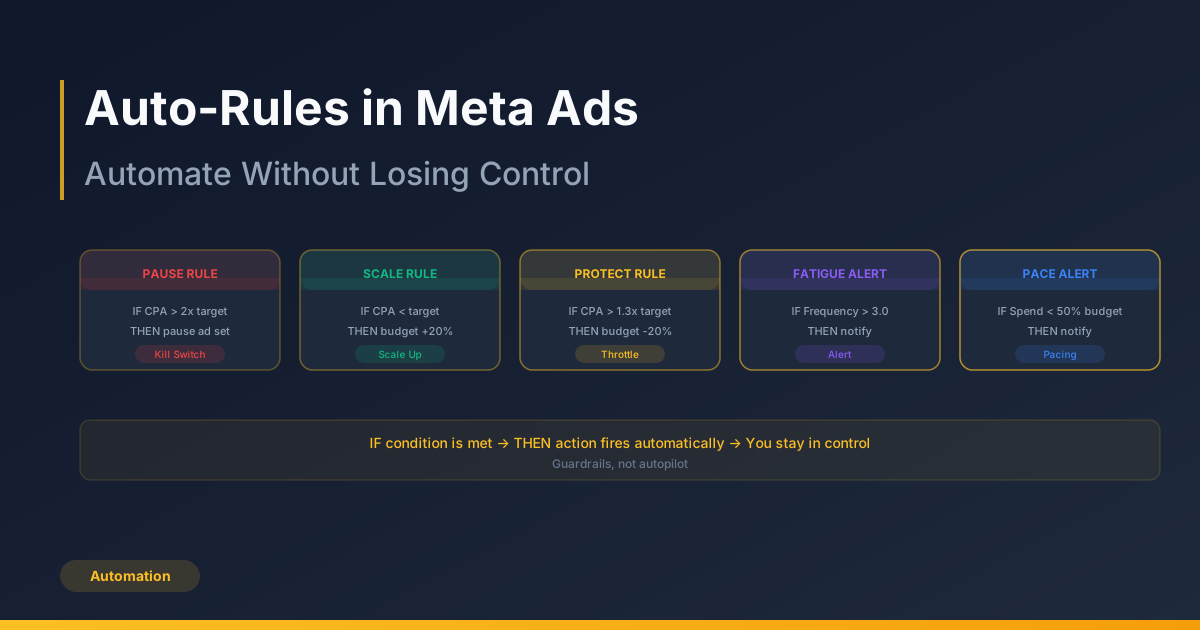
Auto-Rules in Meta Ads: Automate Without Losing Control
Design automated-rule guardrails around cash, mature outcomes and cooldowns, with a false-trigger journal before enabling actions.