Requests received
Count completed enquiries in your website or business records. Compare them with the campaign period and spend.


Tell NovaStorm what you sell and who you can help. Prepare the ad, send people to your enquiry page and follow up with the people who respond.
Sign in to NovaStorm to continue. For Facebook and Instagram ads.
A product photographer advertises shoots for a brand’s next launch.
The visitor shares their products, deadline and contact details on your website.
Your team checks the brief and follows up with the prospect.
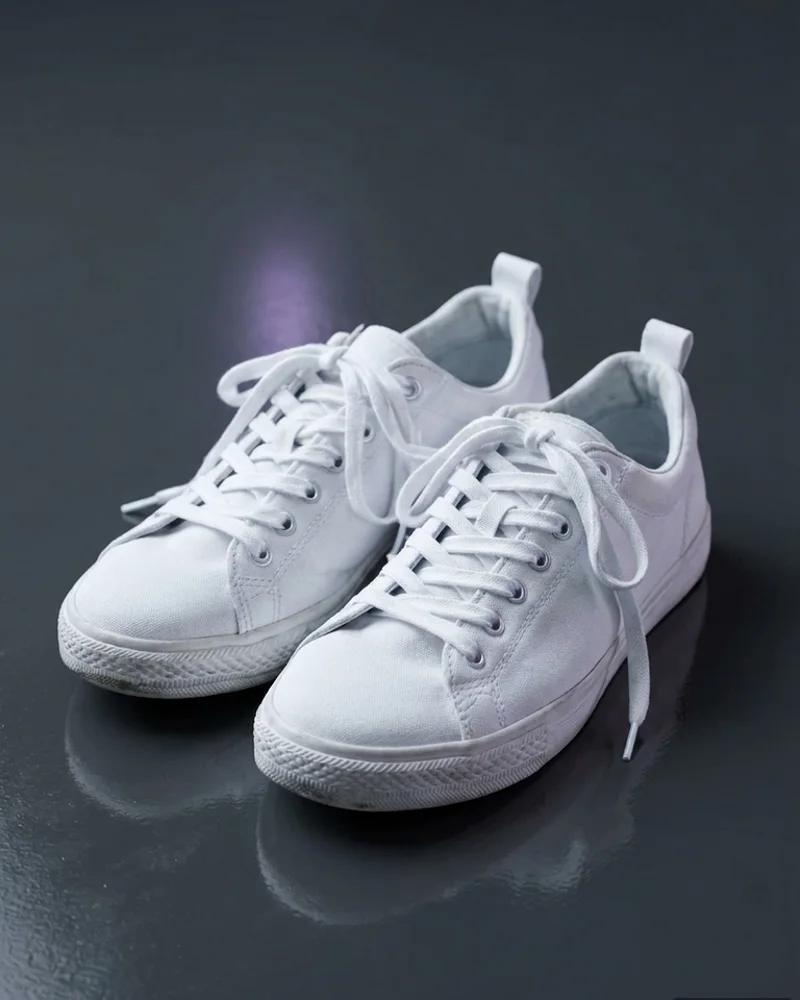
Start with this kind of brief, then adapt it to your business.
Your brief“Promote our product photography service to brands preparing a launch. Show a sample product photo and link to our quote-request page.”
NovaStorm campaign demo with sample metrics. The video shows the general workflow, not this example business.
Share your website, the problem you help solve and the information someone needs before enquiring.
Use NovaStorm to draft the campaign and creative. Review the offer, audience, enquiry URL and advertising budget.
Approve the campaign when the form works. Your team responds, qualifies the request and records what happened next.
Compare campaign spend with the number and quality of enquiries recorded by your business.
Count completed enquiries in your website or business records. Compare them with the campaign period and spend.
Mark which requests match your service, location and customer profile. Separate duplicates and unrelated requests.
Record who received a response, booked a call or became a customer. Use that evidence to refine the offer.
Yes. Use your enquiry page as the ad destination and test the form before launch. Your business maintains the form and handles the responses.
No. Your team responds to enquiries and qualifies leads. Use your own records to see which enquiries became calls or customers.
Choose the objective that matches what you can measure. If you track website visits only, review those separately from completed enquiries recorded by your form. Check the proposed objective before publication.