

Ad Account Structure: Building the Perfect Meta Ads Setup
Audit asset owners and effective permissions, connect durable IDs to event responsibility, and approve a campaign plan for the correct account.
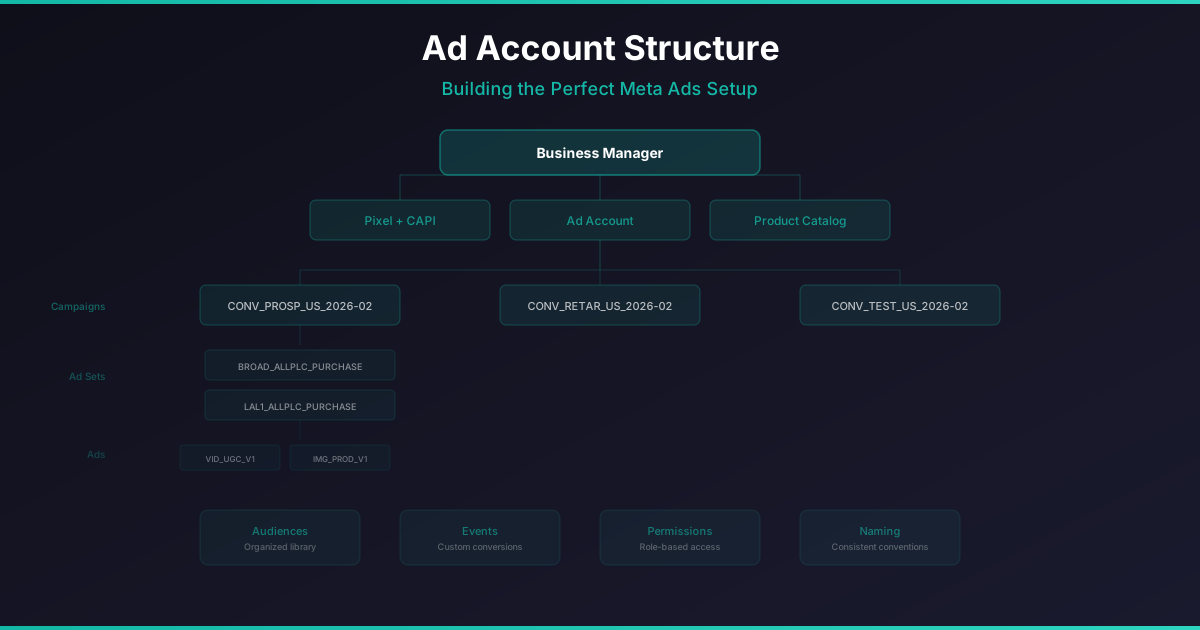
Account organization answers who owns each asset, who may act on it and who can recover access. A campaign plan answers which delivery question deserves funding. Keep those tasks separate: preparing a campaign does not administer every account asset or permission.
Verify effective access by task
The following is a responsibility matrix to fill with actual people and verified actions. It is not a promise that Meta provides these exact role labels. Test access to the required asset and action with the assigned user; a familiar name in an access list is insufficient.
| Responsibility | View | Edit | Approve | Recover access |
|---|---|---|---|---|
| Business owner | Inventory and billing status. | Owner-controlled settings where permitted. | Spending and partner access. | Named backup owner with verified recovery process. |
| Campaign operator | Correct account and reports. | Campaign drafts and permitted delivery settings. | Submit proposed changes for approval. | Escalate to owner; do not share credentials. |
| Creative reviewer | Assets and preview. | Reviewed creative materials within granted scope. | Claims, rights and brand approval. | Escalate missing asset access. |
| Event owner | Permitted diagnostics and safe event ledger. | Sender configuration within granted scope. | Business-event definition and duplicate fix. | Named engineering owner for sender failures. |
Record assets and durable identifiers
Synthetic inventory: account ACC-DEMO-01 uses USD and the America/New_York time zone; campaign CMP-DEMO-07 is named SALES_BAG_US_OCT; browser sender WEB-DEMO and server sender SRV-DEMO record purchase order ORD-DEMO-25 with logical event purchase_ORD-DEMO-25. These are illustrative labels, not live Meta IDs. Save real immutable identifiers privately with readable names. Renaming the campaign must not break joins.
| Change record | Owner | Acceptance |
|---|---|---|
| Campaign name changed; campaign ID retained. | Campaign operator. | Reports still join to the same campaign. |
| Payment retry recorded. | Event owner. | The same paid-order action retains the logical event ID. |
| Second partner sender discovered. | Event owner and partner owner. | Map which actions it sends; correct unintended duplicates and recheck diagnostics before relying on totals. |
| Feed price changed. | Catalog owner. | Store, catalog, currency, availability and destination agree. |
Stop wasting ad budget
NovaStorm AI cuts Meta Ads CPA by 30% on average. No complex setup required.
Keep change time, old and new values, reason, approver and verification result. Browser/server copies can represent the same action intentionally; the event owner verifies deduplication identifiers. Two independent senders with unrelated IDs may instead inflate reports. Do not delete a sender or asset merely because its name resembles another; trace dependencies and approval first.
Accept the prepared plan in the correct account
- Verify the actual account ID, owner, currency and time zone against the approved business inventory. Read date ranges and budget values in that context.
- Confirm the connected advertiser identity, required asset access and allowed actions. Have the responsible user verify permissions; names alone do not establish them.
- Approve the objective, event definition, offer, budget cap, creative version and review date. Record event and catalog owners separately from the campaign operator.
- Prepare in NovaStorm as paused campaign and local ad-set drafts. Review the saved configuration and get user approval before external publication. Broader ownership, recovery, billing and event administration remain separate account operations.
The campaign naming guide complements the identifier inventory: readable names help operators, while stable IDs preserve reporting joins.
The official account SDK exposes currency, time-zone and account access-related fields. Their presence does not prove that a particular user can perform an action. Close the audit with verified responsibilities and unresolved access failures, not a claimed percentage improvement in CPA.
Published by NovaStorm AI. Planning examples are illustrative assumptions, not measured customer results.
Disclaimer: This article was generated with the assistance of AI and reviewed by the NovaStorm AI team. While we strive for accuracy, we recommend verifying specific data points and consulting official sources (linked where available) for critical business decisions.
Ready to automate your Meta Ads?
NovaStorm AI takes full responsibility for your campaigns — from monitoring to optimization.
Start NowMore on Campaign structure and objectives
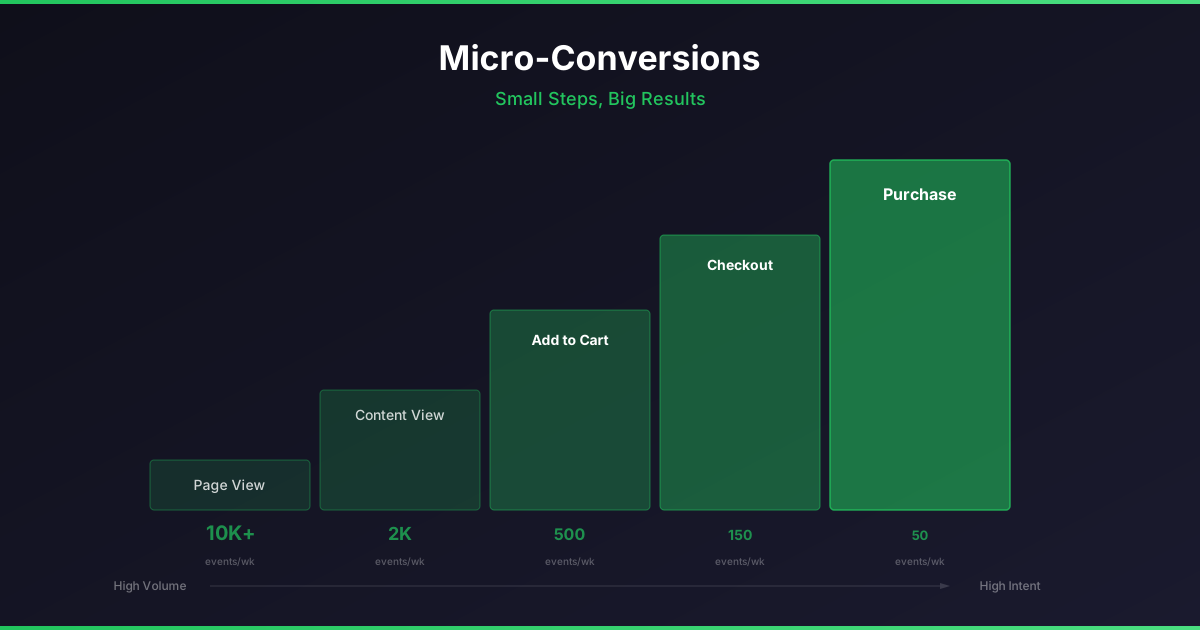
Micro-Conversions in Meta Ads: Diagnose the Funnel and Validate the Proxy
Use micro-conversions to diagnose a funnel, clean event counts, and test whether a proxy predicts mature business outcomes.
Meta Engagement Campaigns: Plan Interactions and Check Paid Outcomes
Plan a Meta Engagement campaign with a declared interaction, post-ID log, complaint guardrails and a separate test of downstream paid outcomes.
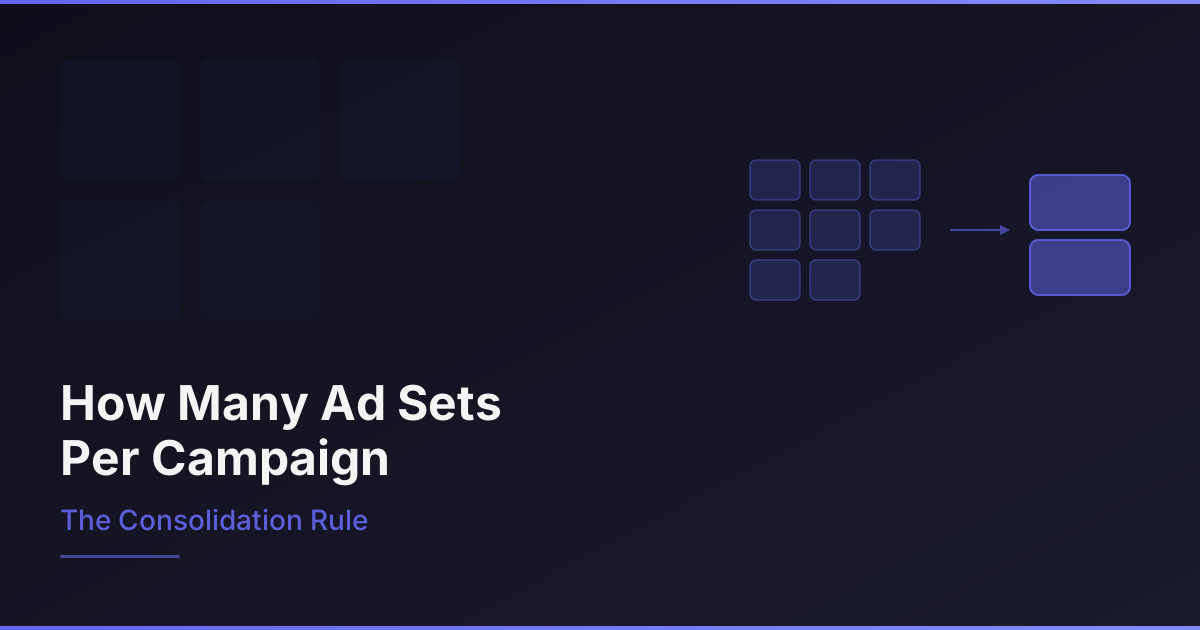
How Many Ad Sets Per Campaign: The Consolidation Rule
Choose ad-set count from the decisions you need, expected evidence and market margins, then test consolidation within approved limits.
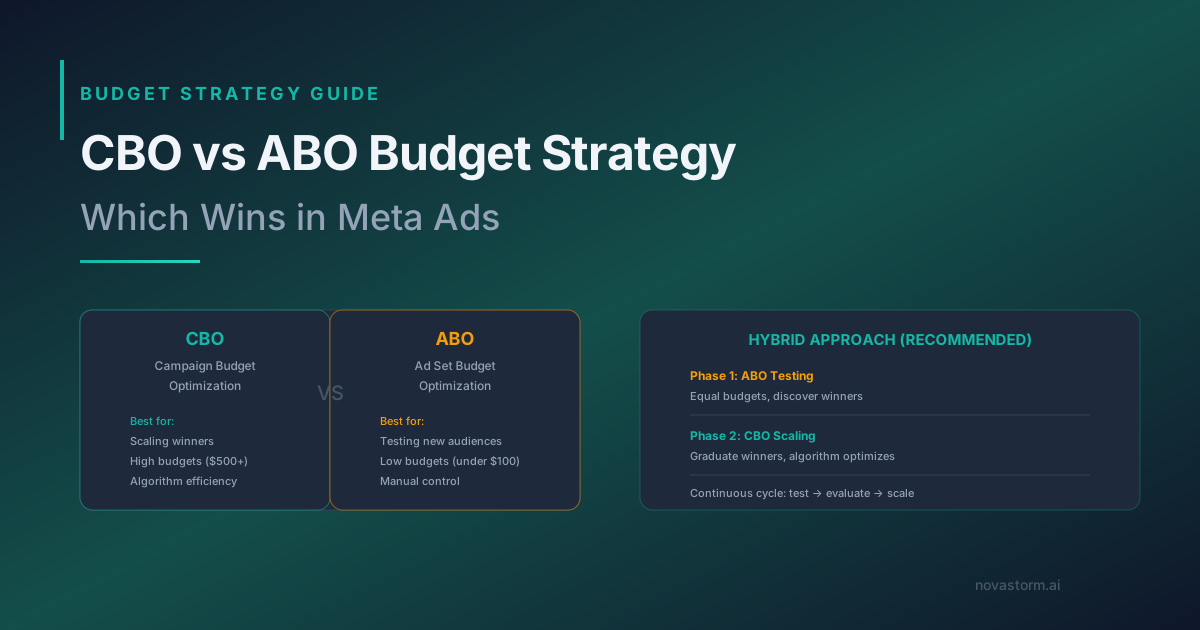
CBO vs ABO Budget Strategy: Which Wins in Meta Ads
Choose campaign- or ad-set budgeting using mature deal economics, saved spend constraints and a bounded comparison plan.