

Meta Ads Reporting: Building Dashboards That Drive Action
Build a dated reporting dashboard with explicit gaps, reconciliation cards, owners, approval records and completed-decision reviews.
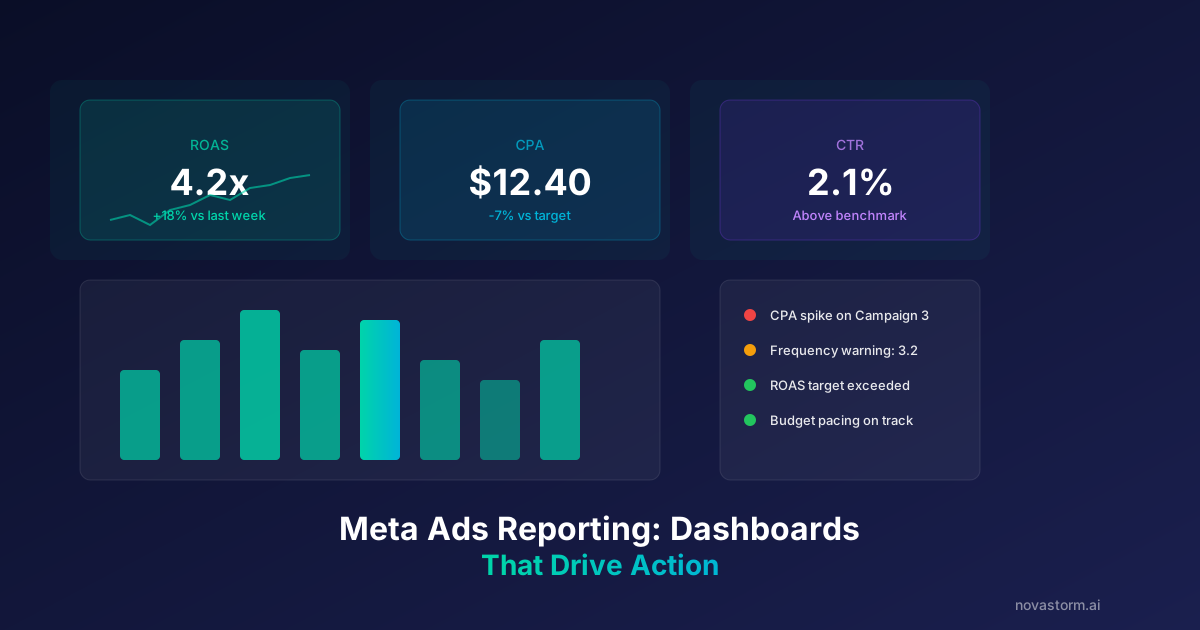
A reporting dashboard should connect a business question to evidence and an owner. Begin with the decisions it supports: whether spend is within the approved allowance, whether confirmed outcomes remain affordable, and which part of the delivery or purchase path needs investigation.
Separate the views
| View | Question | Useful context |
|---|---|---|
| Business summary | Are outcomes worth the cost? | Contribution, qualified outcomes and cost scope |
| Campaign operations | Where is delivery changing? | Spend, compatible outcome windows and saved settings |
| Diagnostics | Which component needs inspection? | CPM, defined CTR, arrival and conversion measures |
Use the funnel metric definitions to specify units and denominators. Add date range, timezone, attribution scope and last successful refresh. A red number based on an incomplete reporting window should not silently cause a pause.
Write an alert card
- Name the observed condition and compatible baseline.
- State the minimum mature evidence required.
- Assign an owner and a review deadline appropriate to risk.
- Link to the checks needed to diagnose the cause.
- Record the eventual decision and subsequent observation.
Illustrative alert: spend is $300 and the platform reports zero purchases, while the order system records 10 eligible paid orders. The first action is to reconcile collection and reporting, not automatically stop at an arbitrary CPA multiplier. A confirmed malfunction or approved spending cap can require an immediate response even before the usual review window.
Make visual comparisons honest
Use the chart selection guide for compatible trends, rankings and pacing views. Mark campaign edits and data interruptions. A fixed $12 CPM or seven-day frequency of 3.5 is not a universal failure threshold: compare the relevant account history and the commercial outcome.
Separate an alert from execution. A notification can ask a person to inspect data without promising that an automation refreshed creative or changed spend. Connectors and APIs have their own supported fields; Supermetrics’ reporting guide illustrates query configuration rather than a guarantee of instantaneous reporting.
Evaluate the dashboard itself
Stop wasting ad budget
NovaStorm AI cuts Meta Ads CPA by 30% on average. No complex setup required.
Track missed refreshes, time to investigate, documented decisions and avoidable repeated errors. Review whether alerts produce useful action or mostly noise. Assess report usefulness through completed review tasks and documented decisions, rather than assuming a standard percentage of saved spend or time.
A completed teaching dashboard
Hypothetical worksheet, not an observed NovaStorm screen: reporting period September 21–27, 2026; timezone Europe/Warsaw; USD; last successful Meta export September 28 at 10:00; order export at 10:15. Attribution window is recorded from the actual report, not inferred. Refund follow-up remains pending. Values below are fictional, with gaps deliberately shown.
| Card | Value and source | Interpretation / next action |
|---|---|---|
| Media spend | $300, Meta export for the stated period | Inside the assumed $400 allowance; $100 remains unspent |
| Attributed purchases | 0, Meta export; attribution setting recorded | No reported attribution, not proof of zero payments |
| Eligible paid orders | 10, order-system export for the same dates | Verify eligibility, new/returning mix, refunds and attribution |
| Creative cost | Unavailable; production owner required | Full acquisition cost cannot be calculated |
| Provisional media/order ratio | $300 / 10 = $30 | Not a causal Meta CPA; order attribution unresolved |
| Freshness | Two successful dated exports; later refresh unavailable | Display stale state instead of silent zero |
A signal with ownership and closure
| Teaching signal field | Completed hypothetical entry |
|---|---|
| Condition | Meta shows zero attributed purchases while order system has ten eligible paid orders |
| Owner | Measurement owner; campaign owner approves any spend action |
| Due | September 28, 16:00 Europe/Warsaw, chosen for this scenario |
| First action | Reconcile dataset, timezone, attribution scope, payment status and duplicate/event collection |
| Execution | No automatic pause; hold new expansion while investigating within the approved allowance |
| Missing evidence | Creative cost and refund maturity remain pending |
| Escalation | Immediate response if confirmed broken collection or spending cap is reached |
Hypothetical decision journal: at 15:30 the owner identifies a mismatched dataset selection, verifies the corrected export and records that eight orders are now attributed under the chosen scope while two remain unmatched. This is a teaching resolution, not an actual investigation. The campaign owner approves continued spend within the original allowance; no new cap or performance claim follows automatically. On October 5 a repeated dataset error reopens the card, with the saved-query owner responsible for correcting the recurring cause.
Judge the completed decision, not alert volume
In a hypothetical five-card review, three cards close with verified actions, one is a duplicate and one remains unresolved. Completed-action share is 3 / 5 = 60%; it is an internal process calculation, not a product benchmark or proven budget saving. Review late investigations, reopened errors and missed refreshes individually. A quiet dashboard can miss a failure, and many alerts can produce no useful decision.
Use the approved condition and review owner while preparing a NovaStorm campaign draft; verify the actual saved allowance and settings. The card above is a proposed human review signal based on supported exported evidence, with missing fields visible. It is not a claim that NovaStorm has a particular alert panel or that a notification executes a pause, refresh or budget change. Keep the notification, user decision and actual saved execution result as separate records.
Published by NovaStorm AI. Worked examples and proposed tests are labeled in the article.
Disclaimer: This article was generated with the assistance of AI and reviewed by the NovaStorm AI team. While we strive for accuracy, we recommend verifying specific data points and consulting official sources (linked where available) for critical business decisions.
Ready to automate your Meta Ads?
NovaStorm AI takes full responsibility for your campaigns — from monitoring to optimization.
Start NowMore on Metrics and reporting

iOS vs Android Performance Gaps in Meta Ads: Analysis and Strategy
Reconcile delivery-device and payment-device reports, test equivalent mobile checkout paths, and split devices only for a bounded commercial reason.
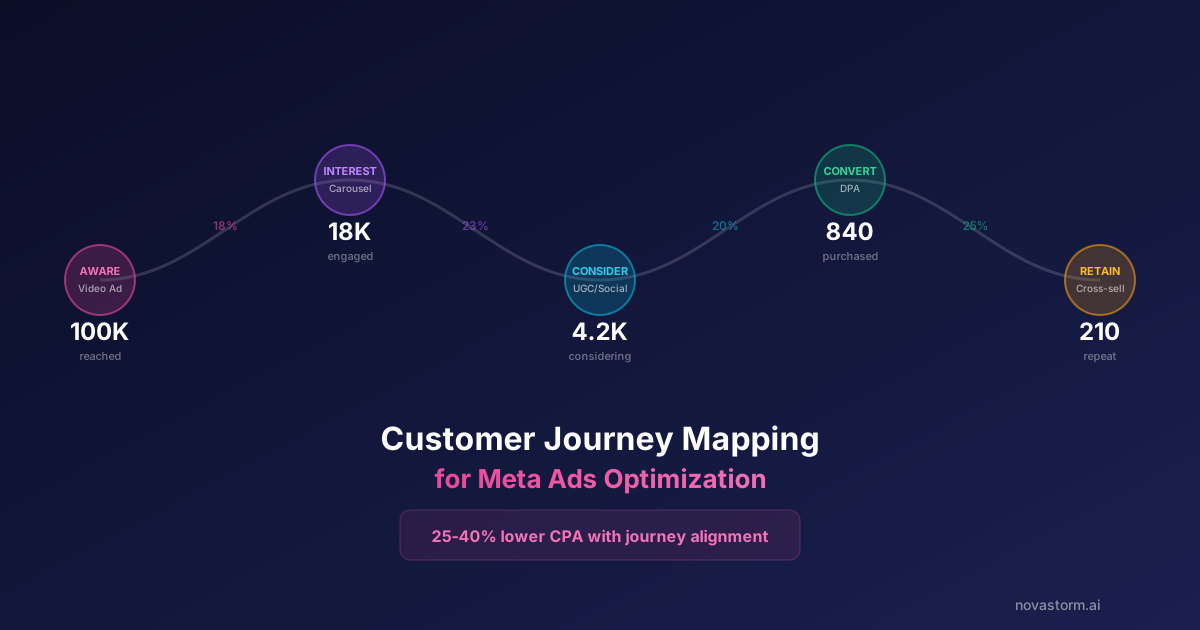
Customer Journey Mapping for Meta Ads Optimization
Build an evidence-based journey map, distinguish interviews from recorded events and test one pricing-message change with costs and mature outcomes.
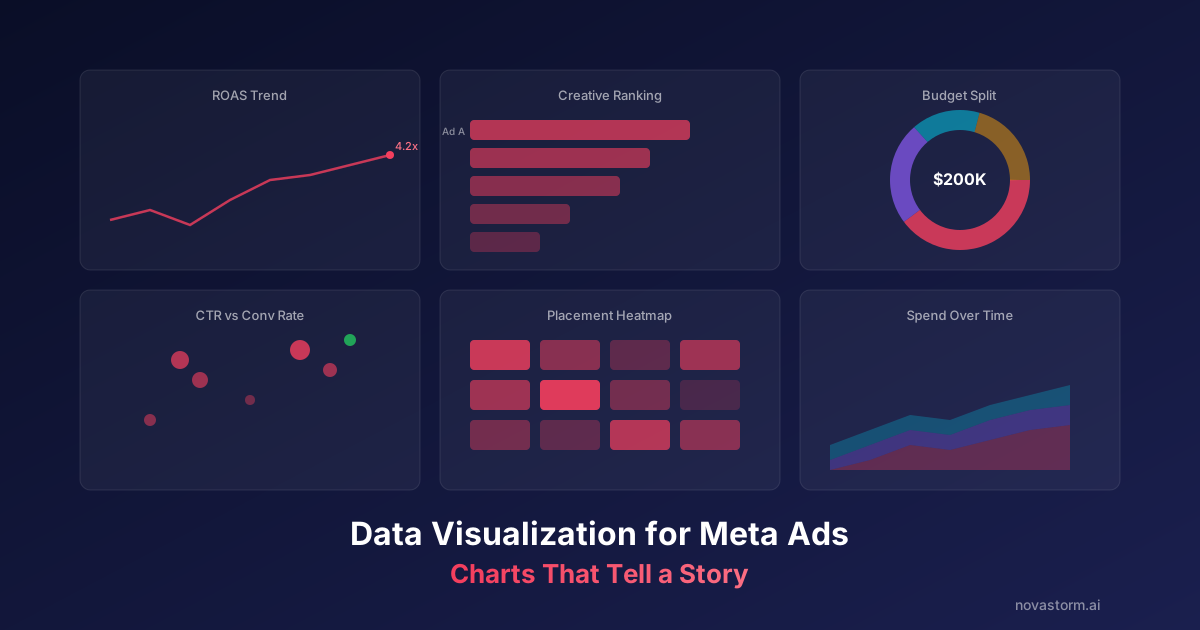
Data Visualization for Meta Ads: Charts That Tell a Story
Verify Meta reporting charts with source rows, weighted CPA, join checks and accessible labels before drawing conclusions from a visual.
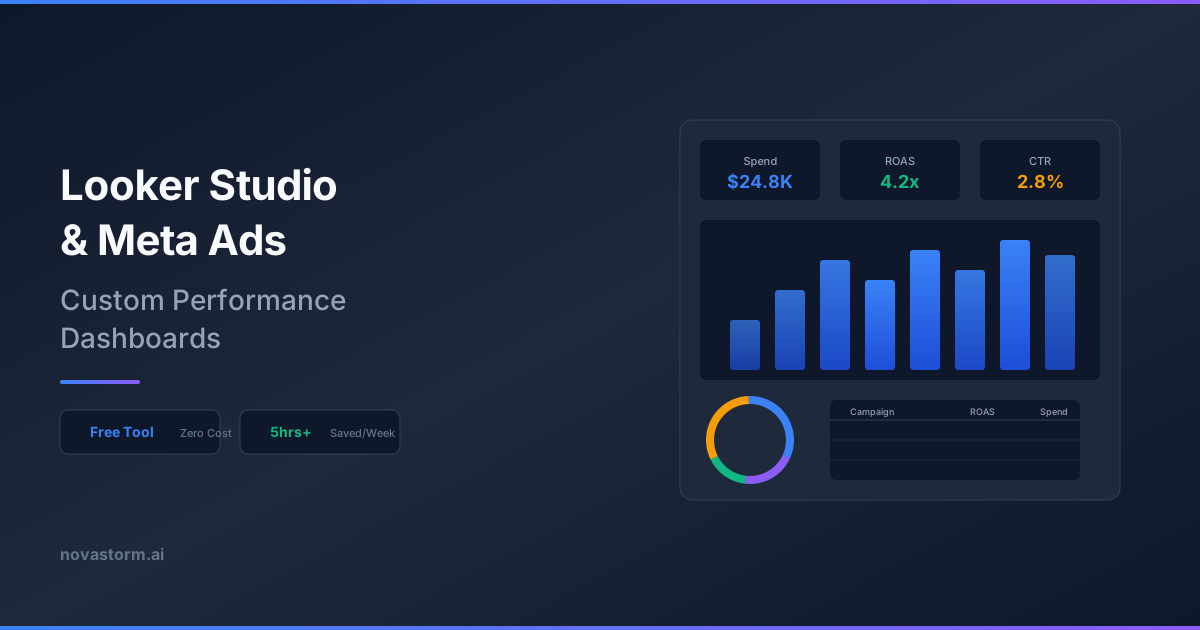
Looker Studio and Meta Ads: Building Custom Performance Dashboards
Reproduce a spend-multiplying join, reconcile a corrected Meta dashboard, and test CPA, currencies, freshness and viewer access with fictional input rows.