

Meta Business Suite vs Ads Manager: Which Tool to Use When
Choose Business Suite or Ads Manager by the booking, publishing, inbox and reporting controls your task requires, with a saved-setting checklist.
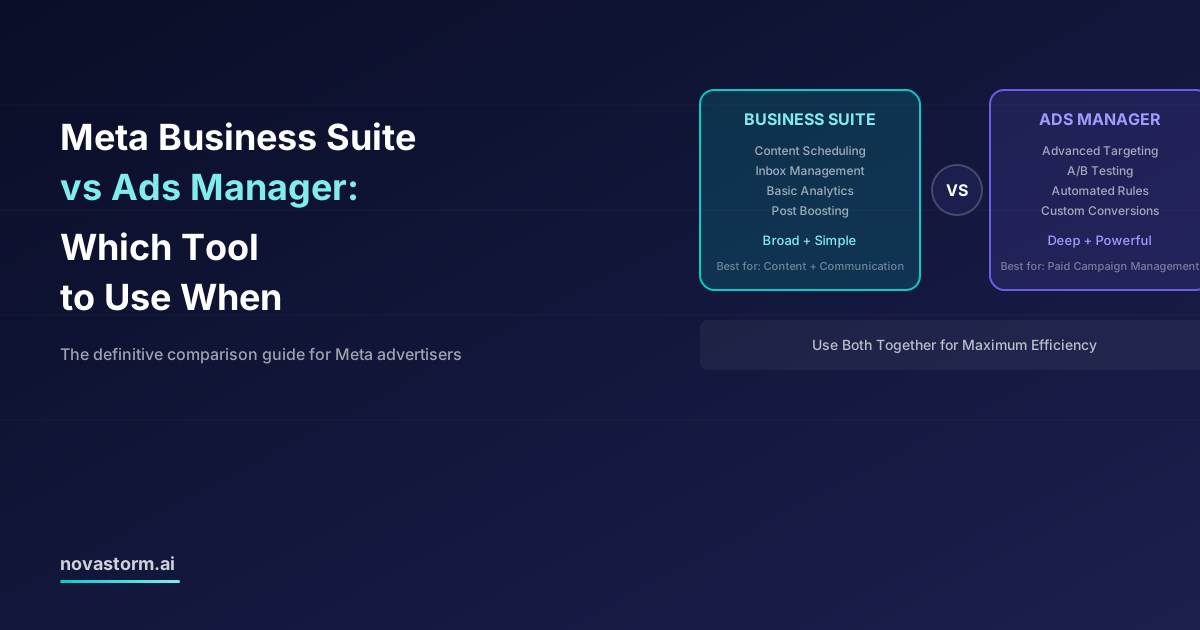
Meta Business Suite vs Ads Manager: Which Tool to Use When
Choose the tool by the task and the settings it actually exposes to your business. Business Suite and Ads Manager can share advertising entry points; their interfaces, permissions and available features vary. A monthly spend threshold does not determine which one can answer your question.
Separate communication work from campaign configuration
Meta’s Page Messenger greeting instructions place inbox automation in Business Suite. For paid configuration, inspect the advertising controls actually available before publication; detailed campaign, ad-set and ad reporting belongs to an advertising workflow, while campaign creation can be reached through more than one interface.
| Task | Suggested starting place | Acceptance check |
|---|---|---|
| Reply to incoming Page messages | Business Suite inbox | Correct Page/channel and authorized responder |
| Prepare/schedule organic content | Available Page/Business Suite publishing tools | Correct identity, date/timezone and preview |
| Create paid promotion from existing content | Current promotion entry point | Actual goal, conversion location, audience and spend settings |
| Inspect campaign/ad-set budget and event | Ads Manager campaign configuration | Saved objective/event, budget level and eligible controls |
| Review detailed results | Available Ads Manager reporting | Exact periods, attribution and raw denominators |
| Configure website collection | Relevant dataset/event tools | Validated collection, not just an ad-creation menu |
Budget hierarchy is not an ad-level allowance
The official campaign SDK includes daily and lifetime budget fields. A budget can be set at an eligible campaign or ad-set level; an ad’s reported spend is not proof of an independent ad-level budget. In simplified promotion flows, inspect where the saved budget actually resides instead of labeling all Business Suite budgets “campaign-only.”
Stop wasting ad budget
NovaStorm AI cuts Meta Ads CPA by 30% on average. No complex setup required.
One booking task through two possible entry points
Hypothetical task: promote a truthful workshop booking offer with a chosen $120 total allowance, a real booking destination and a verified completion action. No interface was operated for this example, and available settings must be checked in the advertiser’s account.
| Acceptance field | Business Suite/promotion route | Ads Manager route |
|---|---|---|
| Goal and location | Inspect whether the required booking outcome/location is offered | Inspect eligible outcome, conversion location and event |
| Budget | Save amount, type, dates and actual level | Save the same approved total and inspect level/constraints |
| Identity and creative | Preview the exact Page/post and offer | Preview selected identity/assets and matching destination |
| Measurement | Check available booking reporting against business ledger | Save event/window and detailed reporting definitions |
| Decision | Use if required controls and evidence can be verified | Use when the task needs controls absent from the simpler route |
If a route cannot express the required event, boundary or reporting, use the route that can. Do not declare all boosted promotions incapable of conversion optimization or assert they cost 2–3 times more without a comparable study. A comparison of interfaces is not itself an experiment in ad performance.
Prepare the workshop offer, required fields and measurement brief in NovaStorm as a campaign draft. Have the user review the saved campaign against the same acceptance checklist before publication. Any later monitoring must use the actual connected campaign and defined window; choosing a tool does not guarantee unified alerts or remove the need to verify settings.
Published by NovaStorm AI. Worked examples and proposed tests are labeled in the article.
Disclaimer: This article was generated with the assistance of AI and reviewed by the NovaStorm AI team. While we strive for accuracy, we recommend verifying specific data points and consulting official sources (linked where available) for critical business decisions.
Ready to automate your Meta Ads?
NovaStorm AI takes full responsibility for your campaigns — from monitoring to optimization.
Start NowMore on Meta platform and automation
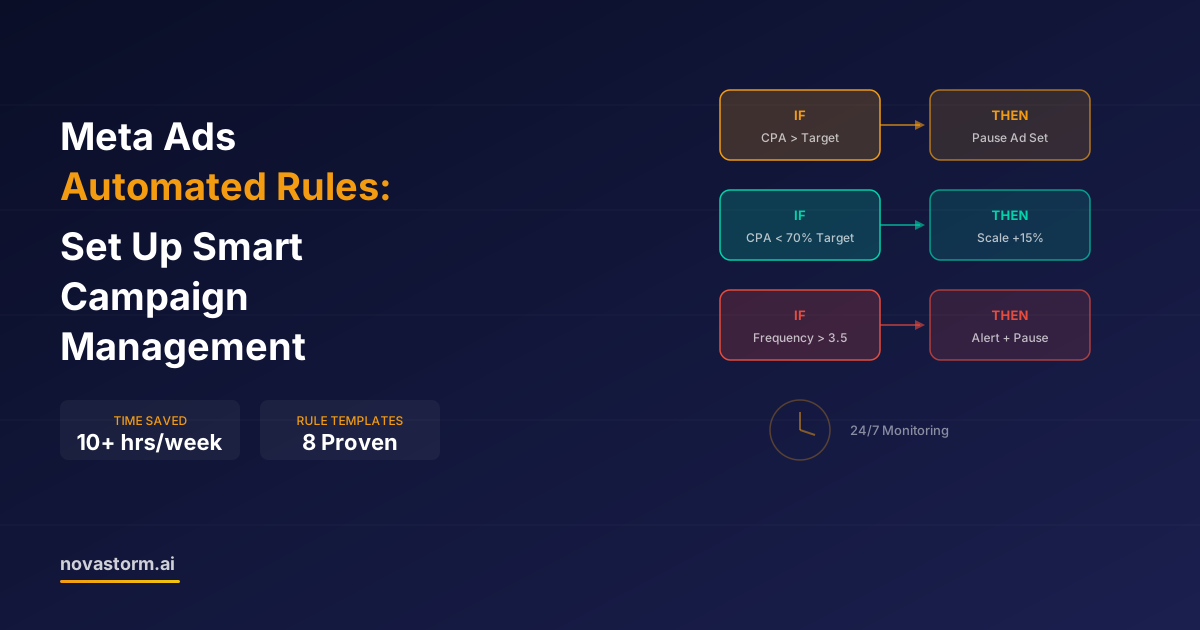
Meta Ads Automated Rules: Set Up Smart Campaign Management
Design Meta automated rules with mature inputs, zero-conversion handling, conflict priority, execution checks and a capped owner-approved budget.
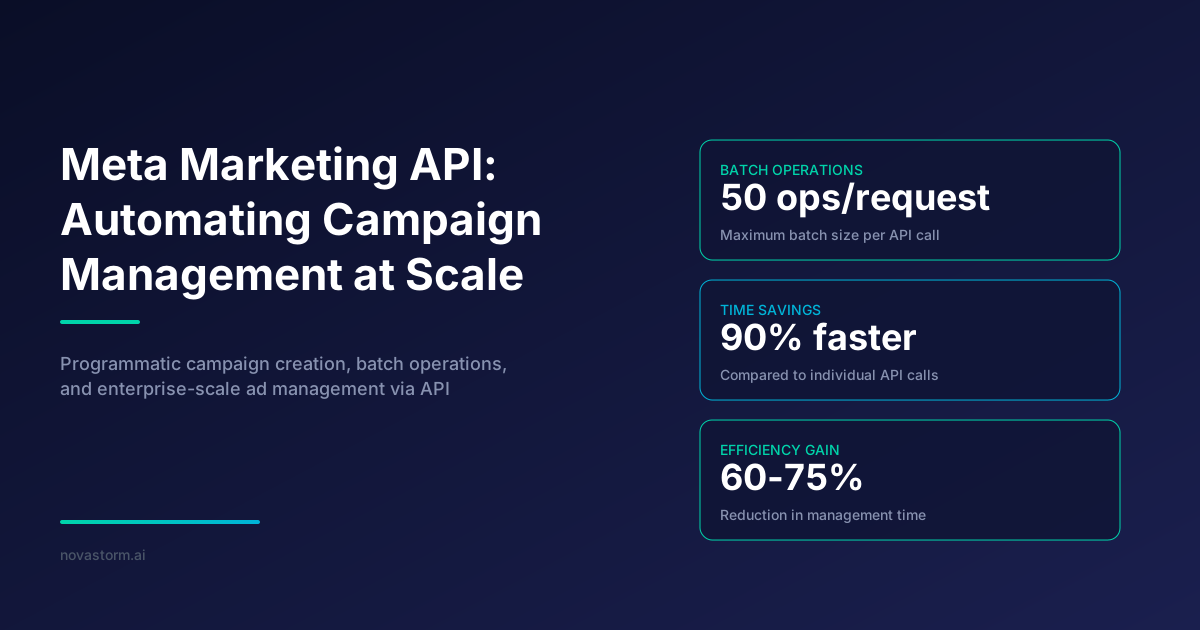
Meta Marketing API: Automating Campaign Management at Scale
Build reviewable Meta API operations with a versioned paused campaign example, saved-state checks, dependency handling and careful retry policies.
Meta Ads Manager Updates 2026: New Features Every Advertiser Should Know
Review a verified Meta ad transparency update, inspect creative settings, and approve a controlled change without invented feature or performance claims.
Meta Ads Policy Review: Rejections, Categories and Review Requests
Review a Meta ad rejection by its cited standard, market and exact creative, then prepare a documented request without promising approval or a fixed response time.