

Managing Multiple Ad Accounts: Agency Best Practices
Onboard client accounts with verified asset IDs and task permissions, review templates safely, and end access with an auditable handoff.
An agency workflow should make client ownership, permitted actions and billing responsibility inspectable. Keep each client’s account identity explicit at every write boundary. A readable name is useful, but a durable account or asset ID is the reliable join key.
Record ownership and verify task permissions
Use current Meta business-portfolio guidance as a starting point for accounts and permissions, then verify actual asset access. The following matrix describes responsibilities to map to supported permissions, not guaranteed Meta role labels.
| Responsibility | Required verified task | Approval boundary |
|---|---|---|
| Client owner | Inspect ownership, billing and partner access for the intended assets. | Approves access, spending and contract handoff. |
| Agency campaign operator | View and prepare/edit only assigned account campaigns. | Obtains approval for consequential delivery changes. |
| Analyst | Read the agreed reports for assigned assets. | No delivery or billing change implied by reporting access. |
| Creative reviewer | Review materials and supported previews. | Approves claims/rights/brand; no broad account authority implied. |
| Event specialist | Inspect and change specifically authorized event configuration. | Coordinates permission and duplicate-sender checks with the client owner. |
An anonymized onboarding journal
Synthetic record, not an agency case: client C-ACME, client portfolio BP-DEMO-01, ad account ACC-DEMO-03, Page PAGE-DEMO-02 and dataset DS-DEMO-04. The named client owner confirms USD, America/New_York, the payment owner and the service contract. The agency operator verifies read access and prepares a paused draft; the analyst verifies the agreed report; the event owner records that sender validation remains pending.
| Journal entry | Owner | Verified acceptance |
|---|---|---|
| Identify assets | Client owner plus agency lead. | Each intended ID matches the client inventory; look-alike names rejected. |
| Grant access | Authorized client administrator. | Actual operator task checked on the intended account without credential sharing. |
| Prepare campaign | Agency operator. | Correct account ID and valid client-owned Page/creative/event references. |
| Approve plan | Client budget owner. | Offer, loss allowance, payment responsibility and review interval recorded. |
| Close onboarding | Agency lead. | Unresolved event or permission checks have owners; publication waits for required acceptance. |
Review a template against the destination
Stop wasting ad budget
NovaStorm AI cuts Meta Ads CPA by 30% on average. No complex setup required.
- Treat a template as a proposed structure. Verify destination account ID, currency, time zone, advertiser identity, objective, available controls, dataset and event before saving.
- Replace source-client links, tracking keys, audiences, catalogs, forms and creative references with authorized destination assets. Availability and portability must be checked; duplication is not permission to reuse another client’s data.
- Read back the saved draft, its status and budget level. Show the destination ID to the approver and record the approved change. Never infer the destination from a name or current browser selection alone.
Use the asset ownership and effective-access review to inspect these account boundaries. Cross-client reporting also needs currency, time-zone, attribution and outcome-definition consistency; a scorecard should not turn incomparable accounts into a performance ranking.
End the contract with verified revocation
- Agree the last authorized delivery date, remaining budget, active campaign decisions and billing owner with the client. Do not change ownership or payment arrangements based on assumptions.
- Deliver the agreed reports, approved materials, durable IDs, configuration/change journal and unresolved incident record through the authorized private channel. Verify the client can access them.
- Have the authorized owner revoke partner and individual permissions that are no longer required, and remove obsolete connector access through the approved process. Verify the former operator can no longer perform the revoked actions.
- Record revocation time, who confirmed it, report handoff and any remaining payment liability. Do not alter or delete another client’s assets while closing this relationship.
Keep product claims within demonstrated scope
Use NovaStorm to prepare approved Meta briefs and campaign/creative drafts for the connected client context. User review remains necessary. Do not assume NovaStorm provides agency permission roles, cross-account dashboards, portable audience templates or contract-end access revocation. Those operations require their own supported tools and owners.
Published by NovaStorm AI. Planning examples are illustrative assumptions, not measured customer results.
Disclaimer: This article was generated with the assistance of AI and reviewed by the NovaStorm AI team. While we strive for accuracy, we recommend verifying specific data points and consulting official sources (linked where available) for critical business decisions.
Ready to automate your Meta Ads?
NovaStorm AI takes full responsibility for your campaigns — from monitoring to optimization.
Start NowMore on Agency operations and careers
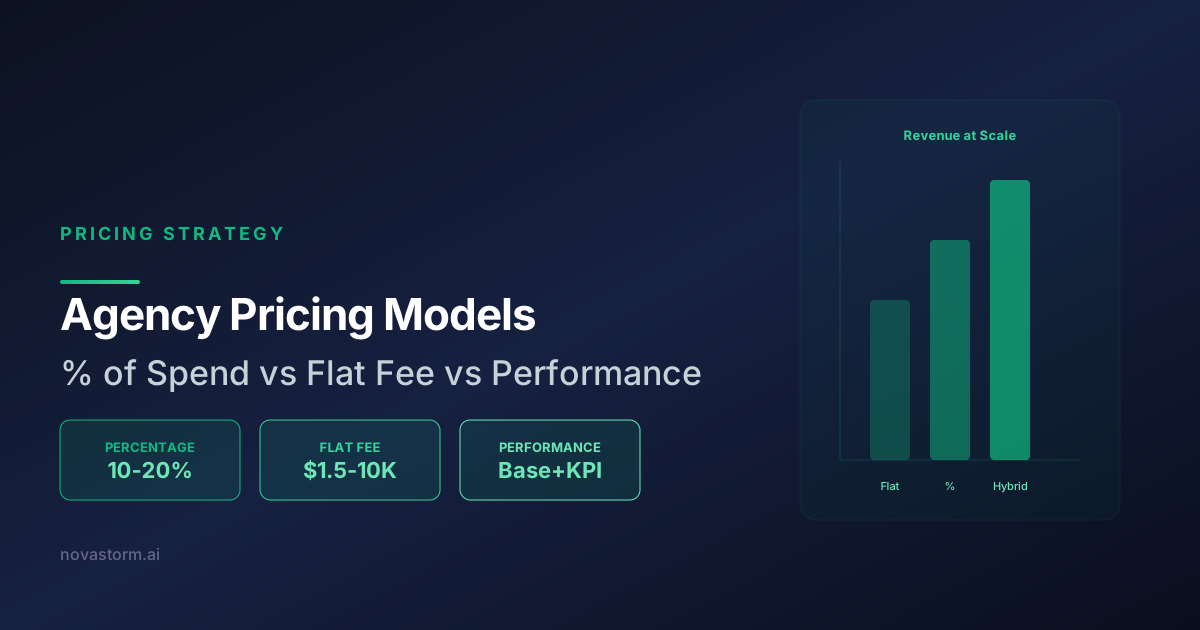
Agency Pricing: Percentage of Spend vs Flat Fee vs Performance-Based
Compare the three main agency pricing models for Meta Ads management. Learn which pricing structure maximizes revenue while keeping clients happy long-term.
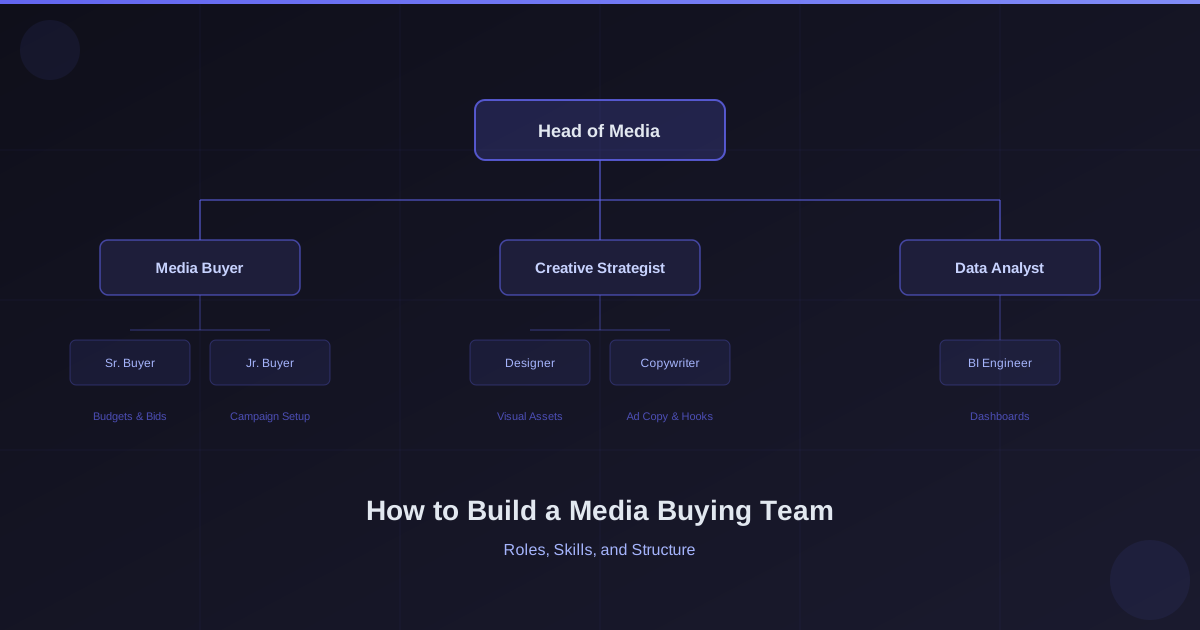
How to Build a Media Buying Team: Roles, Skills, and Structure
Size a media buying team from workload and hiring cost, define approval responsibilities and train new buyers before granting live budget authority.
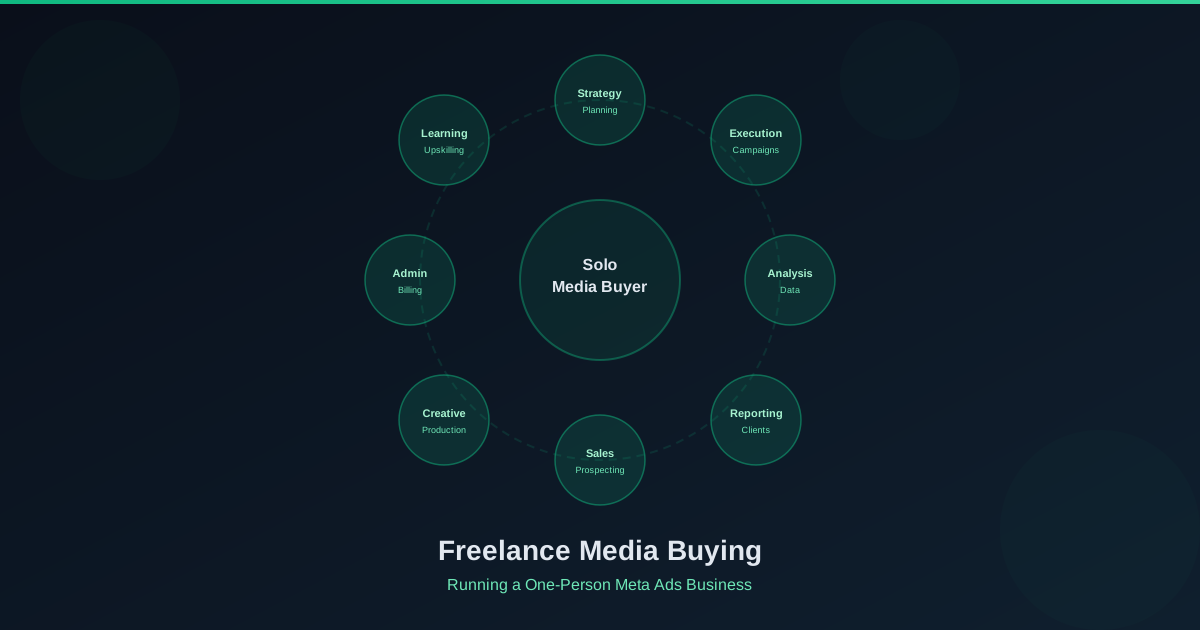
Freelance Media Buying: How to Run a One-Person Meta Ads Business
Price a solo Meta Ads service from actual capacity and costs, define a revenue bonus precisely and make client approval part of delivery.

Agency Operations for Meta Ads: Systems and Processes at Scale
Use owned onboarding and launch forms, verify event delivery and access removal, and reconcile agency capacity and reports before approving client work.