



Ecommerce
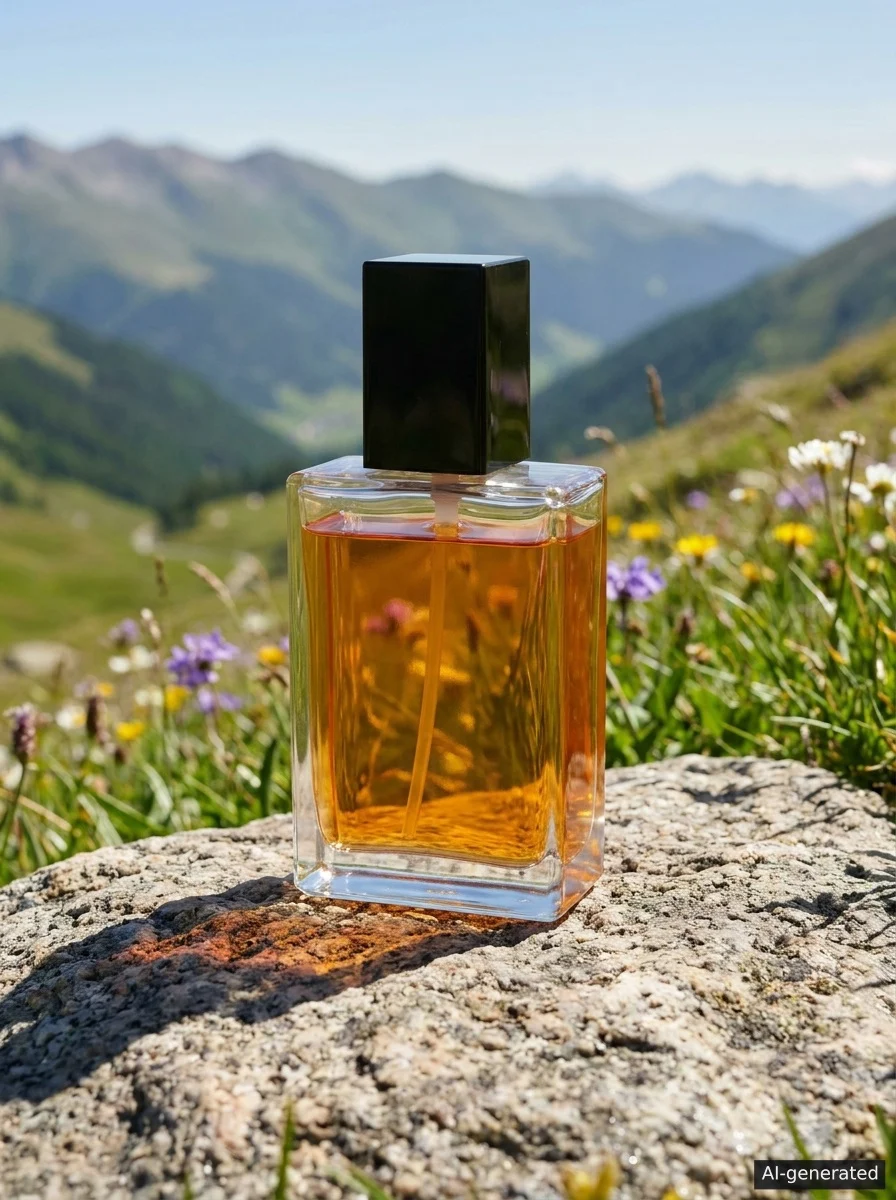
Introduce a product range around a use, style or season. Send shoppers to that collection, with available sizes and delivery details close to hand.
Find ad examples and campaign ideas for what you sell. See how NovaStorm turns product photos or a service brief into Facebook and Instagram campaigns for purchases, bookings or enquiries.
Your ad account, Facebook Page and available Instagram account. Creative assets made with Nova Creative.
Made with Nova Creative — the visual stage of a NovaStorm campaign. Select a creative to enlarge.
Bring your offer and website. NovaStorm prepares the creative, ad copy and campaign settings together, so you can check what people will see and where they will go before spending on ads.
Connect the Meta ad account you manage, then select your Facebook Page and available Instagram account.
See what goes into the campaignAdd your website, the offer you want to promote, the customers and locations you serve, and your daily budget.
Use product photos, service images or a written brief. Nova Creative supplies image and video assets for your campaign; review them against what you sell.
Review the proposed objective, audience, budget and ads. Link each offer to the matching page and check the tracking needed for your goal.
After your approval, NovaStorm publishes the campaign, ad sets and ads to your selected Meta ad account as Paused. Check the published result before activating delivery.
Introduce a product range around a use, style or season. Send shoppers to that collection, with available sizes and delivery details close to hand.
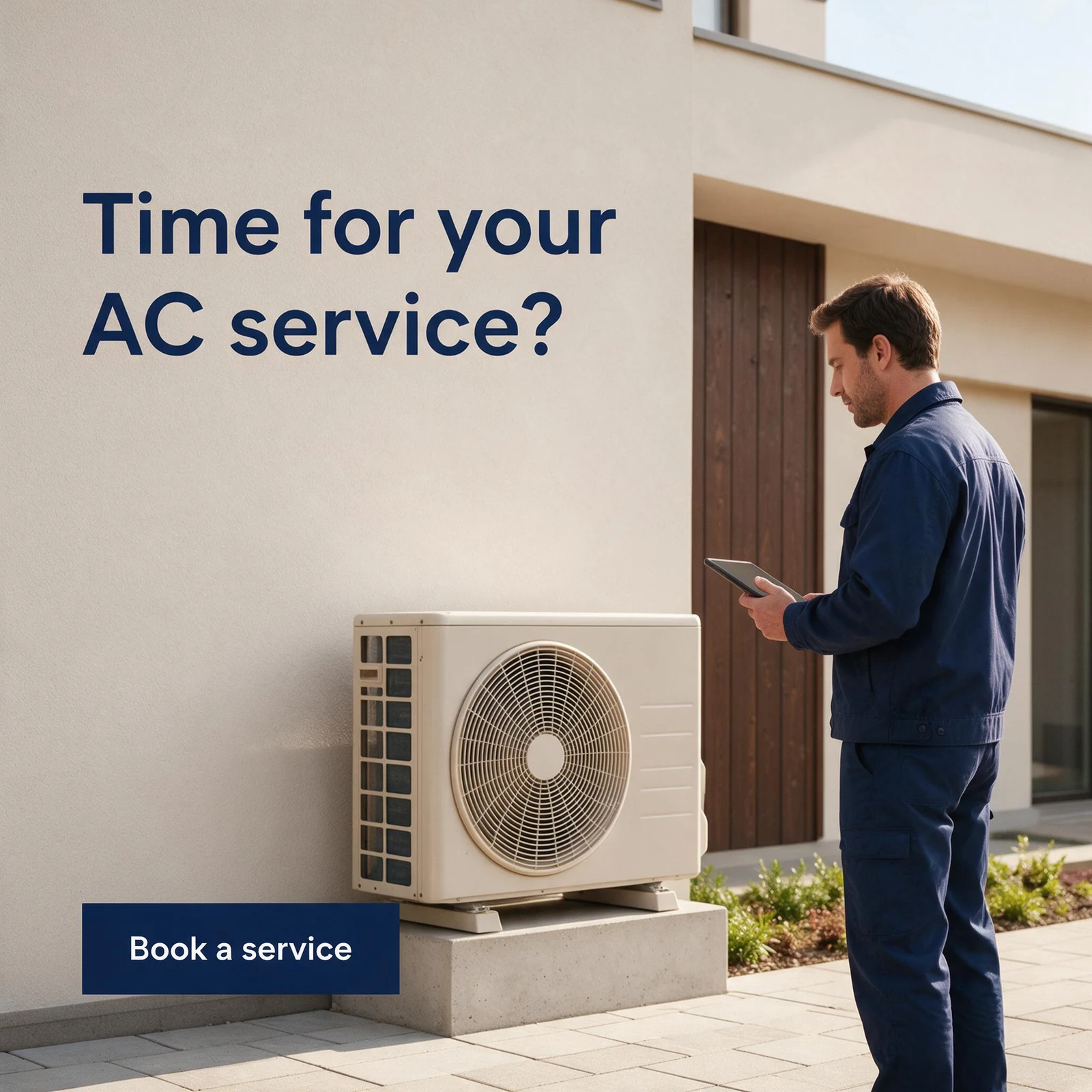
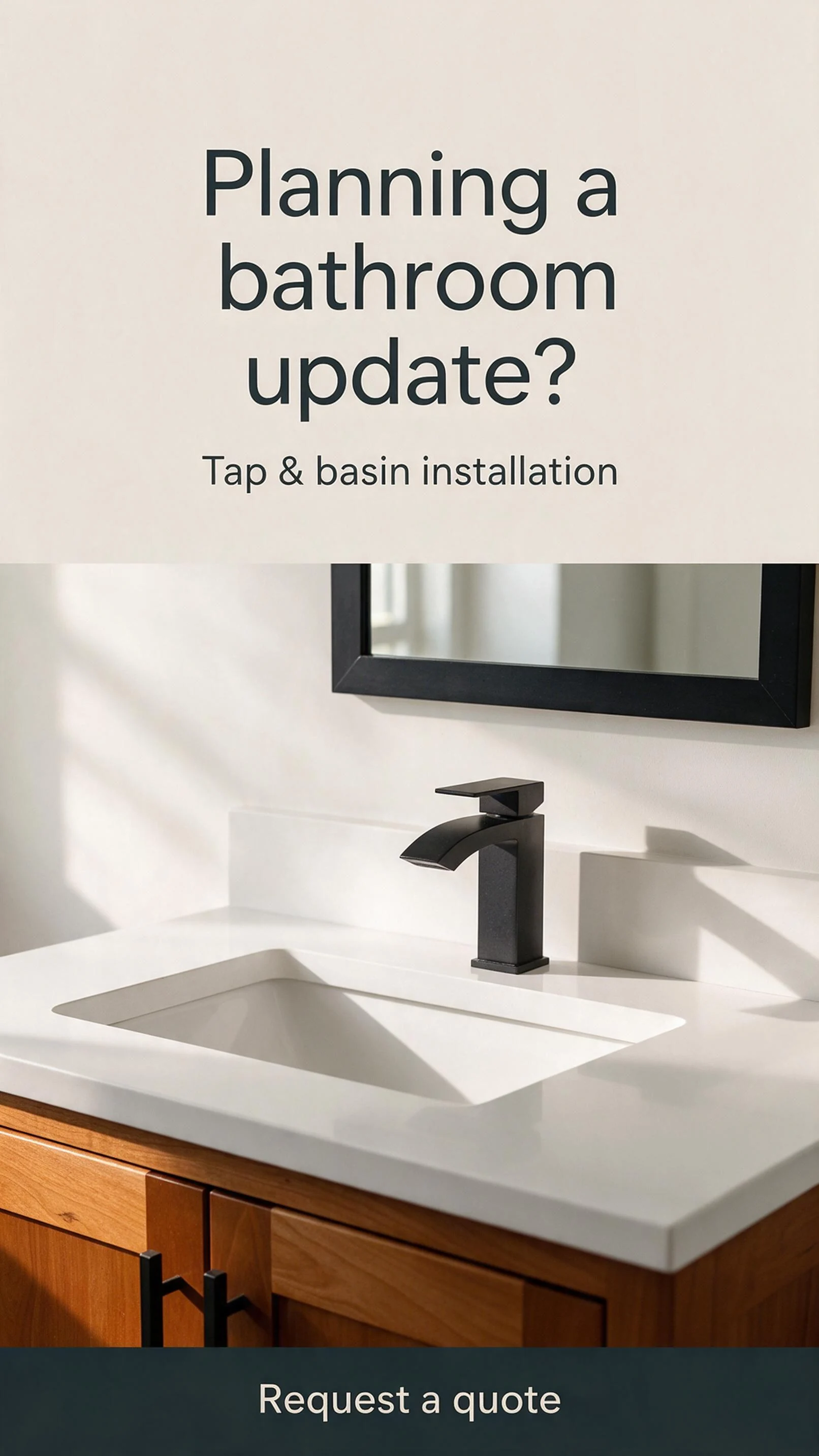

Promote work customers can plan ahead: servicing, inspections or a recurring clean. Make the area and next step clear.
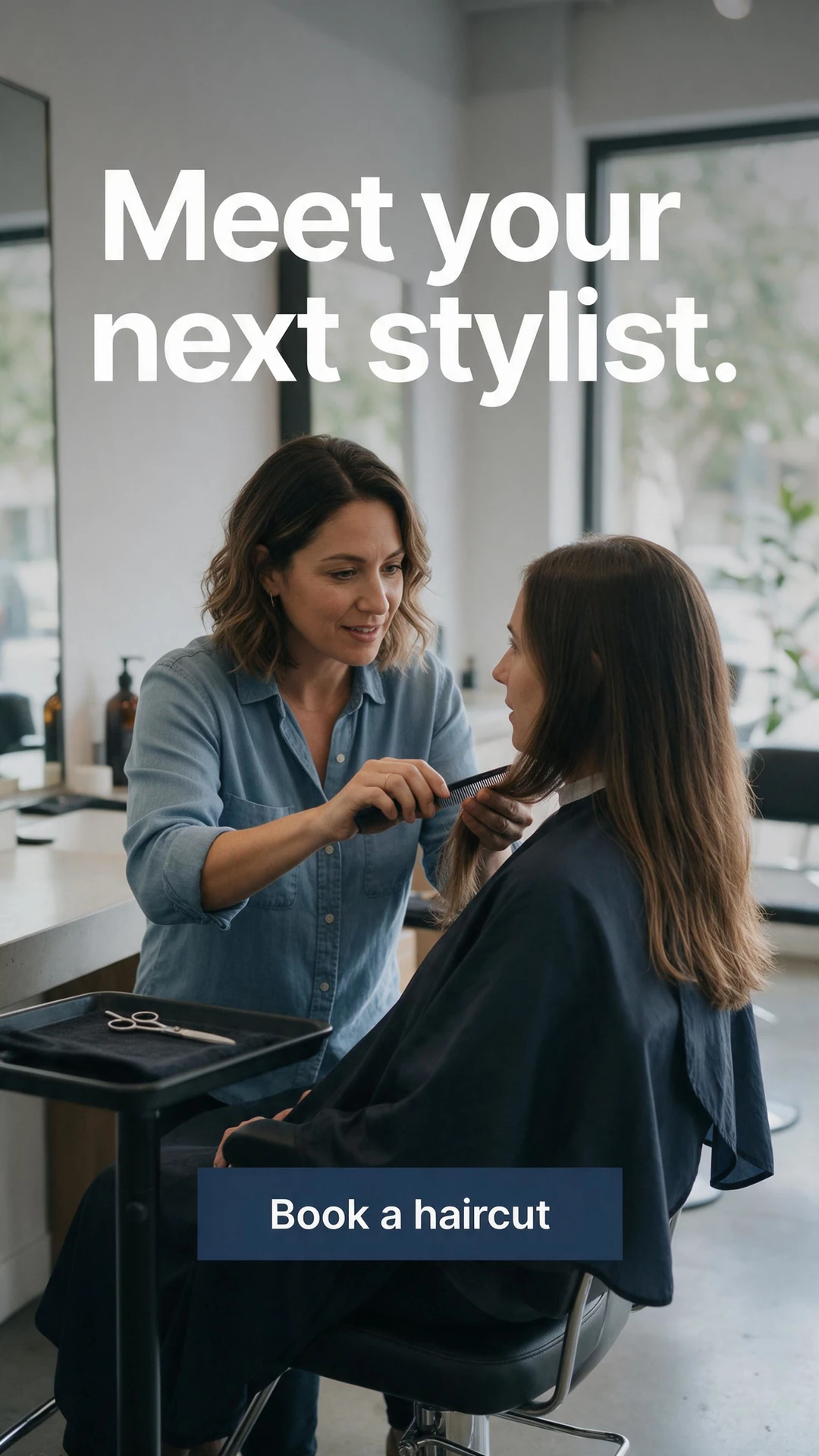
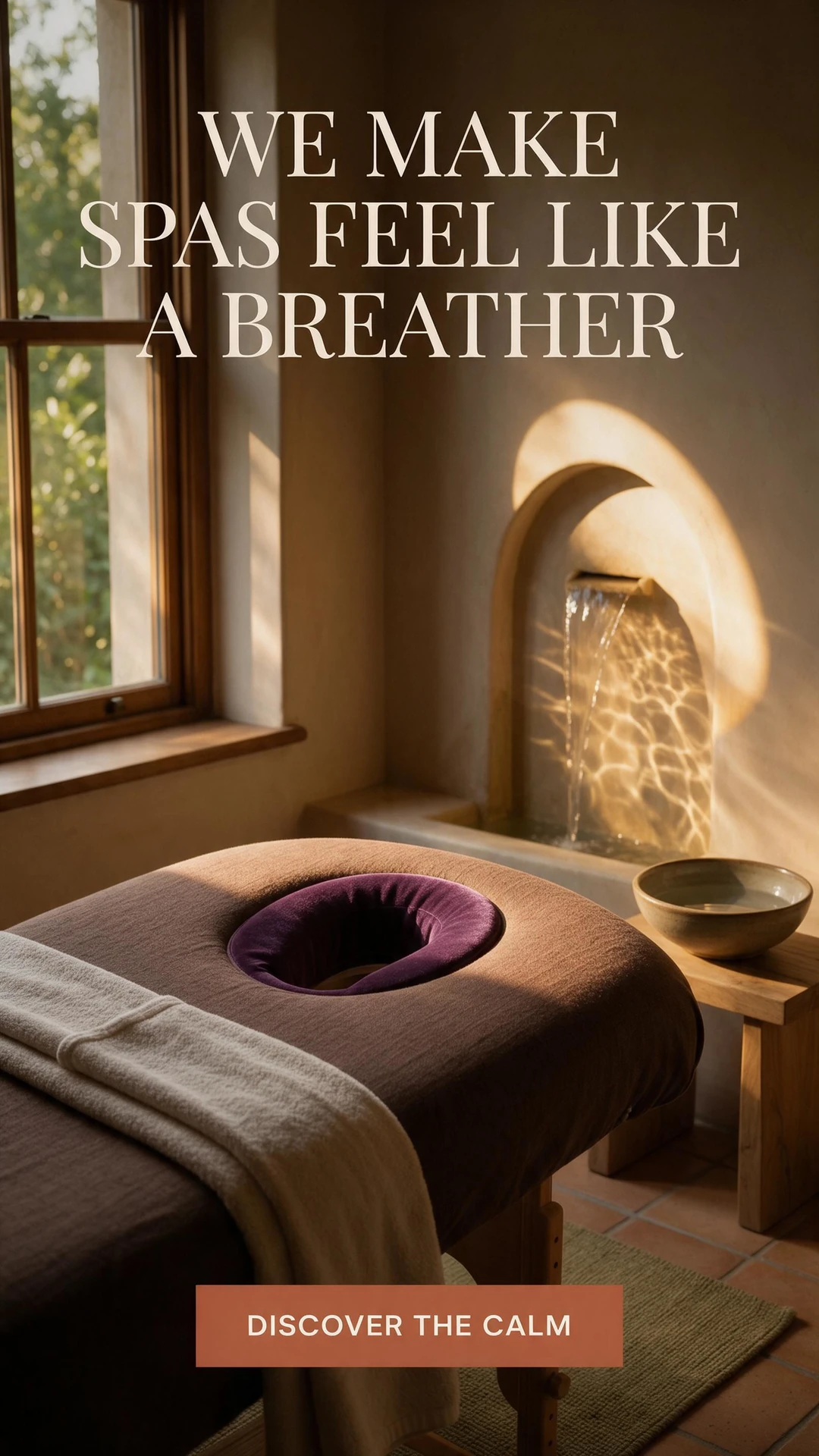

Explain what is included in an introductory appointment or class. Give people the information they need to choose a time.


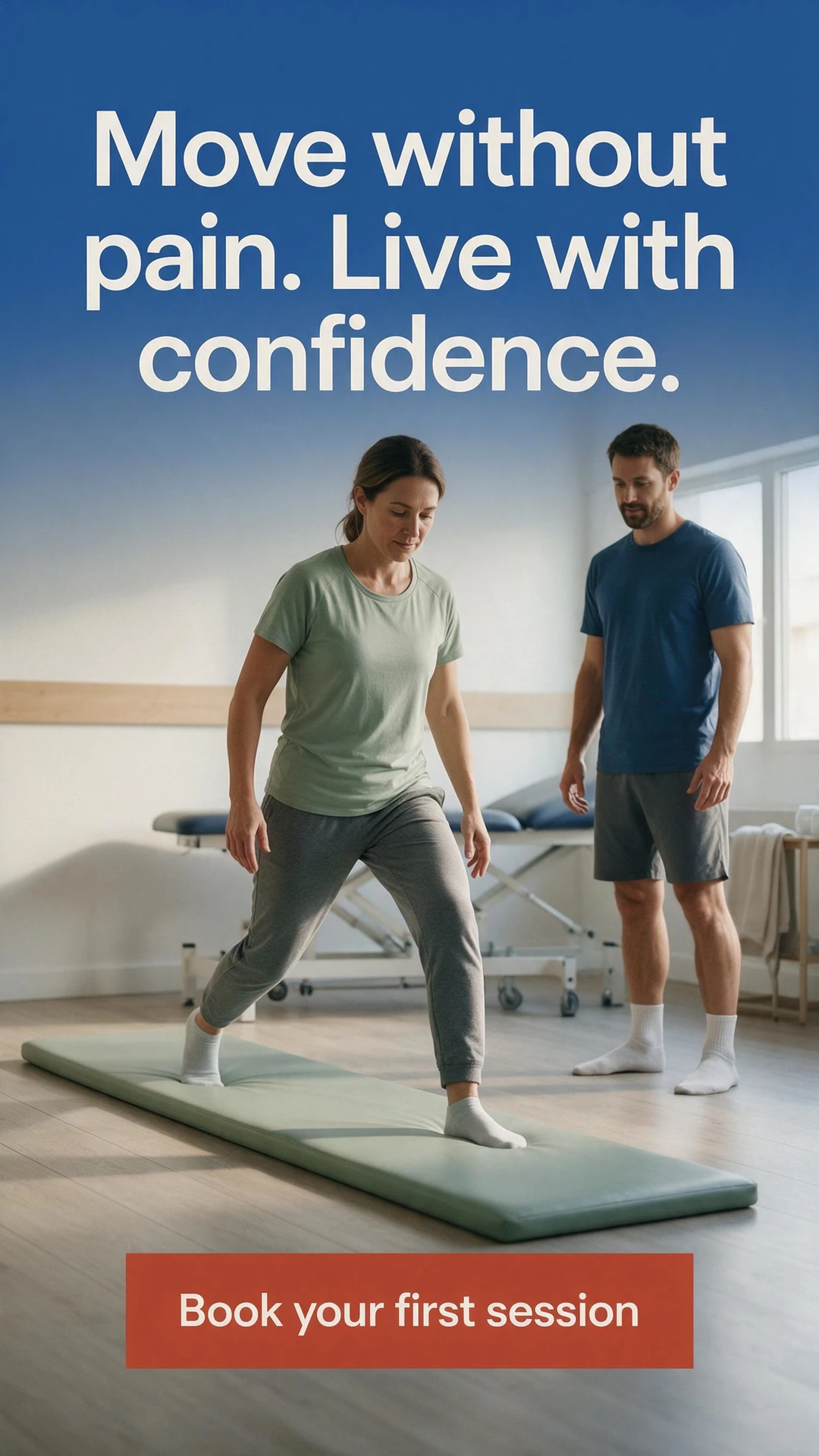
Describe what the appointment covers and who provides it. Give visitors a clear way to ask the clinic about availability.

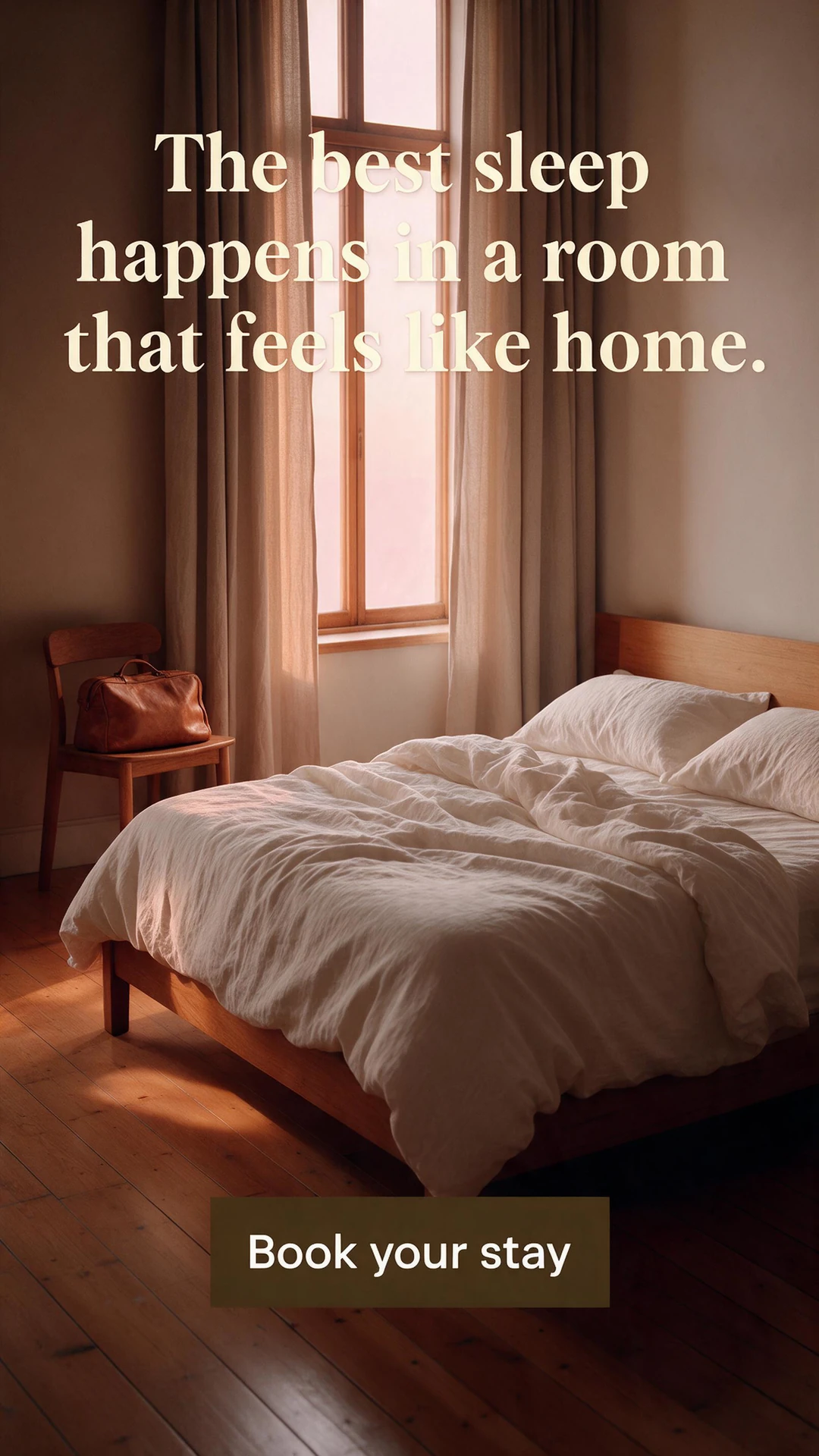
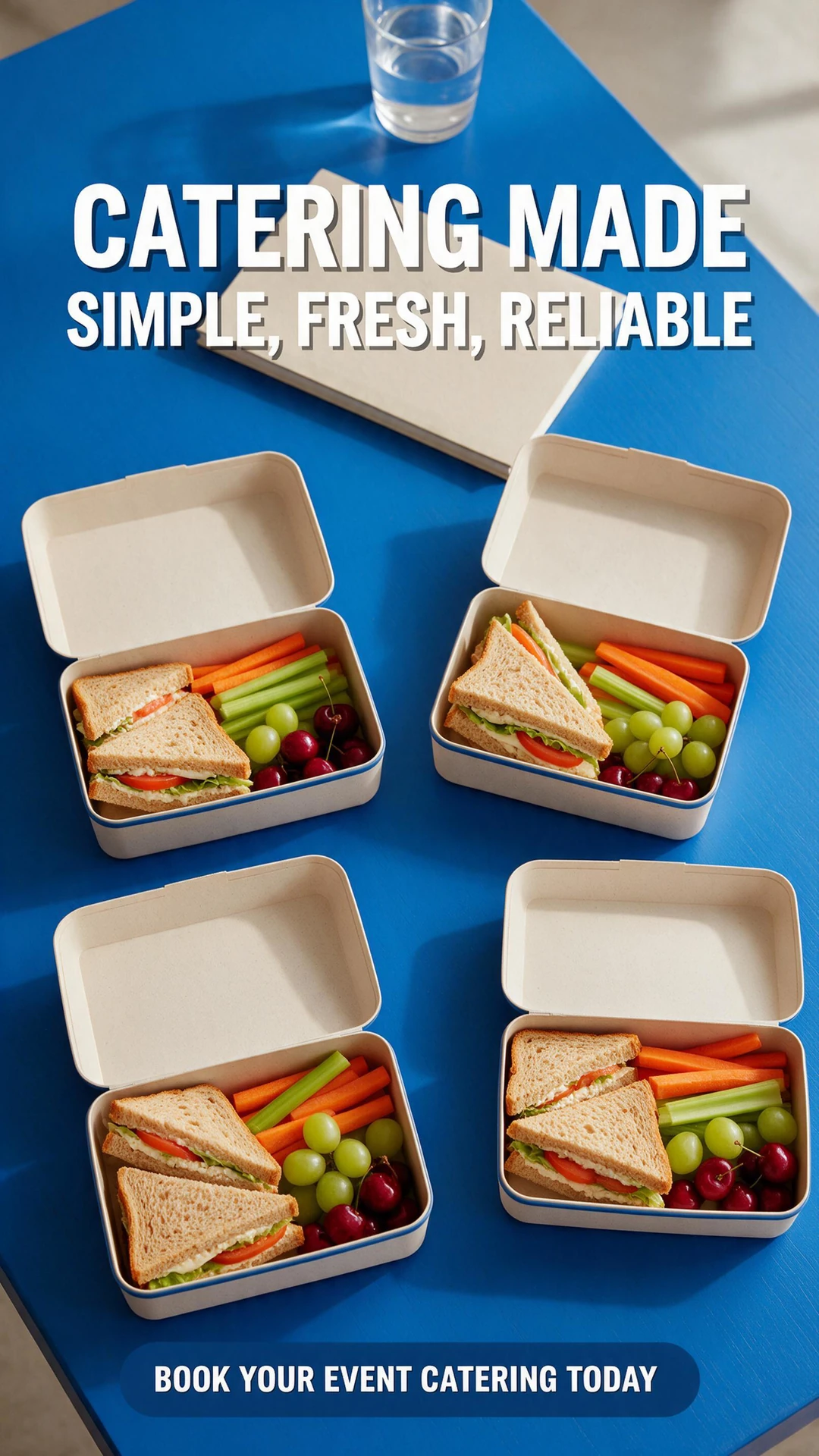
Give a menu, occasion or service time its own campaign. Let the destination handle the details people need before booking.
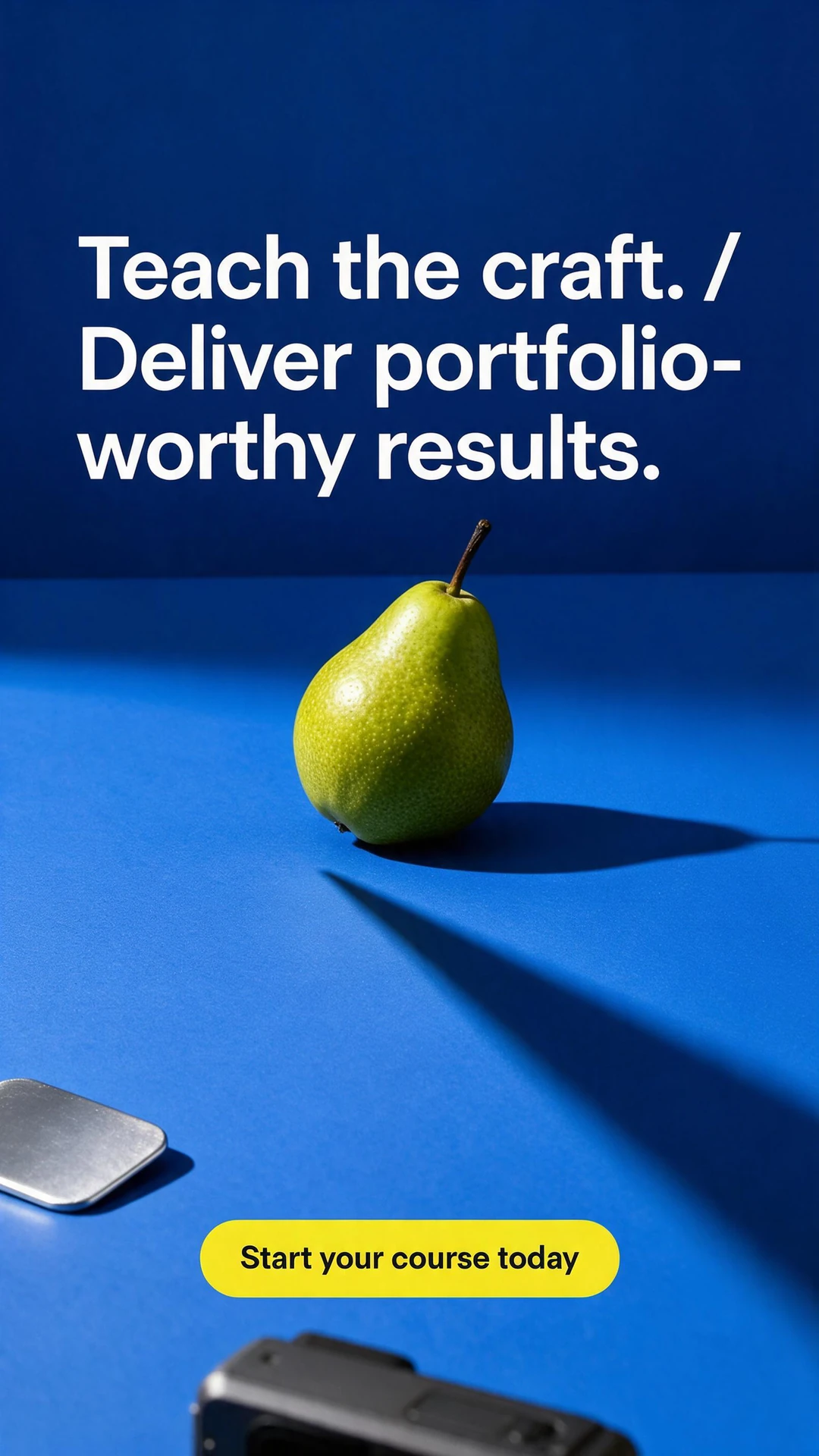
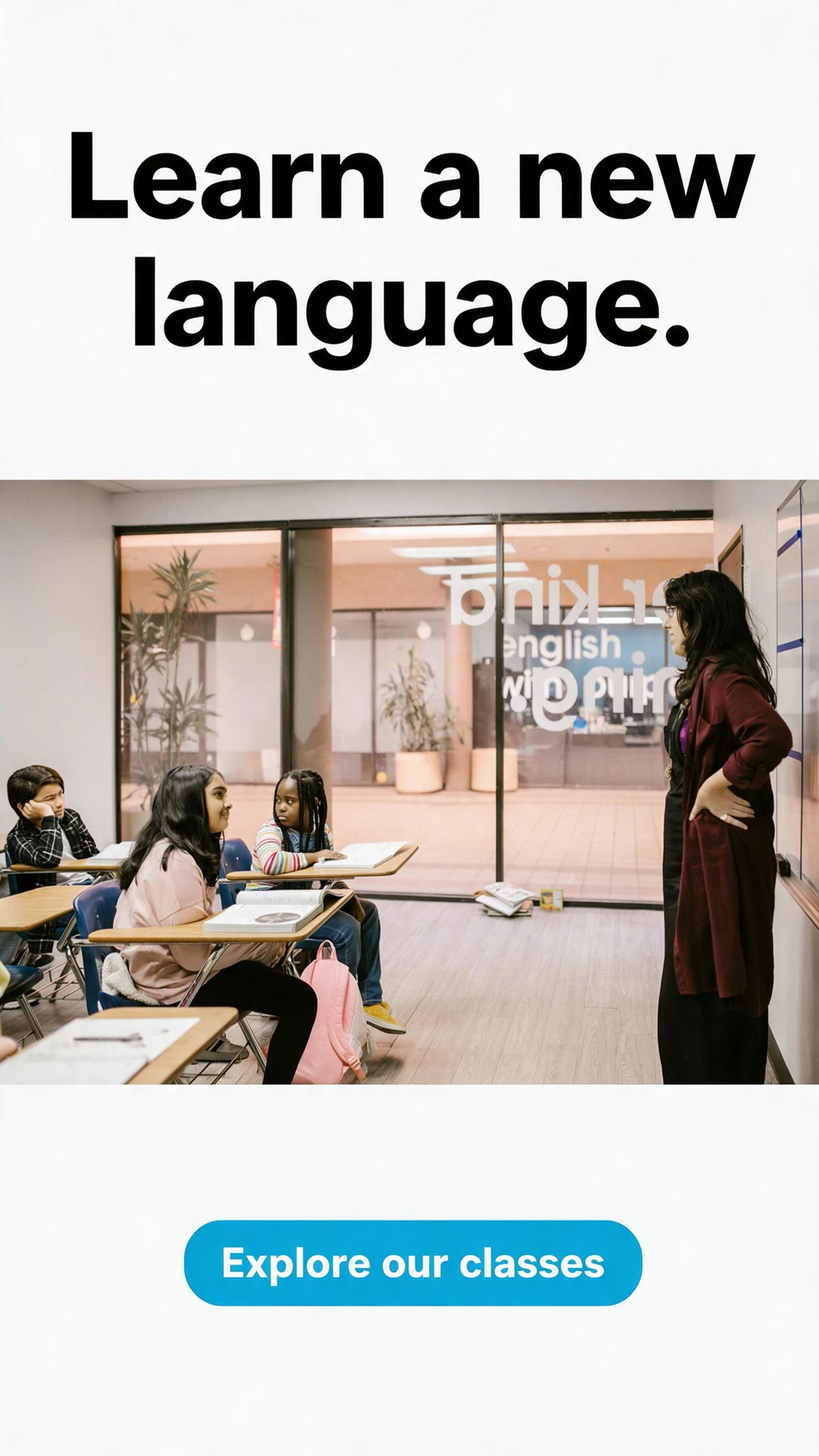
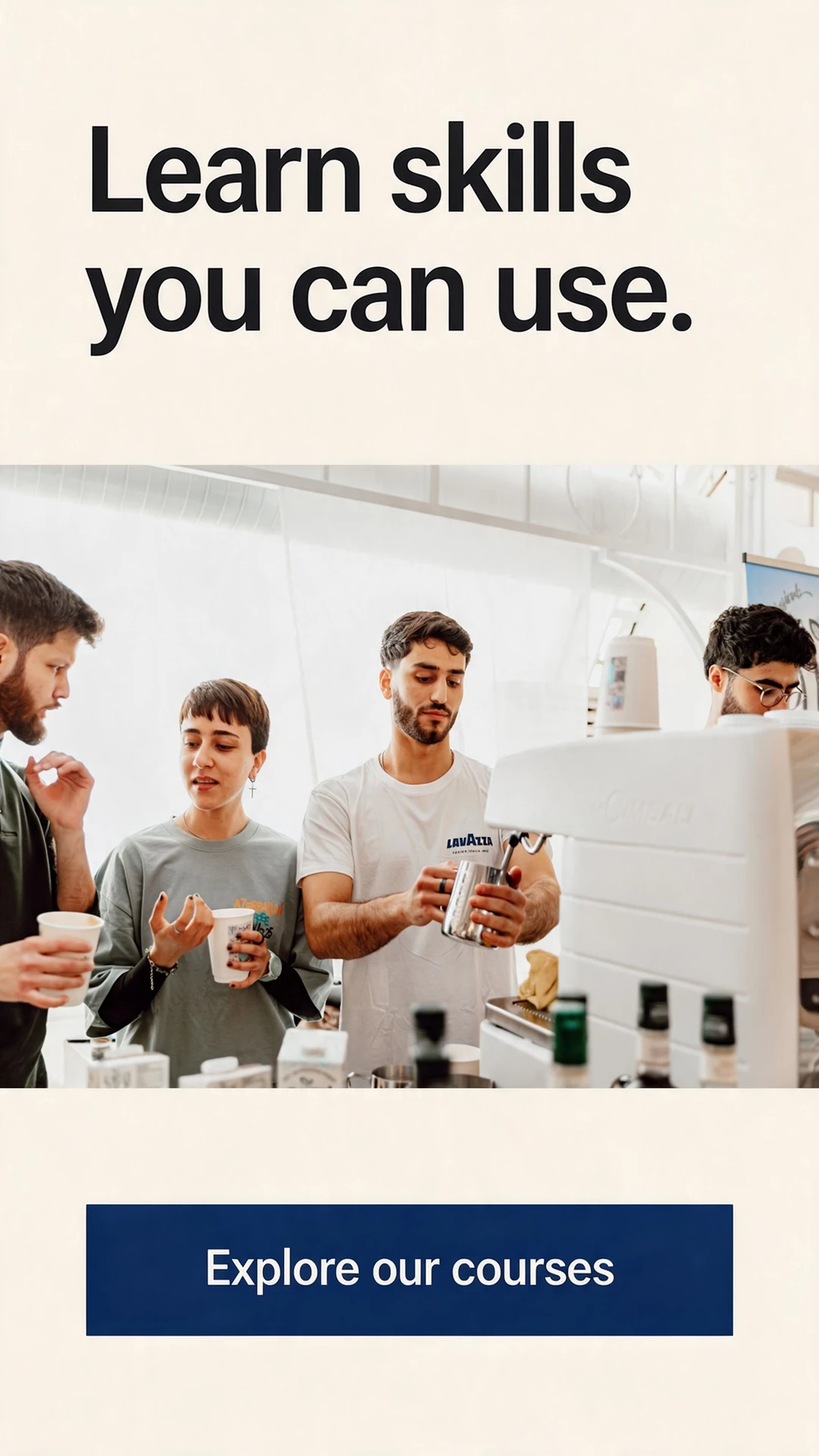
Show the teaching approach with an extract or worked example. Give learners a way to judge whether the course suits them.
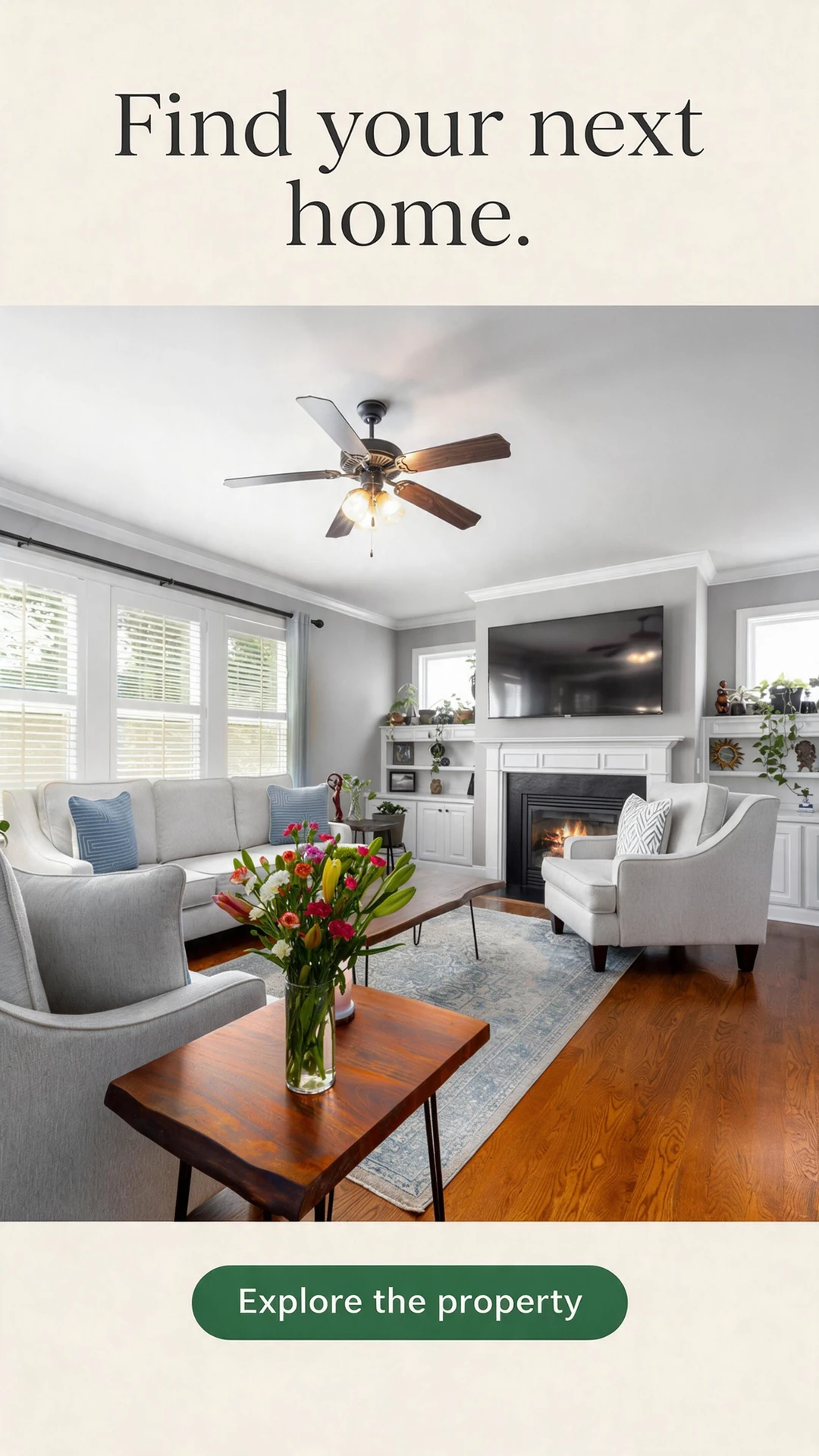

Use current photography, availability and listing details. Link directly to the property page with its viewing enquiry.
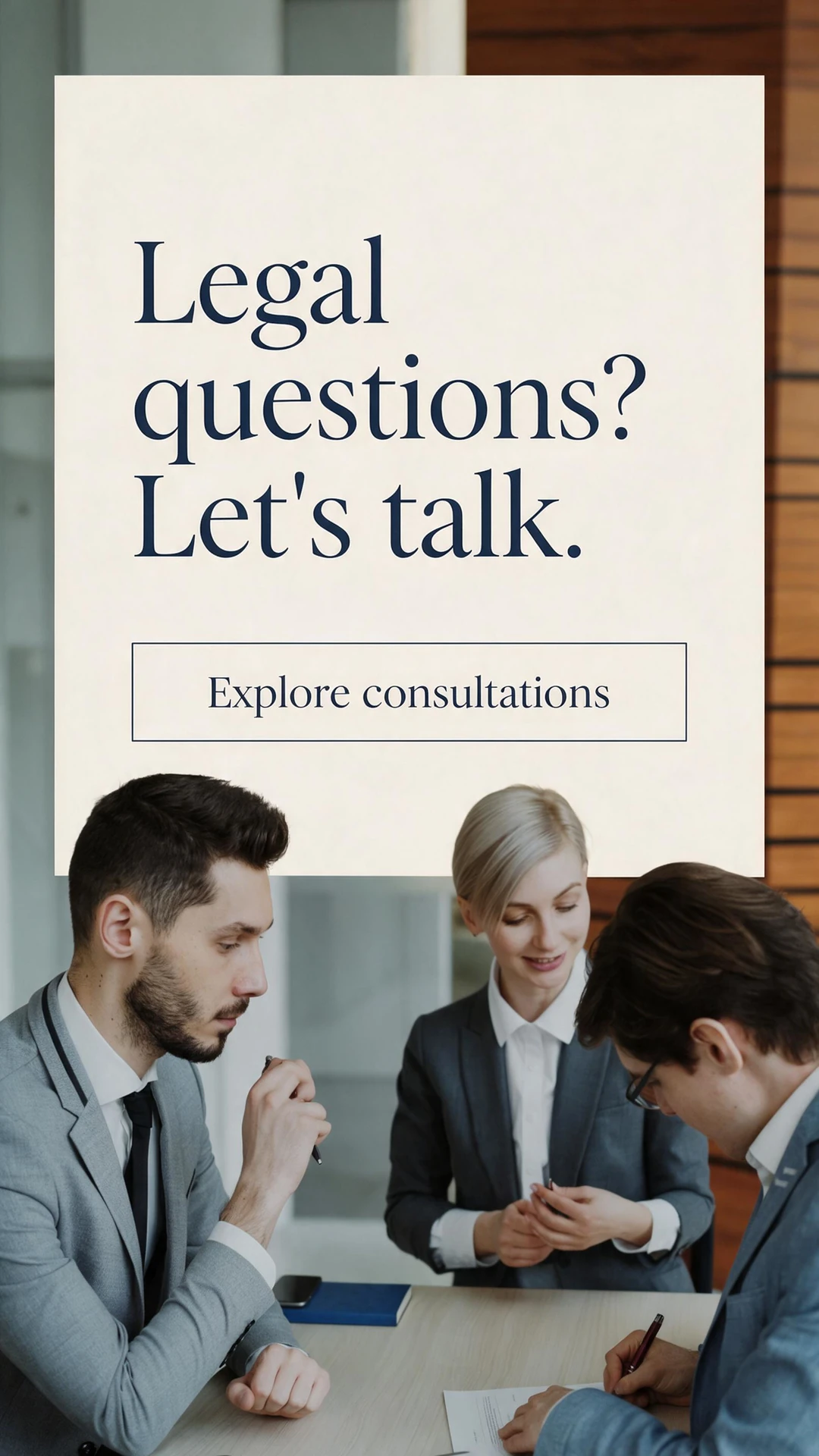
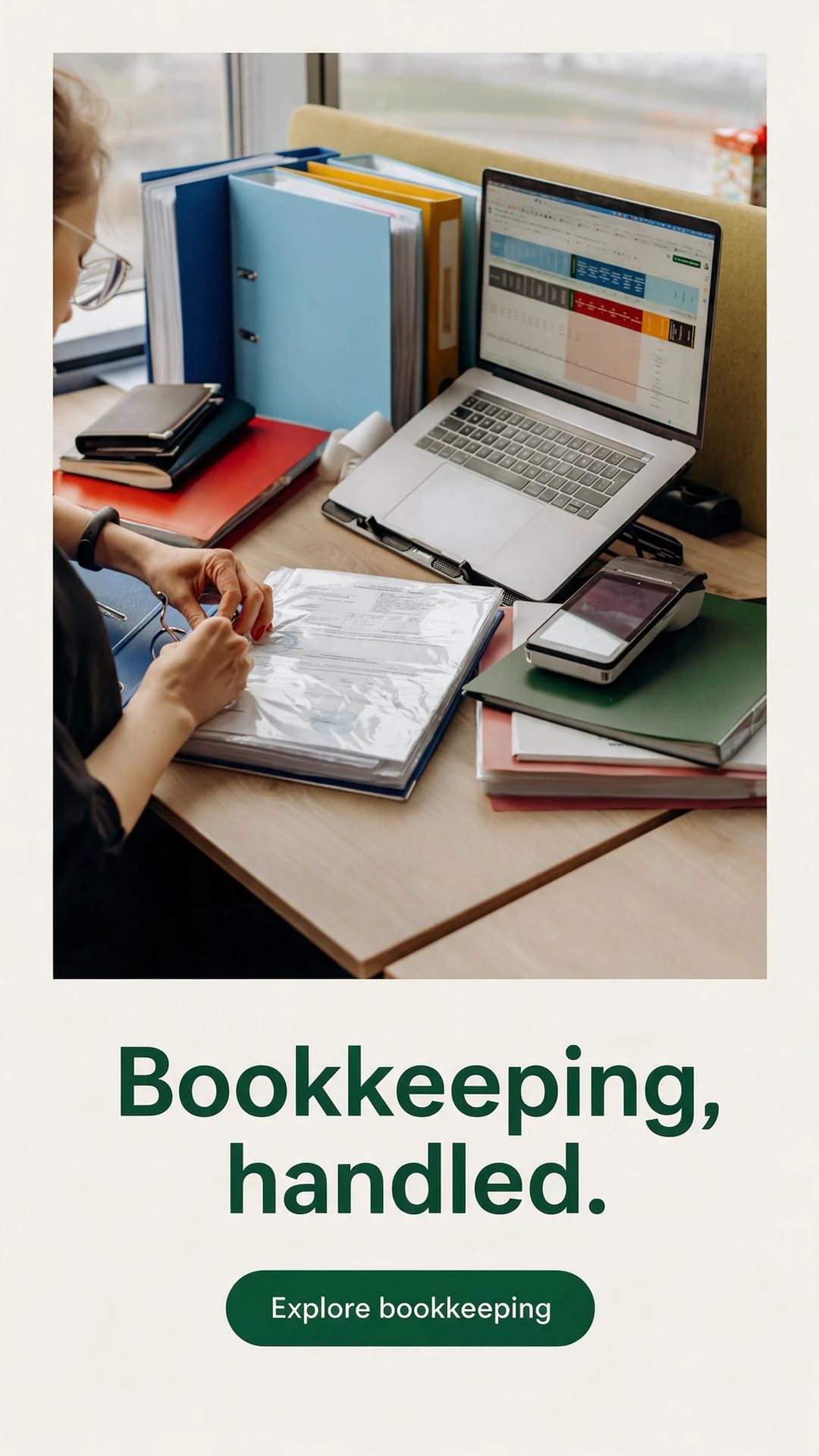
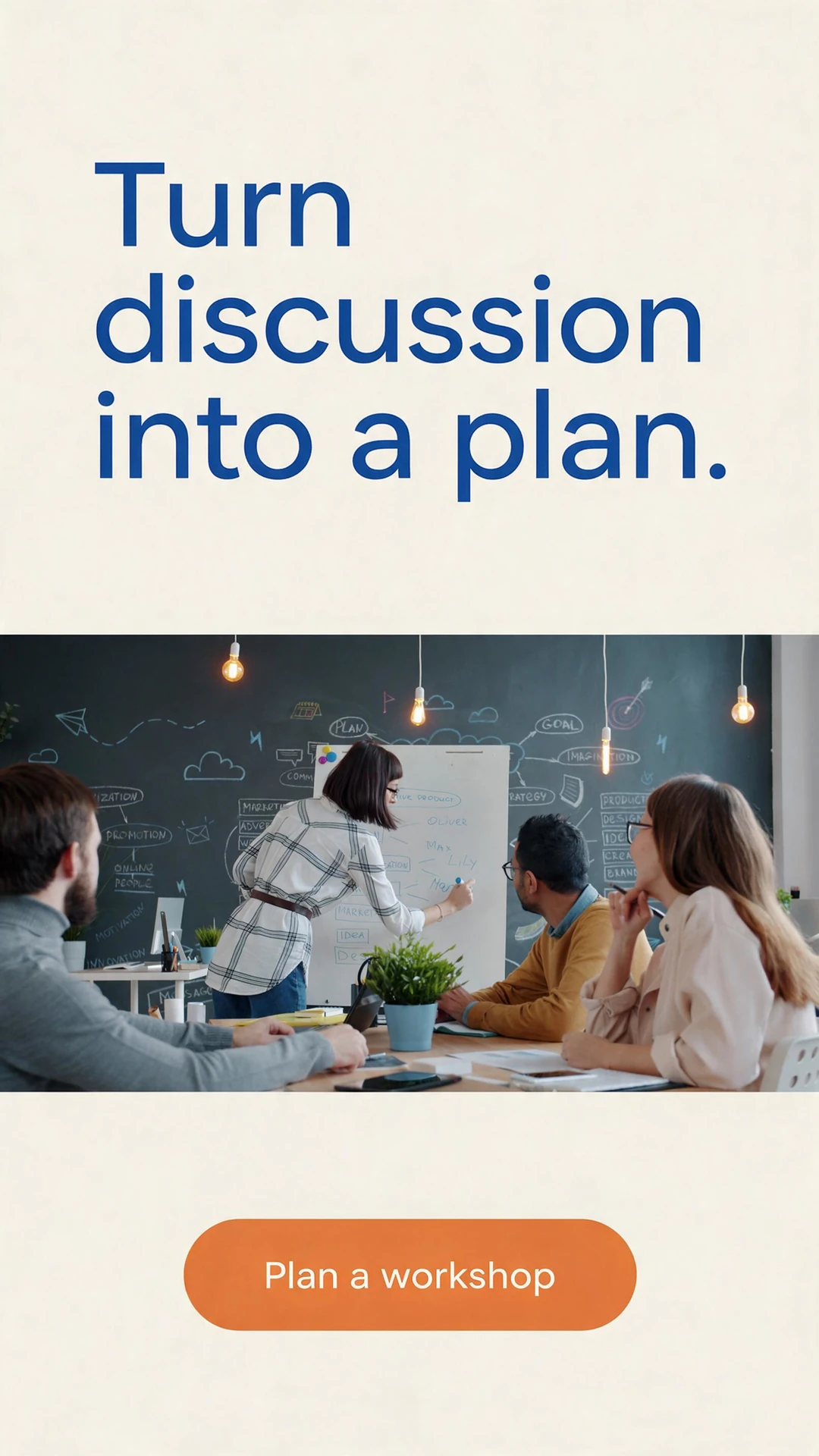
Explain who the conversation is for and what it covers. Clarify whether it is an initial enquiry or a paid professional service.
Prepare a campaign around your offer and budget. Review it in NovaStorm, then approve publication to the ad account you selected.
Platform access is free. Generation credits and Meta advertising spend are separate.
Published to your selected account as Paused. Activation is a separate step.