

Supermetrics for Meta Ads: Automated Reporting Setup Guide
Save a Meta reporting query, reconcile two same-name campaigns, and handle late corrections, stale data and authorization failures in Supermetrics.
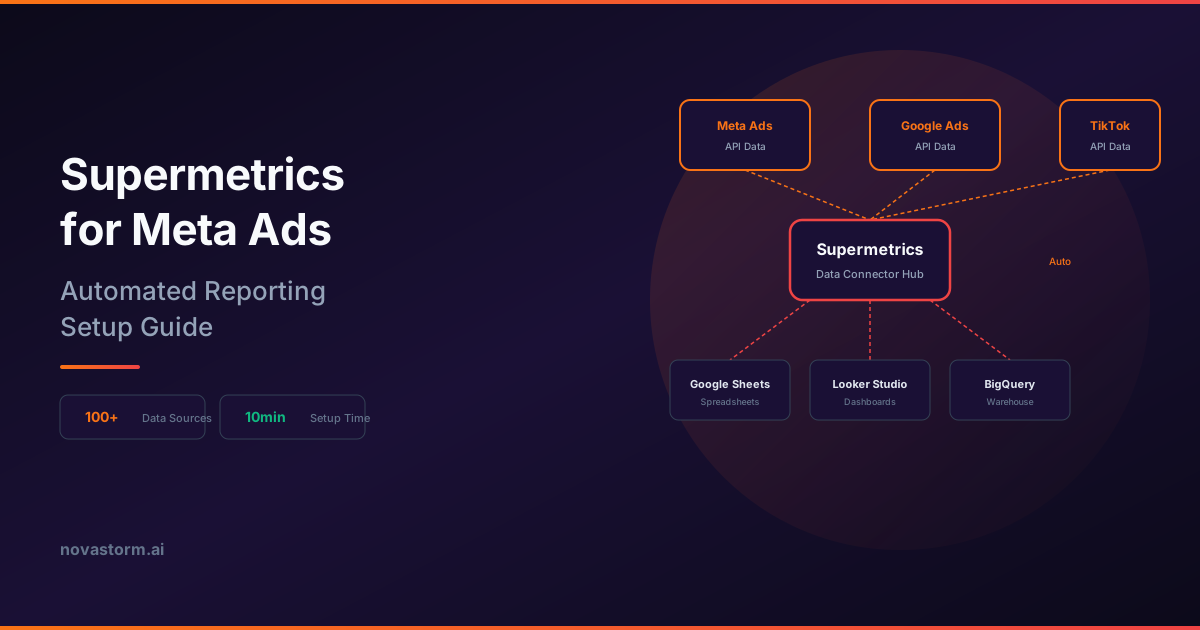
Supermetrics automates extraction of a defined Meta report. Reliability comes from a saved query, reconciled rows and a visible failure state. The fictional query and refresh log below can be copied into your operating checklist; they are not an executed connector request or customer export.
Connect with the right scope
The Supermetrics connection guide distinguishes performance-reporting access from additional lead-data permissions. Select the permitted accounts and intended destination, review private/shared connection scope, and confirm the current subscription supports the account count and schedule. Keep OAuth credentials out of the query record.
A saved teaching query
| Setting | Fictional saved value |
|---|---|
| Query name/version | prospecting_daily_v1 |
| Source/destination | Facebook Ads / controlled spreadsheet |
| Accounts | acct_A; acct_B |
| Date range | 2026-09-01 through 2026-09-02, inclusive |
| Grain | Account ID + campaign ID + date |
| Dimensions | Account ID, currency, campaign ID, campaign name, date |
| Metrics | Amount spent; website purchases |
| Attribution/timezone | Chosen 7-day click-only comparison; UTC for both fictional accounts |
| Filters | Only camp_A and camp_B; no demographic breakdown |
| Currency policy | Keep USD and EUR separate; no conversion |
This is a semantic query specification, not runnable provider JSON. Map fields and options to the actual supported connector. Supermetrics’ report-building guide explains attribution-window options and source currency. Do not combine default, unified and manually selected windows without recording what each returns. Reconcile a Meta export with the same attribution, dates, timezone, filters and deleted-item treatment.
| Date | Account / campaign ID | Name | Currency | Spend | Purchases |
|---|---|---|---|---|---|
| 2026-09-01 | acct_A / camp_A | Prospecting | USD | 100 | 4 |
| 2026-09-02 | acct_A / camp_A | Prospecting | USD | 120 | 6 |
| 2026-09-01 | acct_B / camp_B | Prospecting | EUR | 200 | 5 |
| 2026-09-02 | acct_B / camp_B | Prospecting | EUR | 180 | 4 |
Expected fictional reconciliation: four distinct keys; acct_A USD 220 / 10 purchases gives CPA USD 22; acct_B EUR 380 / 9 gives CPA EUR 42.22. Grouping only by Prospecting obscures two accounts and falsely combines currencies. A real acceptance check records source-export totals, connector totals, differences and the owner’s approval; no live reconciliation is claimed here. See the dashboard join fixture before adding lookup tables.
Refresh history and retain corrections
Stop wasting ad budget
NovaStorm AI cuts Meta Ads CPA by 30% on average. No complex setup required.
Supermetrics’ API notes describe dynamic rate limits, historical and breakdown restrictions, and a recommended refresh window based on the largest platform attribution window. Verify applicable limits and destination behavior. Refresh affected recent dates by stable key rather than appending another copy of each day. Preserve the previous version in an internal audit record.
| Illustrative run | Coverage/status | Change | Owner/action |
|---|---|---|---|
| 2026-09-03 08:00 UTC | Sept 1–2 successful; 4 rows | Baseline above | Reporting owner marks reconciled |
| 2026-09-04 08:00 UTC | Sept 1–3 successful | Sept 1 acct_A purchases revised 4 to 5 | Owner saves +1 late revision; replaces keyed fact |
| 2026-09-05 08:00 UTC | Authentication failed; no new rows | Last successful data remains Sept 4 | Connector owner reauthorizes; dashboard marked stale |
| 2026-09-05 11:00 UTC | Authorized retry succeeds | Reconcile changed dates and row count | Clear stale flag only after acceptance |
The correction makes the original two-day acct_A purchase total 11 and CPA USD 220 / 11 = USD 20. It does not represent an additional USD 220 spend row. The chosen dates and refresh events are illustrative. Record requested coverage, last successful coverage, row count, duplicate-key checks and errors separately; an empty response is not automatically zero spend. Never log access tokens or use a five-minute sleep as a general throttling guarantee.
Keep cross-channel revenue separate
Extracting Meta and Google into the same destination does not reconcile orders. One USD 100 order credited by both reports can produce USD 200 in summed credits; finance still has one order. Use a stable order ledger and documented models if available. Unique reach across separately queried accounts is also not obtained by summing account reach.
Use a reviewed report for one recommendation
After the failure is resolved and outcomes mature, compare acquisition cost with contribution after returns and creative cost. If a campaign appears above the agreed limit, investigate event definition and late corrections before recommending a smaller next test or pause. You can use that evidence while manually reviewing a campaign draft in NovaStorm. This workflow does not establish automatic Supermetrics ingestion or budget changes. Estimate actual license and maintenance costs against measured manual work saved; first-month payback is not assumed.
Published by NovaStorm AI. Worked examples and test fixtures in this article are illustrative, not observed customer results.
Disclaimer: This article was generated with the assistance of AI and reviewed by the NovaStorm AI team. While we strive for accuracy, we recommend verifying specific data points and consulting official sources (linked where available) for critical business decisions.
Ready to automate your Meta Ads?
NovaStorm AI takes full responsibility for your campaigns — from monitoring to optimization.
Start NowMore on Metrics and reporting
Looker Studio and Meta Ads: Building Custom Performance Dashboards
Reproduce a spend-multiplying join, reconcile a corrected Meta dashboard, and test CPA, currencies, freshness and viewer access with fictional input rows.
Triple Whale and Meta Ads: E-commerce Attribution Dashboard
Reconcile Triple Whale credit models with one paid order and its refund, verify integration access, and make budget decisions within measurement limits.
Data Visualization for Meta Ads: Charts That Tell a Story
Verify Meta reporting charts with source rows, weighted CPA, join checks and accessible labels before drawing conclusions from a visual.
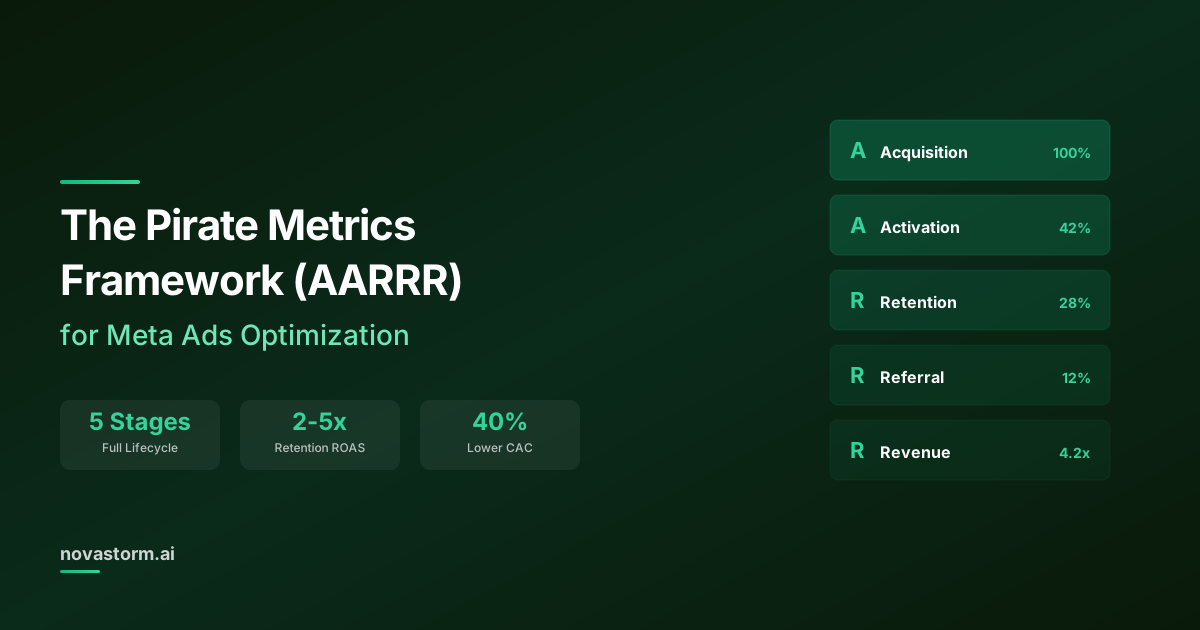
The Pirate Metrics Framework (AARRR) for Meta Ads Optimization
Use AARRR to define acquisition, activation, retention, referral and revenue measures, then prioritize evidence-backed constraints rather than the smallest rate.