

Data Visualization for Meta Ads: Charts That Tell a Story
Verify Meta reporting charts with source rows, weighted CPA, join checks and accessible labels before drawing conclusions from a visual.
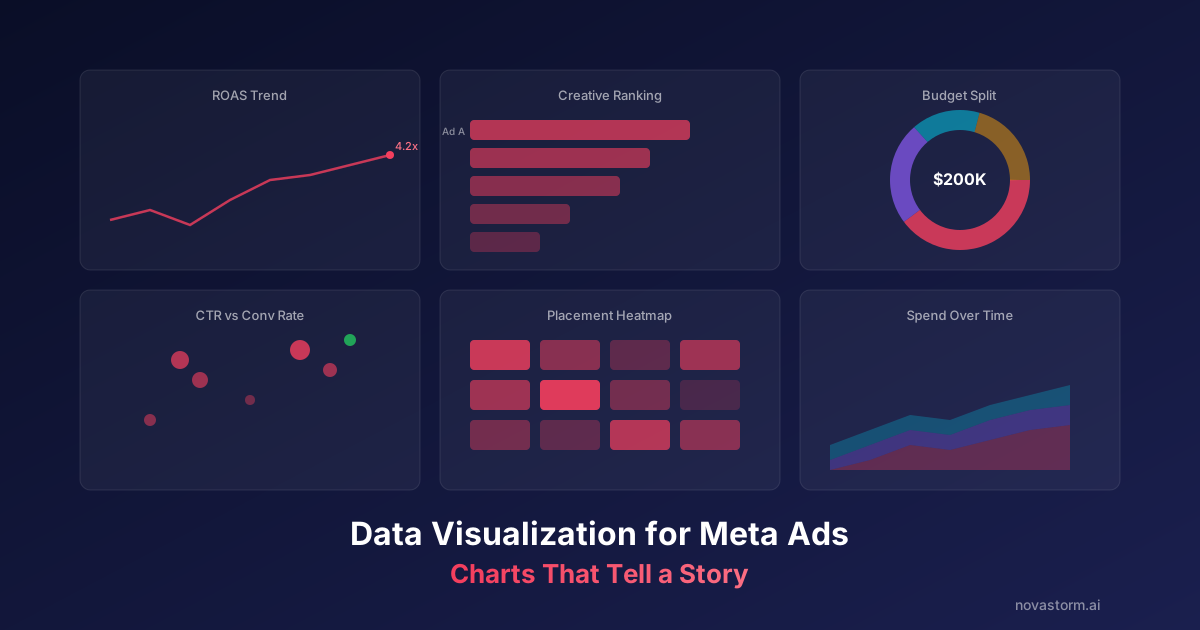
Choose a chart by the question and data grain. A visual can show a pattern but cannot establish its cause. Before styling it, check definitions, totals, joins and the maturity of the outcomes being compared.
| Question | Useful visual | Required context |
|---|---|---|
| Change through time | Line chart | Comparable windows, outcome lag and annotations |
| Magnitude by campaign | Ordered bars | Zero baseline, currency and period |
| Budget composition | Stacked bars | Non-overlapping categories and missing spend |
| Relationship between measures | Scatter plot | Counts, sample and no causal claim |
Source rows and the completed CPA chart
These are synthetic period totals. Purchases are distinct mature paid outcomes with the same definition in both rows.
| Period | Spend USD | Purchases | CPA USD |
|---|---|---|---|
| A | 100 | 10 | 10 |
| B | 900 | 30 | 30 |
| Combined | 1,000 | 40 | 25 |
Chart caption: hypothetical CPA in USD. Combined CPA is ($100 + $900) / (10 + 30) = $25. The unweighted mean of the two period CPAs is ($10 + $30) / 2 = $20; it gives each period equal weight rather than each purchase. The source table is the equivalent nonvisual version, and direct labels make the comparison independent of color. Neither calculation proves a cause or a future winner.
Catch a join that doubles spend
Stop wasting ad budget
NovaStorm AI cuts Meta Ads CPA by 30% on average. No complex setup required.
Hypothetical spend extract: campaign C on September 21 has $100 spend at one campaign/day row. A separate outcomes extract has two rows for that key: orders O1 and O2. Joining campaign/day spend to order-level outcomes produces two $100 rows. Summing the joined spend gives $200 even though the source total is $100.
| Join result | Order ID | Repeated spend |
|---|---|---|
| C / September 21 | O1 | $100 |
| C / September 21 | O2 | $100 |
| Incorrect sum | 2 orders | $200 |
Aggregate the outcomes to the intended campaign/day grain before joining, or keep spend and order calculations separate. Include account, date, currency and any required dimensions in the key; verify uniqueness and unmatched rows. Reconcile spend before and after every join. Google’s blending documentation explains that multiple matches can increase blended row counts.
Check the comparison before acting
- Axes: magnitude bars start at zero. A restricted line-chart range must be labeled. Avoid treating a dual-axis line crossing as a fatigue threshold.
- Samples: show spend and outcome counts alongside ratios. One purchase is weak evidence even if the CPA looks attractive.
- Missing data: distinguish zero spend, zero purchases and an unavailable extract. A zero denominator means CPA is unavailable, not $0.
- Time: mark launches, pricing changes and incomplete outcome windows. A nearby annotation does not prove causality.
- Accessibility: use direct labels, readable contrast and a source table. Do not convey a required distinction solely through red versus green.
W3C’s use-of-color guidance supports an additional visible way to communicate essential distinctions. Review the chart in grayscale and check whether the question can still be answered from labels and values.
Give the report an owner and a bounded follow-up using the dashboard decision workflow. If the evidence supports a new creative or budget hypothesis, prepare its campaign draft in NovaStorm and review the saved fields. The plotted comparison remains a reporting input, not an automatic causal fatigue diagnosis.
Published by NovaStorm AI. Worked examples and proposed tests are labeled in the article.
Disclaimer: This article was generated with the assistance of AI and reviewed by the NovaStorm AI team. While we strive for accuracy, we recommend verifying specific data points and consulting official sources (linked where available) for critical business decisions.
Ready to automate your Meta Ads?
NovaStorm AI takes full responsibility for your campaigns — from monitoring to optimization.
Start NowMore on Metrics and reporting
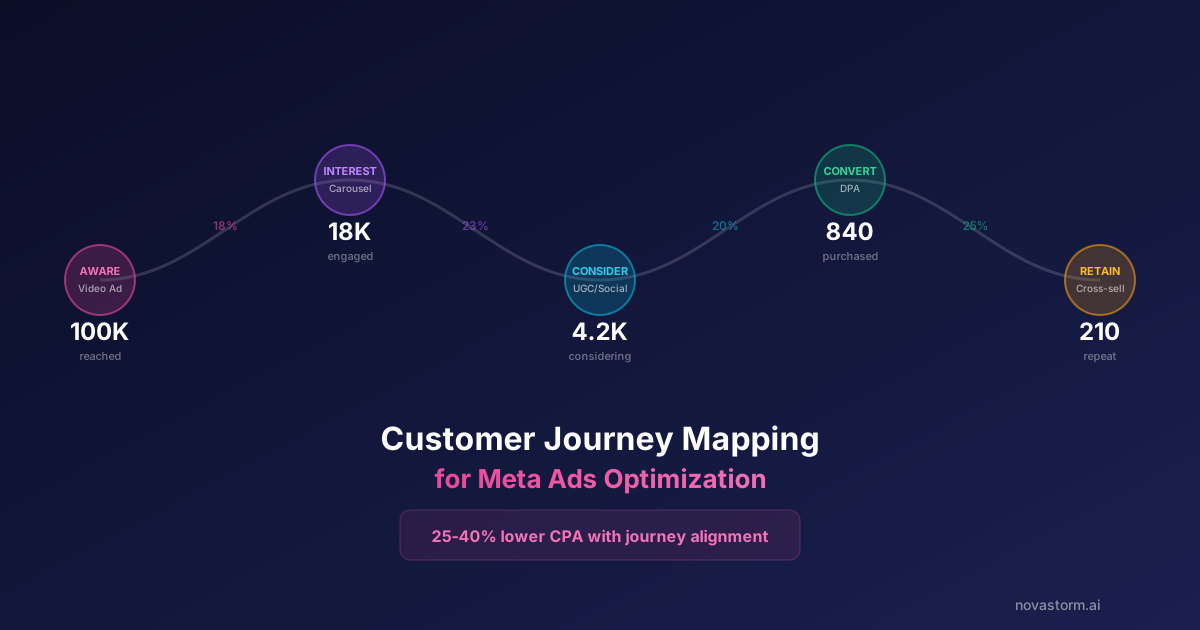
Customer Journey Mapping for Meta Ads Optimization
Build an evidence-based journey map, distinguish interviews from recorded events and test one pricing-message change with costs and mature outcomes.

North Star Metric for Meta Ads: Choosing the Right Optimization Goal
Choose a business success metric and a timely observable optimization signal, then validate their relationship with guardrails and mature cohorts.
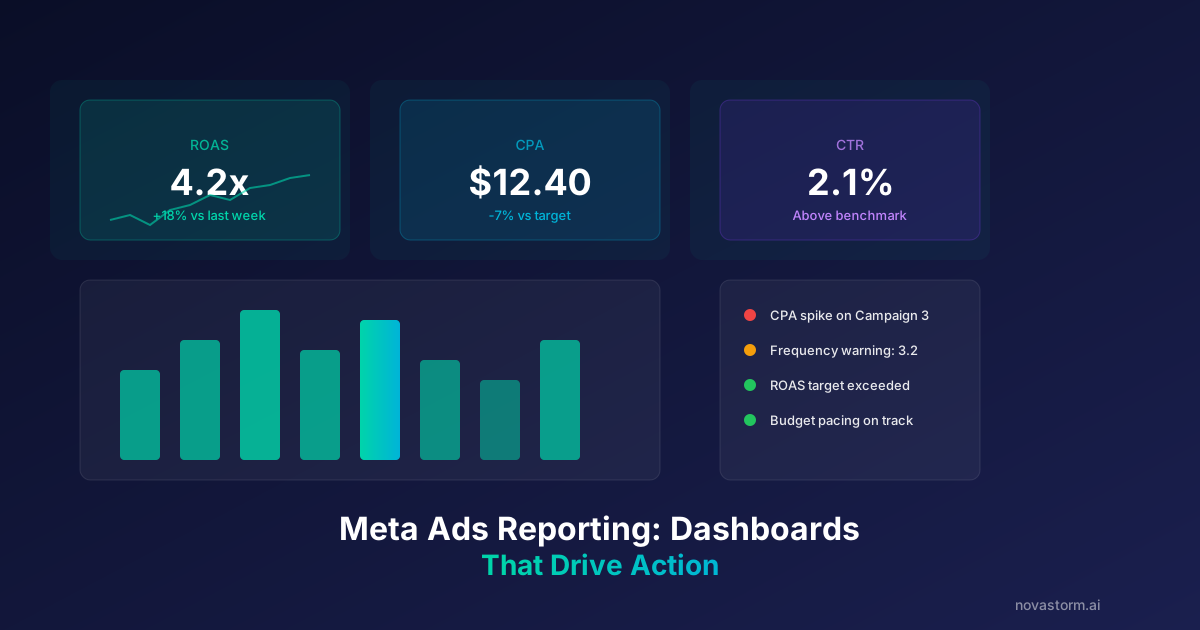
Meta Ads Reporting: Building Dashboards That Drive Action
Build a dated reporting dashboard with explicit gaps, reconciliation cards, owners, approval records and completed-decision reviews.
Looker Studio and Meta Ads: Building Custom Performance Dashboards
Reproduce a spend-multiplying join, reconcile a corrected Meta dashboard, and test CPA, currencies, freshness and viewer access with fictional input rows.