

The Psychology of Color in Meta Ad Creative
Choose a readable Meta ad palette, distinguish drawn labels from native controls, and test one color parameter against mature paid outcomes.
Color can change how an ad is interpreted, but a palette is not a sales forecast. Start with readable text and recognizable brand elements. Treat an association such as “this accent feels reassuring” as a hypothesis for a particular audience, rather than a universal psychological rule.
Distinguish the creative from the native CTA
An action label drawn inside an image is part of the artwork. It is not a separate interactive button, and changing its color does not change the styling of Meta’s native call-to-action control. Keep the actual destination and native CTA selection consistent when comparing artwork. A drawn label such as “See the product details” should accurately describe the destination, without suggesting an interaction the ad cannot provide.
A worked palette with calculated contrast
Illustrative design specification, not a measured advertising experiment: use an ink background #0E0B14, white text #FFFFFF and a darker pink accent #B50940. The ratios below are calculations from the WCAG relative-luminance formula for opaque, flat color pairs; they are not customer performance data.
| Foreground / background | Calculated ratio | Design decision |
|---|---|---|
| #FFFFFF / #0E0B14 | 19.505:1 | Suitable contrast for normal text; still check final size and rendering |
| #FFFFFF / #B50940 | 6.823:1 | Use for readable action-label text |
| #FFFFFF / #F20C59 | 4.223:1 | Below the normal-text AA threshold; darken the pink or choose another pair |
The WCAG contrast criterion specifies at least 4.5:1 for normal text and 3:1 for qualifying large text. Do not round a failing ratio up to the threshold. Enter the actual foreground and background values into WebAIM’s contrast checker. A gradient, photograph, transparency or thin font needs additional inspection; these flat-pair calculations do not establish that an entire exported ad passes.
Preview the palette at mobile size
Stop wasting ad budget
NovaStorm AI cuts Meta Ads CPA by 30% on average. No complex setup required.
- Build a proposed preview with the ink background, a white headline “Find the right fit,” and a dark-pink action label “See the product details.” Keep enough space around the product and text.
- Export in the intended format and inspect the actual placement preview on a phone. Confirm that the smallest text remains legible, the product is recognizable and cropping or interface overlays do not cover the offer.
- Inspect light and dark interface contexts, then check the artwork in grayscale and with a color-vision simulation. Use words and shape as well as color to distinguish price, status and action.
- Record placement, export dimensions, smallest text size, background pair and reviewer decision. This is a preview protocol; the proposed artwork has not been tested with customers.
Use the mobile-first design checklist to review the complete composition. Contrast is a readability criterion, not proof of higher CTR or revenue. Ask a reviewer familiar with the target market to check the actual message instead of assigning fixed meanings to entire countries.
Test one color parameter against a business outcome
Hypothesis to test: changing only the action-label fill improves recognition without attracting less relevant clicks. Choose two readable accent fills. Keep the words, font, size, layout, product, offer, destination and native CTA the same. If text color must also change to remain readable, describe the treatment as a color-pair change rather than a single-fill experiment.
- Define the comparison method, purchase reconciliation, refund cutoff and contribution per order before launch. Separate a randomized comparison, if available, from ordinary delivery across two ads.
- Choose a spend allowance and review window from the decision size and purchase delay. Seven elapsed days alone do not establish adequate evidence or statistical significance.
- Compare mature unique paid orders, cost per retained order and contribution after media. Review CTR as a diagnostic, and retain an inconclusive result when few paid outcomes arrive.
- Save the exact palette and placement with the decision so a later version is reproducible.
Prepare a reviewed brand variant
Include the approved hex colors, contrast pairs, copy and mobile-preview acceptance criteria in a NovaStorm creative brief. Prepare the selected campaign as paused campaign and local ad-set drafts, then review the actual artwork before publication. This is a proposed preparation workflow, not a claim that NovaStorm automatically validates accessibility or identifies a profitable color.
Published by NovaStorm AI. Planning examples are illustrative assumptions, not measured customer results.
Disclaimer: This article was generated with the assistance of AI and reviewed by the NovaStorm AI team. While we strive for accuracy, we recommend verifying specific data points and consulting official sources (linked where available) for critical business decisions.
Ready to automate your Meta Ads?
NovaStorm AI takes full responsibility for your campaigns — from monitoring to optimization.
Start NowMore on Visual creative and design
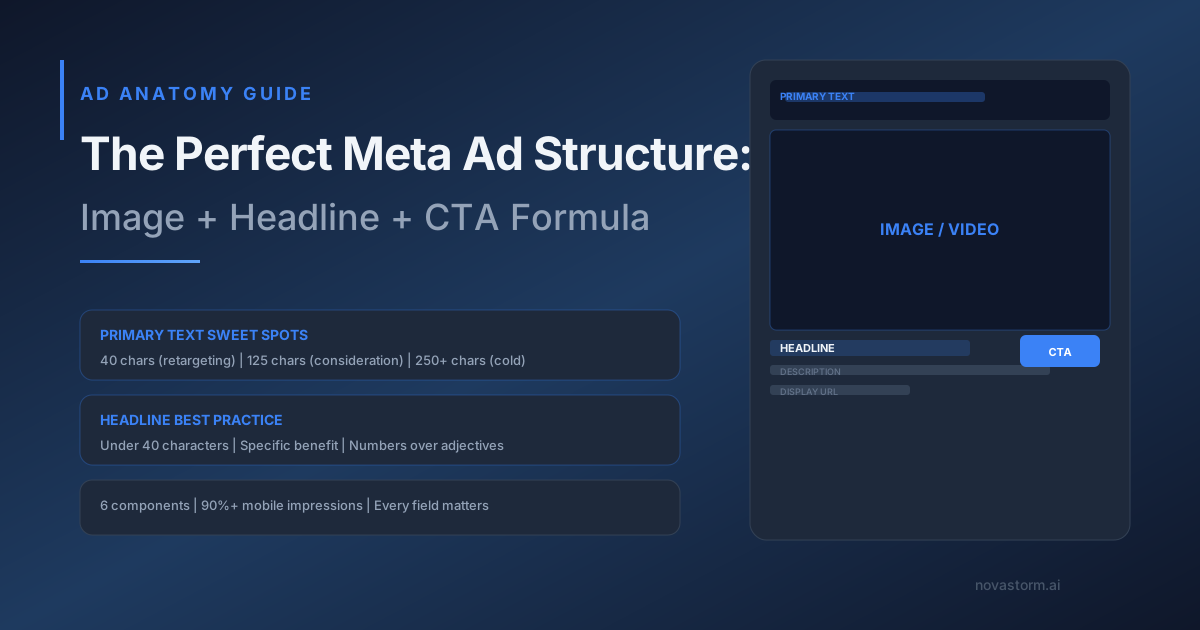
The Perfect Meta Ad Structure: Image + Headline + CTA Formula
Review every ad field across mobile placements, verify the landing-page promise and test one truthful field using mature sales.
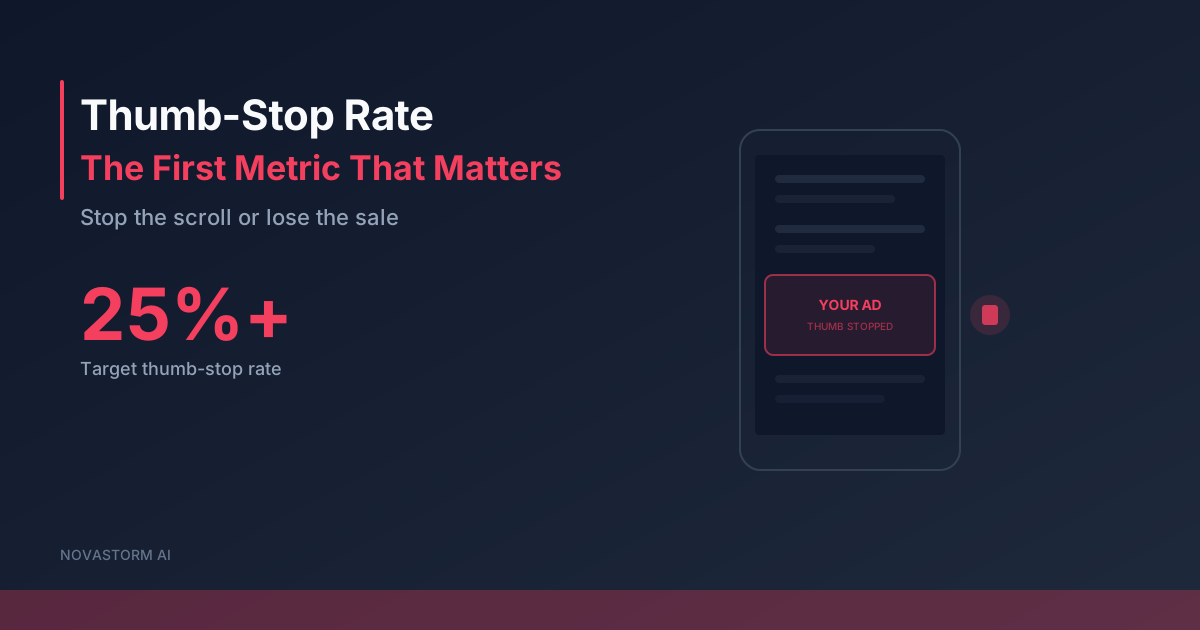
Thumb-Stop Rate: Calculate Attention and Check Acquisition Cost
Calculate thumb-stop rate with a consistent impression denominator and evaluate openings against mature acquisition cost, not attention alone.
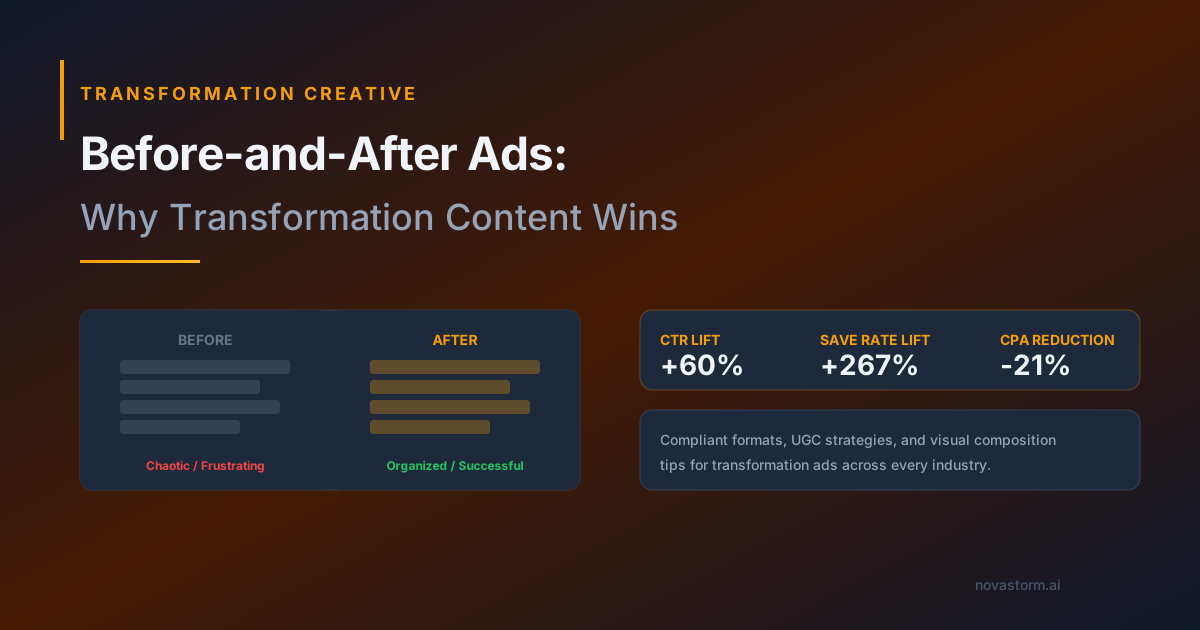
Before-and-After Meta Ads: Check Truth and Policy Before Testing
Evaluate before-and-after creative for truth, industry policy and mature outcomes without assuming a format is compliant or a transformation is typical.
E-commerce Product Photography for Meta Ads: Plan and Test Visual Styles
Plan product-only, contextual and detail photos with accuracy and rights checks, then compare mature customer economics including production cost.