

The Perfect Meta Ad Structure: Image + Headline + CTA Formula
Review every ad field across mobile placements, verify the landing-page promise and test one truthful field using mature sales.
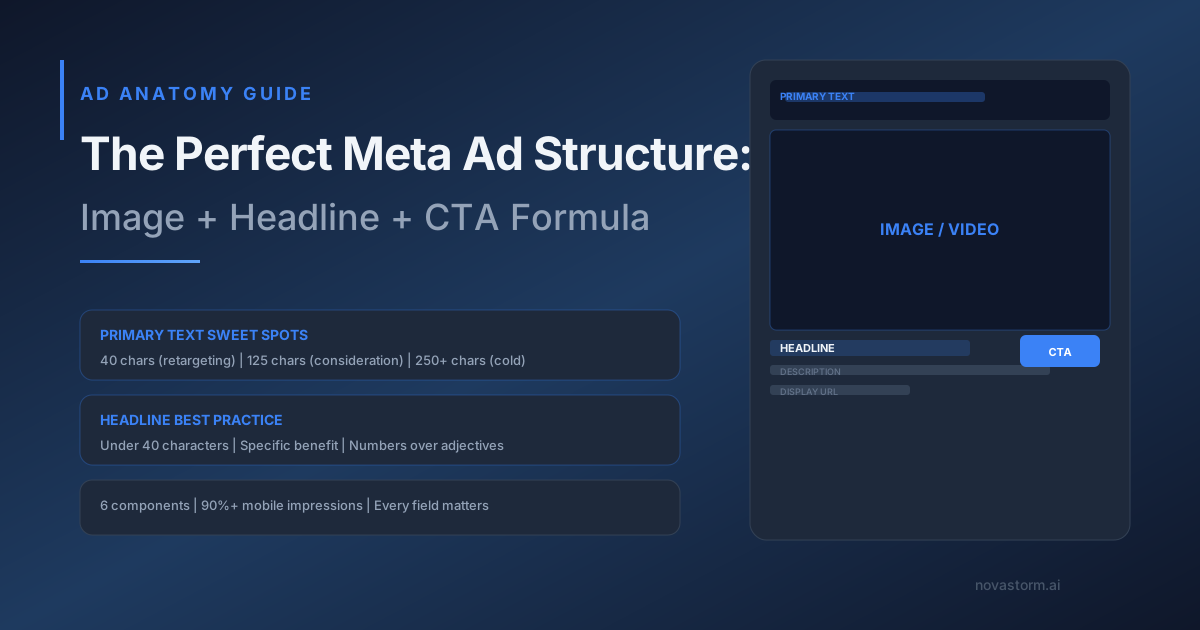
An ad is a promise that must survive the actual placement preview and the click path. Primary text, headline, description and CTA do not necessarily appear identically everywhere. Inspect the fields available for the current account, objective and placement instead of relying on a universal character cutoff.
One ad, three mobile preview checks
Illustrative preview worksheet, not screenshots from a live account. Example offer: a reporting tool. Replace the product facts with verified capabilities before publication; “save ten hours per week” is not an established claim.
| Placement preview | Illustrative visible message | Approval check |
|---|---|---|
| Feed | “Review reporting tasks in one workspace.” / product image | Check the initial visible text, image crop, actual headline/description and CTA |
| Stories | Same verified offer in a vertical layout | Keep essential terms inside the actual unobscured area; inspect controls/CTA overlay |
| Reels | Same offer and visual demonstration | Check caption/CTA overlays, truncation, audio-off understanding and tap destination |
Capture the actual previews with review date and placement, redact private identifiers and record any missing fields. Essential offer terms cannot rely on a description that is hidden. A Feed preview does not approve Stories or Reels. Choose only an available CTA that matches the real next step; do not promise a universal “Watch More” or “no CTA” control.
Replace an unproved ten-hour benefit
Proposed copy: “See how the reporting workflow is organized.” Proposed headline: “Review the workflow.” The landing page must show the actual supported process, pricing and signup conditions. If a future time-saving claim is measured, document task definition, baseline, participants, measurement method and limitations before using it; do not borrow a specific ten-hour number because it sounds credible.
Stop wasting ad budget
NovaStorm AI cuts Meta Ads CPA by 30% on average. No complex setup required.
- Open the ad URL through redirects and verify the promised page, product facts, pricing, stock/availability and form behavior.
- Check mobile readability and whether the promise remains accurate when headline or description disappears.
- Verify CTA availability and final destination in the saved configuration; field behavior can differ by account and placement.
- Approve one version ID with its text, image, URL and claims evidence before delivery.
Test one field against sales
Hypothetical test: compare “Review the workflow” with “See reporting tasks,” keeping the same image, primary text, offer, destination and eligible audience. Use supported assignment, define mature paid-customer CPA and contribution, and approve spend/cash-loss caps. Log actual allocation and conversion delay; if data are sparse, report inconclusive. A higher CTR does not justify a misleading claim.
Your account’s device/placement export and saved preview are the evidence for this campaign; a formula does not supply a CTR forecast.
Prepare and approve in NovaStorm
Use NovaStorm to write the brief and prepare paused campaign materials for human review. This workflow does not validate time savings, placement rendering or statistical significance. Continue with the creative test protocol.
Published by NovaStorm AI. Planning examples are illustrative assumptions, not measured customer results.
Disclaimer: This article was generated with the assistance of AI and reviewed by the NovaStorm AI team. While we strive for accuracy, we recommend verifying specific data points and consulting official sources (linked where available) for critical business decisions.
Ready to automate your Meta Ads?
NovaStorm AI takes full responsibility for your campaigns — from monitoring to optimization.
Start NowMore on Visual creative and design
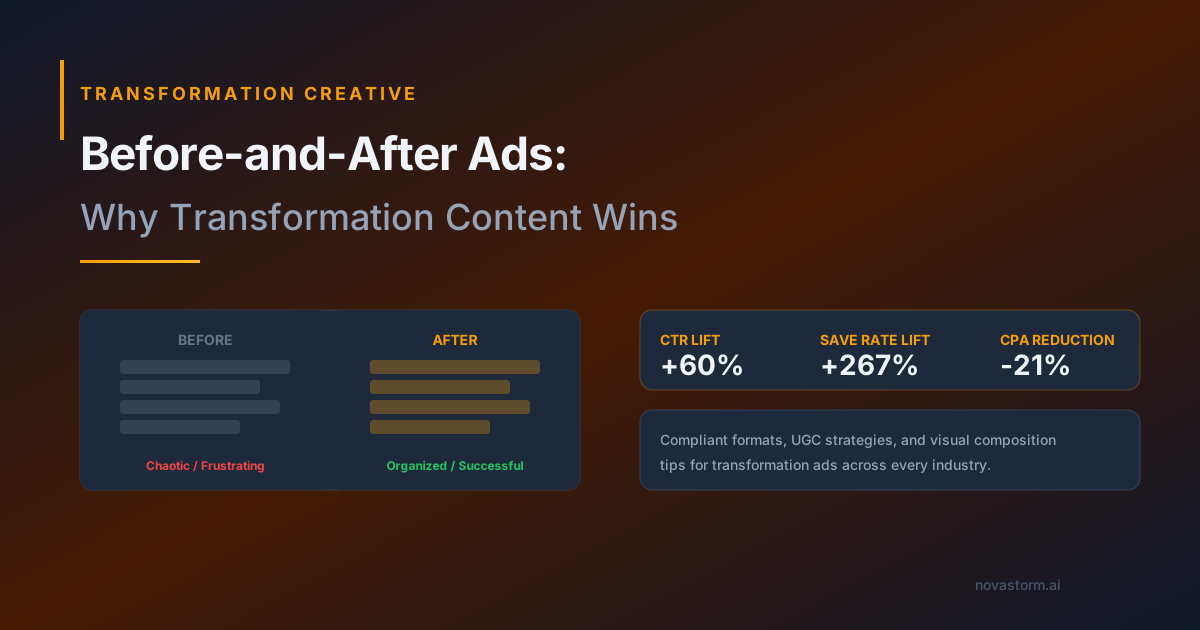
Before-and-After Meta Ads: Check Truth and Policy Before Testing
Evaluate before-and-after creative for truth, industry policy and mature outcomes without assuming a format is compliant or a transformation is typical.
The Psychology of Color in Meta Ad Creative
Choose a readable Meta ad palette, distinguish drawn labels from native controls, and test one color parameter against mature paid outcomes.
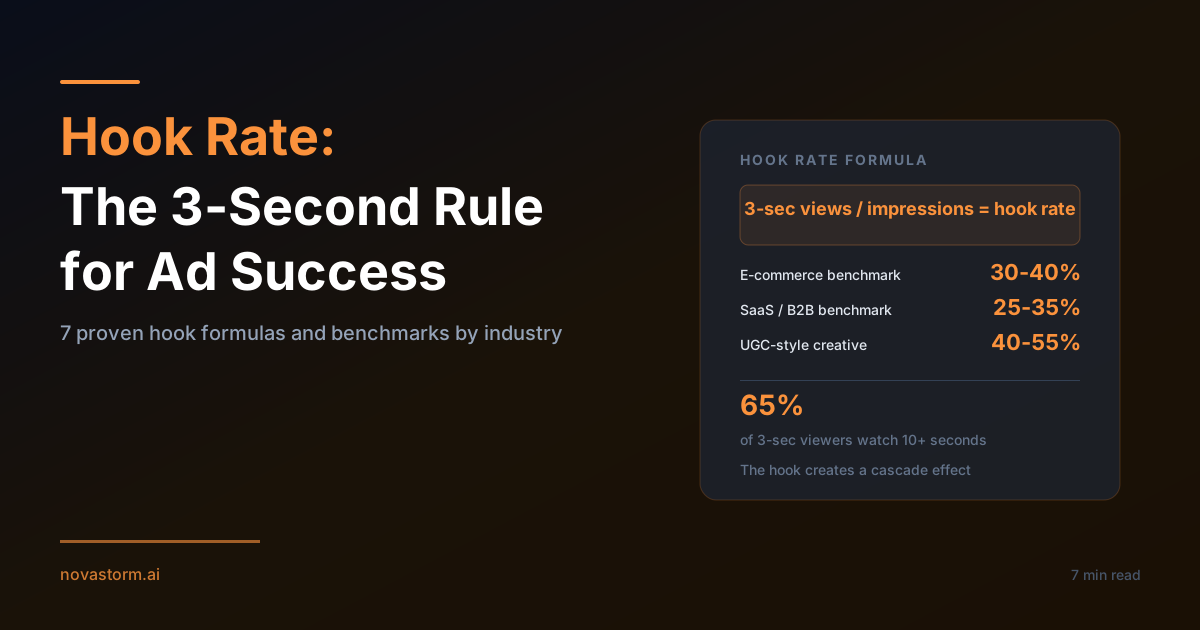
Hook Rate in Meta Ads: Diagnose Attention Without Ignoring Sales
Use hook rate as an attention diagnostic and compare seven openings with mature acquisition outcomes, allocation checks and a loss cap.
Thumb-Stop Rate: Calculate Attention and Check Acquisition Cost
Calculate thumb-stop rate with a consistent impression denominator and evaluate openings against mature acquisition cost, not attention alone.