

Meta Ads Policy Review: Rejections, Categories and Review Requests
Review a Meta ad rejection by its cited standard, market and exact creative, then prepare a documented request without promising approval or a fixed response time.
An ad rejection needs a specific record: the cited policy, affected asset, market, creative version and destination. Neither a competitor’s active ad nor a change from “you” to third-person wording establishes that your ad is acceptable. Review the entire offer and destination against the current rule linked in the notice.
Read the actual notice before rewriting
- Save the rejection text, linked standard, affected ad ID, decision time and any review deadline displayed. Distinguish an individual ad rejection from an account or identity restriction.
- Capture the exact copy, image/video, selected category, Page/Instagram identity, destination URL and intended countries. Keep the saved version so a later edit is not mistaken for the rejected version.
- Inspect the destination on mobile: claims, price, terms, disclosures and the complete intended action. A harmless headline does not resolve a contradictory landing-page promise.
- Assign an owner to the cited issue and decide whether to correct a genuine problem or explain a suspected mistaken decision. Use the available review path for that specific asset.
Meta’s Advertising Standards course covers review and rejection reasons. Start with the current standard in the account notice and Meta’s Advertising Standards, rather than treating a generic checklist as the decision itself.
Teaching copy revisions require review
The following are fictional editing exercises, not rejected ads from a customer and not Meta-approved replacements. They reduce one possible messaging concern; they do not establish product eligibility, legal compliance or approval.
| Teaching original | Candidate revision for review | What still needs checking |
|---|---|---|
| “Are you struggling with debt? We will fix it.” | “Explore the service’s debt-management information and terms.” | The actual service, guarantees, fees, country and applicable financial rules |
| “Your body needs this guaranteed transformation.” | “See the program, activities and participation requirements.” | The underlying product, health/weight claims, imagery and landing page |
| “Everyone qualifies for this bank offer.” | “Read the bank’s eligibility criteria and offer terms.” | Licensing, category, restrictions, actual eligibility and disclosures |
A candidate must describe the real offer. Do not remove an explicit claim while leaving the same implication in imagery or the destination. Do not copy an approved-looking competitor ad as permission: it may involve a different product, market, authorization or review state.
Check categories with a market and date
Category review reference date: October 2, 2026. The current official campaign SDK includes HOUSING, EMPLOYMENT, FINANCIAL_PRODUCTS_SERVICES and ISSUES_ELECTIONS_POLITICS category names. Technical names do not establish eligibility, required authorization or every country’s targeting controls. For each proposed country, save the current category definition and applicable account requirements before launch.
Stop wasting ad budget
NovaStorm AI cuts Meta Ads CPA by 30% on average. No complex setup required.
| Proposed subject | Market-specific verification |
|---|---|
| Housing or employment opportunity | Check category definition, allowed audience controls and non-discrimination requirements for the intended country |
| Financial product or service | Check the current definition, required permissions and allowed controls; do not rely on an old Credit-only checklist |
| Political, electoral or social issue advertising | Check whether paid delivery is allowed in the market before seeking authorization or writing an appeal |
| Other regulated product | Check the specific product rule and local requirements; one category label is not general permission |
Meta’s ads-fairness update states that Special Ad Audiences were discontinued. Do not instruct users to convert lookalikes into that retired tool. Inspect the current allowed controls in the account rather than reconstructing an old interface.
For the EU, Meta’s October 6, 2025 update states that political, electoral and social issue ads can no longer be delivered there. This is a market-specific paid-ad restriction, not a global prohibition on organic discussion. Check the current market rule before planning such a campaign.
Prepare a request-review packet
Hypothetical rejection exercise: assume the notice cites a personal-attribute concern in the financial-service creative. A useful packet contains the actual cited category, the exact rejected version, the full mobile destination capture and a concise explanation tied to the rule. Do not invent a real refusal notice or an appeal outcome.
- Identify the asset and decision, the review option shown in the account and any displayed deadline. Preserve the original and revised versions separately.
- Explain the specific issue: quote only the necessary words from your own creative, identify the relevant context and describe any correction. Include the category and intended countries.
- Attach or reference the destination, creative preview and supporting authorization or product evidence where appropriate. Avoid unnecessary customer personal data.
- Submit through the available Request Review path if offered. Record submission reference, owner, status and next check; follow the actual displayed timing instead of promising a 24–48-hour response.
- If review is unavailable or unsuccessful, use the account’s available support/review guidance. Do not bypass a decision by duplicating an unchanged prohibited offer.
Review readability and publication approval
Use text size and contrast to keep important qualifications readable; a legacy text-coverage percentage is not a complete policy check or a forecast of CPM. The mobile preview protocol helps review the destination and artwork together.
Prepare the corrected message and policy-evidence brief in NovaStorm as paused campaign and local ad-set drafts. A designated user reviews the actual category, identity, destination and version before publication. NovaStorm draft preparation is not legal review or a guarantee of Meta approval.
Published by NovaStorm AI. Planning examples are illustrative assumptions, not measured customer results.
Disclaimer: This article was generated with the assistance of AI and reviewed by the NovaStorm AI team. While we strive for accuracy, we recommend verifying specific data points and consulting official sources (linked where available) for critical business decisions.
Ready to automate your Meta Ads?
NovaStorm AI takes full responsibility for your campaigns — from monitoring to optimization.
Start NowMore on Meta platform and automation
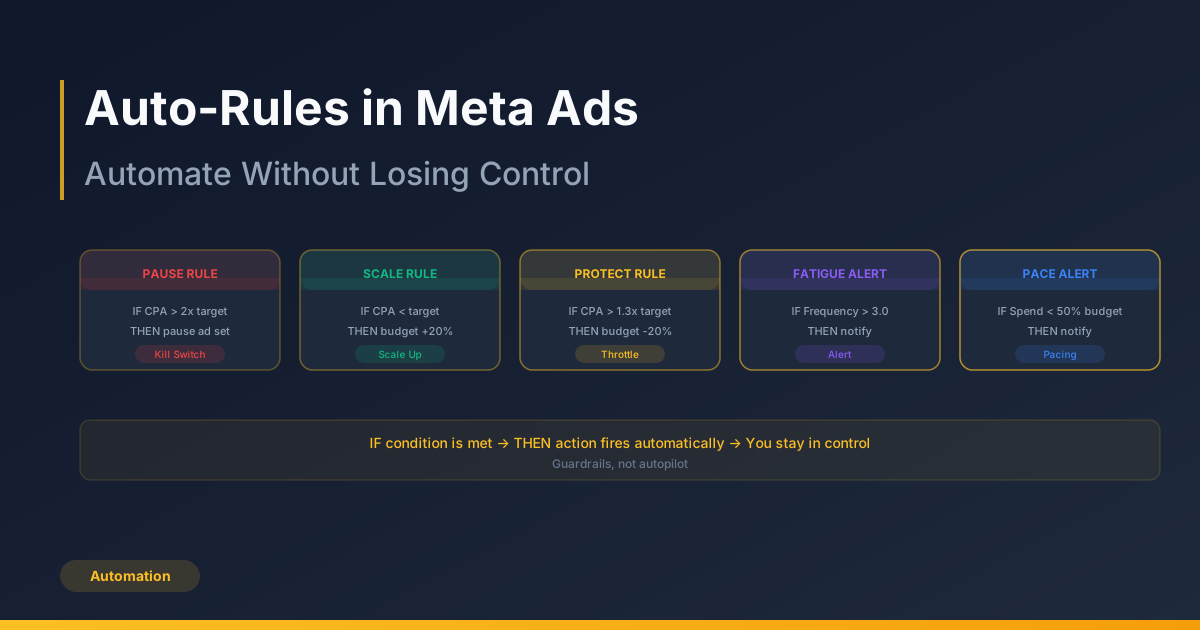
Auto-Rules in Meta Ads: Automate Without Losing Control
Design automated-rule guardrails around cash, mature outcomes and cooldowns, with a false-trigger journal before enabling actions.
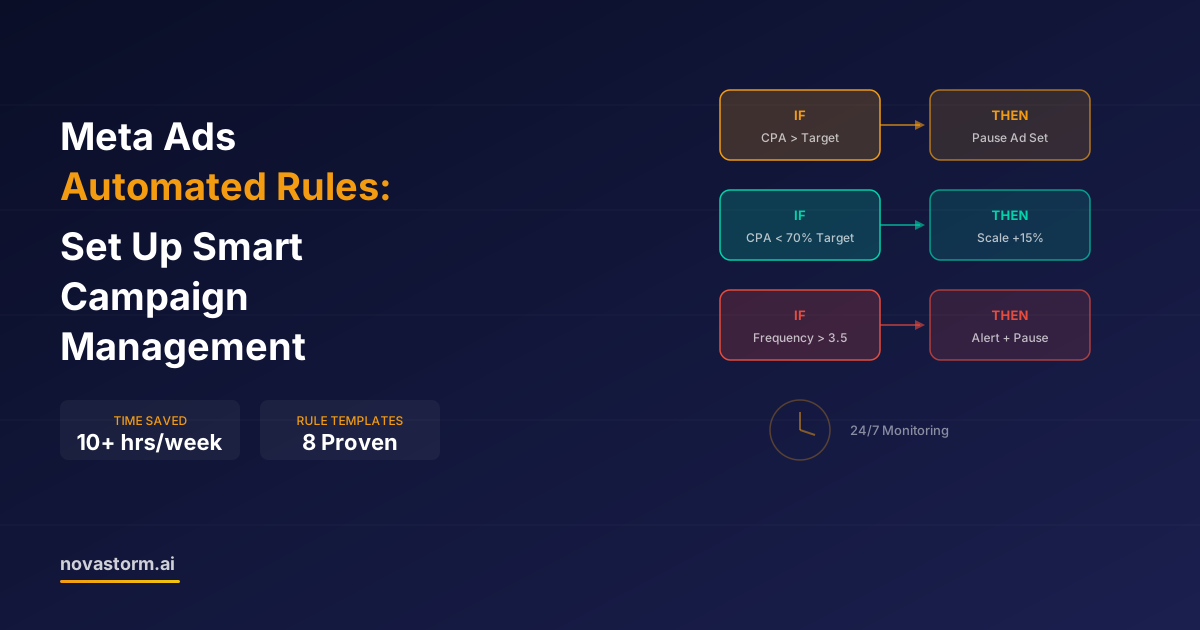
Meta Ads Automated Rules: Set Up Smart Campaign Management
Design Meta automated rules with mature inputs, zero-conversion handling, conflict priority, execution checks and a capped owner-approved budget.
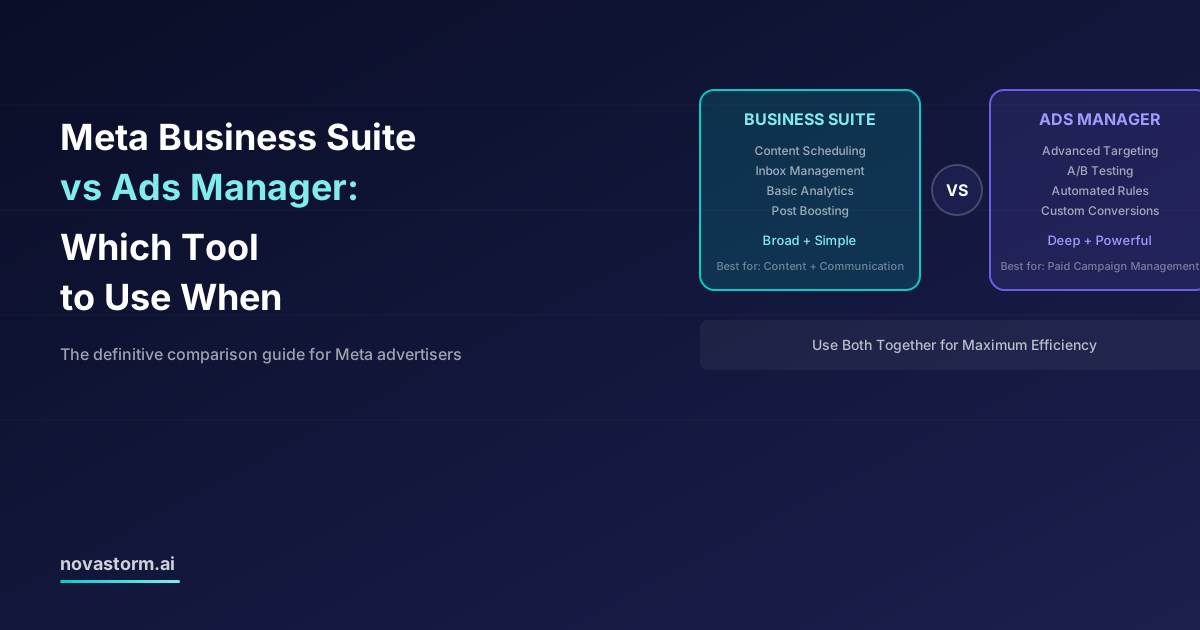
Meta Business Suite vs Ads Manager: Which Tool to Use When
Choose Business Suite or Ads Manager by the booking, publishing, inbox and reporting controls your task requires, with a saved-setting checklist.
Meta Marketing API: Automating Campaign Management at Scale
Build reviewable Meta API operations with a versioned paused campaign example, saved-state checks, dependency handling and careful retry policies.