

GA4 Recommended E-Commerce Events for Meta Ads: Funnel Setup and Channel Tagging
Validate GA4 e-commerce payloads for add_to_cart, begin_checkout, and add_payment_info while aligning Meta UTM tagging to satisfy Paid Social channel grouping rules.

AI-generated conceptual illustration; not a platform screenshot or customer result.
Attribution and E-Commerce Funnel Integrity in GA4
Tracking Meta advertising performance inside Google Analytics 4 requires two systems to align seamlessly: correct campaign URL tagging that satisfies GA4's default channel definitions, and schema-compliant e-commerce event instrumentation across the store checkout funnel. When UTM parameters are misconfigured, traffic misclassifies or loses attribution entirely. Similarly, when e-commerce events lack mandatory parameters, checkout funnels in GA4 Monetization reports break.
To prevent attribution fragmentation across campaign traffic: Destination URLs should consistently include utm_source, utm_medium, and utm_campaign parameters to prevent attribution gaps. Source. Scope: Google Analytics 4 custom URL parameter best practices. Omitting required UTM parameters causes traffic dimensions to display (not set) values in GA4 acquisition reports. Source. Scope: Google Analytics 4 traffic source reporting. Understanding how GA4 evaluates campaign query parameters ensures that incoming paid social clicks are attributed to the correct channel grouping rather than collapsing into unassigned buckets.
Aligning Meta UTM Parameters with GA4 Paid Social Rules
GA4 evaluates session dimensions using deterministic regex rules applied to source and medium values. For campaigns managed outside Google platforms, traffic categorization relies on strict string matching:
- For manual campaign traffic, GA4 classifies sessions as Paid Social when the source matches Google's list of recognized social sites and the medium matches the regex ^(.*cp.*|ppc|retargeting|paid.*)$. Source. Scope: Google Analytics 4 Default Channel Group manual traffic rules.
- Traffic that fails to match any channel grouping rule is assigned the Unassigned channel value in GA4 reporting. Source. Scope: Google Analytics 4 Default Channel Group definitions.
Consider how campaign links should be structured: Hypothetical example. All inputs are assumed for teaching purposes and are not customer results. An e-commerce retailer tagging a Meta ad with destination URL https://example.com/product-page?utm_source=facebook&utm_medium=paid_social&utm_campaign=summer_sale&utm_content=carousel_v1. Scope: Hypothetical example. All inputs are assumed for teaching purposes and are not customer results. Using recognized source tags such as facebook or instagram combined with a compliant medium like paid_social or cpc ensures immediate categorization into the Paid Social channel group.
| Meta Ad Parameter | Recommended Value | GA4 Target Dimension | Channel Grouping Impact |
|---|---|---|---|
| utm_source | facebook | instagram | fb | Session source | Matches recognized social site list |
| utm_medium | paid_social | cpc | paid | Session medium | Satisfies paid medium regex rule |
| utm_campaign | Meta campaign name macro | Session campaign | Populates campaign reporting without fragmentation |
| utm_content | Meta ad name macro | Session manual ad content | Enables creative-level conversion drilldowns |
| utm_term | Meta placement macro | Session manual term | Captures placement breakdown data |
Always maintain consistent lowercase formatting across all UTM parameters. In GA4, query parameter evaluation is case-sensitive for custom reports, and inconsistent casing across ad sets can create separate reporting rows for identical campaigns.
Configuring GA4 Recommended E-Commerce Funnel Events
Capturing mid-funnel actions between the initial landing page click and the final transaction requires instrumenting GA4's standard recommended e-commerce events: add_to_cart, begin_checkout, and add_payment_info. Each event requires structured event-level and item-scoped parameters to compute monetization metrics accurately.
For revenue and basket value computation: The monetary value parameter should equal the sum of price multiplied by quantity across items, excluding tax and shipping fees. Source. Scope: GA4 recommended e-commerce events (add_to_cart, begin_checkout, add_payment_info). Whenever value is set on an e-commerce event, currency is required for accurate revenue computation. Source. Scope: GA4 recommended e-commerce event parameters. The event currency parameter must be formatted as a standard 3-letter ISO 4217 string. Source. Scope: GA4 recommended e-commerce events (add_to_cart, begin_checkout, add_payment_info).
Stop wasting ad budget
NovaStorm AI cuts Meta Ads CPA by 30% on average. No complex setup required.
| Event Name | Required Event Parameters | Required Item Parameters | Funnel Step in GA4 Reporting |
|---|---|---|---|
| add_to_cart | currency, value, items | item_id OR item_name | Tracks initial product selection and cart addition |
| begin_checkout | currency, value, items | item_id OR item_name | Initiates the formal checkout sequence |
| add_payment_info | currency, value, items, payment_type (optional) | item_id OR item_name | Records payment detail submission before final order |
In addition to core properties, custom attributes can be passed inside the payload: The GA4 items array accepts standard item parameters and supports up to 27 custom item-scoped parameters. Source. Scope: GA4 items array schema. This allows e-commerce teams to pass attributes such as product color, size variant, or availability status directly within the e-commerce schema.
Validating Payloads in Browser and DebugView
Before pushing tracking changes live across Meta campaigns, verify both UTM capture and event dispatching through standard diagnostic workflows:
- Inspect Network Calls: Filter browser developer network tools for
/g/collectrequests to confirm thaten=add_to_cart,en=begin_checkout, anden=add_payment_infosend validcu(currency) andep.valueparameters. - Verify GA4 DebugView: Open the Admin panel in GA4, navigate to DebugView with Google Tag Assistant enabled, and confirm that events trigger with the correct
itemsarray structure. - Audit Channel Categorization: Check real-time traffic in GA4 to confirm that sessions generated from test URLs populate under Paid Social rather than Unassigned.
Do not include tax or shipping charges in the value parameter for add_to_cart, begin_checkout, or add_payment_info events. GA4 expects the value field on mid-funnel e-commerce events to represent pure merchandise totals (sum of item unit prices multiplied by quantities).
Troubleshooting Common Tagging and Payload Failures
When e-commerce reporting displays discrepancies or missing channel attribution, systematically audit the following common failure points:
- Redirect URL Stripping: Ensure that e-commerce server redirects (such as HTTP to HTTPS or trailing slash normalization) preserve all query string parameters without stripping UTM tags.
- Currency Parameter Omission: If the monetary value parameter is passed without an accompanying 3-letter ISO 4217 currency code, GA4 will fail to aggregate revenue and value metrics correctly across reports.
- Malformed Items Array: Confirm that the items property is structured as an array of objects rather than a single string or flattened object.
For teams expanding their tracking governance across complex campaigns, reviewing your complete tracking taxonomy alongside UTM parameters for Meta Ads and using NovaStorm to prepare and review campaign parameters ensures robust data hygiene before deploying ad spend.
Disclaimer: This article was generated with the assistance of AI and reviewed by the NovaStorm AI team. While we strive for accuracy, we recommend verifying specific data points and consulting official sources (linked where available) for critical business decisions.
Ready to automate your Meta Ads?
NovaStorm AI takes full responsibility for your campaigns — from monitoring to optimization.
Start NowMore on Tracking and first-party data
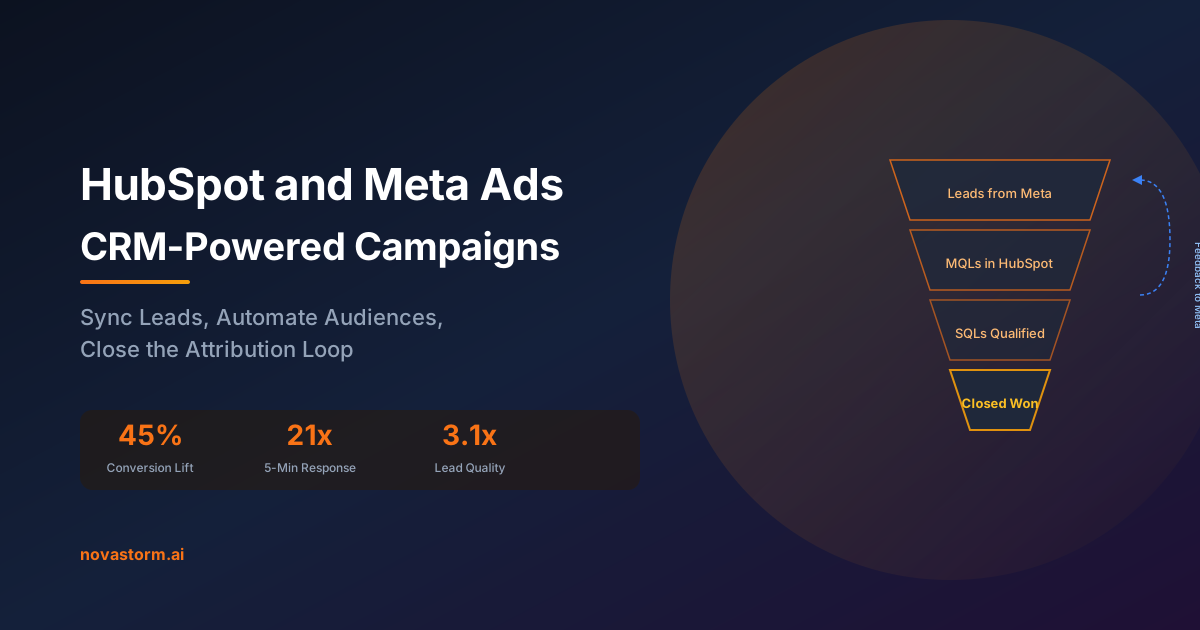
HubSpot and Meta Ads: CRM-Powered Advertising Campaigns
Define HubSpot lead quality, test lifecycle and retry behavior, and approve a supported Meta campaign goal without mistaking stages for revenue.
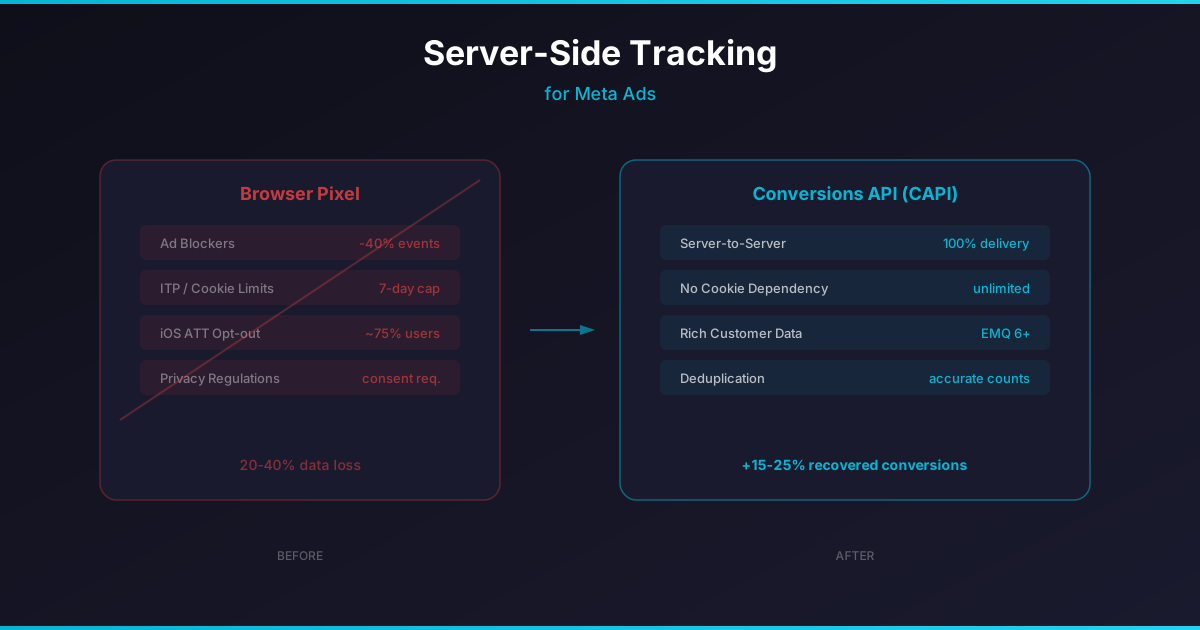
Server-Side Tracking for Meta Ads: Why It Matters More Than Ever
Design a consent-gated server-side event flow, recover from delivery failures, and distinguish source persistence from Meta CAPI acceptance.
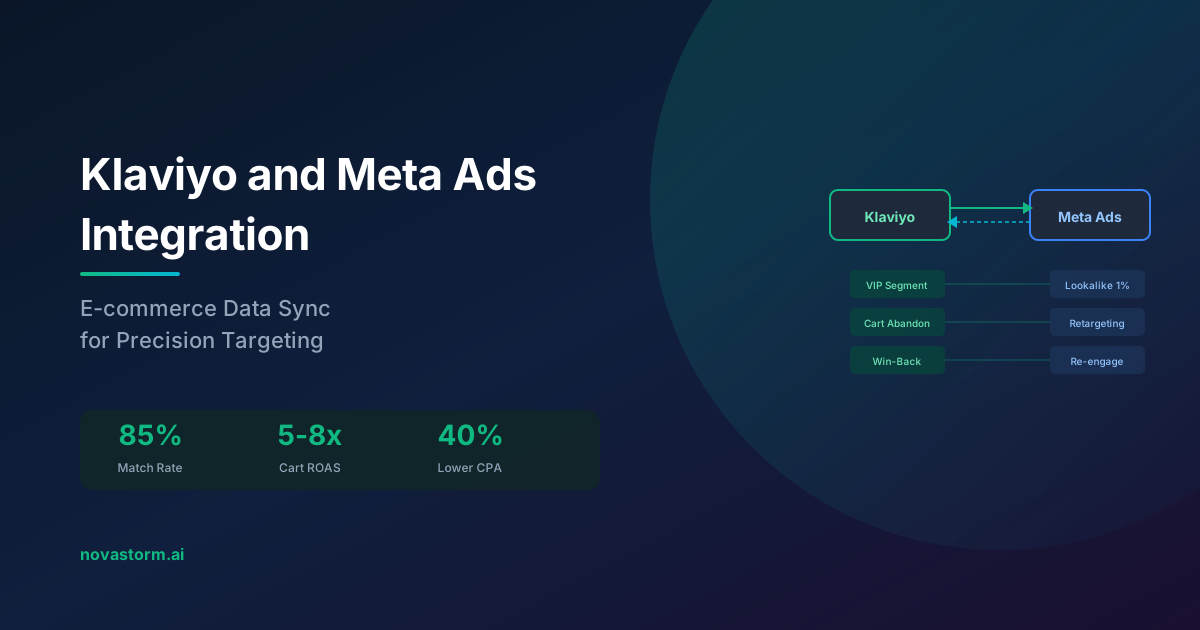
Klaviyo and Meta Ads Integration: E-commerce Data Sync
Verify Klaviyo lead intake, audience movement and recent-buyer exclusions before using a segment in an approved Meta campaign brief.
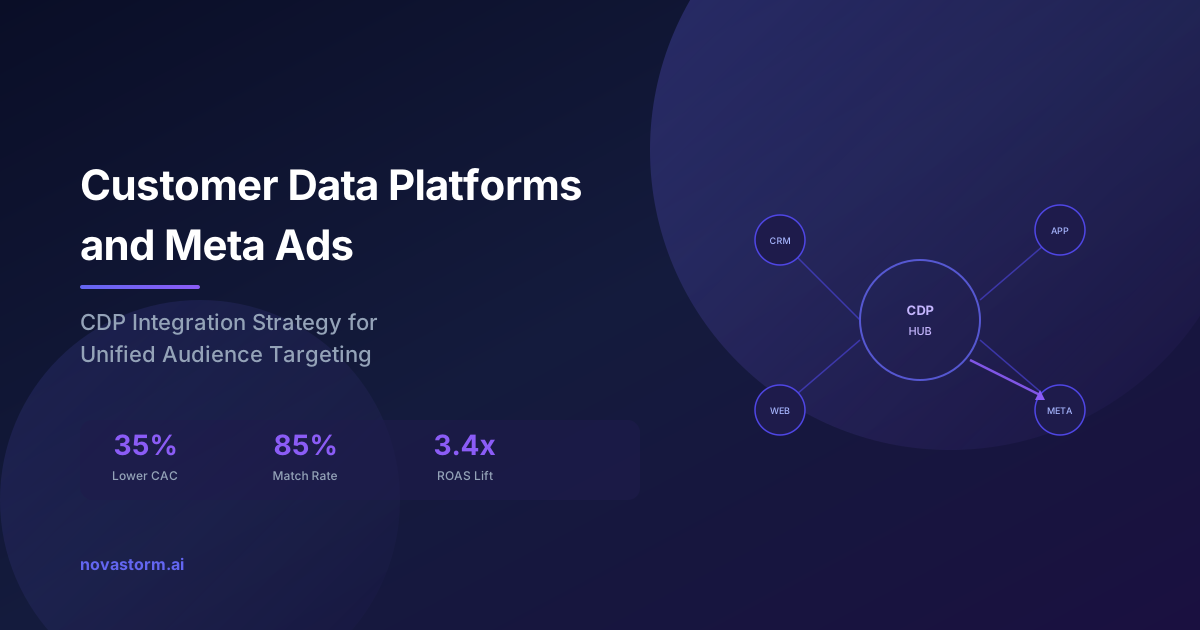
Customer Data Platforms and Meta Ads: CDP Integration Strategy
Map four CDP flows, assign connector ownership, test identity and removals, and use verified audience data in an approved campaign brief.