

HubSpot and Meta Ads: CRM-Powered Advertising Campaigns
Define HubSpot lead quality, test lifecycle and retry behavior, and approve a supported Meta campaign goal without mistaking stages for revenue.
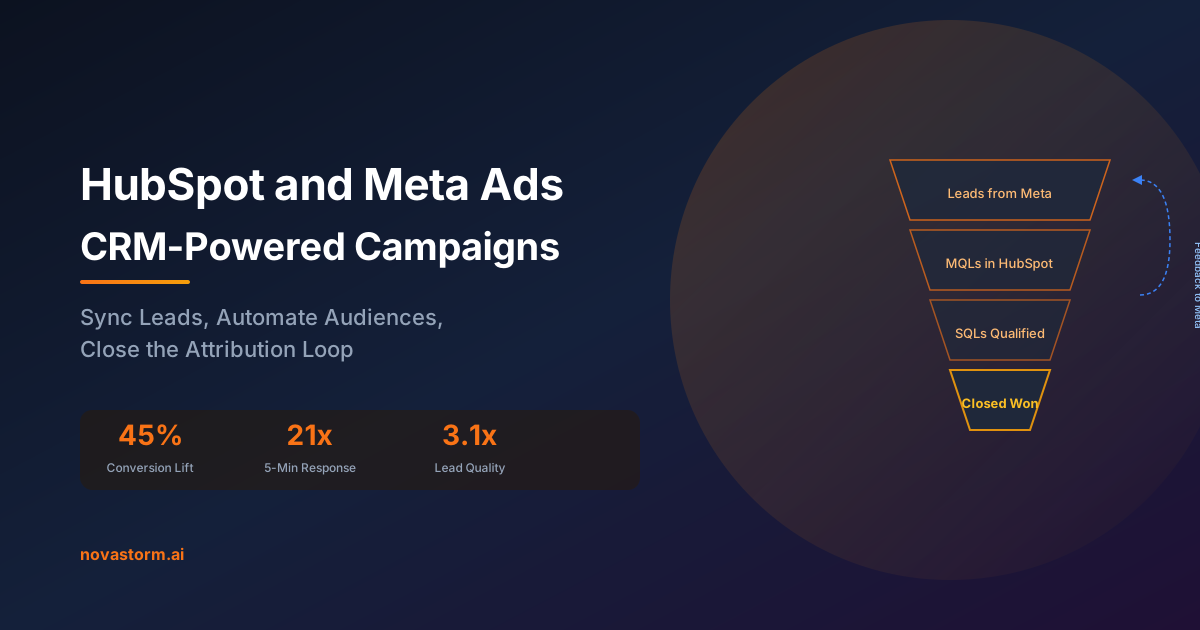
A HubSpot contact becoming qualified is not the same event as an order being paid. Design the lifecycle definition, supported trigger and source timestamp before sending CRM quality signals to Meta. A stage estimate must not be represented as collected revenue.
Check subscription and trigger scope
The HubSpot conversion-event documentation, updated September 9, 2026, lists Marketing Hub Starter, Professional and Enterprise with different event allowances. Check the actual subscription and account configuration. It describes supported form, lifecycle and page-view triggers; a deal-stage transition is not automatically a supported lifecycle event.
The documentation restricts relevant form and lifecycle changes to those occurring after event creation. Its lifecycle optimization path also has lead-campaign and Conversion Leads conditions. Verify the specific instant-form campaign and current setup before expecting the signal to be used. Review tracking ownership and consent before connecting a pixel: adding another source can duplicate existing collection.
A synthetic contact through qualification and payment
Unexecuted fixture: TEST-C1 is a controlled synthetic contact. October 2 timestamps are UTC and the internal identifiers below are fixture keys, not fields assumed editable in HubSpot’s partner integration. Record the actual emitted event name and identifier from available diagnostics; do not claim the connector lets you set them.
| Source action / time | Fixture identity | Expected business meaning |
|---|---|---|
| 10:00 form enquiry | TEST-C1 / TEST-F1 | Valid lead; no purchase revenue |
| 11:00 qualification approved | TEST-C1 / TEST-Q1 | One accepted qualification transition |
| 11:05 phone spelling edit | TEST-C1 / unchanged TEST-Q1 | No new unique qualification |
| October 9, 14:00 captured payment | TEST-C1 / TEST-O1 | One actual paid transaction in payment ledger |
The payment row is a separate commerce acceptance test. It is not a promise that HubSpot’s lifecycle connector emits Purchase or contains payment evidence. Keep opportunity estimate, configured event value and captured revenue in separate fields and reports. A new logical order requires its own identity even if it belongs to the same contact.
Stop wasting ad budget
NovaStorm AI cuts Meta Ads CPA by 30% on average. No complex setup required.
Regression, history and retry tests
| Injected case | Acceptance criterion | Failure response |
|---|---|---|
| Repeated edit while qualified | Unique qualification count remains one | Investigate re-triggering or duplicate collection |
| Historical qualified contact imported | Not presented as a new observed qualification | Hold import and inspect trigger behavior |
| Stage regresses, then returns | Chosen requalification policy documented; same person not counted twice as newly acquired | Separate transition counts from unique-person outcome |
| Delivery retry | Same logical event identity where exposed | Inspect partner diagnostics; do not invent override capability |
| Payment refund | Financial ledger revised separately | Do not assume a lifecycle rollback reverses Meta purchase value |
Meta’s server-event identity contract explains the role of event_name and event_id in browser/server deduplication. Partner controls and log availability can be limited. If identity or retry behavior cannot be observed, record that boundary and do not label the test passed. Accepted requests, unique contacts, attributed results and paid orders are separate totals.
The tracking ownership checklist helps inventory existing browser collection before adding another integration. Use an observed sales delay for reconciliation rather than extending an attribution window by assumption.
Agree on the campaign outcome
After the supported quality signal passes acceptance, write a NovaStorm campaign brief specifying the verified lead goal, qualification definition, current account eligibility and loss limit. Prepare a paused draft for approval. Choosing a qualified-lead goal is a proposed campaign decision; it does not establish a built-in HubSpot integration, payment transmission or guaranteed improvement. Measure the campaign hypothesis separately from connector correctness.
Published by NovaStorm AI. Worked examples and test fixtures in this article are illustrative, not observed customer results.
Disclaimer: This article was generated with the assistance of AI and reviewed by the NovaStorm AI team. While we strive for accuracy, we recommend verifying specific data points and consulting official sources (linked where available) for critical business decisions.
Ready to automate your Meta Ads?
NovaStorm AI takes full responsibility for your campaigns — from monitoring to optimization.
Start NowMore on Tracking and first-party data
Klaviyo and Meta Ads Integration: E-commerce Data Sync
Verify Klaviyo lead intake, audience movement and recent-buyer exclusions before using a segment in an approved Meta campaign brief.
GA4 Recommended E-Commerce Events for Meta Ads: Funnel Setup and Channel Tagging
Validate GA4 e-commerce payloads for add_to_cart, begin_checkout, and add_payment_info while aligning Meta UTM tagging to satisfy Paid Social channel grouping rules.
Customer Data Platforms and Meta Ads: CDP Integration Strategy
Map four CDP flows, assign connector ownership, test identity and removals, and use verified audience data in an approved campaign brief.
Google Tag Manager and Meta Pixel: Advanced Setup Guide
Set up Meta Pixel in GTM with explicit tag ownership, confirmed-action data-layer events, tested consent controls and separate server delivery.