

Product Catalog Ads on Meta: Feed and Event Setup Checklist
Validate a product catalog, match event IDs, repair feed errors, and review a high-margin product set before planning catalog ads.
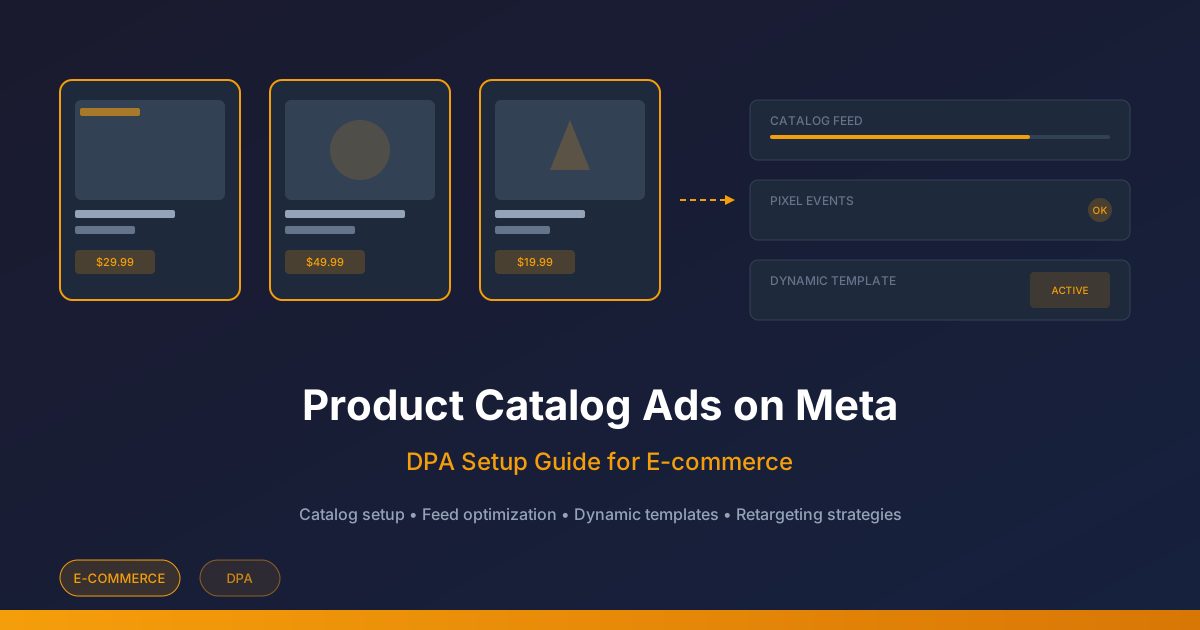
Catalog advertising depends on consistent product data, permitted events and the actual catalog configuration. Use this guide to prepare and check a small product set before spending. Confirm permissions, supported catalog/campaign options and the current importer schema in the account; this is not a promise of automatic integration or better ROAS.
Prepare a minimal synthetic catalog
The following two rows are fictional training data. The example.invalid destinations and image paths must be replaced with working store URLs before import. Confirm all required fields, formats and image requirements against the importer being used; this table is a compact example, not the complete current feed specification.
| id | title | price / availability | link / image_link | custom_label_0 |
|---|---|---|---|---|
| BAG-BLUE | Blue everyday bag | 80.00 USD / in stock | https://example.invalid/bag-blue / https://example.invalid/bag-blue.jpg | high_margin |
| BAG-BLACK | Black everyday bag | 80.00 USD / in stock | https://example.invalid/bag-black / https://example.invalid/bag-black.jpg | standard_margin |
Meta’s official product SDK includes retailer_id, custom labels and image-fetch status. These are technical fields; verify the importer mapping rather than equating a platform object ID with your store identifier.
Reconcile events with the exact product identifier
Use one documented identifier convention through feed and event integration. In this illustrative single-product path, the catalog identifier is BAG-BLUE and ViewContent/AddToCart/Purchase content_ids contains ["BAG-BLUE"], with the relevant value and currency checked separately. Confirm the integration maps to the matching item, including variants and capitalization. The official event SDK describes product IDs in content_ids and distinguishes product from product_group.
Stop wasting ad budget
NovaStorm AI cuts Meta Ads CPA by 30% on average. No complex setup required.
| Failure | Diagnosis | Acceptance after repair |
|---|---|---|
| Event sends BLUE but feed uses BAG-BLUE | Compare captured event and imported retailer identifier | Same intended variant resolves in the catalog diagnostic |
| Two conflicting rows use BAG-BLUE | Trace duplicate source records and sync ownership | One authoritative row with the intended stock and price |
| Image cannot be fetched | Check public fetch response, URL, file and importer diagnostic | Image fetch succeeds and the saved preview shows the correct product |
| Purchase occurs twice | Reconcile order and event records across collection paths | One business order and correctly deduplicated event reporting |
Review the high-margin set before launch
Synthetic economics: both bags sell for $80. Blue has $50 variable costs, leaving $30 before advertising; Black has $65 costs, leaving $15. If the business wants $10 contribution after advertising, candidate CPA ceilings are $20 and $5 respectively. These assumptions do not predict demand or delivery. Refunds, fees and shipping must be included in the real calculation.
- Filter the actual catalog by the agreed high_margin label and inspect the resulting item IDs and count.
- Capture the actual diagnostic status and saved placement preview. This guide supplies a procedure, not an account screenshot.
- Verify image, title, price, stock, destination, discount validity and checkout total for each included item. Hold launch if the feed or preview is wrong.
- Approve a small spend/cash-loss limit and a maturity period based on real purchase delay. Allocate prospecting and retargeting from serviceable demand and marginal contribution, not a fixed percentage.
- Reconcile mature net orders and contribution. Attributed retargeting orders do not establish incremental sales; use a feasible controlled comparison for that question.
A Shopify or WooCommerce connector requires its own permissions, mapping and sync verification. NovaStorm can prepare a creative brief as paused campaign and local ad-set drafts; catalog synchronization, product-set creation and DPA execution require a separately confirmed integration. Continue with the catalog troubleshooting guide.
Published by NovaStorm AI. Planning examples are illustrative assumptions, not measured customer results.
Disclaimer: This article was generated with the assistance of AI and reviewed by the NovaStorm AI team. While we strive for accuracy, we recommend verifying specific data points and consulting official sources (linked where available) for critical business decisions.
Ready to automate your Meta Ads?
NovaStorm AI takes full responsibility for your campaigns — from monitoring to optimization.
Start NowMore on E-commerce catalogs and channels
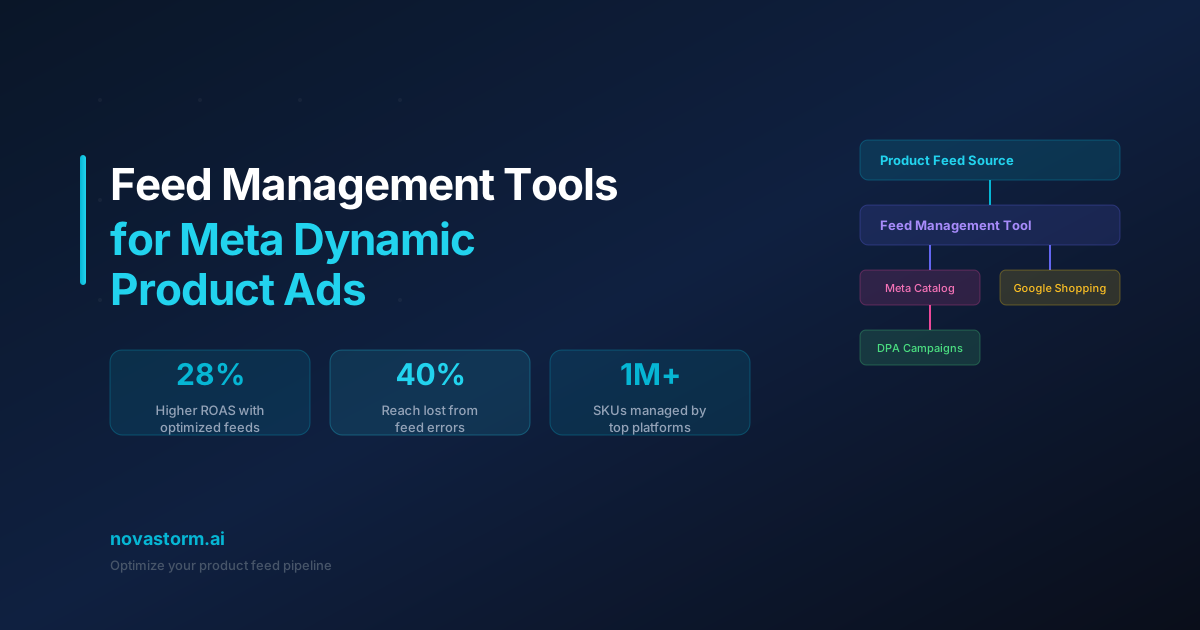
Feed Management Tools for Meta Dynamic Product Ads
Master feed management tools for Meta Dynamic Product Ads. Compare top platforms, optimize product feeds, and boost DPA performance with clean catalog data.
Instagram Shopping Ads: Product Tagging Best Practices
Check Instagram shopping eligibility and the actual checkout route, preview tagged products, and reconcile product IDs through the purchase path.

Product Feed Optimization for Meta Dynamic Ads
Validate a stable-ID product feed, price and stock updates, then isolate title testing on the same products with mature contribution reporting.
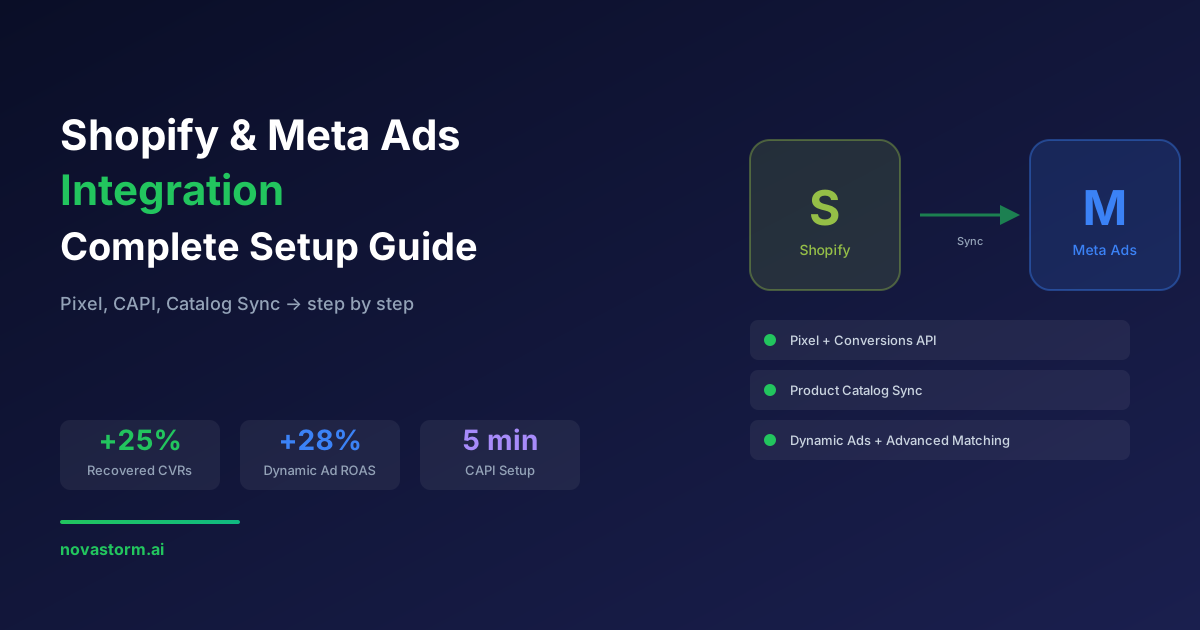
Shopify and Meta Ads Integration: Complete Setup Guide
Connect Shopify and Meta with official instructions, privacy checks, payment and duplicate-event tests, and product/collection sync acceptance.