

Dynamic Product Ads Troubleshooting: Fixing Common DPA Issues
Trace a catalog ad issue from feed identity to received product events, record upload history and verify fixes without assuming instant updates.

Troubleshoot catalog advertising as a chain: source feed, processed eligible item, received event identity, product set, saved campaign and destination. A symptom such as zero impressions or wrong products is not enough to identify the cause. Preserve evidence before changing several settings.
A working identity example
This synthetic example uses one product variant. The feed item’s id is BP-RED-M; sku is RED-M, and its item_group_id is BP. Those identifiers serve different purposes. The browser event below refers to the individual product id, not the internal SKU or the group. It is sample syntax for an authorized test, not a live request or proof of a NovaStorm integration.
| Feed field | Illustrative value | Check |
|---|---|---|
| id | BP-RED-M | Stable exact item identity |
| item_group_id | BP | Parent grouping, distinct from variant |
| title / availability | Backpack red medium / in stock | Truthful item data and eligibility |
| price | 80.00 USD | Correct actual offer and currency |
| link / image_link | Your actual product and image URLs | Fetchable destination/image for the same item |
fbq("track", "ViewContent", {content_ids: ["BP-RED-M"], content_type: "product", value: 80.00, currency: "USD"});
The official Meta CustomData SDK documents content_ids and distinguishes product versus product_group identifiers. If the event names a group, its identity must represent the catalog group under the implemented contract; a variant does not require product_group merely because other variants exist. This browser sample omits initialization and consent handling, which must be implemented separately.
A proposed mismatch-resolution journal
Stop wasting ad budget
NovaStorm AI cuts Meta Ads CPA by 30% on average. No complex setup required.
| Checkpoint | Illustrative evidence | Acceptance |
|---|---|---|
| Initial defect | Received content_ids=["RED-M"] while feed id=BP-RED-M | Exact mismatch recorded; no claim of an observed customer incident |
| Correction | Event mapping changed to BP-RED-M | New authorized test receipt shows corrected identity |
| Feed upload | Record job time, source version, row count and processing status | Correct item is processed and eligible in the intended set |
| Recheck | Inspect current item, event receipt, preview and destination | Same variant, current price/stock and correct destination |
| Follow-up | Record remaining warnings, later delivery and unresolved gaps | Do not call the fix complete only because the upload request returned success |
Check current catalog specifications for your item type, including required fields, image dimensions and permitted formats, in the actual account’s diagnostics and primary catalog guidance. This example does not assert a universal 500×500 requirement or 24–48-hour processing time. An API update may still face ingestion, review, cache and delivery delays; measure the path instead of promising no lag.
Diagnose beyond fatigue
- For zero delivery, inspect item eligibility and product-set membership, saved status/schedule, payment, review, budget/bid constraints and audience eligibility. Do not assume only three possible causes.
- For a wrong or unavailable product, compare feed upload history, inventory source, processed item and event identity. Confirm the campaign uses the intended set and destination.
- For a purchase decline, examine price, margin, stock, shipping, checkout, event collection, attribution delay, market changes and creative performance before diagnosing fatigue.
- For remarketing audience changes, define union/intersection and exclusions. Adding AddToCart to a ViewContent-based union does not guarantee more eligible people if cart users were already included.
- Choose a refresh/recheck schedule from actual inventory volatility and affordable risk. Pause an invalid offer when necessary and verify corrections before renewed exposure.
The journal is a proposed procedure and the feed/event values are teaching data. NovaStorm can support proposed campaign material preparation as paused campaign and local ad-set drafts, but this guide does not claim its catalog ingestion, DPA diagnostics or product-event matching. The feed optimization guide and catalog setup guide develop the technical checks.
Published by NovaStorm AI. Planning examples are illustrative assumptions, not measured customer results.
Disclaimer: This article was generated with the assistance of AI and reviewed by the NovaStorm AI team. While we strive for accuracy, we recommend verifying specific data points and consulting official sources (linked where available) for critical business decisions.
Ready to automate your Meta Ads?
NovaStorm AI takes full responsibility for your campaigns — from monitoring to optimization.
Start NowMore on E-commerce catalogs and channels
Instagram Shopping Ads: Product Tagging Best Practices
Check Instagram shopping eligibility and the actual checkout route, preview tagged products, and reconcile product IDs through the purchase path.

Catalog Sales Optimization: Advanced DPA Strategies for E-commerce
Review catalog data, stock, product contribution and mature orders before changing Meta catalog campaigns or setting a ROAS target.
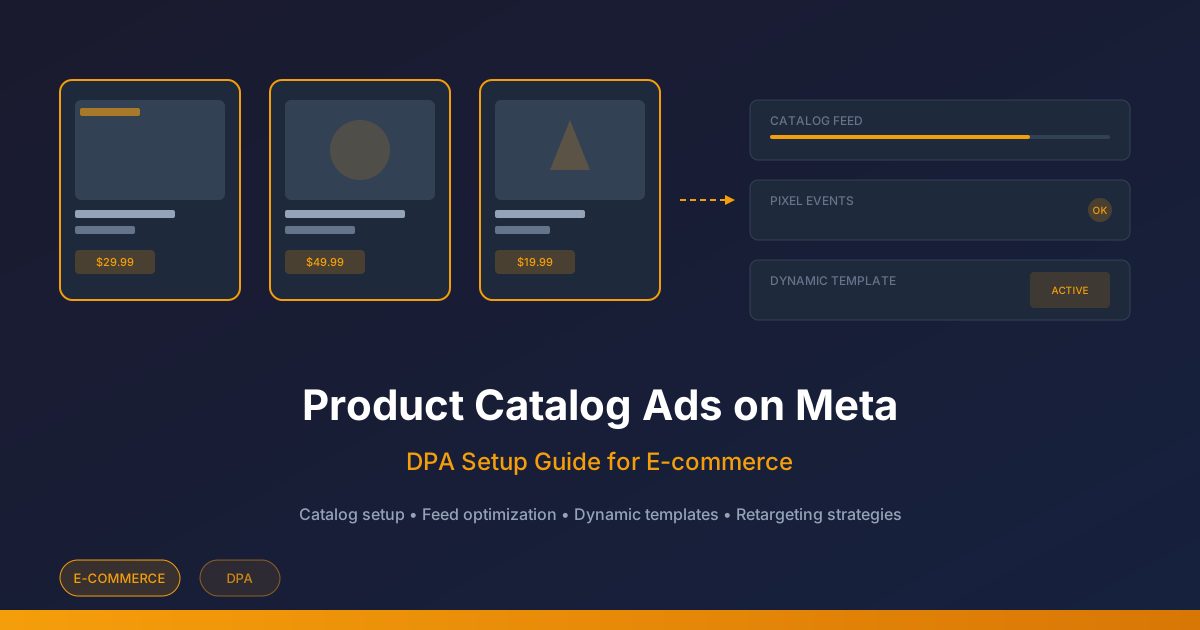
Product Catalog Ads on Meta: Feed and Event Setup Checklist
Validate a product catalog, match event IDs, repair feed errors, and review a high-margin product set before planning catalog ads.
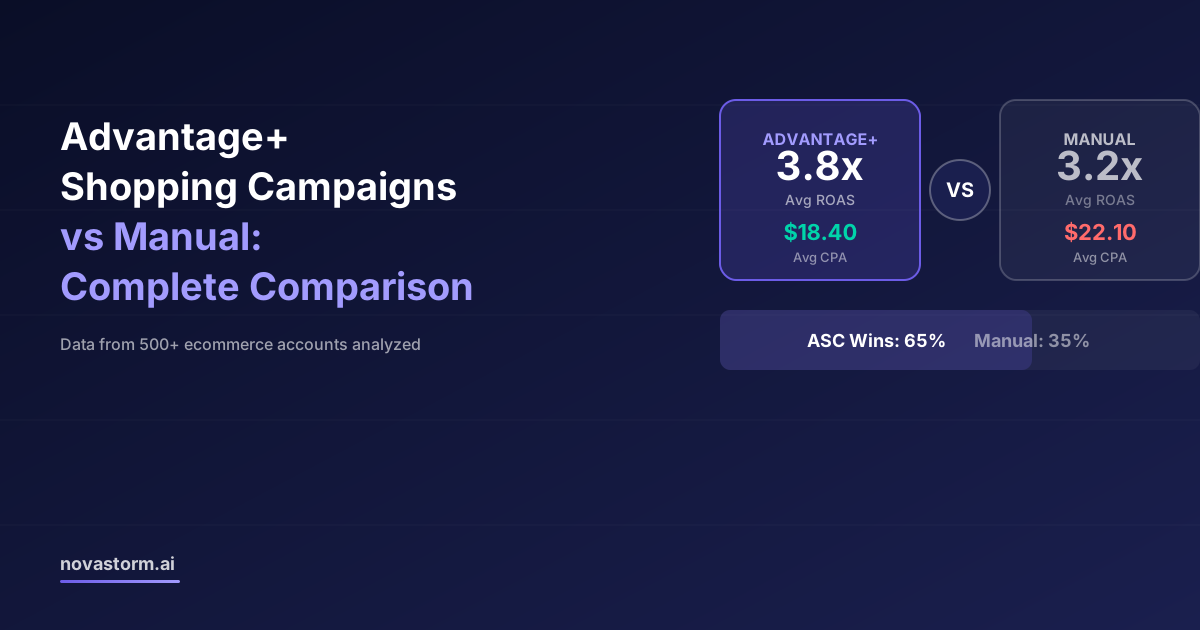
Advantage+ Shopping Campaigns vs Manual: Complete Comparison
Compare actual Advantage+ and manual campaign controls using mature new-customer contribution, saved settings and a capped experiment.