

Feed Management Tools for Meta Dynamic Product Ads
Master feed management tools for Meta Dynamic Product Ads. Compare top platforms, optimize product feeds, and boost DPA performance with clean catalog data.
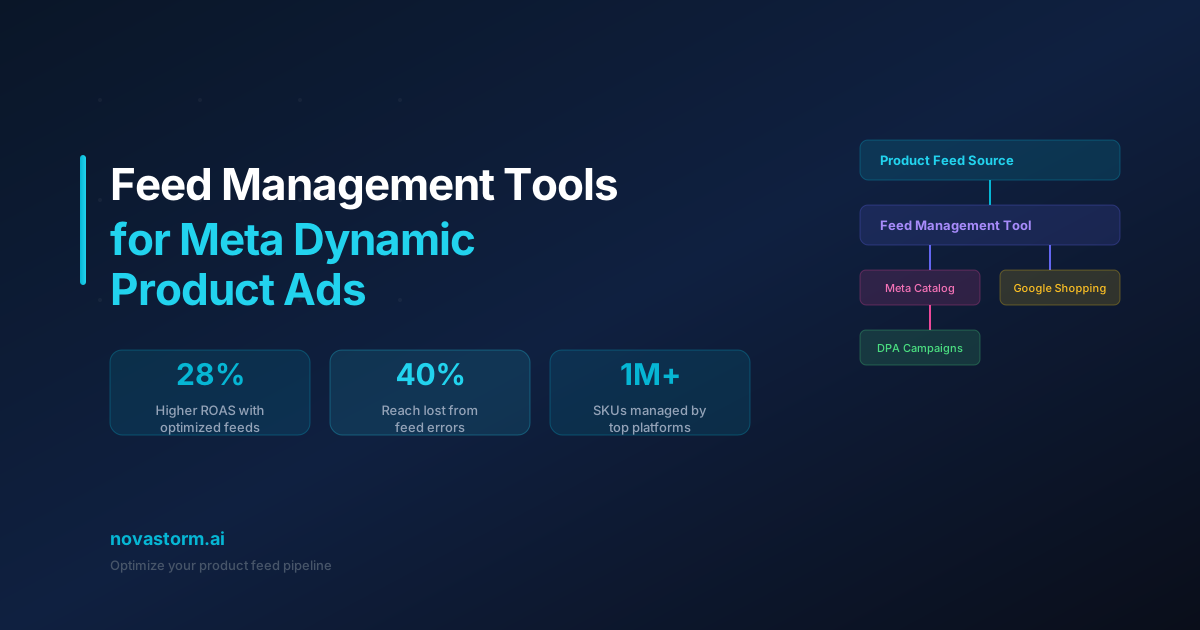
Feed management should preserve product identity while updating truthful price, stock and destination information. A clean feed can prevent operational mistakes; it does not establish a fixed ROAS improvement or automatic matching to someone’s intent. Accept a tool only after a reversible fixture passes through its actual catalog connector.
A source-to-output fixture
Synthetic feed example for two shirt variants, not a submitted production catalog. The normalized worksheet below is not a complete Meta CSV import specification or a ProductItem API payload. Prices are readable currency amounts; API write formats and units require the chosen connector’s contract.
| Source variant | Raw title | Price | Stock count | Normalized stable content ID |
|---|---|---|---|---|
| SHIRT-BLU-M | shirt blue med | 29 USD | 0 | SHIRT-BLU-M |
| SHIRT-BLU-L | shirt blue large | 29 USD | 4 | SHIRT-BLU-L |
content_id,title,price,availability,variant_url,image_url
SHIRT-BLU-M,Field Shirt - Blue - M,29 USD,out of stock,https://example.com/shirt?variant=blu-m,https://example.com/blu-m.jpg
SHIRT-BLU-L,Field Shirt - Blue - L,29 USD,in stock,https://example.com/shirt?variant=blu-l,https://example.com/blu-l.jpg
The example.com URLs are intentionally fictional fixtures and must be replaced with valid product and image destinations before any real import. Maintain unique variant-level identifiers. The Meta ProductItem SDK distinguishes retailer identity, product groups, availability, price, inventory and review status. The server CustomData class carries product content IDs separately from event identity.
For a ViewContent or AddToCart involving the medium variant, the event’s product identifier must refer to SHIRT-BLU-M under this chosen variant mapping, not the large variant or a newly invented parent ID. Event ID identifies the occurrence; it is not the catalog product identifier. Verify the catalog’s actual retailer-ID relationship and content_type choice in the receiving implementation.
Test stock removal and restoration
| Fixture step | Source state | Expected connector acceptance |
|---|---|---|
| T0 | Medium stock 0 | Read back out-of-stock state; verify intended product-set/delivery handling |
| T1 | Medium stock changes to 5 | Next successful update keeps the same variant ID and marks in-stock state |
| T2 | Image fetch fails | Flag error and block approval; do not insert an unrelated image |
| T3 | Update job fails | Retain last-success timestamp and escalate stale stock/price |
| T4 | Duplicate variant ID introduced | Reject or quarantine ambiguity before submission |
Stop wasting ad budget
NovaStorm AI cuts Meta Ads CPA by 30% on average. No complex setup required.
This is an unexecuted acceptance plan. Measure source-change time, successful job time, receiving-catalog update and usable product status separately. Excluding a row from an export alone does not establish removal from a catalog; define deletion or retained out-of-stock treatment with the actual connector. Restoration must not create a new identity and break old event links.
Choose the tool by verified contract
- Obtain a dated quote covering products, variants, channels, refresh schedule, implementation, support and overages. No vendor price in this article is assumed current.
- Test actual destination fetch, price/currency parsing, unique IDs, stock transitions and error reporting with a safe fixture.
- Check attribute requirements for the intended catalog and product type. A missing GTIN is not treated as a universal rejection rule, and no percentage of lost reach is assumed.
- Verify any claimed placement-specific image switching on the real connector and preview, rather than inferring it from additional image fields.
Use operational metrics and a controlled hypothesis
Replace undefined “intent match rate” with a reproducible identity metric: among 100 hypothetical eligible product-event records, 95 resolve to exactly one intended catalog variant. That is 95 / 100 = 95% identifier resolution in the fixture, not audience intent, delivery match or a commercial improvement. Investigate missing and ambiguous mappings separately.
After repairing invalid data, a title-format hypothesis can be tested with a design that isolates that change where supported. A simple before/after comparison may also change auction conditions, price and stock; it does not prove the feed caused a ROAS change. Keep valid stock and essential accuracy in all conditions rather than deliberately advertising unavailable goods.
Carry the approved offer and catalog notes into a NovaStorm campaign preparation brief, with human review of product identity and current availability. No automatic margin- or inventory-based bidding is claimed. The product-feed guide provides the adjacent product and event reconciliation task.
Published by NovaStorm AI. Worked examples and test fixtures in this article are illustrative, not observed customer results.
Disclaimer: This article was generated with the assistance of AI and reviewed by the NovaStorm AI team. While we strive for accuracy, we recommend verifying specific data points and consulting official sources (linked where available) for critical business decisions.
Ready to automate your Meta Ads?
NovaStorm AI takes full responsibility for your campaigns — from monitoring to optimization.
Start NowMore on E-commerce catalogs and channels
Advantage+ Catalog Ads: Smart Product Recommendations at Scale
Validate catalog variant IDs, inventory freshness and price diagnostics before testing creative overlays and product-set profitability.
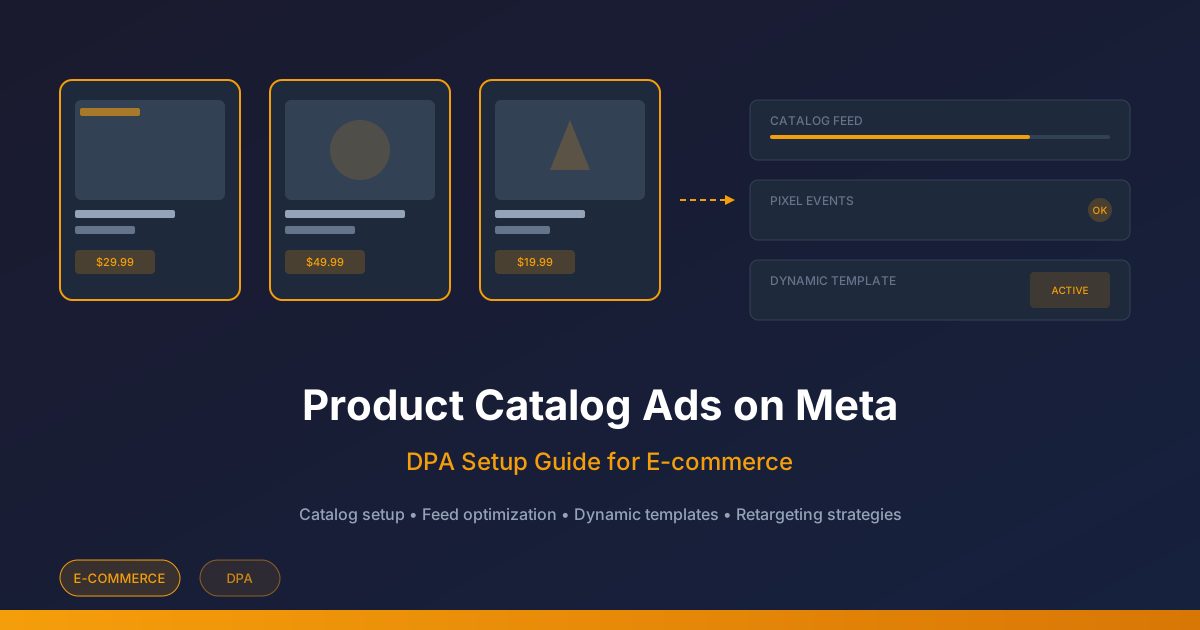
Product Catalog Ads on Meta: Feed and Event Setup Checklist
Validate a product catalog, match event IDs, repair feed errors, and review a high-margin product set before planning catalog ads.
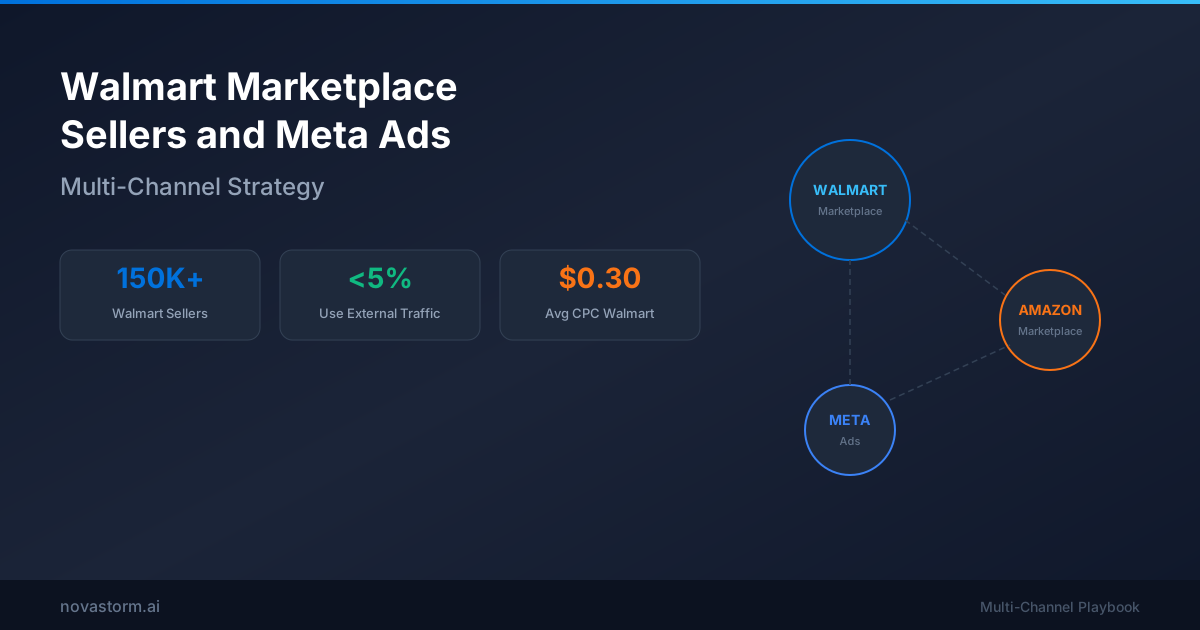
Walmart Marketplace Sellers and Meta Ads: Multi-Channel Strategy
Build a Walmart external-traffic test using eligible referral links, verified seller offers and profit across marketplace and DTC destinations.
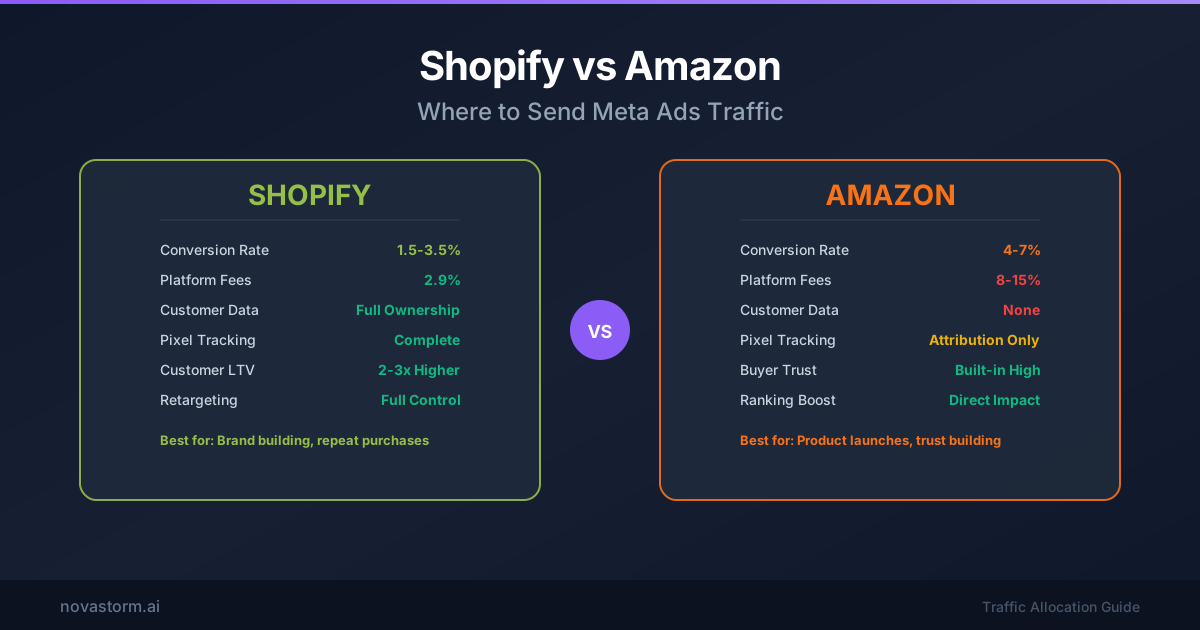
Shopify vs Amazon: Where to Send Meta Ads Traffic
Compare Shopify and Amazon destinations using a same-product profit worksheet, consent-aware measurement and a fair test design.