

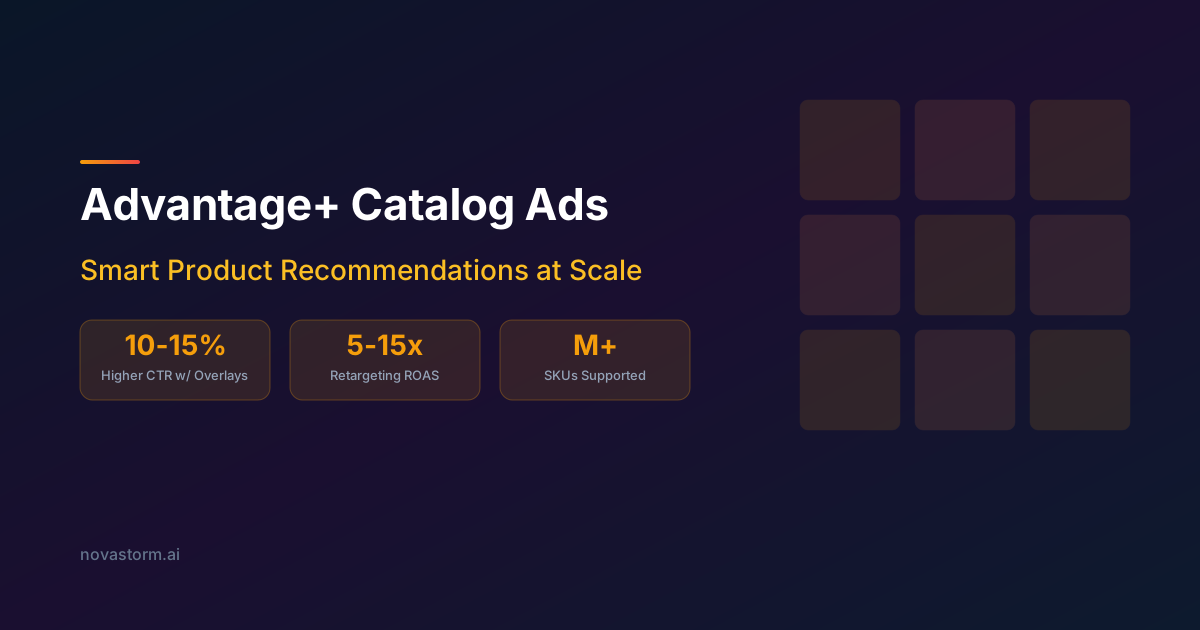
Advantage+ Catalog Ads: Smart Product Recommendations at Scale
Validate catalog variant IDs, inventory freshness and price diagnostics before testing creative overlays and product-set profitability.
Catalog delivery depends on consistent sellable items, accurate prices and truthful event mappings. This guide supplies a small illustrative feed, a variant-matching checklist and a margin decision. It does not assume a catalog health percentage predicts profit or that a feed upload immediately reaches every served ad.
A small variant feed to validate before importing
Meta’s official WooCommerce feed implementation exports CSV fields including product identifiers, item groups, price, availability and item/image links. This is implementation evidence for that connector, not a universal required-field specification for every catalog type. Use the current template and diagnostics for your catalog and ingestion route. The following fictional two-row fixture illustrates a compact product feed; replace the example-domain URLs with real accessible item and image URLs before validating it.
id,title,description,availability,condition,price,link,image_link,brand,item_group_id,color,size
BOOT-BLACK-40,Black hiking boot 40,Black hiking boot size 40,in stock,new,89 USD,https://example.com/boots/black-40,https://example.com/images/black-40.jpg,Example,BOOT,black,40
BOOT-BLACK-41,Black hiking boot 41,Black hiking boot size 41,out of stock,new,89 USD,https://example.com/boots/black-41,https://example.com/images/black-41.jpg,Example,BOOT,black,41
Save as UTF-8 CSV. Each row has 12 fields; titles/descriptions deliberately contain no embedded commas. In real files, quote and escape fields with a CSV library. Both sizes share item_group_id BOOT but have distinct sellable IDs. The price field is “89 USD” in this CSV fixture; verify the current importer’s numeric and currency format before using real data. The second row is unavailable and must not advertise a purchasable size.
After an isolated validation import, inspect each accepted item: title, exact variant, image, price/currency, destination selection and availability. Do not infer acceptance from a successful file download. This fixture has not been imported into a real catalog and is not an account-specific launch certification.
Match product identifiers, not purchase deduplication IDs
The Meta product-item SDK distinguishes retailer identifiers and product groups; the server-side custom-data model defines product-related fields separately from the event envelope. Keep your own mapping stable across imports. Verify the exact namespace produced by the connector: it may not be the raw store SKU.
| Hypothetical interaction | Correct product reference | Incorrect reference |
|---|---|---|
| View selected black size 40 | content_ids: ["BOOT-BLACK-40"]; content_type: product | BOOT when the event is supposed to identify this sellable variant |
| Add selected black size 40 to cart | Same exact variant ID as the accepted catalog row | A numeric database key from another namespace |
| View a group where group semantics are deliberately supported | Group BOOT with explicitly validated product_group handling | Declare product while supplying a group ID |
A transaction event identifier used to deduplicate browser/server purchase copies is a different identifier from content_ids. Browser Pixel eventID and server event_id are also different API field locations; do not rename one into the other’s payload. For a multi-item purchase, verify the supported contents representation and each item’s ID, quantity and price in the actual integration. Do not assume a single-product example establishes a whole basket contract.
Stop wasting ad budget
NovaStorm AI cuts Meta Ads CPA by 30% on average. No complex setup required.
A one-hour freshness promise needs an end-to-end budget
Hypothetical service goal, not a Meta guarantee: stale availability should be corrected within 60 minutes. If polling can wait 45 minutes, publishing takes 5 minutes and ingestion/verification is allowed 10 minutes, the planned worst-case sum is 60 minutes before any extra serving/cache delay. A four-hour or daily feed cannot meet that goal. Measure your route’s actual delay, include the served preview and adopt faster supported updates or stop promoting fast-changing inventory until the correction is confirmed.
Track last successful export, source inventory revision, upload completion, accepted-item revision and checked destination price. A scheduled fetch time alone is insufficient. Alert on failures and stale data; choose a manual pause owner and an outage tolerance. Do not leave unavailable items active while waiting for a global health score to recover.
Diagnose missing events and incorrect prices in order
- No event: perform a permitted test action and distinguish business action, browser/server emission and receipt in the intended event source. Refusal of tracking is not a fault to bypass. If no permitted event is received, fix configuration before assuming catalog matching is wrong.
- Received event, unmatched item: compare the exact content identifier, case, variant namespace and connected catalog. Check accepted item existence and availability. Do not “fix” this by replacing every variant ID with its parent.
- Wrong price: compare storefront/checkout, source export, base catalog and any country/language overrides. Inspect currency, sale period, tax display and stale scheduled files. Stop the affected offer while fixing the responsible layer.
- Bad image or badge: use actual accepted-spec diagnostics and placement preview. Check fetch accessibility, variant accuracy, cropping and legibility. An assumed 1024×1024 minimum or 95% health threshold does not replace the current specification.
Product-set margin before an overlay experiment
Illustrative assumptions: a USD 89 boot costs USD 40, shipping USD 7, fees USD 4, packing USD 2 and return allowance USD 6, giving USD 30 contribution before ads. A USD 10 discount reduces it to USD 20 if other costs remain unchanged. For 20 retained orders, baseline contribution before media is USD 600; discounted contribution is USD 400. With identical USD 300 media spend, the results are USD 300 versus USD 100. More clicks or a prettier discount badge do not erase the margin cost.
Hypothesis: a truthful eligible shipping or price overlay may improve retained contribution. Test it against a comparable control with the same underlying offer and supported settings, rather than assuming a 10–15% click uplift. Keep discounted SKUs in a margin-aware set and verify every displayed discount or shipping promise. High attributed retargeting ROAS does not establish incremental purchases; use a holdout where feasible and report uncertainty and audience leakage.
Use dynamic-product troubleshooting to work through the failing layer. Prepare the product-set message and a bounded campaign draft in NovaStorm for review. Feed ownership, identifier QA, price correction and catalog alarms remain in the commerce integration; automatic catalog health or price control is not demonstrated by this product workflow.
Published by NovaStorm AI. Worked examples and test fixtures in this article are illustrative, not observed customer results.
Disclaimer: This article was generated with the assistance of AI and reviewed by the NovaStorm AI team. While we strive for accuracy, we recommend verifying specific data points and consulting official sources (linked where available) for critical business decisions.
Ready to automate your Meta Ads?
NovaStorm AI takes full responsibility for your campaigns — from monitoring to optimization.
Start NowMore on E-commerce catalogs and channels
Walmart Marketplace Sellers and Meta Ads: Multi-Channel Strategy
Build a Walmart external-traffic test using eligible referral links, verified seller offers and profit across marketplace and DTC destinations.
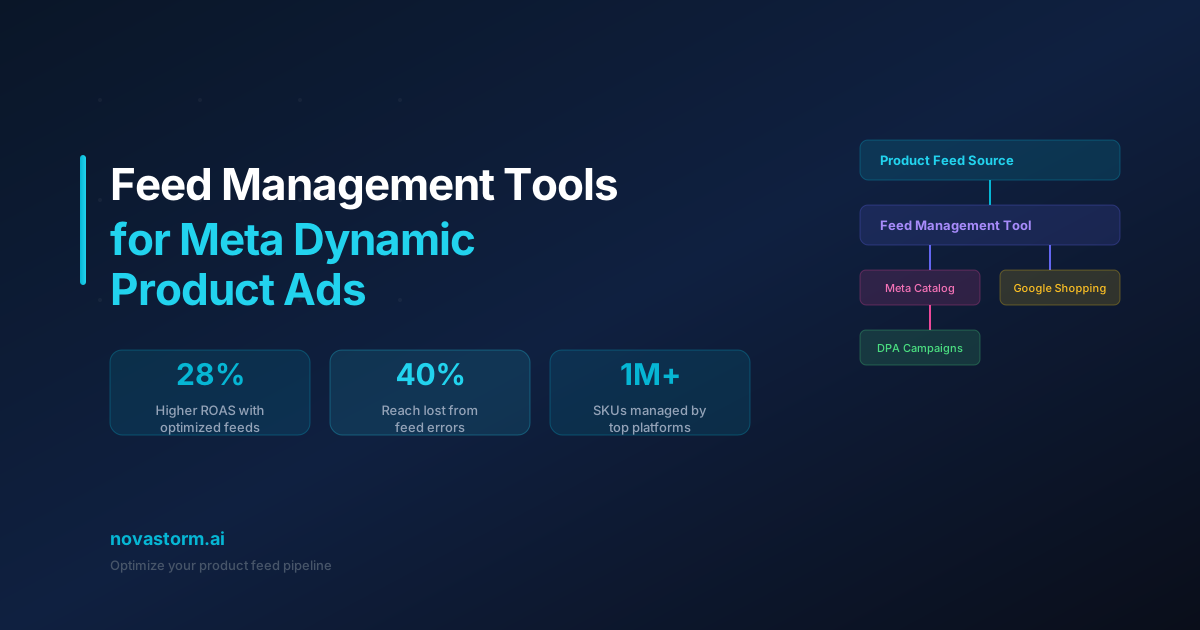
Feed Management Tools for Meta Dynamic Product Ads
Master feed management tools for Meta Dynamic Product Ads. Compare top platforms, optimize product feeds, and boost DPA performance with clean catalog data.
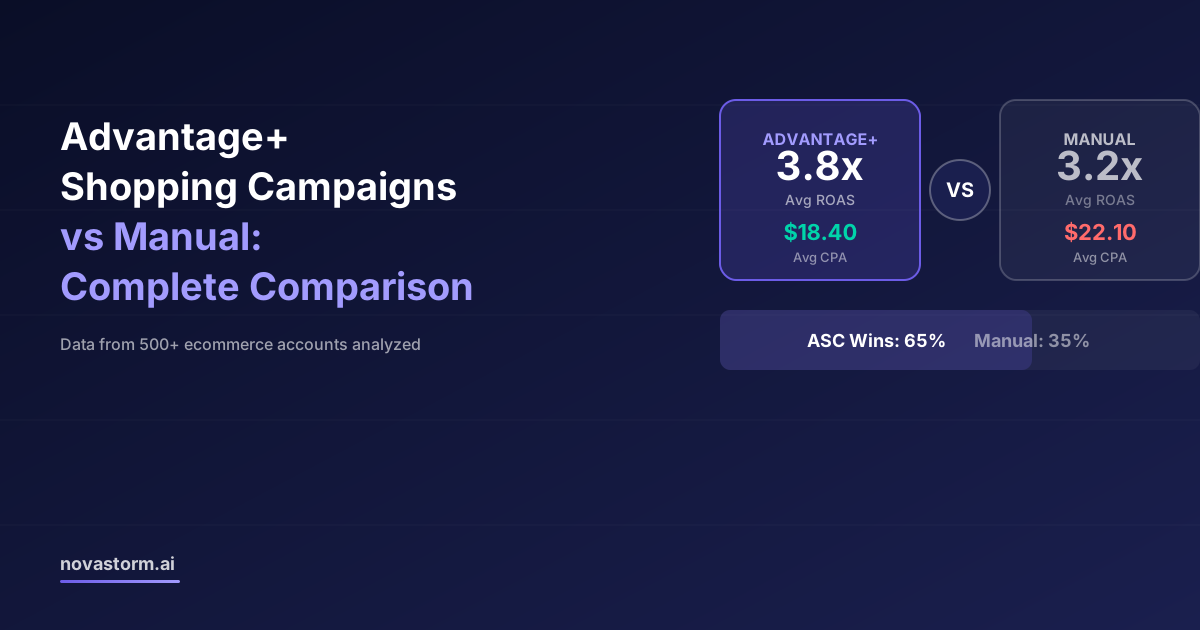
Advantage+ Shopping Campaigns vs Manual: Complete Comparison
Compare actual Advantage+ and manual campaign controls using mature new-customer contribution, saved settings and a capped experiment.
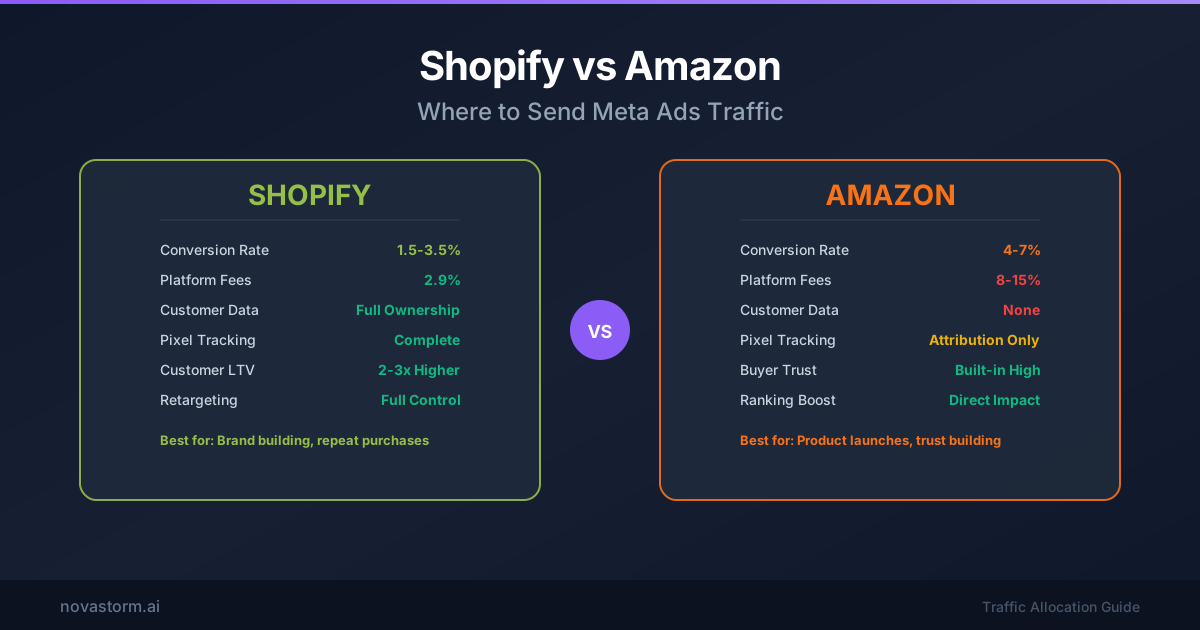
Shopify vs Amazon: Where to Send Meta Ads Traffic
Compare Shopify and Amazon destinations using a same-product profit worksheet, consent-aware measurement and a fair test design.