

Email List Building Through Meta Ads: Subscriber Acquisition Funnels
Build a confirmation and welcome delivery checklist, measure useful subscriber actions, and compare Meta targeting with explicit illustrative costs.
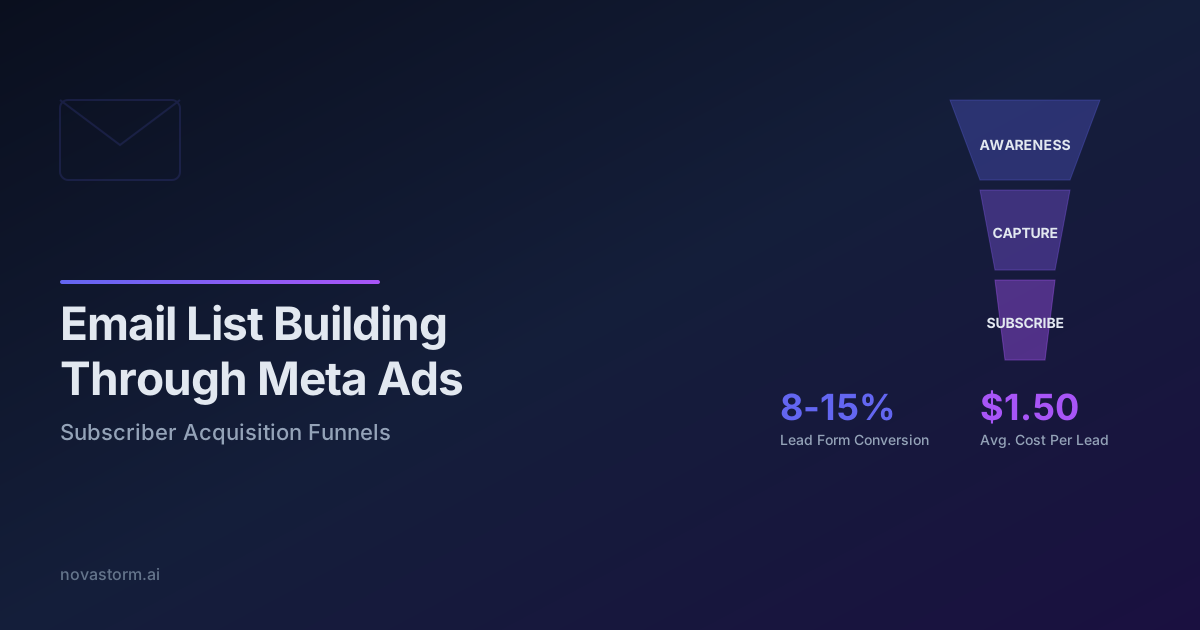
An email acquisition campaign succeeds when a person receives something useful and can choose what happens next. A submitted address is an intermediate event. This guide builds a confirmation and delivery checklist, then compares targeting options using mature subscriber activity rather than cheap form submissions.
Make the offer useful before paying for distribution
Illustrative offer: a Meta budget worksheet that helps a small shop separate media spend, creative costs and contribution margin. Show a completed fictional row on the landing page, explain what the worksheet calculates and provide a usable download. Do not promise a profitable budget or imply the visitor must buy software to use the resource. A newsletter subscription and access to a requested resource should have clear, separate descriptions.
Suggested copy for a newsletter checkbox: “Send me the weekly campaign planning email. I can unsubscribe at any time.” Adapt this example to your actual frequency and applicable requirements. Record the notice version, collection source, timestamp and permission status; do not infer advertising permission from an email address. European Commission marketing guidance describes purpose, lawful use and objections; applicable email rules also need checking.
A concrete confirmation and welcome path
Use double confirmation if appropriate for your program. Mailchimp documents its double opt-in flow as signup followed by an email confirmation link before subscribed status. Its audience setting applies to Mailchimp signup forms; an API or external form requires its own integration check. The final welcome email is optional and disabled by default in that documented flow. Enabling an audience setting alone does not prove your Meta lead form is connected.
| Stage | Acceptance check | Failure handling |
|---|---|---|
| Form submitted | Resource promise, address and permission recorded; pending status visible | Invalid address shows a correction path; refusal does not become subscribed |
| Confirmation requested | One confirmation message for the pending contact | ESP rejection or timeout remains pending; alert the owner and retry safely |
| Confirmation completed | One subscribed transition; late withdrawal rechecked | Expired link offers a fresh confirmation request without forced enrollment |
| Welcome sent | ESP message ID and status; resource link and unsubscribe work | Bounce or missing automation is investigated; do not count a queued send as delivered |
| Resource used | Voluntary reply, worksheet completion or verified application action | An image fetch or bot click alone does not qualify |
| Withdrawal | Future promotional sends suppressed; downstream permitted uses reviewed | Retries cannot recreate the withdrawn subscription |
Before launch, use controlled test addresses to exercise confirmation, refusal, duplicate submit, expired link, ESP timeout, bounce and unsubscribe. Check the actual received welcome message in those inboxes, including its download and unsubscribe links. An ESP delivery event usually indicates server acceptance, not that a person read the message or saw it in the primary inbox. Save the receipt and test outcome internally. No deployed email flow or observed delivery result is presented here.
Choose a service target, not an arbitrary stopwatch
Stop wasting ad budget
NovaStorm AI cuts Meta Ads CPA by 30% on average. No complex setup required.
Measure form-to-confirmation and confirmation-to-welcome latency. Set an operational response target that your integration can support and disclose expected delivery on the thank-you page. A universal 60-second welcome requirement or a five-minute performance cliff is not established. If delivery is delayed, a working on-page resource link may fulfill the immediate request while marketing permission remains pending.
Apple explains that Mail Privacy Protection can load remote content in the background independently of interaction. Do not classify one recorded open as a human reader. Replies and authenticated resource actions are more interpretable; clicks also require screening for security scanners and duplicates. See the welcome sequence guide for separating onboarding states.
Compare broad and narrow targeting after outcomes mature
Hypothesis to test: a narrower audience may produce fewer submissions but more useful activity. The reverse is also possible. Hold the offer, market, measurement window and follow-up constant; document differences in delivery and exclusions. If people are not randomly assigned, report a descriptive comparison rather than a causal targeting effect.
| Hypothetical equal-age cohort | Broad | Narrow |
|---|---|---|
| Media spend | USD 300 | USD 300 |
| Form submissions | 150 | 60 |
| Confirmed subscribers | 90 | 48 |
| Distinct useful actions within chosen 14-day window | 30 | 24 |
| Media cost per submitted address | USD 2 | USD 5 |
| Media cost per useful action | USD 10 | USD 12.50 |
These assumed counts make broad targeting cheaper per useful action despite the narrower cohort having a higher action rate among confirmed subscribers: 24 / 48 = 50% versus 30 / 90 = 33.3%. Add creative, resource production and ESP costs to obtain fully loaded cost. Wait until both cohorts have the same full observation window. A 14-day window is this example’s design choice, not a universal maturity rule. Paid customers, refunds and contribution need a longer separate ledger.
A bounded campaign decision
Continue only when delivery works, complaints remain acceptable to your program and mature useful actions justify the next spend increment. Choose the increment from risk and available outcome volume; a fixed 20% budget step does not guarantee stable performance. Prepare the offer and campaign draft in NovaStorm, then manually review the audience and budget. ESP operation, consent enforcement and the outcome ledger remain external responsibilities; this workflow does not establish a refund guarantee or an audience-overlap detection feature.
Published by NovaStorm AI. Worked examples and test fixtures in this article are illustrative, not observed customer results.
Disclaimer: This article was generated with the assistance of AI and reviewed by the NovaStorm AI team. While we strive for accuracy, we recommend verifying specific data points and consulting official sources (linked where available) for critical business decisions.
Ready to automate your Meta Ads?
NovaStorm AI takes full responsibility for your campaigns — from monitoring to optimization.
Start NowMore on B2B and lead generation
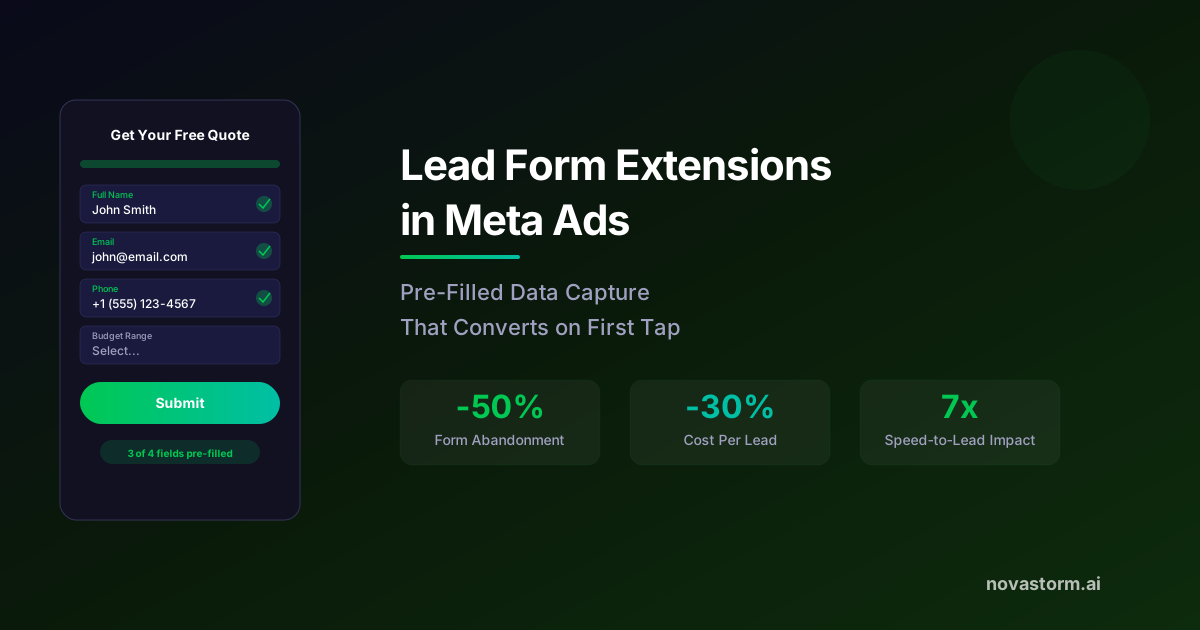
Lead Form Extensions in Meta Ads: Pre-Filled Data Capture
Compare lead forms using confirmed delivery, contact validity and mature cost per qualified lead; correct denominators before scaling.
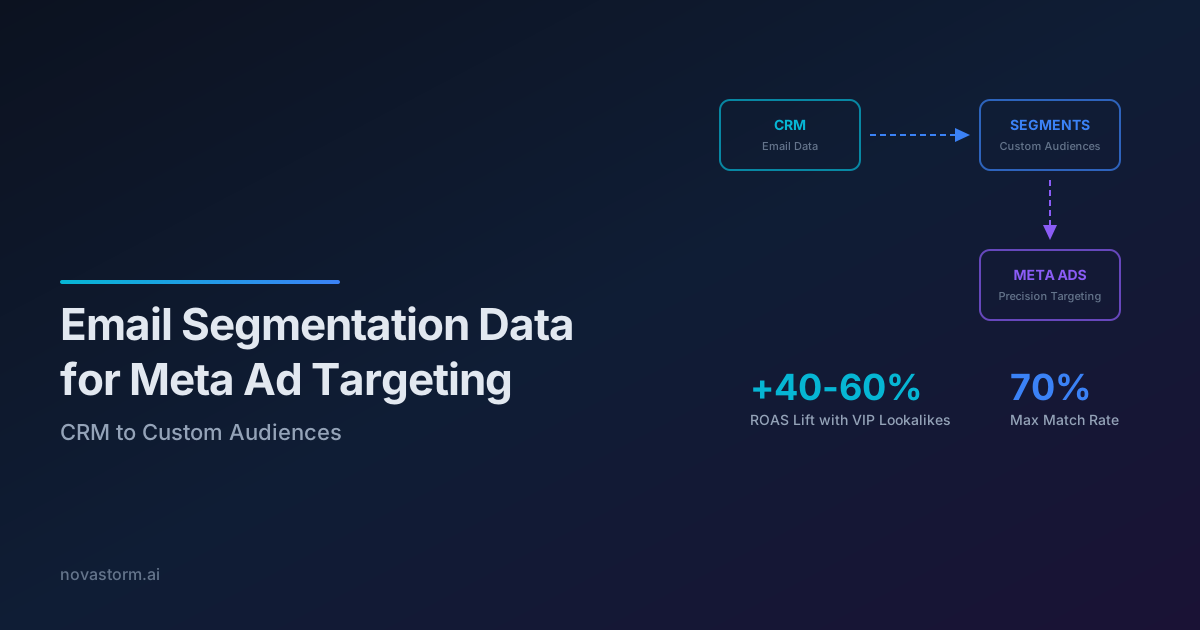
Email Segmentation Data for Meta Ad Targeting: CRM to Custom Audiences
Maintain a CRM-derived Meta audience with additions, removals, permission checks and a transparent repeat-purchase cost ledger.
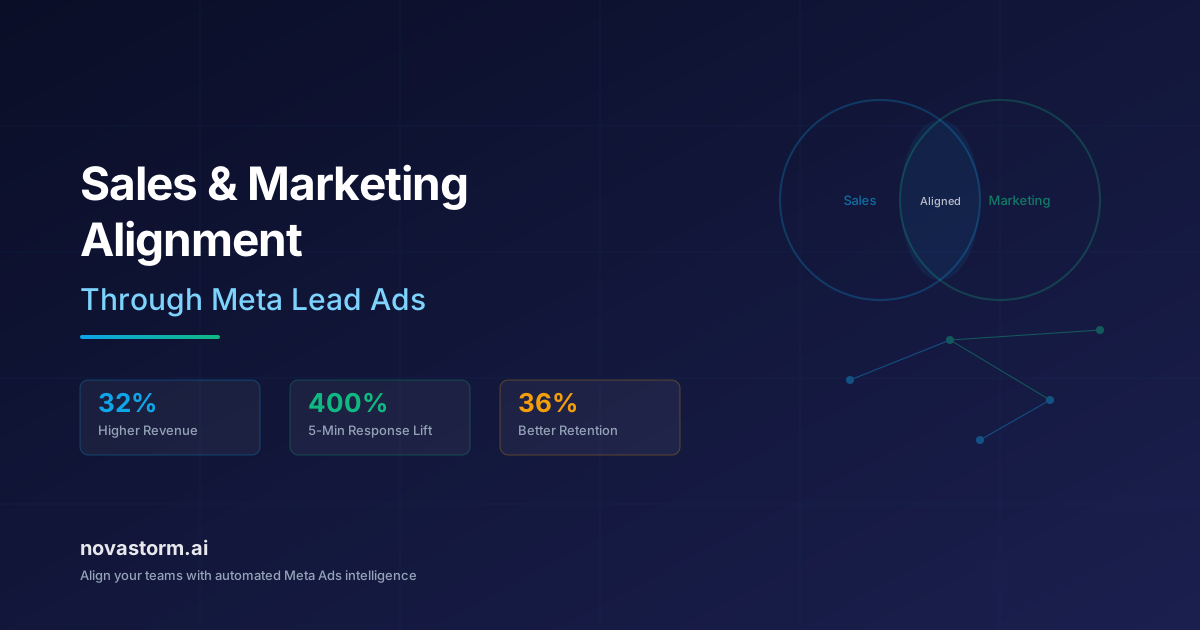
Sales and Marketing Alignment Through Meta Lead Ads
Design a Lead Ads handoff with CRM fields, safe retries, overnight SLA ownership, all-lead reconciliation and paid-outcome reporting.
Gated Content Campaigns on Meta: Ebooks and Whitepapers That Convert
Evaluate gated-content campaigns with a useful worksheet, common MQL/SQL definitions, delivery checks and complete costs through retained contracts.