

Lead Form Extensions in Meta Ads: Pre-Filled Data Capture
Compare lead forms using confirmed delivery, contact validity and mature cost per qualified lead; correct denominators before scaling.
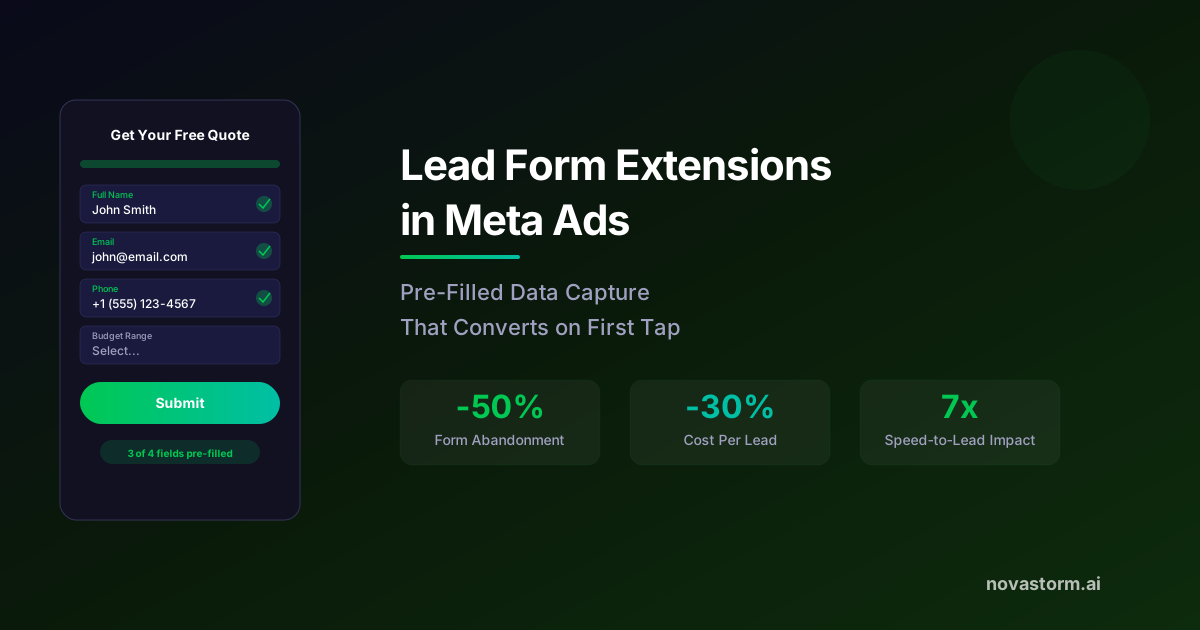
Evaluate a native lead form by the cost of a mature qualified inquiry, not submission volume alone. Pre-filled data can still be stale, incomplete or wrong; ask the prospect to confirm the contact route you actually need. Do not assume every field, review step or conditional branch is available for every account and form configuration.
Prepare one testable form
Hypothetical service offer: "Request a consultation. We will review your request during published business hours." The brief includes service area, what is offered, the contact method, the current privacy information and an accurate next step. Choose the least data needed to route the request. Verify the actual form’s supported options and mobile preview before relying on labels such as volume or higher intent.
| Field or step | Acceptance check |
|---|---|
| Contact information | Can the user correct it? Is the contact route usable? |
| Qualifying question | Does its answer map to an explicit service rule rather than an arbitrary score? |
| Privacy/destination | Links open and state the intended use accurately |
| Review step | Verify whether it exists in this actual form configuration |
| Confirmation | States what happens next without an unstaffed response promise |
Correct the qualification-cost calculation
Illustrative assumptions, not campaign results: variant A costs USD 8 per submitted lead and qualifies 20% of submissions; B costs USD 12 and qualifies 40%. CPQL = CPL / qualification fraction. A = 8 / 0.20 = USD 40; B = 12 / 0.40 = USD 30. They compare mature cohorts under the same qualification rule and include every submission, not only reachable leads.
| Hypothetical cohort | Spend | Submitted / qualified | Calculated CPQL |
|---|---|---|---|
| A | USD 800 | 100 / 20 | USD 40 |
| B | USD 1,200 | 100 / 40 | USD 30 |
Submission rates require their own denominator: submissions / form opens within the defined scope. This guide provides no measured 12–18% or 25–40% baseline. Choose a sample and observation window from baseline uncertainty, detectable business effect and conversion delay, not a universal 500-lead or 50-event rule.
Stop wasting ad budget
NovaStorm AI cuts Meta Ads CPA by 30% on average. No complex setup required.
Follow the test lead through delivery and qualification
Meta’s archived Lead Ads integration sample is historical reference code for receiving lead notifications and retrieval. It is not proof that your CRM connector is active or that every sales-stage signal is an eligible optimization event. Test the actual permissions, routing contract and reporting setup.
| Synthetic fixture | Expected record |
|---|---|
| Lead L_TEST submitted once | One source lead and one routing record with receipt time |
| Same lead delivered twice | One business lead, retry attempts recorded separately |
| Connector unavailable | Durable failure and named owner; source lead still counted |
| Unreachable/stale contact | Count in submitted denominator; record reason without silently dropping it |
| Qualification matures | Same declared eligibility rule for both variants |
| Refund or no payment | Do not count as paid revenue merely because a sales stage advanced |
Release and compare complete cohorts
The measurement owner confirms the test lead, duplicate, outage and contact-correction paths before launch. The sales owner supplies coverage hours and a feasible response commitment. Measure the actual elapsed response distribution rather than assuming a sevenfold conversion increase. Analyze qualified leads, paid customers, net contribution and unresolved cases at a common maturity date; pre-fill does not guarantee 95% accuracy or lower CPL.
Prepare the approved offer and qualifying-question brief in NovaStorm, retaining manual campaign approval. This does not promise a NovaStorm CRM integration, automatic lead qualification or reliable delivery without the tested connector.
Published by NovaStorm AI. Worked examples and test fixtures in this article are illustrative, not observed customer results.
Disclaimer: This article was generated with the assistance of AI and reviewed by the NovaStorm AI team. While we strive for accuracy, we recommend verifying specific data points and consulting official sources (linked where available) for critical business decisions.
Ready to automate your Meta Ads?
NovaStorm AI takes full responsibility for your campaigns — from monitoring to optimization.
Start NowMore on B2B and lead generation
Account-Based Marketing With Meta Ads: Enterprise Targeting
Plan Meta ABM with permitted individual contacts, a clear company/deal mapping and verified delivery limits instead of unsupported domain or IP targeting.
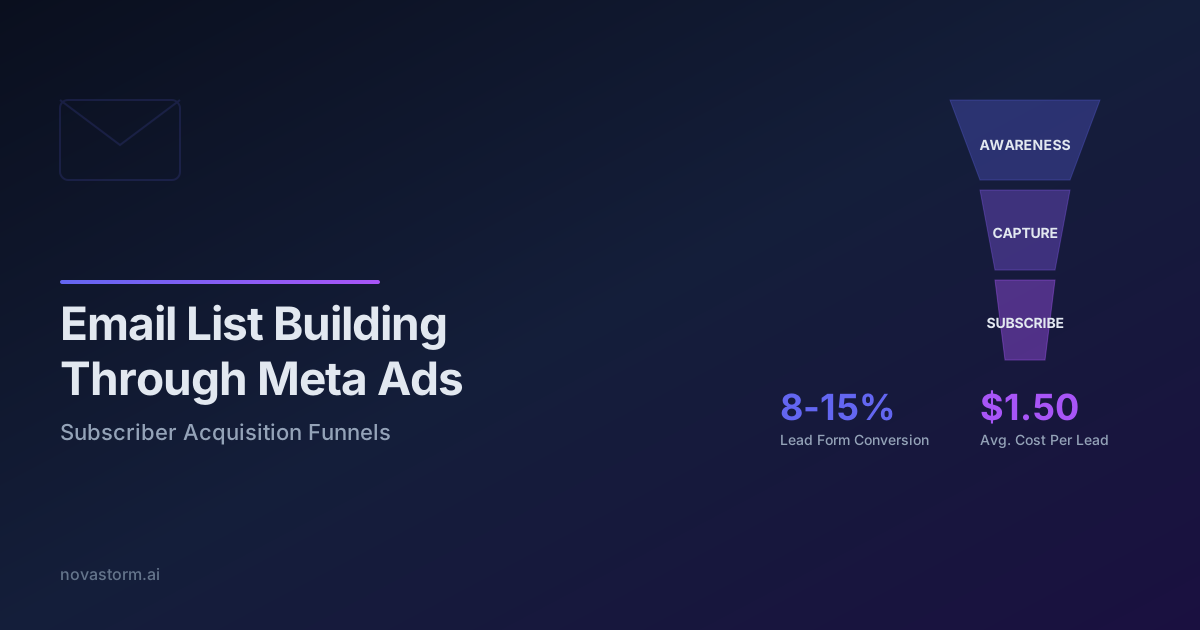
Email List Building Through Meta Ads: Subscriber Acquisition Funnels
Build a confirmation and welcome delivery checklist, measure useful subscriber actions, and compare Meta targeting with explicit illustrative costs.
Gated Content Campaigns on Meta: Ebooks and Whitepapers That Convert
Evaluate gated-content campaigns with a useful worksheet, common MQL/SQL definitions, delivery checks and complete costs through retained contracts.
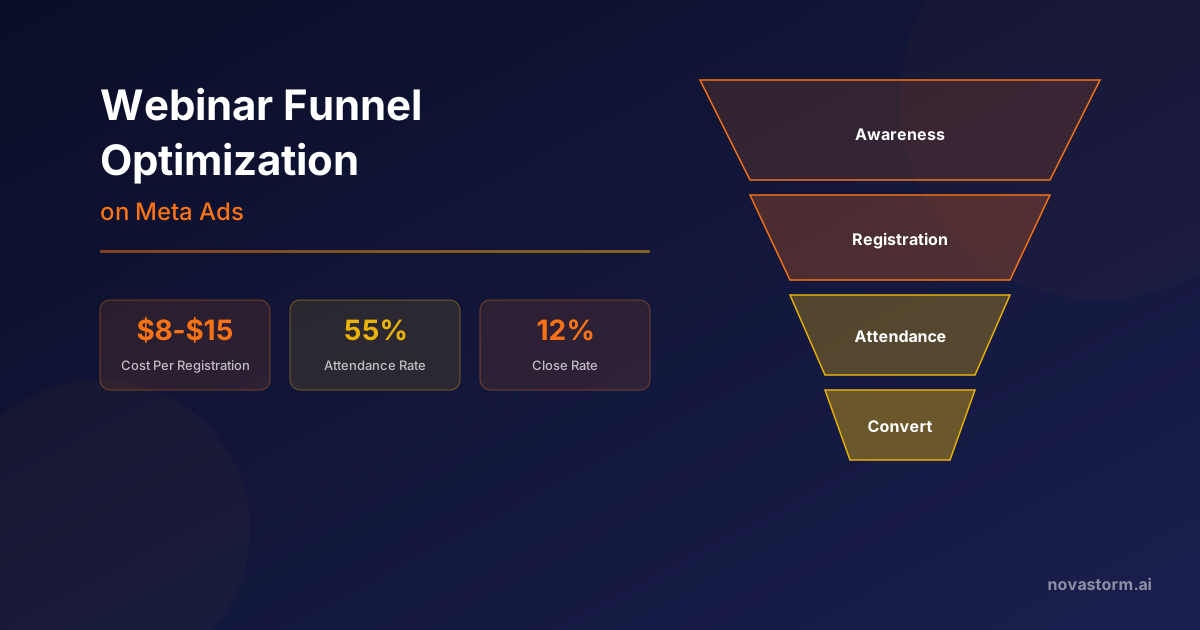
Webinar Funnel Optimization on Meta Ads
Build a webinar campaign with verified registration handoff, deduplicated attendance, complete program costs and mature sales-cohort economics.