

Dark Posts Explained: Ad-Only Content, Post IDs and Review
Understand ad-only posts, verify post-ID reuse by format, and keep a version and approval log without assuming privacy or transferred engagement.
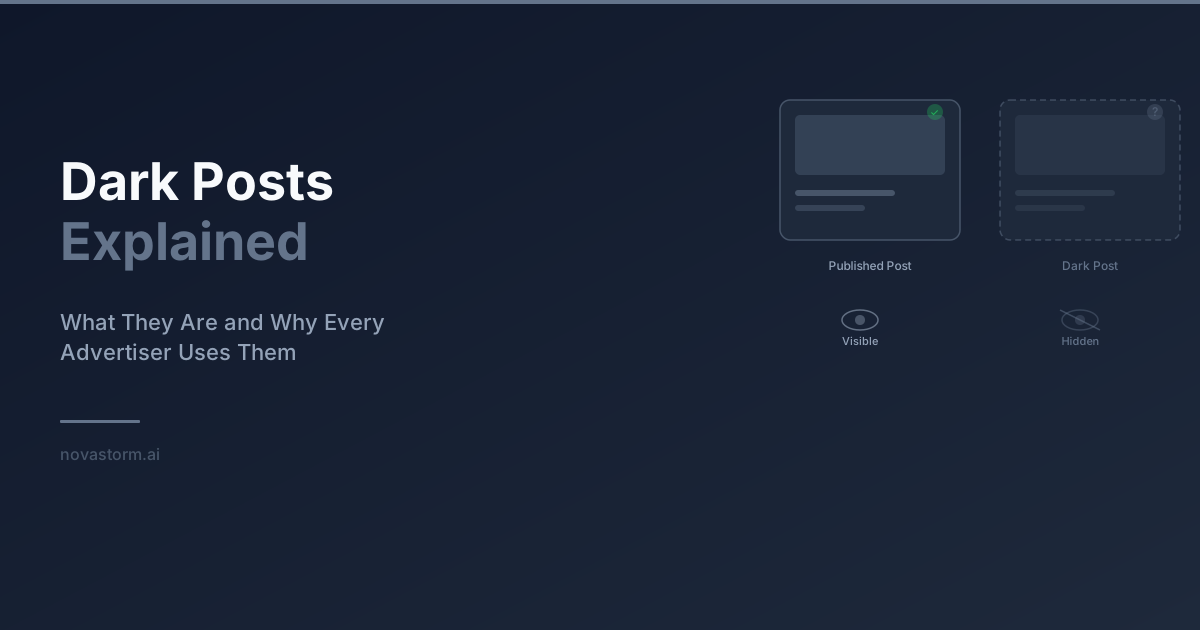
A dark post is an informal name for ad-only content that is not an ordinary publication in the Page’s organic timeline. It can separate paid creative variants from routine organic publishing. It is not a private offer, a way to avoid policy review, or a requirement for every advertiser.
Ad-only does not mean hidden
People can discover advertising outside the intended delivery audience, including through shared material and Meta’s transparency tools. Meta describes the Ad Library as a public view of active Page ads. Check the current advertiser results in the Ad Library, with the relevant country and filters. Do not promise that a regional price or controversial claim will remain invisible to other people.
Use accurate offers, the required disclosures and normal brand review for ad-only content. A screenshot or comment can circulate even if the creative is absent from the Page timeline. The absence of an organic post does not remove reputational risk.
Verify reuse instead of assuming engagement transfer
The official Meta creative SDK distinguishes creative fields and story identifiers. An ad ID, creative ID and underlying post/story ID are different records. Their existence does not guarantee that every format or placement shares the same comments or allows an existing post to be reused.
- Record the original ad, creative, Page/Instagram identity and accessible post/story identifier. Confirm permission to advertise with those identities and rights to the creative.
- Where the account offers an eligible existing-post workflow, select the intended post and inspect the saved preview. Check text, media, destination, CTA and visible comments for each intended placement.
- Verify the chosen format separately: a single-image Page post, carousel, placement-customized video and Instagram-origin post should not be assumed to reuse identically. If a format is ineligible, create and review a new creative rather than forcing an unrelated identifier.
- After copying or editing, compare original and resulting identifiers. If a new post ID appears, log it as a new record and inspect its actual interactions. A copy does not always create a new post, nor does it always preserve the old one.
- If the preview fails, check identity access and post eligibility with the account owner. Do not broaden permissions or publish an unreviewed replacement just to bypass the error.
An illustrative version and approval register
The labels below are fictional teaching identifiers, not real account records. The register demonstrates how to keep a change reviewable; it does not document a completed engagement-transfer test.
Stop wasting ad budget
NovaStorm AI cuts Meta Ads CPA by 30% on average. No complex setup required.
| Version / teaching ID | Change and identity check | User approval and acceptance |
|---|---|---|
| V1 / POST-A | Original single-image offer; record actual IDs in the working log | Approved copy, destination and placement previews retained |
| V2 / POST-A if eligible | Reuse unchanged post in another supported setup | Confirm saved identity and actual displayed interactions; do not assume Instagram comments transfer |
| V3 / POST-B if newly created | Copied offer with revised headline | New approval for exact text; preserve old-to-new ID mapping and preview |
| V4 / format-specific record | Carousel or placement-customized version | Verify every card/placement and required rights; separate results by resulting ID |
Add owner, review timestamp, destination, offer expiry, spend allowance and status to the real register. An approval applies to the reviewed version. Changed price, claims, media or destination require another review. Keep meaningful complaint context; a high comment count can include product problems rather than endorsement.
Longevity is an observation, not profit
An old start date in Ad Library cannot show purchase CPA, margin, incremental sales or the advertiser’s reasons for continuing delivery. There is no fixed profitable lifespan for an ad-only post. Investigate performance changes using comparable mature periods, retained paid orders and contribution after media. Use the fatigue diagnosis instead of replacing a creative merely because a calendar interval has elapsed.
Hypothesis to test: an existing post’s relevant discussion helps prospective buyers understand the offer. To evaluate that hypothesis, define the comparison and paid outcome in advance, keep other offer changes stable and report uncertainty. Ordinary delivery and accumulated comments cannot isolate an engagement effect. The creative testing framework helps document the question and loss allowance.
Prepare a version for user review
Use NovaStorm to prepare a proposed creative brief with the exact offer, identity and approved version. Prepare the campaign as paused campaign and local ad-set drafts. Keep the post-ID register and saved account previews with the user’s approval before publication. This proposed workflow does not claim automatic post reuse, moderation, or performance improvement.
Published by NovaStorm AI. Planning examples are illustrative assumptions, not measured customer results.
Disclaimer: This article was generated with the assistance of AI and reviewed by the NovaStorm AI team. While we strive for accuracy, we recommend verifying specific data points and consulting official sources (linked where available) for critical business decisions.
Ready to automate your Meta Ads?
NovaStorm AI takes full responsibility for your campaigns — from monitoring to optimization.
Start NowMore on Ad formats and placements
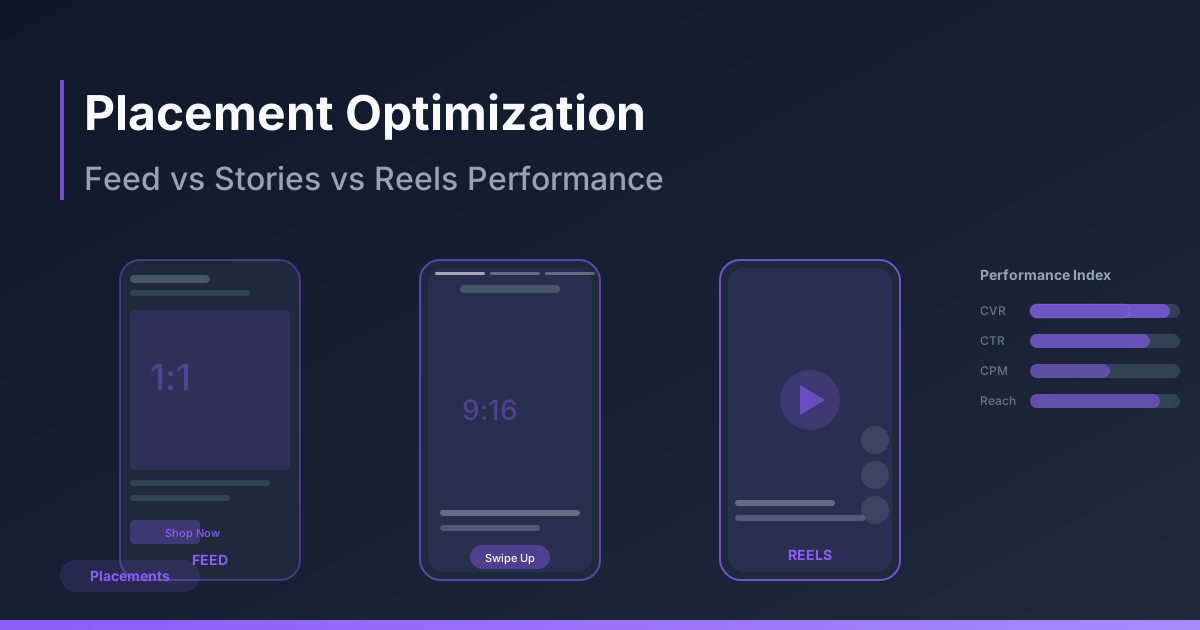
Placement Optimization: Feed vs Stories vs Reels Performance
Review placement-specific creative and mature customer economics before excluding Feed, Stories or Reels.
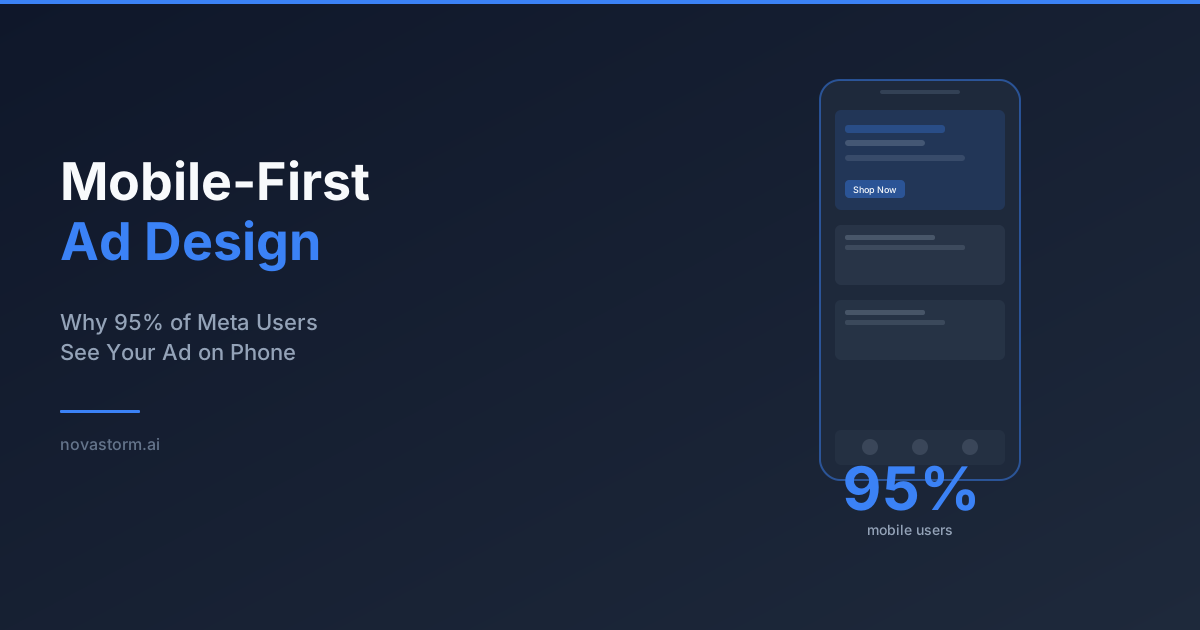
Mobile-First Meta Ad Design: Preview, Readability and Form Recovery
Review Meta creative at actual phone size, distinguish artwork pixels from interactive controls, and test slow-network form recovery before approving a draft.
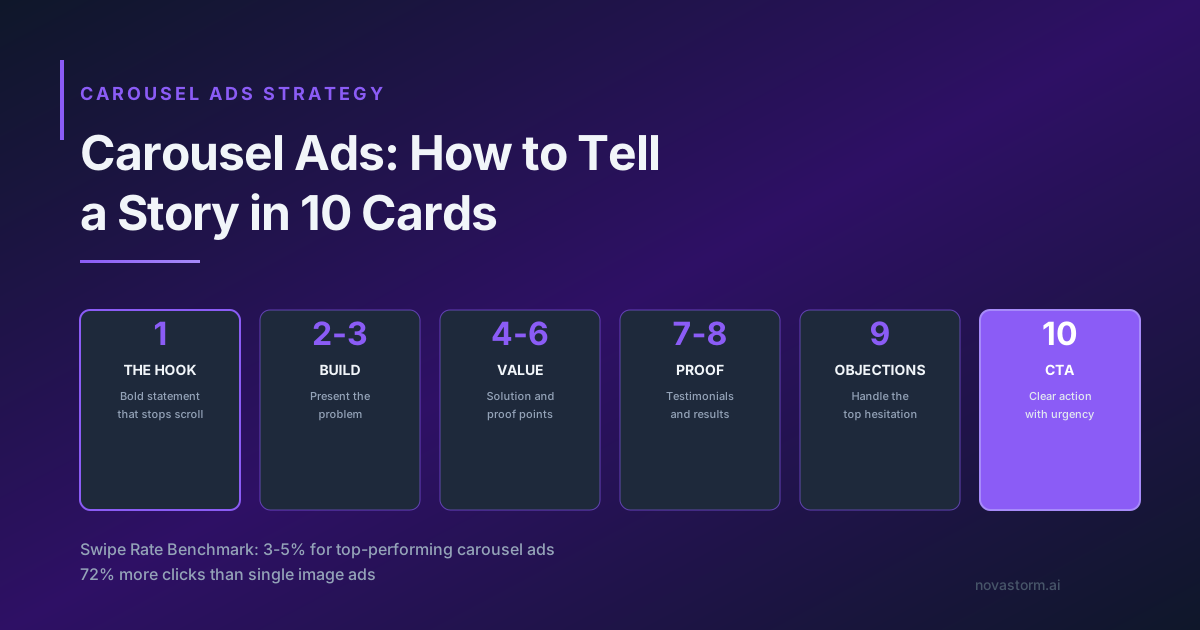
Carousel Ads: How to Tell a Story in 10 Cards
Create a ten-card carousel storyboard, check every destination and test order against mature purchases rather than swipe benchmarks.
Static vs Video Ads on Meta: When to Use Each Format
Compare static and video ads using the same offer and mature business metric, including creative-production costs and unequal delivery.