

Placement Optimization: Feed vs Stories vs Reels Performance
Review placement-specific creative and mature customer economics before excluding Feed, Stories or Reels.
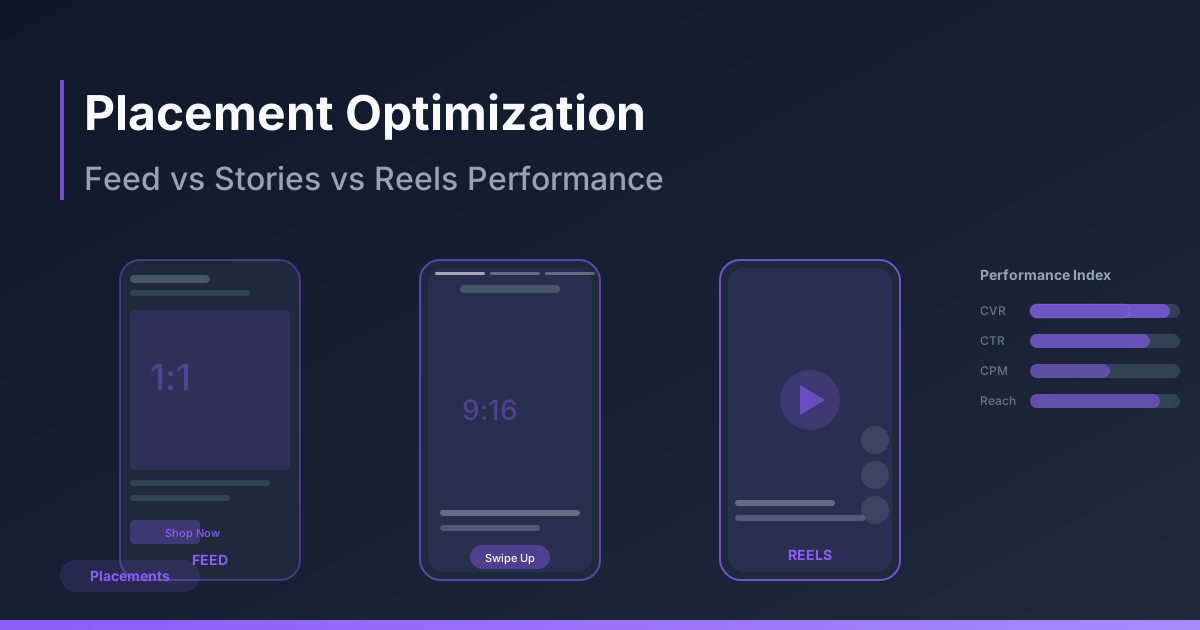
Placement is part of delivery context, not a fixed cost ranking. A cheap impression may produce expensive customers. Start with a truthful offer that works in each actual supported preview and a business outcome that can be reconciled.
One offer, three adaptation checks
Illustrative backpack brief: the same verified product, price and delivery terms across all variants. These are preview instructions, not screenshots or current universal file specifications.
| Placement | Proposed adaptation | Preview acceptance |
|---|---|---|
| Feed | Product view with a short accurate benefit | Inspect crop, visible text, actual headline/description and CTA |
| Stories | Vertical scene with the same offer | Keep terms readable and outside actual overlay areas |
| Reels | Product demonstration with the same promise | Check captions, audio rights, CTA/destination and unobscured product |
Check current paid-placement specifications for the actual account/objective, then record accepted duration/file/crop and date. Do not infer paid eligibility from organic video or assume every account supports the same placement customization.
Separate CPM from paid-customer cost
Stop wasting ad budget
NovaStorm AI cuts Meta Ads CPA by 30% on average. No complex setup required.
Synthetic comparison: Feed spends $100 for five mature orders, CPA $20; Stories spends $80 for two, CPA $40. Stories can have cheaper impressions while costing more per order. Those are assumptions, not a placement benchmark. Confirm comparable customers, contribution, outcome maturity and allocation before making a decision.
A bounded exclusion decision
- Export actual placement scope, spend, impressions, eligible outcomes, attribution and maturity. If a breakdown is unavailable, log the limit rather than invent a placement result.
- Check eligibility, product stock, click path, event accuracy and message/crop before attributing poor CPA to the placement.
- Evaluate net paid-customer contribution and uncertainty. A1,000-impression count or CPA twice the aggregate does not alone establish inferiority.
- Use a supported controlled design if a causal placement change matters. A manual split also changes delivery opportunities; record that context.
- Approve cash-loss/spend caps and a review deadline. At insufficient outcomes, record inconclusive; stop immediately for claim/path/boundary defects.
- After a permitted exclusion, compare mature total economics and actual delivered placements without claiming automatic savings.
Prepare adaptations for human approval
Use NovaStorm to prepare the three briefs and paused campaign materials. The user checks the actual preview and saved placement selection before delivery. This workflow does not promise placement customization controls or a guaranteed improvement. Use the ad-field preview worksheet and format cost comparison.
Published by NovaStorm AI. Planning examples are illustrative assumptions, not measured customer results.
Disclaimer: This article was generated with the assistance of AI and reviewed by the NovaStorm AI team. While we strive for accuracy, we recommend verifying specific data points and consulting official sources (linked where available) for critical business decisions.
Ready to automate your Meta Ads?
NovaStorm AI takes full responsibility for your campaigns — from monitoring to optimization.
Start NowMore on Ad formats and placements
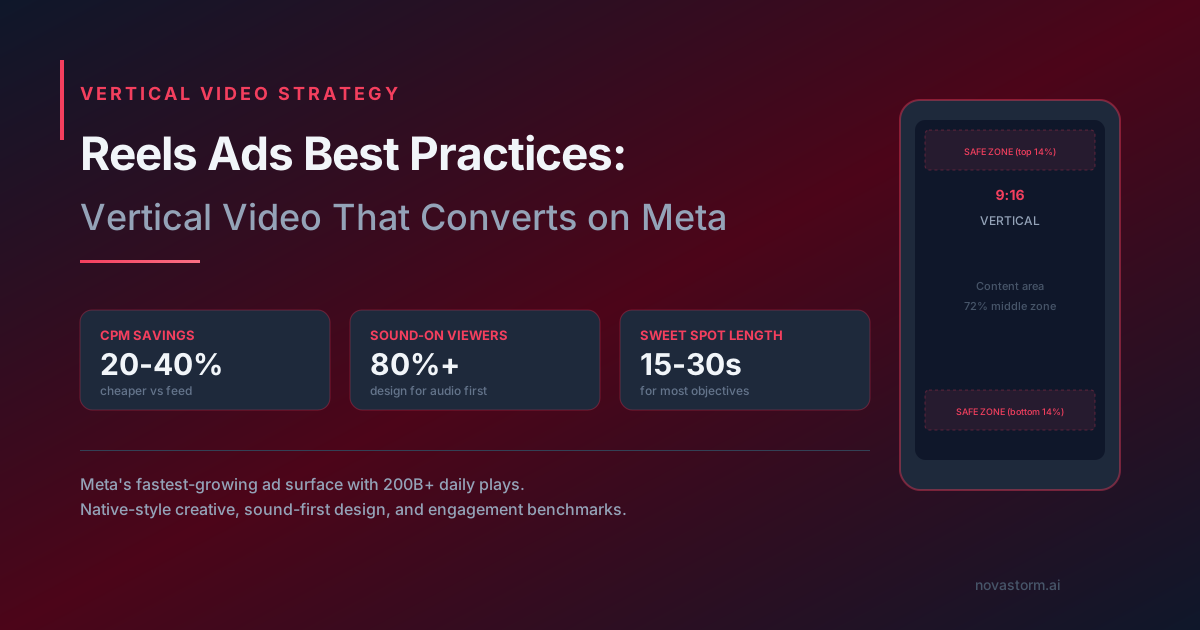
Reels Ads Best Practices: Vertical Video That Converts on Meta
Prepare a Reels creative with placement-specific preview QA, licensed audio and a fair simple-versus-studio comparison.
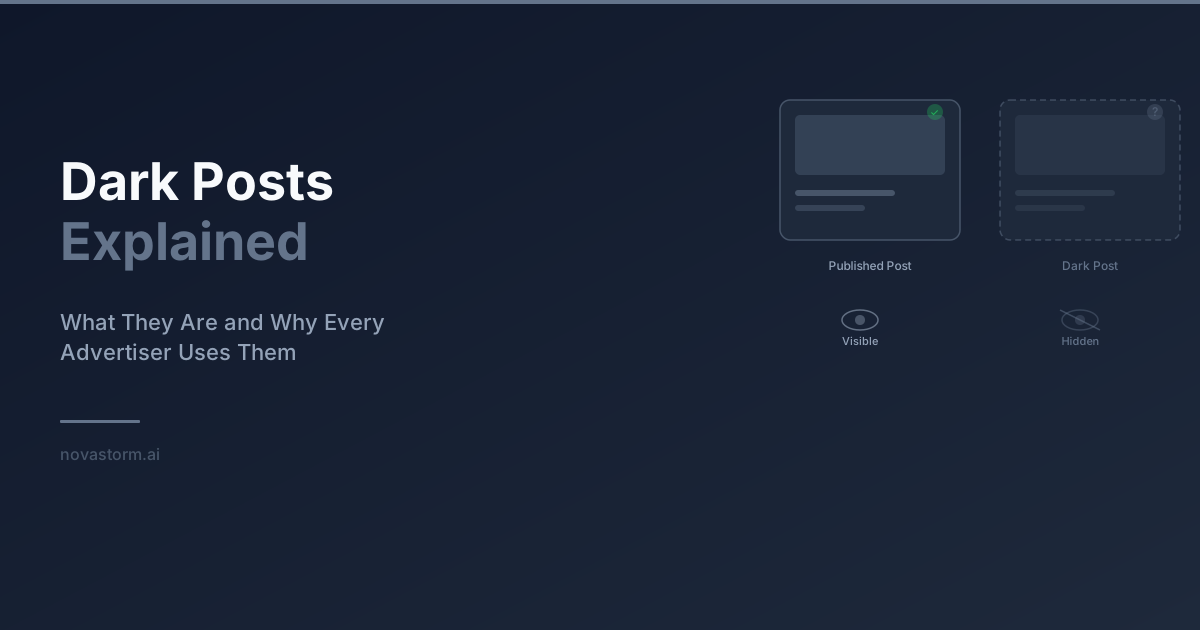
Dark Posts Explained: Ad-Only Content, Post IDs and Review
Understand ad-only posts, verify post-ID reuse by format, and keep a version and approval log without assuming privacy or transferred engagement.
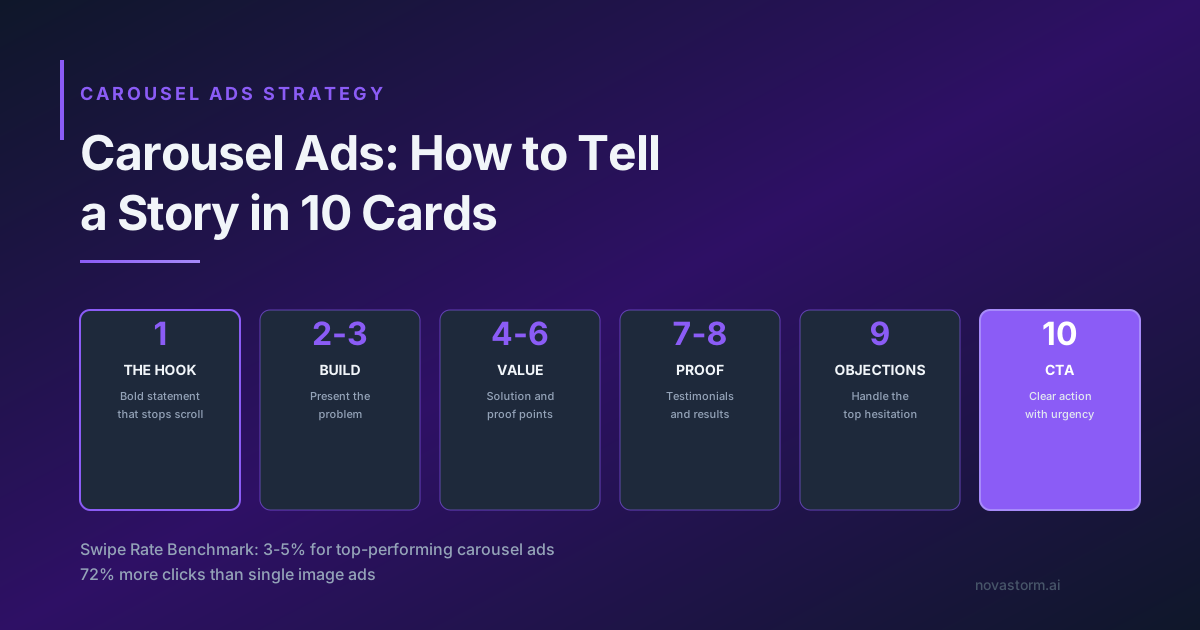
Carousel Ads: How to Tell a Story in 10 Cards
Create a ten-card carousel storyboard, check every destination and test order against mature purchases rather than swipe benchmarks.
Mobile-First Meta Ad Design: Preview, Readability and Form Recovery
Review Meta creative at actual phone size, distinguish artwork pixels from interactive controls, and test slow-network form recovery before approving a draft.