

Carousel Ads: How to Tell a Story in 10 Cards
Create a ten-card carousel storyboard, check every destination and test order against mature purchases rather than swipe benchmarks.
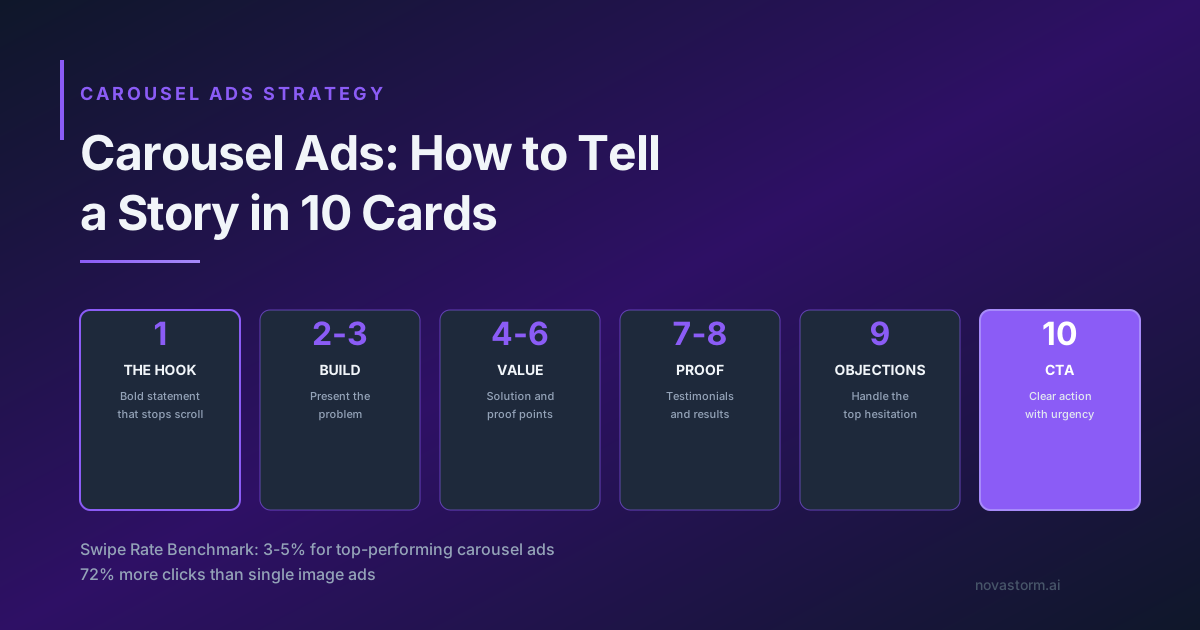
A carousel can tell a story, but ten cards are not mandatory and the last card may never be seen. Check the number of cards, ordering controls and destinations supported for the current account and placements. Treat card-order effects as hypotheses, not guaranteed click or conversion gains.
A complete educational storyboard
Hypothetical backpack example. Each card uses one large readable sentence, an actual product view or verified fact, and the same honest offer. Relative destinations below are a proposed retailer implementation, not existing NovaStorm URLs; create and test them before using the storyboard.
| Card | Illustrative copy/visual | Proposed destination |
|---|---|---|
| 1 | “See how this bag packs.” / bag and contents | Product details, tagged card 01 |
| 2 | “Start with your daily items.” / items laid out | Product details, tagged card 02 |
| 3 | “Check the dimensions.” / verified measurement | Dimensions section, tagged card 03 |
| 4 | “Open the main compartment.” / actual opening | Product details, tagged card 04 |
| 5 | “Find the small-item pocket.” / detail photograph | Pocket section, tagged card 05 |
| 6 | “Watch the packing sequence.” / honest demonstration | Demonstration section, tagged card 06 |
| 7 | “Review the material information.” / verified label | Materials section, tagged card 07 |
| 8 | “Check delivery to your address.” / eligibility prompt | Shipping section, tagged card 08 |
| 9 | “Read the returns conditions.” / factual objection answer | Returns section, tagged card 09 |
| 10 | “Choose the details that matter.” / product and real CTA | Same product purchase path, tagged card 10 |
This storyboard avoids fictional ratings or customer totals. Inspect each card at the actual mobile preview size: text remains readable, key content survives the crop, adjacent cards make sense, and the destination delivers the specific promise. A card must work alone if ordering can change.
Verify destinations before comparing order
- Open each supported card URL through the full redirect chain; confirm final product, section, stock, currency and tagging. Never put personal identifiers in URL parameters.
- Record the card order saved in the account and whether an automatic ordering setting is enabled. A planned sequence is not proof of the delivered sequence.
- Preserve identical offer, audience eligibility, conversion event and destinations when testing a changed opening/order. Change only the declared ordering hypothesis.
- Use a supported allocation design and record spend/impressions by arm. If card-level reports are unavailable, acknowledge that limitation rather than infer every card’s contribution from a total.
- Define mature net paid orders and CPA as the commercial outcome; swipes, clicks and saves are diagnostics.
- Set cash-loss/spend caps, outcome maturity and an inconclusive option. Do not choose a sequence from insufficient order evidence.
Stop wasting ad budget
NovaStorm AI cuts Meta Ads CPA by 30% on average. No complex setup required.
No universal first-card percentage
An engaging first card is a useful design hypothesis, not proof of acquisition. A standalone single-image test changes format and context, so it cannot establish the best carousel opener by itself.
Illustrative calculation: arm A spends $100 for five mature net orders (CPA $20); arm B spends $100 for four (CPA $25). These synthetic numbers do not establish an order effect. Keep uncertainty and actual allocation in the review, and stop at the planned limit if the evidence is inconclusive.
Approve the story and click path
Prepare the storyboard brief and paused campaign materials in NovaStorm, then have the user approve every visual, fact and destination. The workflow does not promise automatic carousel rendering, randomization or card-level reporting. Use the creative test guide to record the comparison.
Published by NovaStorm AI. Planning examples are illustrative assumptions, not measured customer results.
Disclaimer: This article was generated with the assistance of AI and reviewed by the NovaStorm AI team. While we strive for accuracy, we recommend verifying specific data points and consulting official sources (linked where available) for critical business decisions.
Ready to automate your Meta Ads?
NovaStorm AI takes full responsibility for your campaigns — from monitoring to optimization.
Start NowMore on Ad formats and placements
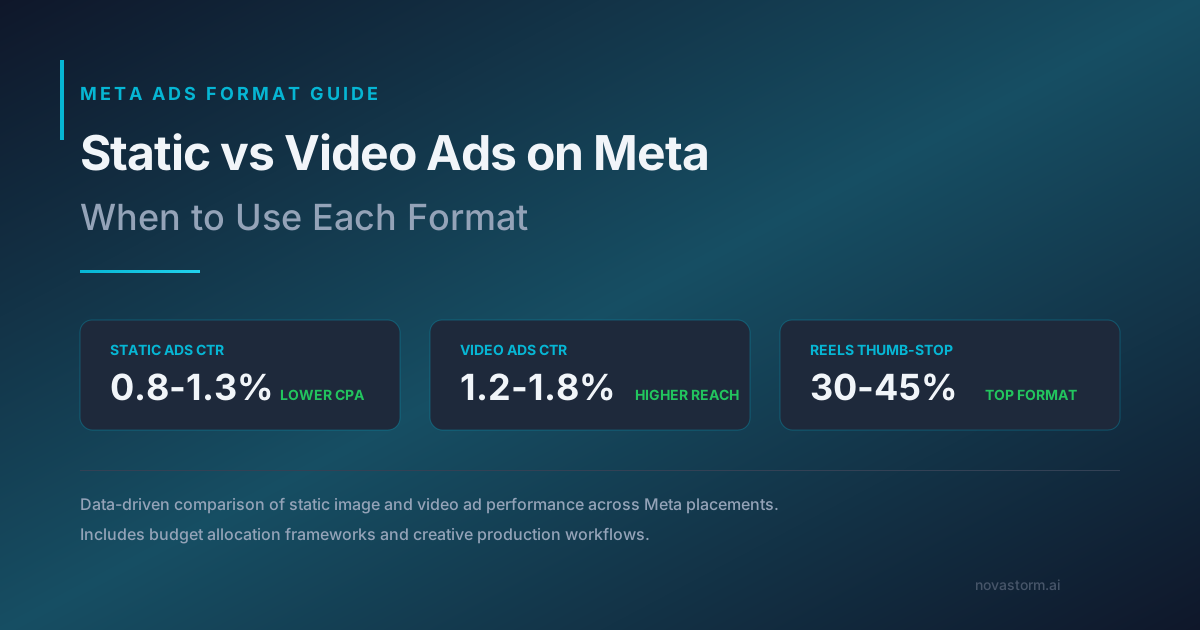
Static vs Video Ads on Meta: When to Use Each Format
Compare static and video ads using the same offer and mature business metric, including creative-production costs and unequal delivery.
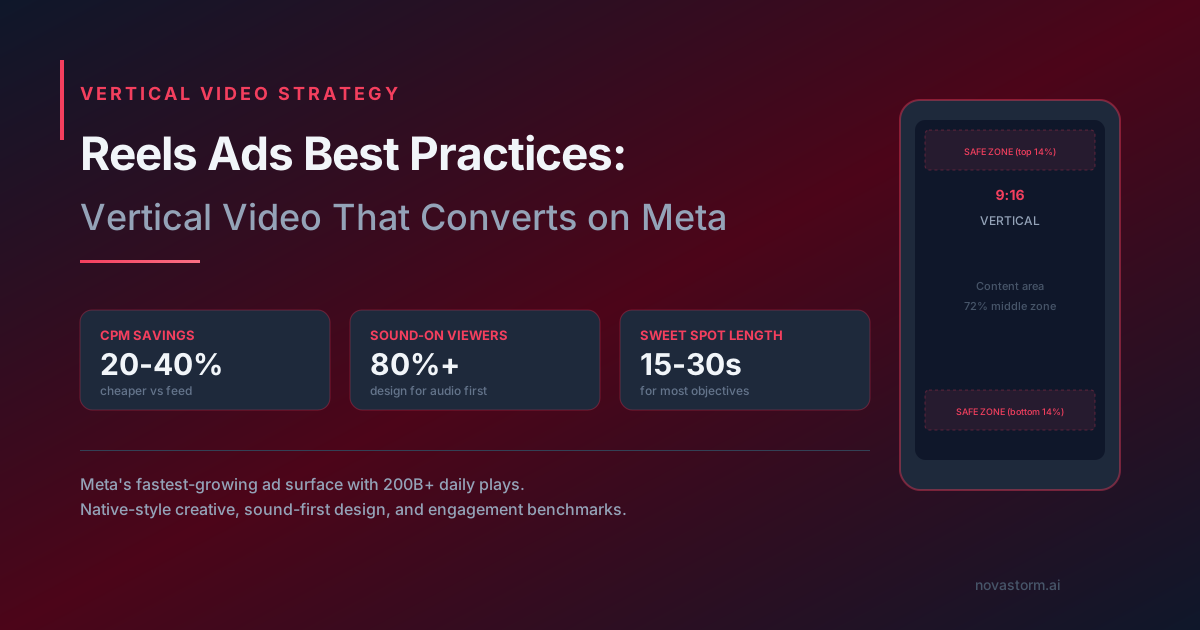
Reels Ads Best Practices: Vertical Video That Converts on Meta
Prepare a Reels creative with placement-specific preview QA, licensed audio and a fair simple-versus-studio comparison.
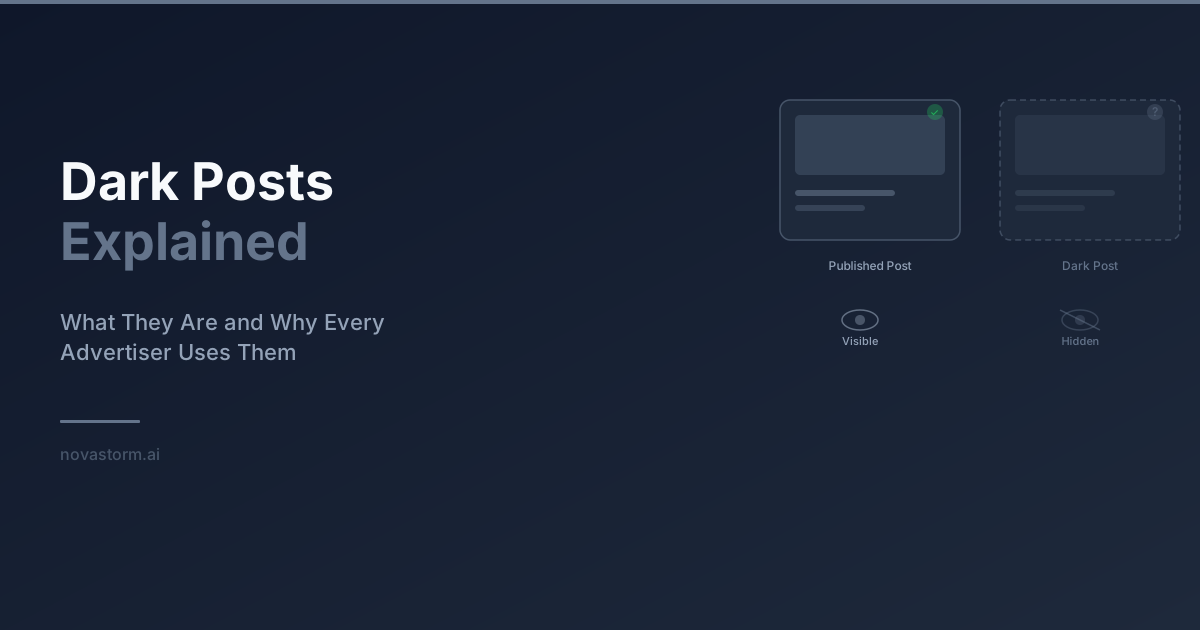
Dark Posts Explained: Ad-Only Content, Post IDs and Review
Understand ad-only posts, verify post-ID reuse by format, and keep a version and approval log without assuming privacy or transferred engagement.
Mobile-First Meta Ad Design: Preview, Readability and Form Recovery
Review Meta creative at actual phone size, distinguish artwork pixels from interactive controls, and test slow-network form recovery before approving a draft.