

Reels Ads Best Practices: Vertical Video That Converts on Meta
Prepare a Reels creative with placement-specific preview QA, licensed audio and a fair simple-versus-studio comparison.
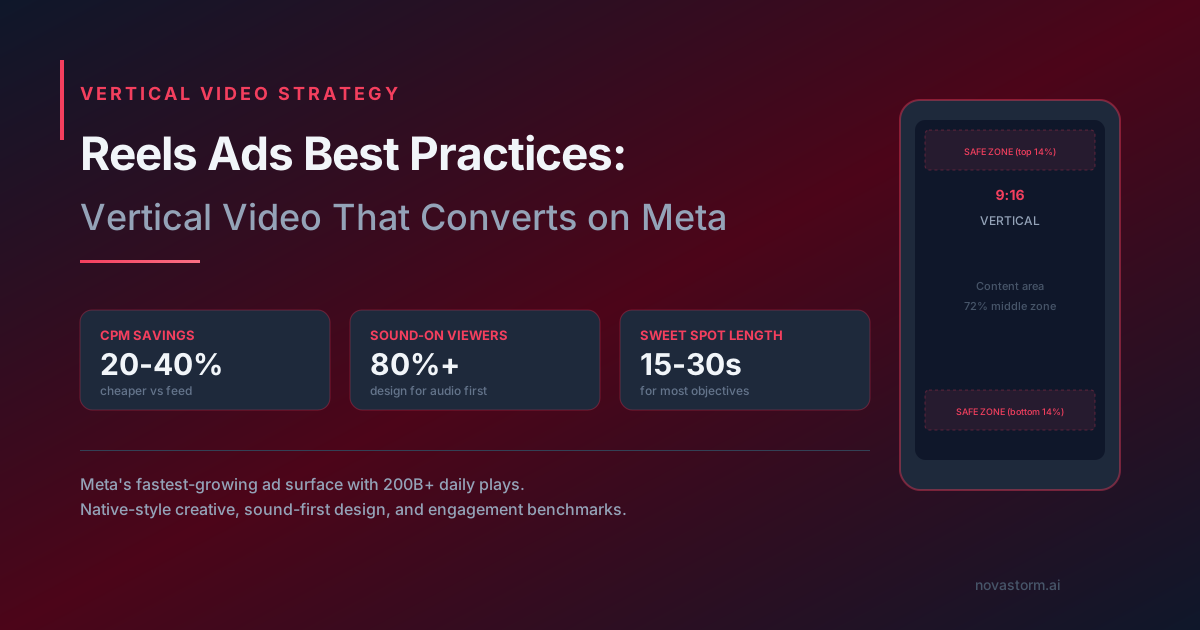
A paid Reels creative needs its own preview and current placement specification. Organic Reels eligibility, duration or music access does not automatically apply to advertising. Check the actual supported format, duration, file limits and destination controls before export.
Use the preview as an acceptance record
Illustrative vertical storyboard: show the actual product, demonstrate one verified use and end with the real offer. A9:16 production canvas is a design choice to check against the selected placement, not proof that every export is accepted.
| QA field | What to verify in the current paid preview | Reject/revise when |
|---|---|---|
| Duration and file | The available placement specification accepts the exact file | The current paid control rejects it or crops essential content |
| Safe area | Text, product and terms avoid the actual UI overlays in the preview | Caption, name or CTA covers the claim |
| Audio-off view | Captions convey the same truthful message | The benefit is intelligible only through sound |
| Audio-on view | Voice/music levels and captions agree | A misleading claim or unusable sound remains |
| CTA | Available button opens the intended supported destination | The script promises a swipe or comment action that does not work |
Record the preview date, selected placement and actual accepted settings. Fixed 14% margins or a90-second maximum are not treated as universal rules here. A comment keyword requires a separately verified follow-up mechanism; a swipe does not universally open the product page.
Verify music and talent rights
- Keep a license or platform permission that explicitly covers paid advertising, territories, duration and the intended account.
- Do not assume trending organic audio is licensed for an ad. Replace unverified music with properly licensed audio or approved original sound.
- Document performer/creator release, editing permission and any testimonial evidence.
- Review the actual delivered preview after publication; an approved file is not proof that automatic changes preserved it.
Stop wasting ad budget
NovaStorm AI cuts Meta Ads CPA by 30% on average. No complex setup required.
Compare production style without changing the offer
Hypothetical paired brief: simple version uses an approved handheld product demonstration; studio version uses controlled lighting and the same product, spoken script, length, offer, event, destination and serviceable audience. The changed hypothesis is production style; if actor, proof or promise changes too, it is a package comparison.
Plan an available controlled allocation, include production cost in the chosen horizon, set spend/cash-loss caps and wait for mature net orders. Record underdelivered arms and uncertainty. Do not rank formats on completion alone: a short clip is easier to finish and may answer fewer purchase questions.
Low-cost production is feasible for some teams but does not guarantee better results or organic-to-paid transfer. Use the paid preview and mature business outcome to assess the chosen material.
Prepare a vertical brief for review
In NovaStorm, prepare the creative brief and paused campaign materials, then have the user approve rights, product truth and the actual Reels preview. This is preparation, not a promise of Reels-specific export, audio licensing or performance. Use the format comparison guide for total creative cost.
Published by NovaStorm AI. Planning examples are illustrative assumptions, not measured customer results.
Disclaimer: This article was generated with the assistance of AI and reviewed by the NovaStorm AI team. While we strive for accuracy, we recommend verifying specific data points and consulting official sources (linked where available) for critical business decisions.
Ready to automate your Meta Ads?
NovaStorm AI takes full responsibility for your campaigns — from monitoring to optimization.
Start NowMore on Ad formats and placements
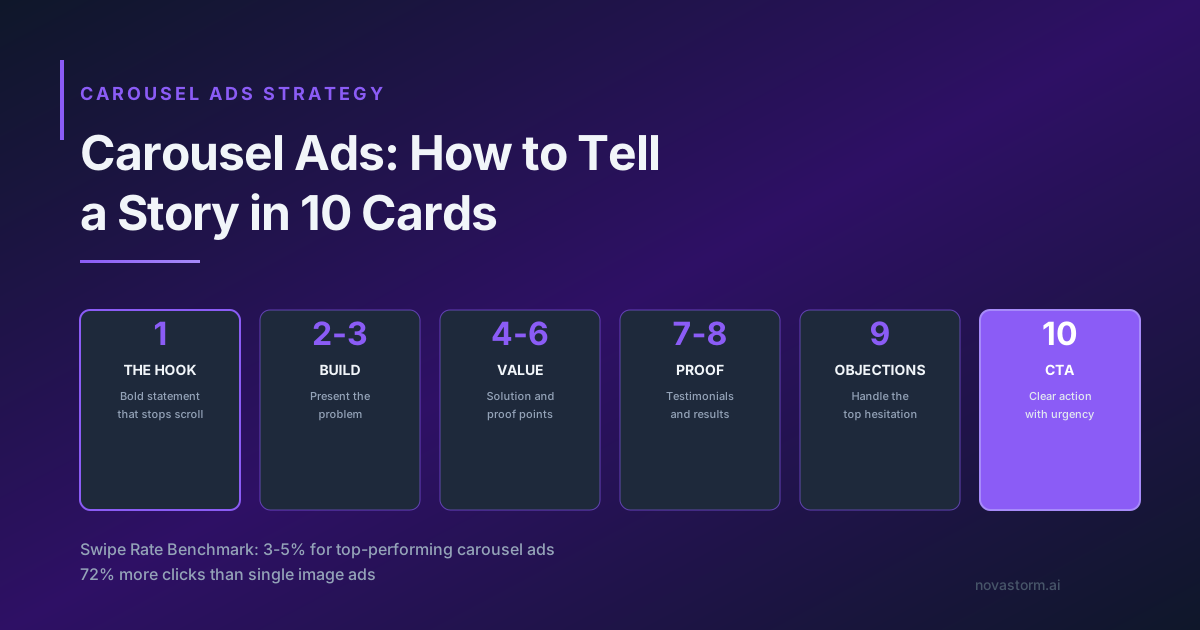
Carousel Ads: How to Tell a Story in 10 Cards
Create a ten-card carousel storyboard, check every destination and test order against mature purchases rather than swipe benchmarks.
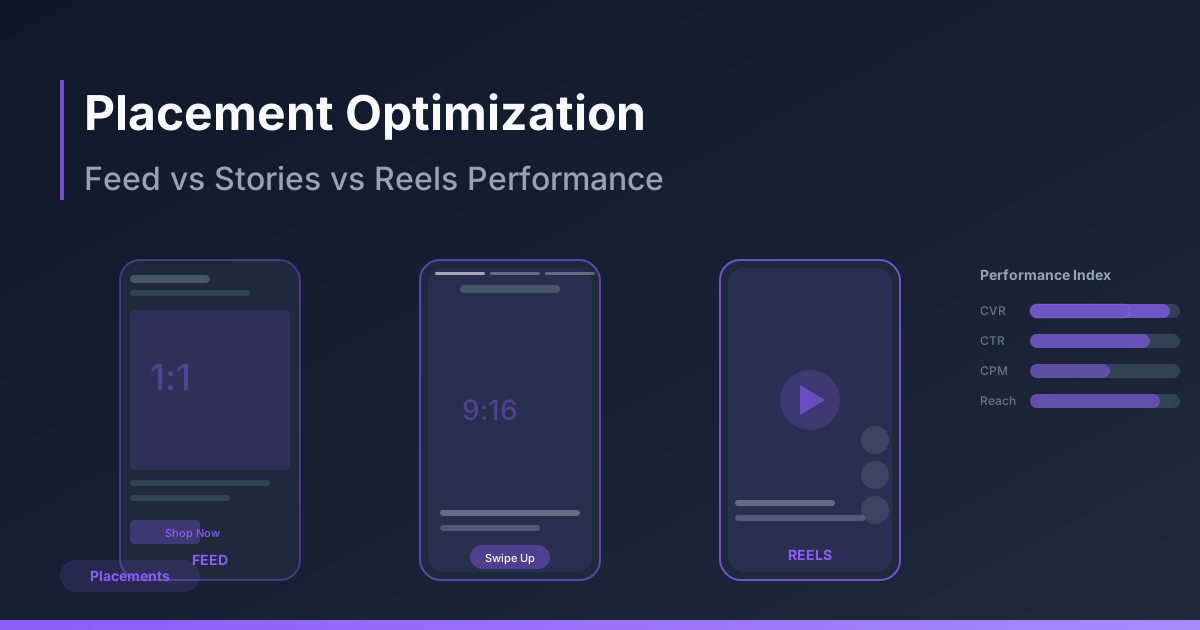
Placement Optimization: Feed vs Stories vs Reels Performance
Review placement-specific creative and mature customer economics before excluding Feed, Stories or Reels.
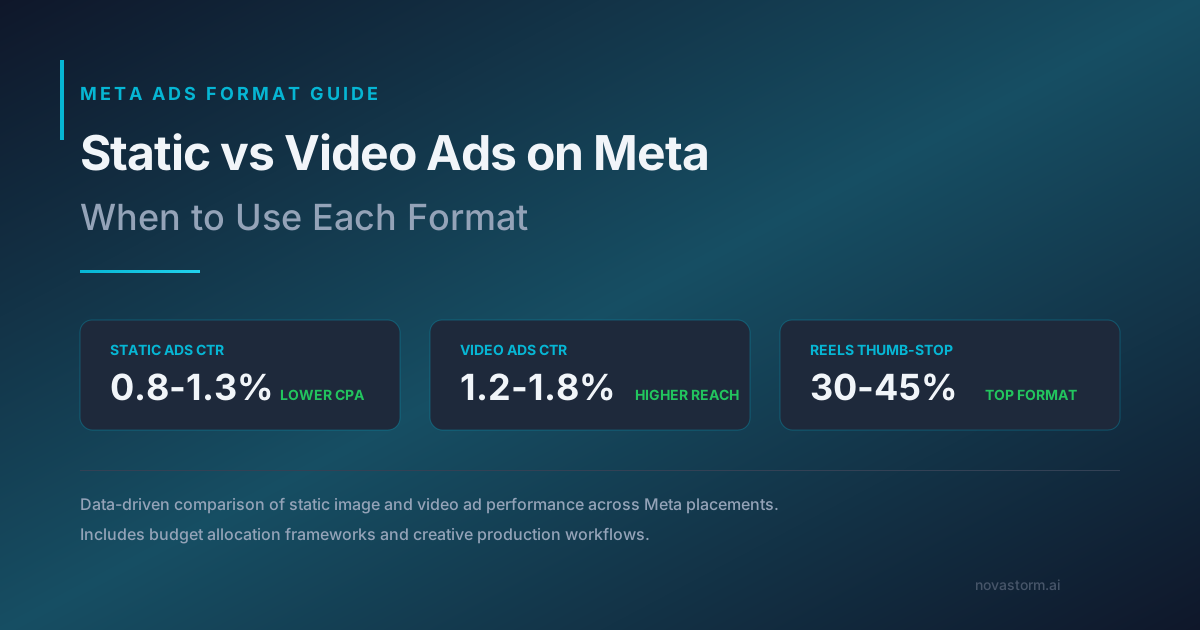
Static vs Video Ads on Meta: When to Use Each Format
Compare static and video ads using the same offer and mature business metric, including creative-production costs and unequal delivery.
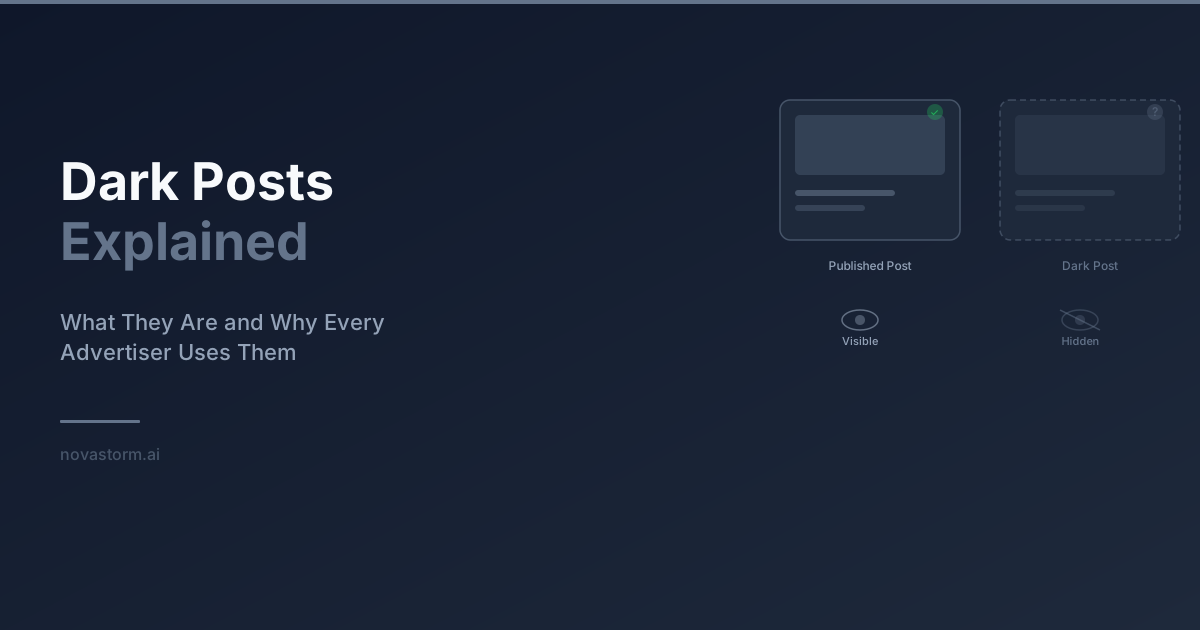
Dark Posts Explained: Ad-Only Content, Post IDs and Review
Understand ad-only posts, verify post-ID reuse by format, and keep a version and approval log without assuming privacy or transferred engagement.