

AI Image Generation for Meta Ads: Product Accuracy, Tools and Approval
Check current image models, product accuracy, rights and AI transparency before approving an advertising asset. Includes an illustrative prompt and correction worksheet.
Use image generation to explore a scene, then check whether the advertised product still matches the product you can deliver. A beautiful result with an invented clasp, extra accessory or wrong color is a rejected asset. This guide provides a prompt, correction decisions and an approval worksheet; it does not claim a measured advertising lift.
Which tools and contracts are current?
Documentation checked on October 2, 2026: Midjourney lists V8.2 as its default and documents creation and image editing on the website. Discord is an alternative access route. OpenAI marks DALL-E 3 as removed from its API. DALL-E 3 was an image-generation model, not the contract to use for uploading a product photo and editing it. The current OpenAI guide documents GPT-Image-2.5 Sunburst and Flare, with separate Image API generation and edit endpoints and a conversational Responses route. Account verification can affect access.
| Task | Verified route | What to record |
|---|---|---|
| New scene concept | Midjourney website or supported GPT Image generation route | Exact model, settings, prompt, job reference, output |
| Existing product photo with a changed scene | Midjourney Edit Model or supported GPT Image edit route | Input identity, edit instruction, output and product comparison |
| DALL-E 3 API workflow | Removed model; migrate using current documentation | Do not describe a removed generation model as a current editor |
Budget for accepted assets, not a universal image price
Midjourney plan comparison lists monthly Basic, Standard, Pro and Mega prices of USD 10, USD 30, USD 60 and USD 120; annual billing is a separate commitment. These are subscription prices, not a fixed cost per approved image. OpenAI standard image pricing lists Sunburst and Flare image input/output at USD 8/USD 30 per million tokens and text input at USD 5 per million tokens; cached and Batch rates differ. Use the current calculator and actual usage record, including edits and rejected outputs. Consumer subscriptions and API charges are different purchases.
Hypothetical production budget: USD 30 allocated tool cost + 2 hours of review at USD 25/hour + 1 hour of compositing at USD 25/hour = USD 105. If three assets are accepted, production cost is USD 35 per accepted asset. Ten rejected outputs do not make ten usable ads. This calculation excludes media spend and says nothing about acquisition performance.
A product-preserving prompt and correction worksheet
Hypothetical brief: an advertiser owns a photograph of a plain black notebook and permission to edit and advertise it. The real photo must come from that advertiser; no real product photograph or executed generator output is included here. The following is a reproducible approval protocol, not a before/after case study.
Use the supplied notebook photograph as the product reference. Place the same notebook on a pale desk with soft daylight from the left. Keep its cover color, spine, corners, proportions and visible details unchanged. Leave clear space above it for a separately added headline. Do not add a logo, pen, strap, hands or text. Produce a square scene concept.
Save the actual source photograph, prompt and output together. For a background-only generation route, remove the product request entirely and generate an empty desk; composite a cutout from the real photograph afterward. Keep the headline and price in editable design layers. A preservation instruction is a request, not proof that the model preserved pixels.
| Hypothetical failure in an output | Correction instruction or action | Acceptance comparison against the real photo |
|---|---|---|
| Invented elastic strap | Remove the invented strap; if the cover changes again, use the original product cutout | Every visible feature exists on the sold SKU |
| Gray rather than black cover | Use the original cover color; avoid a lighting effect that changes the represented variant | Compare source and final under a neutral display and identify the SKU |
| Extra notebook behind the product | Remove the second notebook | Image does not imply a bundle absent from the offer |
| Unreadable invented brand mark | Remove generated text; add only an authorized logo in a separate layer | Final mark matches the approved artwork |
| Shadow suggests a floating object | Rebuild the contact shadow beneath the original cutout | Contact point and perspective remain plausible |
Stop wasting ad budget
NovaStorm AI cuts Meta Ads CPA by 30% on average. No complex setup required.
These failures are examples of what to check, not observations from an executed run. Approve a final asset only after recording the actual comparison and resolving any mismatch. If preserving an important detail remains unreliable, use the photograph in a simpler layout instead.
Rights and AI transparency before approval
Midjourney terms make ownership subject to applicable law, third-party rights and plan conditions; companies or employees of companies above USD 1 million annual revenue need Pro or Mega to own assets. Inputs grant the provider a broad content license, and automated service access is restricted. A paid plan does not clear another photographer’s image, a person’s likeness or a trademark. Record input permissions, intended commercial use, provider terms and any brand/person approvals. For an OpenAI route, check the terms attached to the account and deployment; the image API documentation is not a rights clearance.
Meta’s June 1, 2026 transparency update describes a rollout of AI info in About this ad and detection of third-party AI signals, with regional variation. This is not a universal instruction to add one identical label to every ad. Preserve provenance and check the live disclosure controls and requirements for the specific category and market, especially social issues, elections or politics. A label does not fix a misleading product image.
Our documented branded demo: inspect the actual result and correction
A separate original example comes from our September 18, 2026 NovaStorm MCP demonstration. Actual workflow calls produced one background and assembled a branded creative. The returned metadata identified Seedream v5 Pro, although the request had named a Gemini image model. Preflight estimated 14 US cents and the ledger recorded a 9-cent reservation; neither is a general price per accepted image. The recording shows saved results from those calls, not a live generation during playback.
A later real MCP correction used that saved background and the official NovaStorm wordmark. Its preflight reported zero provider calls and zero estimated provider cost. This demonstrates a specific branded assembly and correction, not an OpenAI or Midjourney integration, exact product-photo preservation, automatic rights clearance or a measured advertising improvement. The attached campaign remained unpublished and paused, with no external Meta delivery IDs; all displayed performance metrics were explicitly synthetic.
For a real product, retain the source photo and compare the output using the worksheet above. The branded demo establishes what happened in that recorded workflow; it does not validate the fictional notebook prompt or prove that any model will preserve a sold SKU. Keep the approver responsible for product accuracy, rights, required disclosure and the exact final asset.
Prepare a branded draft, then approve it
Create a brief with authorized product/photo, colors, permitted copy, destination and placement. Keep a ledger for the selected asset: source photo, model/prompt, edits, claims verification, rights, AI disclosure decision and approver. Use the production handoff workflow to review the mobile layout and final export before preparing the campaign draft in NovaStorm. This preparation step does not establish a Midjourney or OpenAI integration, automatic legal approval or exact product reproduction by NovaStorm.
Test one approved visual hypothesis at a time if the media budget supports it. Record mature paid outcomes, refunds and production cost alongside click response. Producing more variants can consume more review time and divide evidence across ads; it does not guarantee a faster winner.
Published by NovaStorm AI. Worked examples and test fixtures in this article are illustrative, not observed customer results.
Disclaimer: This article was generated with the assistance of AI and reviewed by the NovaStorm AI team. While we strive for accuracy, we recommend verifying specific data points and consulting official sources (linked where available) for critical business decisions.
Ready to automate your Meta Ads?
NovaStorm AI takes full responsibility for your campaigns — from monitoring to optimization.
Start NowMore on Creative production and UGC
Adobe Creative Suite for Meta Ads: Photoshop and After Effects Tips
Rebuild a layered notebook ad in Photoshop and After Effects, verify its import and motion, and check the rendered asset before campaign approval.
Influencer Whitelisting: Running Ads From Creator Accounts on Meta
Prepare creator-ad permissions, rights and disclosures, verify expiry and revocation, and compare creator versus brand identity without assuming performance gains.
Canva for Meta Ads: Designing Professional Ads Without a Designer
Build a Canva ad from an original notebook layout, verify content rights and export options, and inspect both mobile adaptations before approval.
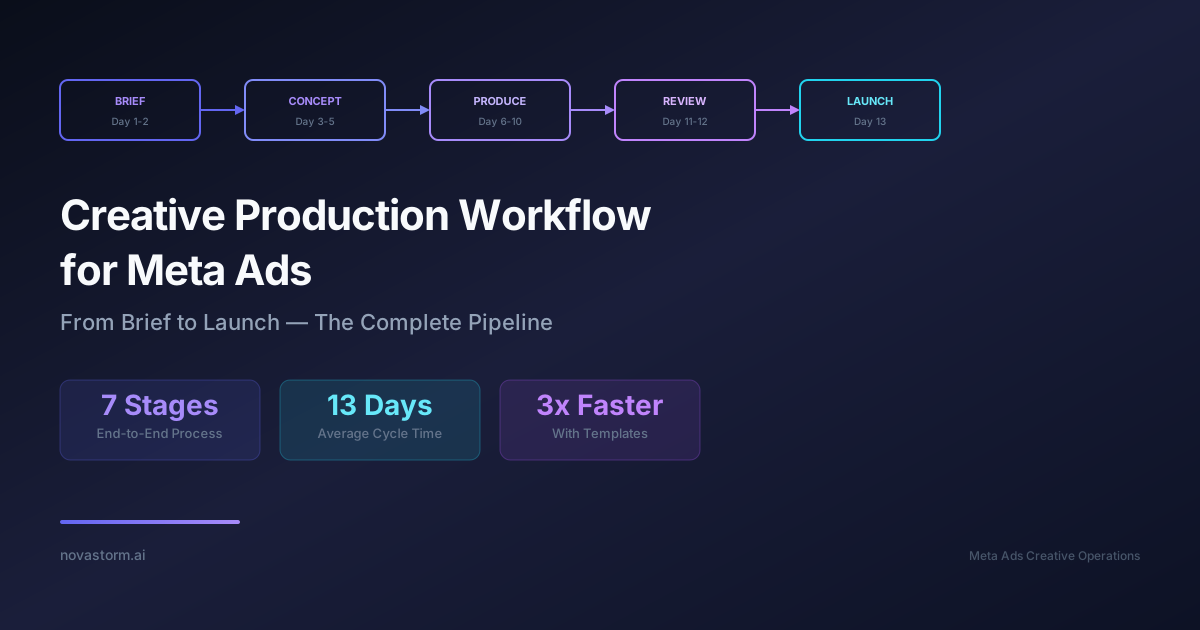
Creative Production Workflow for Meta Ads: From Brief to Launch
Organize a creative project with a filled brief, evidence and rights checks, a coherent schedule and mandatory launch acceptance gates.