

Adobe Creative Suite for Meta Ads: Photoshop and After Effects Tips
Rebuild a layered notebook ad in Photoshop and After Effects, verify its import and motion, and check the rendered asset before campaign approval.
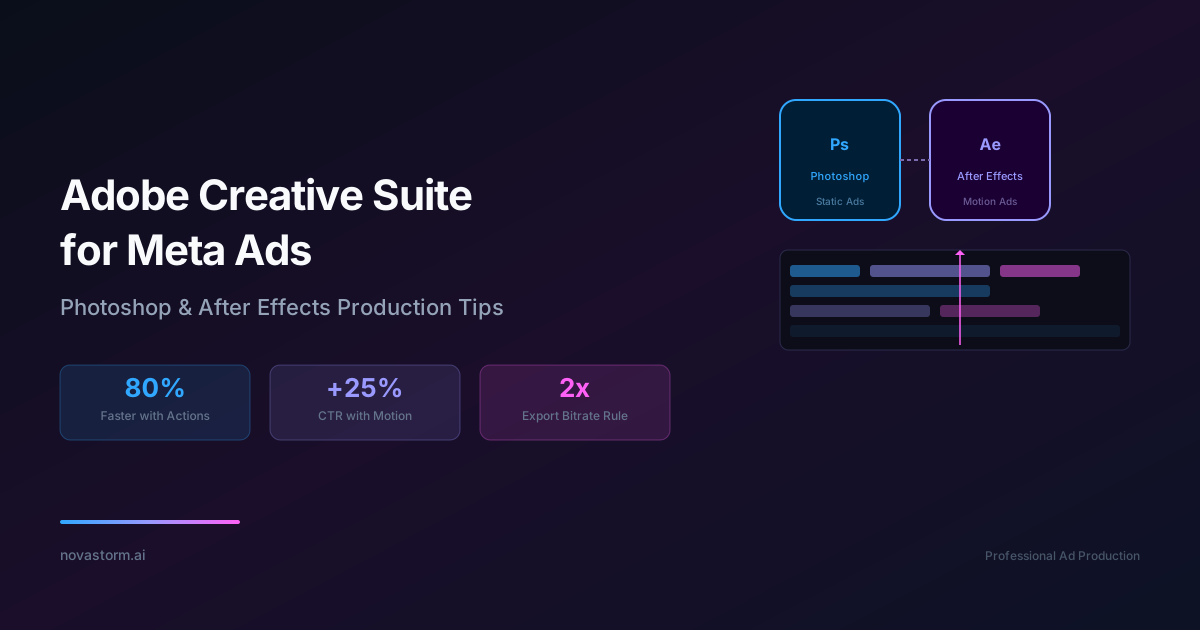
Use Photoshop for a layered visual and After Effects for deliberate motion. This guide specifies one reconstructible notebook project, an import check and an export acceptance matrix. It does not claim a native PSD/AEP was executed or that motion produces a fixed advertising uplift.
Version and source-file record
As checked on October 2, 2026, Adobe’s supported Photoshop version guidance identifies current 27.x support, while After Effects release notes lists September 2026 version 26.5. These are documentation references, not the versions of a tested project here. Record the versions actually installed, operating system, fonts and export route when reproducing the example. Different releases or effects can require a compatibility check.
A concrete PSD specification you can rebuild
Hypothetical project: notebook_notes_portrait_v01.psd, 1080 × 1920 pixels, square pixels, RGB document. Create these named layers, keeping text editable and the real product photo separate. The notebook depiction and copy are proposed, not a claim about a real SKU. Use the original shape/template preview as a visual reference.
| Layer | Source specification | Acceptance check |
|---|---|---|
| 01_background | Solid #F4F1E8, full canvas | No transparent unintended border |
| 02_product | Owned/licensed notebook photo as a Smart Object; proposed box x 342, y 822, width 396, height 528 | Real item, correct perspective; crop checked |
| 03_headline | Two lines: “One place for” / “your notes.”; proposed x 108 and baselines 582/690; 90 px text | Font rights, line breaks and readable contrast |
| 04_action | “See the notebook”; proposed x 108, baseline 1518; 72 px | Picture text distinguished from actual CTA |
| 05_review_guides | Non-exporting internal placement notes | Do not export guides or approval comments |
Coordinates are layout choices, not certified safe zones. For a square candidate, create a separate 1080 × 1080 layout and reposition the same elements rather than stretching the portrait. Do not assume all Photoshop layer types, effects or artboards import identically; inspect the exact source before animating.
Import as a composition and verify the linked update
Adobe’s still-image import guidance explains importing layered documents as compositions and retaining layer sizes. Import the selected PSD with the supported Composition – Retain Layer Sizes option, then open the resulting composition. Check text, opacity, effects, masks, layer positions and each anchor point before setting motion. A flattened footage import will not supply independently animated layers.
- Create the layered PSD with separate names and a source dependency folder. Save it before importing.
- Import a copy into After Effects and compare frame zero with the Photoshop export. Record any appearance or anchor differences.
- Make a small visible edit to an existing source layer, save the PSD and reload/check that exact dependency in After Effects. Confirm the actual result; changed dimensions, new layers or renamed layers may require additional handling.
- Restore the intended content and collect the source assets with the project for handoff. Do not claim all edits update automatically in every import arrangement.
Within Photoshop, Adobe’s Linked Smart Object guidance describes updates when the document is open and options to refresh modified sources. That behavior does not prove an After Effects composition contains a complete live link for every PSD change. Keep the two update paths distinct.
Stop wasting ad budget
NovaStorm AI cuts Meta Ads CPA by 30% on average. No complex setup required.
An eight-second animation with a purpose
Hypothetical composition choice: eight seconds at 30 frames per second, yielding 240 frames. Product scales from 98% to 100% between seconds 0 and 1; headline opacity fades from 0% to 100% during seconds 0.2–0.6; all important text remains still and fully visible from second 1 through the end. Action text appears at second 1 and remains visible. This is a proposed sequence, not an observed high-performing ad.
Use easing only where the intended motion starts or stops smoothly. Adobe’s speed guidance explains that Easy Ease changes speed around selected keyframes. Applying it indiscriminately to a constant-speed motion can introduce unintended pauses. Examine the speed graph; use linear interpolation for intended constant motion and hold behavior for deliberate discrete changes. F9 is a convenience in an applicable shortcut configuration, not a requirement to apply easing everywhere.
Export a supported media file, then test the upload
Adobe’s H.264 export guidance describes MP4 rendering routes. Use the route available in the installed version, match composition dimensions/frame rate and inspect the actual output. Do not assume doubling bitrate or a fixed 10/15 Mbps value ensures quality; content complexity, file limits and the upload’s processing matter.
Lottie JSON describes an animation for a compatible player. This workflow exports a video candidate; it does not provide a verified Meta ad upload path for raw Lottie. Treat interactive formats as separate integrations with their own confirmed requirements. A web-animation file is not interchangeable with an MP4 ad.
| QA step | Evidence to retain | Failure decision |
|---|---|---|
| Local render | Exact file/version, metadata and readable still frames at seconds 0, 1 and 7 | Fix clipping, wrong fonts, missing image or unreadable text |
| Placement preview | Actual portrait/square layout with interface overlays and real CTA | Reposition or use separate asset for the failing placement |
| Processed uploaded preview | Compare the received preview with the same local frames; inspect gradients, edges and text | Try a justified encoding change and repeat; do not assert unobserved improvement |
| Handoff | PSD, AEP, dependencies, font/license record, export, destination and approval version | Block publication if source or rights are missing |
This is an acceptance protocol, not evidence that Meta re-encoding was observed here. Preview quality and ad results are separate questions. Measure real active production hours, review/rework time and accepted concepts before claiming an 80% saving or 100-fold speedup. For an animation-versus-static performance hypothesis, test comparable offers and destinations and evaluate retained contribution, not an assumed CTR uplift.
Use production approval gates to retain the exact accepted asset. Prepare its message, final destination and spending request in a NovaStorm campaign draft for manual review. Native Adobe file storage, live PSD synchronization and creative outcome certification are not demonstrated product capabilities in this workflow.
Published by NovaStorm AI. Worked examples and test fixtures in this article are illustrative, not observed customer results.
Disclaimer: This article was generated with the assistance of AI and reviewed by the NovaStorm AI team. While we strive for accuracy, we recommend verifying specific data points and consulting official sources (linked where available) for critical business decisions.
Ready to automate your Meta Ads?
NovaStorm AI takes full responsibility for your campaigns — from monitoring to optimization.
Start NowMore on Creative production and UGC

Canva for Meta Ads: Designing Professional Ads Without a Designer
Build a Canva ad from an original notebook layout, verify content rights and export options, and inspect both mobile adaptations before approval.

AI Image Generation for Meta Ads: Product Accuracy, Tools and Approval
Check current image models, product accuracy, rights and AI transparency before approving an advertising asset. Includes an illustrative prompt and correction worksheet.
Creative Production Workflow for Meta Ads: From Brief to Launch
Organize a creative project with a filled brief, evidence and rights checks, a coherent schedule and mandatory launch acceptance gates.
Influencer Content Licensing for Meta Ads: Legal and Creative Guide
License creator ads with explicit paid-use, edit and third-party rights, then track each live ad against approval and expiration records.