

Session Recording Analysis for Meta Ads Traffic: User Behavior Insights
Review sampled session recordings with a defined question, tested masking and separate observation, hypothesis and outcome validation.
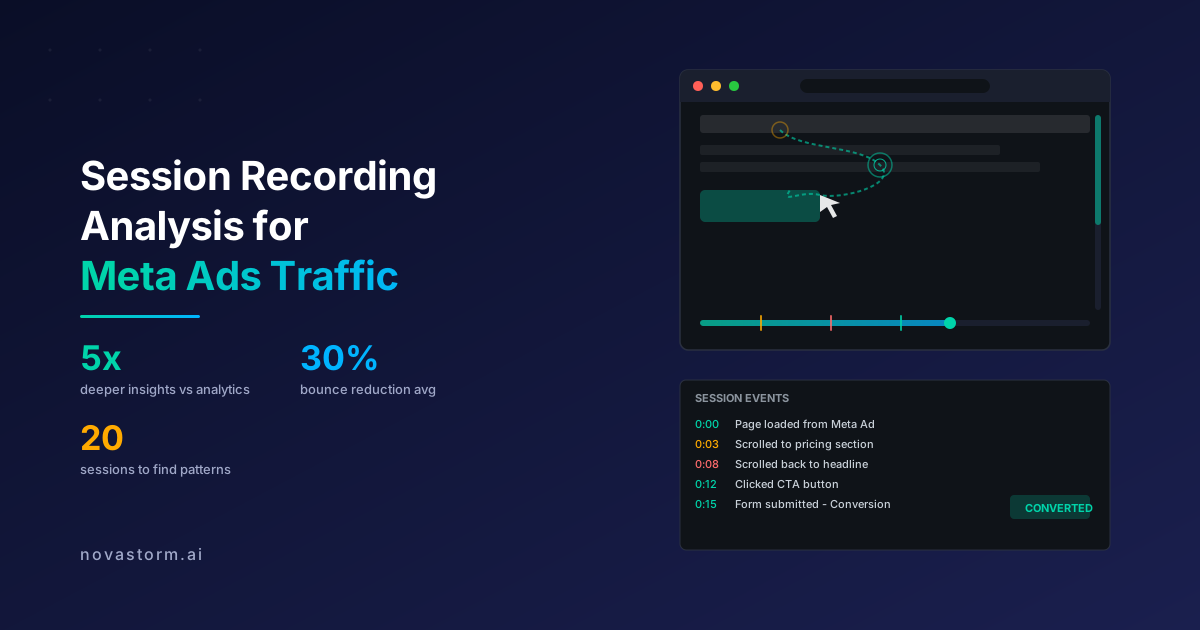
A session replay helps you formulate a reproducible question about a page. It is a reconstruction of recorded interactions, not a video of the user’s intentions. Match it to the page build, request logs and an accepted business result before deciding what to change.
A safe teaching replay
Authored synthetic transcript, not an actual customer recording or a performed browser test. All names and contact fields are masked. The same rule applies to dynamic text inserted after initial load; masking an input does not justify exposing its value elsewhere.
00:00 Page A loads; build = fixture-v1
00:04 User enters [MASKED TEST NAME] and [MASKED EMAIL]
00:06 Dynamic greeting appears: [MASKED TEST NAME]
00:08 Submit is pressed; invalid test field remains
00:09 No accessible error is shown in this scenario
00:12 Submit is pressed again; no accepted lead is recorded
For Clarity, an explicit masking example is <span data-clarity-mask="True">[synthetic dynamic name]</span>Check a fresh replay after the configured change has taken effect. Microsoft’s masking documentation says changes apply to new recordings and describes masking precedence. Keep real credentials, contact details and sensitive text out of fixtures; CSS content is not a safe place for personal data.
Keep observation, hypothesis and reproduction separate
| Observation in teaching replay | Hypothesis | Reproduction to perform |
|---|---|---|
| Two submit presses; no error visible | Validation feedback is missing | Use the same invalid input; inspect rendered error, focus and request |
| Different label in replay and current page | Replay represents an older asset or DOM state | Compare capture time, build identifier and actual HTML |
| No conversion event in analytics | Event delivery failed, or the lead was never accepted | Check backend acceptance first, then event delivery separately |
| Click event labeled as conversion | Instrumentation mistakes intent for success | Submit invalid input and confirm it cannot count as an accepted lead |
Hypothetical selection: 20 deliberately selected unsuccessful sessions, eight containing a repeat submit action. Calculation: 8 / 20 = 40% of those selected failed sessions. This is not a failure rate for all visitors and not proof that 40% encounter the same defect. Successful sessions and unrecorded visits are absent from the denominator.
Stop wasting ad budget
NovaStorm AI cuts Meta Ads CPA by 30% on average. No complex setup required.
Avoid joining evidence from incompatible versions. A replay may lack a resource or event while the original interaction succeeded. Conversely, a green success message can appear without a successful backend request. Capture time, page version, request result and accepted identifier together; redact identifiers before sharing a teaching artifact.
Define accepted repair and responsibility
Unexecuted acceptance scenario: the frontend owner adds feedback following W3C form-notification guidance. Invalid input produces a clear associated error. A valid synthetic input in a test environment yields fixture lead TEST-L1 from the backend and one success state. Repeat submission cannot create a second fixture lead. TEST-L1 is a proposed test identifier, not evidence that a real lead was received.
- QA owns the replay reproduction and tests keyboard, pointer, viewport and dynamic masking using synthetic data.
- The frontend owner owns validation feedback and success-state timing.
- The backend owner confirms accepted lead creation, duplicate handling and a traceable request result.
- The analytics owner checks the success event only after acceptance. Missing analytics is investigated separately from failed lead creation.
Once this functional repair passes, test a new message as a separate hypothesis, for example “Explaining the next contact step improves qualified submissions.” Keep the repaired control in both variants, define qualification before testing, and avoid attributing a technical fix to copy alone.
Use the confirmed page finding to prepare an ad brief with a consistent promise and next step. NovaStorm’s role is campaign draft preparation for review, not recording sessions or validating lead receipt. The form optimization guide covers the adjacent handoff from submission to accepted lead.
Published by NovaStorm AI. Worked examples and test fixtures in this article are illustrative, not observed customer results.
Disclaimer: This article was generated with the assistance of AI and reviewed by the NovaStorm AI team. While we strive for accuracy, we recommend verifying specific data points and consulting official sources (linked where available) for critical business decisions.
Ready to automate your Meta Ads?
NovaStorm AI takes full responsibility for your campaigns — from monitoring to optimization.
Start NowMore on Landing pages and conversion
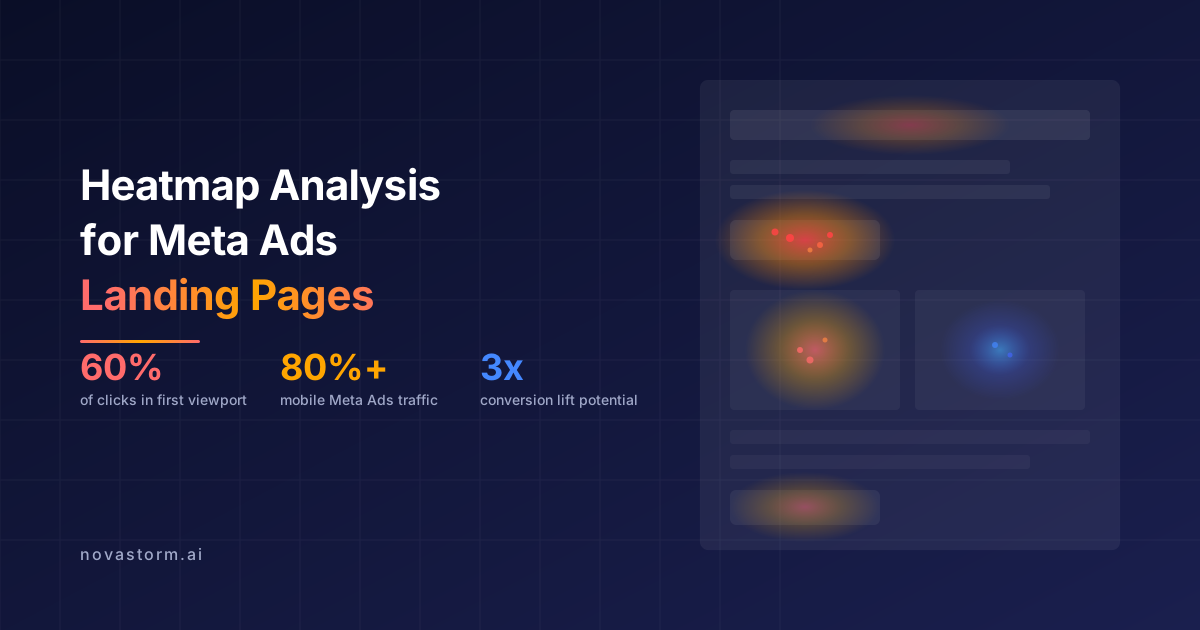
Heatmap Analysis for Meta Ads Landing Pages: Where Users Click
Use landing-page heatmaps as aggregate interaction evidence, with compatible segments and page versions, then validate a specific issue before changing the page.

Above the Fold Optimization for Meta Ads Landing Pages
Audit the first landing-page viewport for truthful message continuity, readable hierarchy and a usable next step across variable mobile conditions.
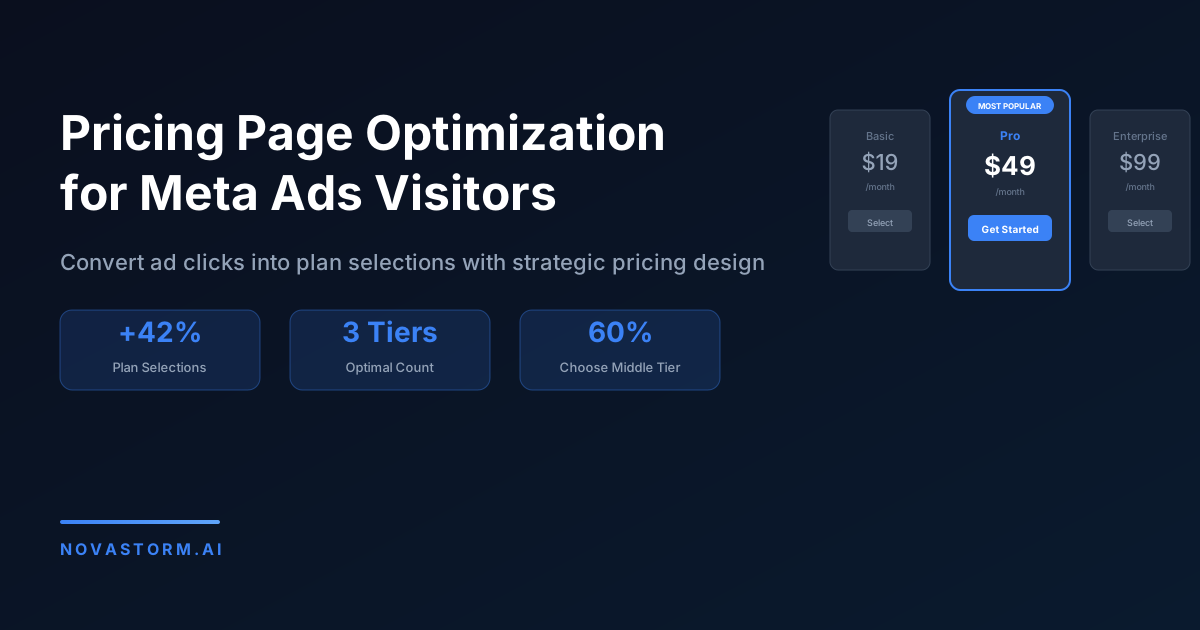
Pricing Page Optimization for Meta Ads Visitors
Explain annual charges, trial transitions, discounts and add-ons clearly, test keyboard plan selection, and compare retained contribution rather than clicks.
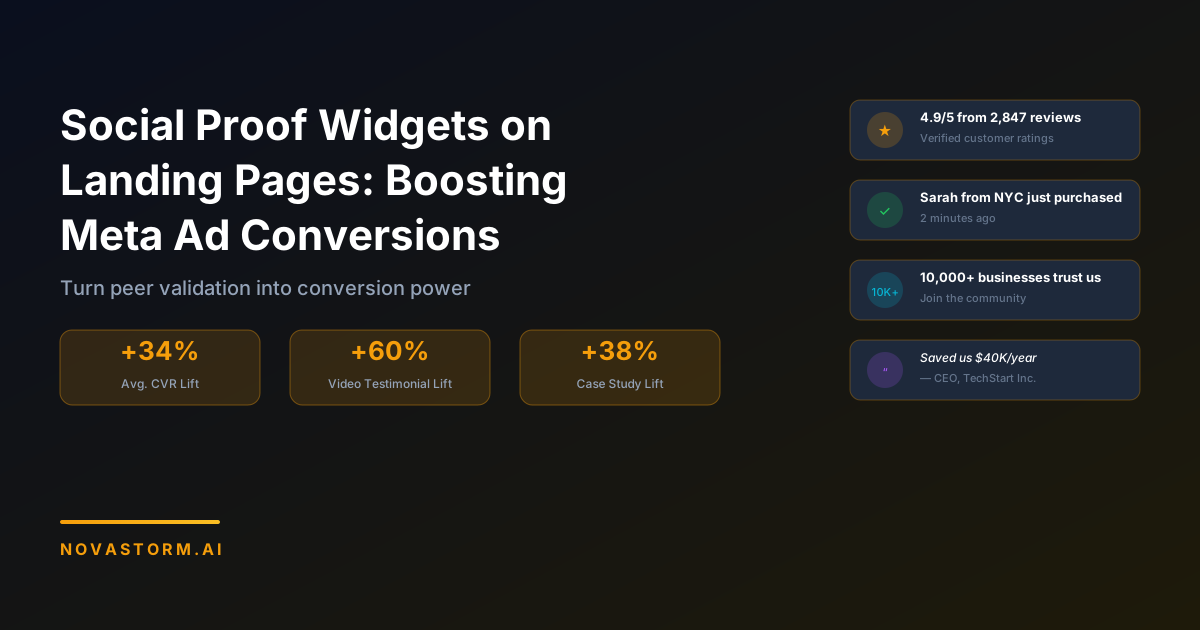
Social Proof Widgets on Landing Pages: Boosting Meta Ad Conversions
Choose proof that answers an offer question, retain source and permission context, and inspect mobile widget behavior without invented conversion claims.