

How to Recover From Meta Ads Account Restrictions
Identify the exact Meta restriction, prepare truthful evidence and a case log, and use the official action available without promising reinstatement.
How to Recover From Meta Ads Account Restrictions
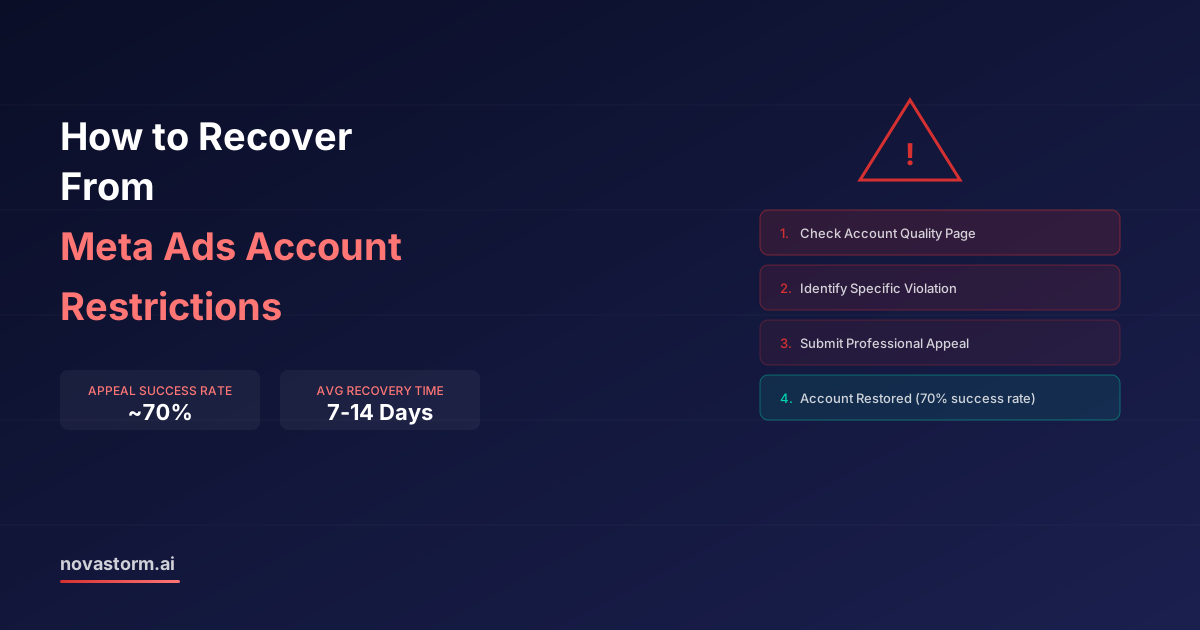
Begin with the exact restriction notice and the affected asset. A rejected ad, a billing issue, a security check and restricted advertising access are different problems. Record what the notice actually says before changing assets or preparing a review request; an appeal outcome and its timing remain uncertain.
Connect the notice to an available action
| Notice category | Evidence to preserve privately | Next step when available |
|---|---|---|
| Specific ad rejection | Ad version, cited policy, destination and rejection date | Correct the documented issue or use the offered review action |
| Payment or billing issue | Transaction reference, authorized billing owner and exact error | Resolve payment through the official account flow; verify status |
| Identity/business/security check | Requested document types and legitimate asset ownership | Complete the stated official verification, secure access and review roles |
| Advertising access restriction | Affected account/business asset, cited reason and available actions | Use the review/support option shown for that asset; do not assume every case permits appeal |
| Review denied or no option | Decision text and any further official route | Follow only the offered next action; do not create accounts to evade enforcement |
Use official Meta support reached from the signed-in account and inspect current Advertising Standards for the cited reason. Do not send identity documents to unofficial recovery agents, promise that verification guarantees priority, or rely on a fixed 7–14-day recovery time. This guide supplies a factual request format, not a guaranteed route to reinstatement.
A three-part appeal example
Hypothetical draft, not a submitted appeal or a successful recovery. Assume a destination was rejected for an inaccurate offer; only use the wording below if the described correction is true and documented.
Stop wasting ad budget
NovaStorm AI cuts Meta Ads CPA by 30% on average. No complex setup required.
- Reference: “I am requesting review of the restriction on the asset identified in this notice. The cited issue concerns an offer mismatch between the ad and its destination.”
- Evidence: “The attached current ad and destination show the same product, total price and offer period. The previous page version and the correction are included for comparison.”
- Correction: “We removed the inconsistent price, checked the mobile purchase path and assigned an owner to approve future offer changes. Please review the current versions under the policy cited in the notice.”
Do not copy a claim that no violation occurred when a correction was needed. Keep the evidence narrowly relevant, accurate and authorized to share. Submit through the available official route once, then follow the case’s instructions rather than assuming repeated messages improve priority.
| Private case log field | What to record | Decision rule |
|---|---|---|
| Notice | Date, asset and exact reason | Separate confirmed wording from guessed cause |
| Evidence | Ad/page versions and actual corrections | No fabricated screenshots or false compliance claims |
| Submission | Official route, date and case reference | Submission is not acceptance or restoration |
| Response | Exact decision and next permitted action | No advertised review duration promised |
| Closure | Actual asset status and approved restart check | Resume only through authorized compliant access |
Preserve legitimate continuity without bypassing a restriction
Retain your own authorized creative files, campaign briefs and first-party records under their applicable permissions. A platform Custom Audience is not necessarily an exportable list of matched people; do not promise a backup export. Additional accounts are appropriate only for legitimate permitted ownership/business purposes, never as a workaround for an enforcement notice.
- Limit access to authorized people, review unknown admins, protect login and verify billing ownership. These controls address exposure; no 85% risk-reduction statistic is established here.
- Review ad and destination claims before submission, including any sensitive categories and required disclosures. A low rejection rate is not proof that every ad complies.
- Prepare a corrected, reviewed offer brief in NovaStorm only when the business is authorized to advertise. Product monitoring does not guarantee restriction prevention, policy approval or appeal success.
Published by NovaStorm AI. Worked examples and proposed tests are labeled in the article.
Disclaimer: This article was generated with the assistance of AI and reviewed by the NovaStorm AI team. While we strive for accuracy, we recommend verifying specific data points and consulting official sources (linked where available) for critical business decisions.
Ready to automate your Meta Ads?
NovaStorm AI takes full responsibility for your campaigns — from monitoring to optimization.
Start NowMore on Policy, privacy and international ads
Cookieless Advertising on Meta: Preparing for the Privacy Shift
Plan restricted Meta measurement with dated browser evidence, consent and event deduplication tests, and a campaign brief with business boundaries.
Multi-Currency Meta Ads for International E-commerce Stores
Separate account currency, localized catalog prices and order currency, then reconcile a worked EUR order into common reporting.
Meta Ads Special Ad Categories: Housing, Credit, and Employment Rules
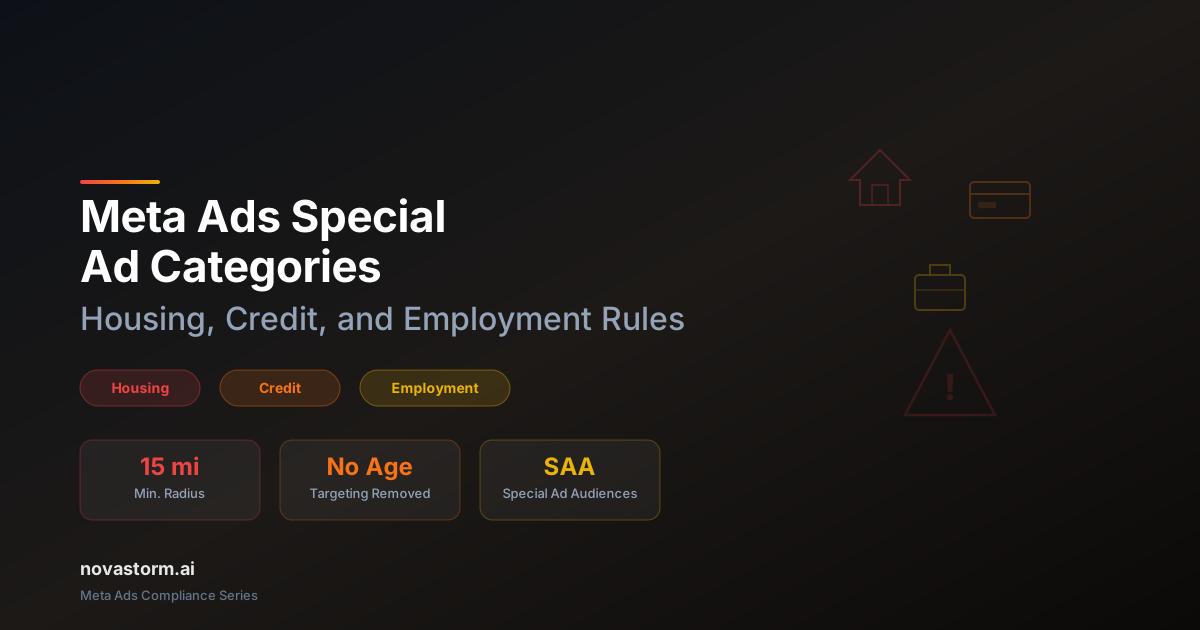
Classify special-category offers using current market rules, validate saved targeting and review borderline creative before publishing.

Brand Safety on Meta: Protecting Your Reputation in Ad Placements
Check Meta placement suitability controls, confirm partner coverage and build an accountable incident response without assumed reach-loss benchmarks.