

Meta Ads SDK Integration for Mobile App Tracking
Plan Meta mobile app event tracking around current SDK versions, platform permissions, confirmed purchases and tests of restricted as well as eligible states.
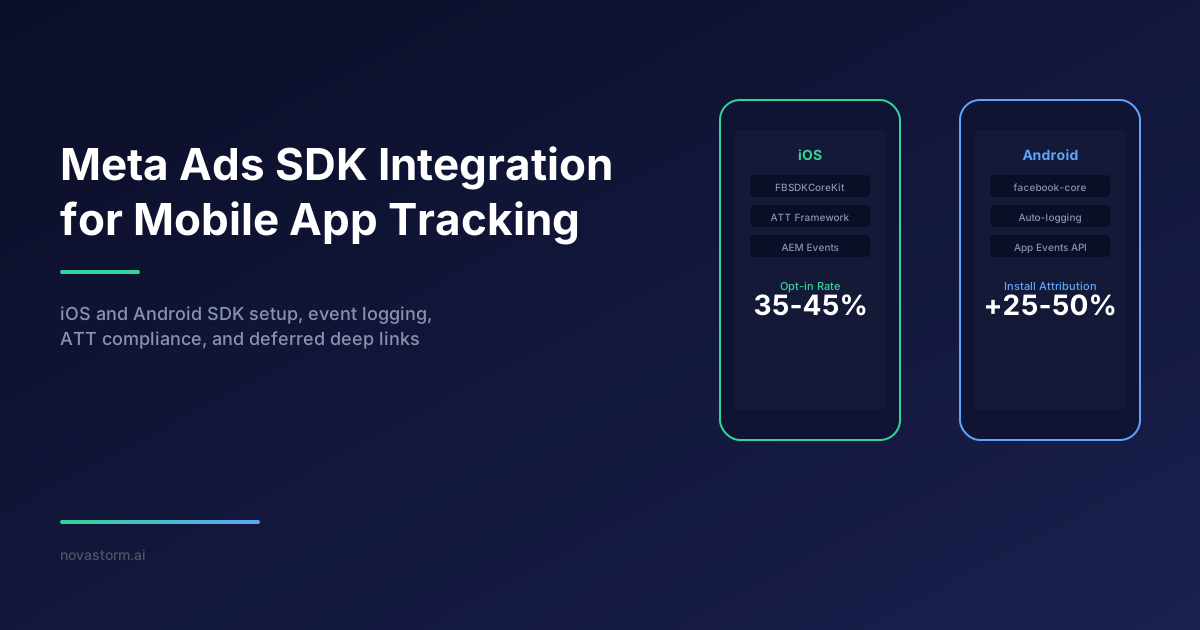
A mobile SDK integration should answer a concrete question: which app action is measured, when is it logged, and which permissions apply? Installing a library is only one step. Event delivery, store transaction validity, platform tracking restrictions and ad attribution need separate verification.
Document the app event contract
| Action | Authoritative source | Check |
|---|---|---|
| Registration | Successful account creation | Do not log merely opening the form |
| Purchase | Confirmed store transaction | Validate amount, currency and transaction identity |
| App activation | App lifecycle | Review automatic logging and duplicate manual calls |
| Deep-link opening | Validated destination | Handle missing or unsupported link data |
Use the current supported SDK and installation instructions for your platform: Meta’s iOS SDK and Meta’s Android SDK. Do not copy an old module matrix or assume initialization enables the same automatic behavior in every release.
Test permission states separately
Apple’s tracking and privacy requirements explains that tracking permission and App Store privacy disclosures apply to relevant tracking uses. Do not use fingerprinting as a replacement when permission is denied. Review actual SDK collection settings, platform requirements and your app’s policy; an Android build also needs an explicit data-collection review.
Test eligible, denied, not-yet-decided and withdrawn states as applicable. Confirm what events and identifiers the configured build sends in each state. Limited-data settings should not be described as a universal replacement for consent or platform permissions.
A purchase contract to implement and test
Hypothetical fixture, not a production SDK trace: transaction T is a confirmed USD 12.00 purchase. T is a synthetic business key in the application ledger, not a claim that every Meta SDK accepts a transaction-ID deduplication field. Select the SDK event API and supported parameters from the installed release. The app engineer owns this contract and documents whether automatic purchase logging is enabled before adding a manual sender.
| Contract field | Illustrative value | Acceptance rule |
|---|---|---|
| Business action | T: confirmed store purchase | One confirmed ledger action, not one action per delivery attempt |
| Amount and currency | 12.00; USD | Take both from the validated store record, not display text |
| Sender owner | Application purchase adapter | Inventory automatic SDK and CDP senders; designate one logging owner |
| Delivery retry | Attempt A times out; attempt B repeats | Retain one business action; test supported delivery behavior without assuming SDK deduplication |
| Refund or pending state | T changes store status | Reconcile separately; do not count pending or refunded revenue as paid net revenue |
Expected business result of retry: the application ledger still contains one purchase T and USD 12.00 gross purchase value. This is an acceptance target for your implementation, not proof that Meta received exactly one event. Check SDK diagnostics separately; if two purchase calls reach the adapter, fix duplicate logging ownership before evaluating attributed purchases.
The browser and server tracking architecture provides a useful distinction between an operational transaction and its measurement deliveries. Apply that distinction to the app while retaining the mobile integration’s own contract.
Stop wasting ad budget
NovaStorm AI cuts Meta Ads CPA by 30% on average. No complex setup required.
Permission and unknown-link test matrix
Hypothetical device-test plan: use a clean test installation and synthetic store transaction. Capture the actual configured state; an ATT authorization state and an app consent preference are different controls. A tracking refusal must not be bypassed through a fingerprint. This article has no device-test result to report.
| Fixture | Expected application behavior | Evidence to retain |
|---|---|---|
| Eligible state under applicable rules | Send only permitted fields through the designated adapter | Build/version, configuration, permission state and redacted field inventory |
| Tracking denied | Respect tracking restriction; inspect allowed collection separately | No substitute fingerprint or prohibited identifier in the trace |
| App consent withdrawn | Apply the app policy to future sends; test queued items | Queue treatment and actual subsequent network behavior |
| Unknown link: /offer/not-a-real-product | Show a safe fallback without opening an arbitrary external URL | Screen state and route decision; no purchase logged merely on opening |
| Missing/deferred link | Handle absence without crashing or inventing a destination | Clean-install route result and completed action, if any |
A safe trace and store reconciliation
Illustrative redacted log schema, not a captured network log: time=10:00:00, business_key=T, store_status=confirmed, value=12.00, currency=USD, sender=purchase-adapter, attempt=A, result=timeout; time=10:00:02, business_key=T, attempt=B, result=transport-response. Do not print device/ad identifiers, customer email, access tokens, receipt bodies or full request headers. A transport response is delivery evidence only; record an explicit SDK diagnostic outcome if the release exposes one.
Reconciliation worksheet: ledger T count=1; store T status=confirmed; gross value=USD 12.00; refunds=USD 0.00 in this hypothetical fixture; permitted SDK calls and diagnostic receipts are reviewed in separate columns. Ads attribution is a third record, with its reporting window and maturity date. A valid store transaction does not establish ad causality, and a received event does not prove an attributed install or sale.
Validate the destination and reporting
Inspect supported test tools, event names, value/currency, app identifiers and diagnostics for the installed release. Check deferred links on a clean installation and handle an absent destination gracefully. Network queues reduce some delivery failures but do not guarantee indefinite retention or complete attribution.
If events also pass through a data platform, the CDP connector review helps assign ownership and avoid two components logging the same action. Compare attributed installs and purchases with store and business records; do not promise an SDK adds 25–50% more installs or that a better-timed prompt produces a universal opt-in rate.
After the engineer accepts the event and routing contract, prepare a campaign brief containing the app destination, intended action and unresolved measurement limits. NovaStorm can support campaign preparation; this guide does not promise NovaStorm mobile SDK installation, store reconciliation or attribution integration. Keep launch authorization with the account owner.
Published by NovaStorm AI. Worked numbers are illustrative unless explicitly identified as observed results.
Disclaimer: This article was generated with the assistance of AI and reviewed by the NovaStorm AI team. While we strive for accuracy, we recommend verifying specific data points and consulting official sources (linked where available) for critical business decisions.
Ready to automate your Meta Ads?
NovaStorm AI takes full responsibility for your campaigns — from monitoring to optimization.
Start NowMore on Tracking and first-party data
Facebook Pixel Advanced Matching: Improving Data Quality
Audit Pixel advanced matching with explicit field sources, browser and server transformation contracts, consent-withdrawal tests and honest field-coverage measurements.
Google Tag Manager and Meta Pixel: Advanced Setup Guide
Set up Meta Pixel in GTM with explicit tag ownership, confirmed-action data-layer events, tested consent controls and separate server delivery.

Data Clean Rooms and Meta Ads: Privacy-First Audience Insights
Define a permitted customer-overlap clean-room pilot, test output suppression, and decide whether the aggregate question justifies preparation and governance cost.
Customer Data Platforms and Meta Ads: CDP Integration Strategy
Map four CDP flows, assign connector ownership, test identity and removals, and use verified audience data in an approved campaign brief.