

Custom Audiences: The Complete Guide to First-Party Data Targeting
Prepare a permitted customer-list upload, diagnose its processing errors and plan audience refreshes without invented match-rate benchmarks.
A customer list is usable only when you have permission and a lawful basis for its intended advertising use. Possessing an email address is not sufficient. Have the responsible privacy owner review the purpose, notice, permissions, permitted fields and current platform terms before exporting a real list.
Make a minimal upload worksheet
Synthetic CSV illustration only, never upload these fictional addresses. Use the current mapping/template shown in your account rather than assuming these instructional field names are accepted automatically:
email,country
person-a@example.invalid,US
person-b@example.invalid,US. Internally retain permission status and revocation date; do not add unnecessary private fields to the advertising file.
- Select only records permitted for this use; remove opt-outs, duplicates and stale addresses from the source export. Record the export date and responsible owner.
- Inspect the current customer-list upload template and map each field explicitly. Normalize only according to the documented field rules; do not hash a prehashed identifier again.
- Keep the upload receipt, mapping, accepted/rejected counts and any available processing status. Never expose real identifiers in screenshots or this journal.
- For rejected rows, inspect delimiter, encoding, field mapping and required format. Correct a small permitted sample and retry once with a recorded version; distinguish format failures from unmatched accepted records.
- Check the actual audience availability and reporting limitations after processing. An estimated audience count is not necessarily an exact number of matched unique source people.
Report matching without inventing a benchmark
Illustrative upload ledger: 1,000 permitted unique source records, 50 rejected for format, 950 accepted. If an upload report explicitly counted 570 matched unique people, matched/accepted would be 570/950 = 60%; matched/source would be 570/1,000 = 57%. These are synthetic arithmetic examples. If the report supplies only a size range or hides small audiences, report the range or “not measurable”; do not infer an exact match rate.
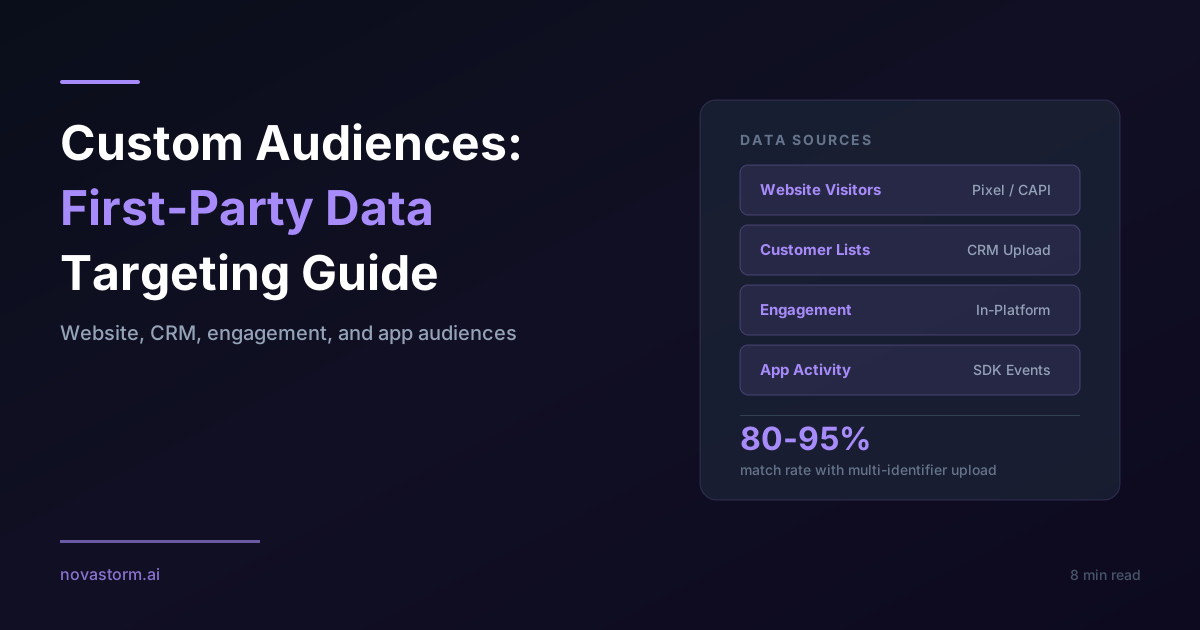
No measured upload study supports universal phone match rates of 70–90%, multi-field rates of 80–95% or a guaranteed 5–10% lift from adding names. Additional identifiers also increase data exposure. Collect and send only permitted, necessary fields; matching does not establish conversion lift.
Stop wasting ad budget
NovaStorm AI cuts Meta Ads CPA by 30% on average. No complex setup required.
Refresh windows and purchase exclusions
| Illustrative recency plan | Refresh and eligibility check | Purchase handling |
|---|---|---|
| 7 days | Confirm the event source is current and the supported rolling rule is saved | Exclude confirmed buyers where appropriate; verify the saved exclusion |
| 14 days | For a distinct tier, subtract the supported 7-day set | A new visit may restart recency; buyers must still follow the purchase policy |
| 30 days | Review source continuity and subtract shorter supported tiers if separation matters | Use a repeat-purchase cycle rather than permanent suppression |
| 180 days | A possible planning horizon only; verify the allowed retention for this source | Remove revoked records and stale permissions before the next customer-list export |
Website, engagement and app sources have different available rules and retention limits. A customer-list export does not update merely because the CRM changed: document the connector or manual replacement mechanism, last successful sync, deletion handling and failure alert. Schedule refreshes around purchase/permission changes, not a universal weekly interval. After a revocation, exclude the record from future exports and follow the applicable removal process.
Keep the preparation and data pipeline separate
NovaStorm can be used to prepare the audience brief and creative for human review in a paused campaign workflow. CRM synchronization, upload processing and permission management require separately verified tools and responsible owners. The first-party data guide helps document those boundaries. Review the current Meta customer-audience terms and upload contract in your authorized account before using a real list.
Published by NovaStorm AI. Planning examples are illustrative assumptions, not measured customer results.
Disclaimer: This article was generated with the assistance of AI and reviewed by the NovaStorm AI team. While we strive for accuracy, we recommend verifying specific data points and consulting official sources (linked where available) for critical business decisions.
Ready to automate your Meta Ads?
NovaStorm AI takes full responsibility for your campaigns — from monitoring to optimization.
Start NowMore on Custom audiences and retargeting
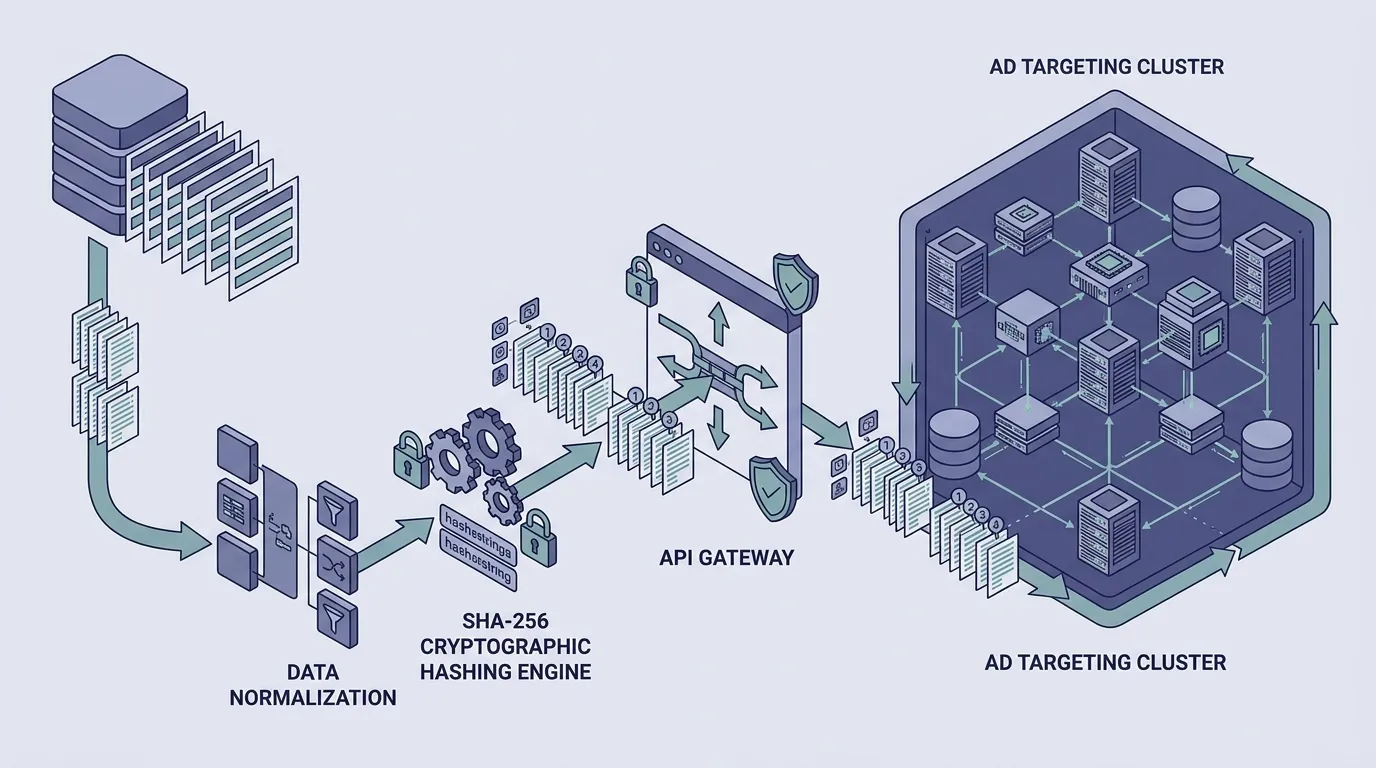
Meta Custom Audience Syncing via Usersreplace: Prevent Learning Resets and Session Errors
Learn how to update Meta Custom Audiences using the usersreplace endpoint without triggering ad set learning resets or session timeout errors.
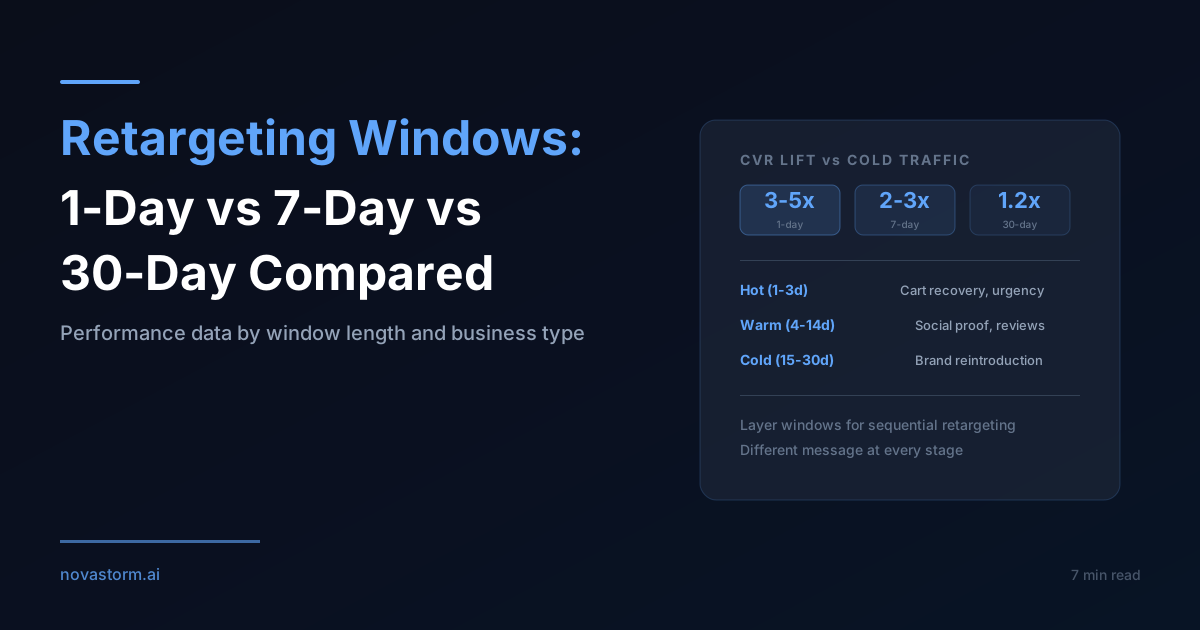
Retargeting Windows: 1-Day vs 7-Day vs 30-Day Performance Compared
Build supported 1-, 7- and 30-day retargeting tiers, plan re-entry and measure incremental paid orders rather than assume recency multipliers.
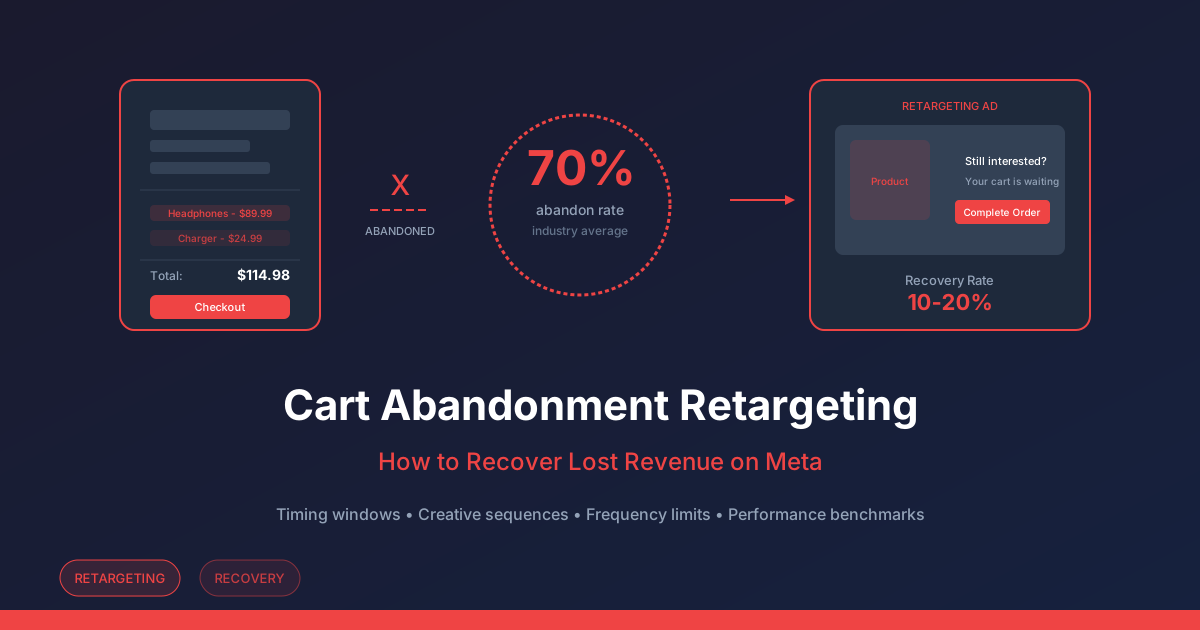
Cart Abandonment Retargeting on Meta: Test Incremental Profit
Plan a cart-retargeting sequence, verify purchases and suppression, and compare incremental contribution after discounts, delivery and advertising costs.
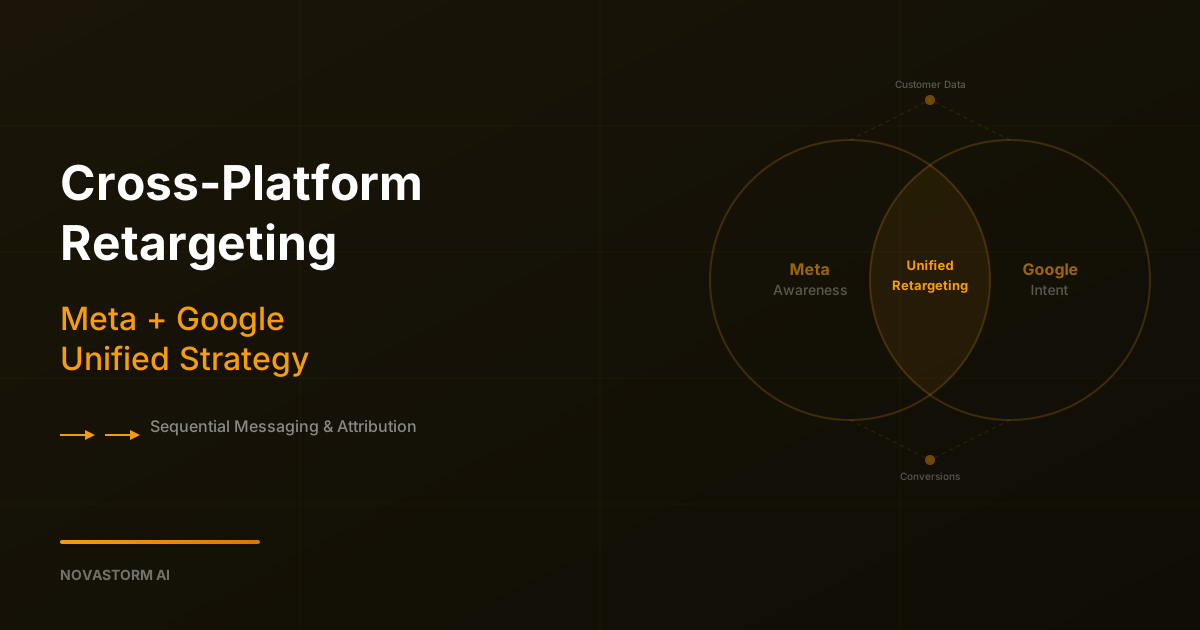
Cross-Platform Retargeting: Meta + Google Unified Strategy
Coordinate Meta and Google retargeting messages with permission-aware segment records, visible sync failures and separately tested incremental outcomes.