

Client Onboarding for Meta Ads Agencies: First 30 Days
Onboard Meta clients with filled discovery, task-based access and expectations documents, launching only after events and approvals are ready.
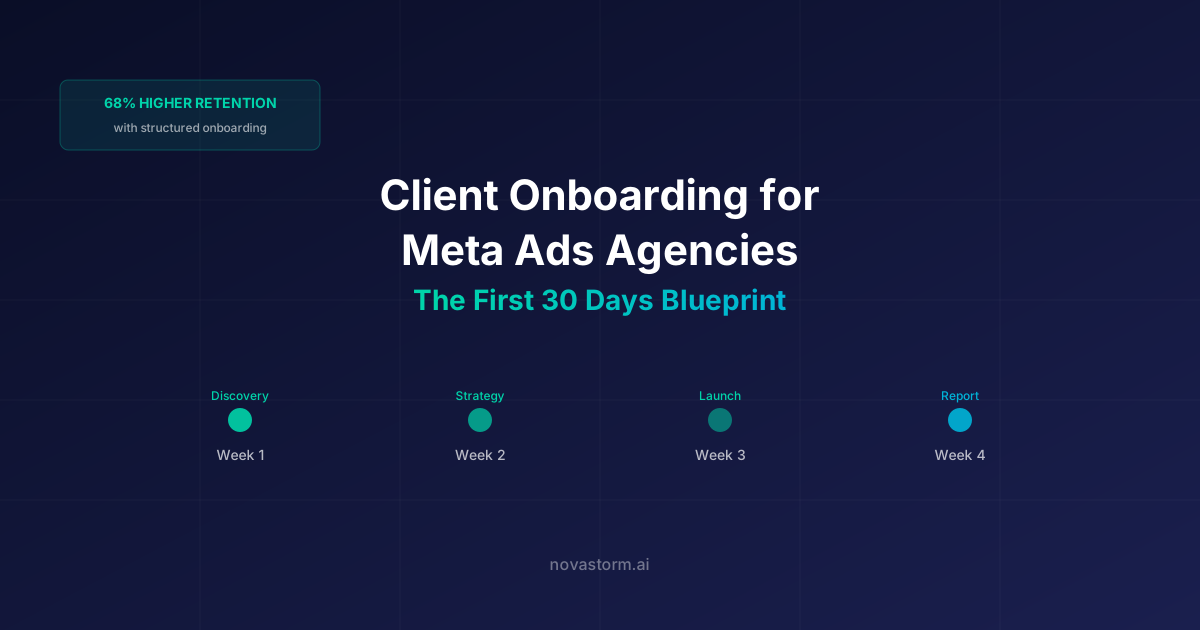
Agency onboarding is complete when the team can prepare, approve, publish and reconcile a bounded campaign with the client’s permission. Use readiness gates rather than assuming every client should launch in a particular week. Missing assets or untested events are dependencies with an owner.
A filled discovery questionnaire
This is a hypothetical online-retailer onboarding, not an actual client engagement.
| Question | Teaching answer | Owner |
|---|---|---|
| Business outcome | Retained paid orders after the return window | Client finance lead |
| Margin and limit | $25 contribution before acquisition; $5 reserve | Finance lead |
| Offer / destination | Approved current SKU page; no unsupported discount | Product owner |
| Geography / capacity | Domestic shipping; available stock only | Operations lead |
| Reporting | Weekly spend review; mature order cohort later | Agency analyst |
| Approval | Client signs off offer, creative and budget | Client marketing owner |
Access request form with task-based permissions
| Asset/task | Requested access | Approval and boundary |
|---|---|---|
| Ad account / campaign preparation | Only asset/task permissions needed for the work | Client asset owner grants; agency cannot change ownership |
| Event verification | Required diagnostics/test access | Technical owner; no customer export unless separately approved |
| Order reconciliation | Restricted approved export or read access | Finance owner; minimize personal fields |
| Creative folder | Access to approved materials only | Brand owner; license and expiry visible |
Inspect the actual Meta asset and task permissions rather than assuming “partner” means least privilege. Keep named authorized users, MFA, review dates and a revoke-on-exit procedure. Never collect the client’s password or reuse another person’s login. A billing or admin permission needs a separate task-based reason.
Stop wasting ad budget
NovaStorm AI cuts Meta Ads CPA by 30% on average. No complex setup required.
Expectations document
- Included work: one approved offer, the agreed campaign scope, a creative review and a report with source periods and definitions.
- Client dependency: current prices/stock, rights-cleared materials, access and a named approver.
- Agency dependency: verified destination/events, documented draft settings and second review before publication.
- Budget: client-approved total ceiling and loss allowance; changes require the designated decision owner.
- Results: no guaranteed CPA or retention uplift; early reporting can be incomplete due to sales/return lag.
- Communication: agreed business hours, channel, response responsibility and escalation route.
Connect readiness to the first report
| Teaching checkpoint | Status | Blocking owner / next step |
|---|---|---|
| Destination and successful/failed order test | Passed in this hypothetical scenario | Technical owner retains test record |
| Return-window definition | Pending | Finance owner supplies the cohort rule |
| Creative and claim rights | Approved | Brand owner approves exact version |
| Campaign draft and budget review | Ready for second review | Buyer and client approver check saved fields |
| First report | Scheduled after initial delivery; mature outcomes later | Analyst labels provisional versus mature counts |
If an event or approval remains pending, move the launch date and explain the impact. The reporting decision workflow helps distinguish setup completion, delivery facts and mature commercial results. A fixed 30-day calendar is a planning aid, not a promise of first results.
Use the agreed brief to prepare a NovaStorm campaign draft, review the saved fields with the approver and publish only after readiness gates pass. Keep access, order reconciliation and client expectations in the documented agency workflow.
Published by NovaStorm AI. Worked examples and proposed tests are labeled in the article.
Disclaimer: This article was generated with the assistance of AI and reviewed by the NovaStorm AI team. While we strive for accuracy, we recommend verifying specific data points and consulting official sources (linked where available) for critical business decisions.
Ready to automate your Meta Ads?
NovaStorm AI takes full responsibility for your campaigns — from monitoring to optimization.
Start NowMore on Agency operations and careers

Agency Operations for Meta Ads: Systems and Processes at Scale
Use owned onboarding and launch forms, verify event delivery and access removal, and reconcile agency capacity and reports before approving client work.

Meta Ads Pricing Models: How to Price Your Agency Services
Price Meta agency work from scoped hours and loaded costs, with inspectable bonus terms and measured campaign-preparation efficiency.
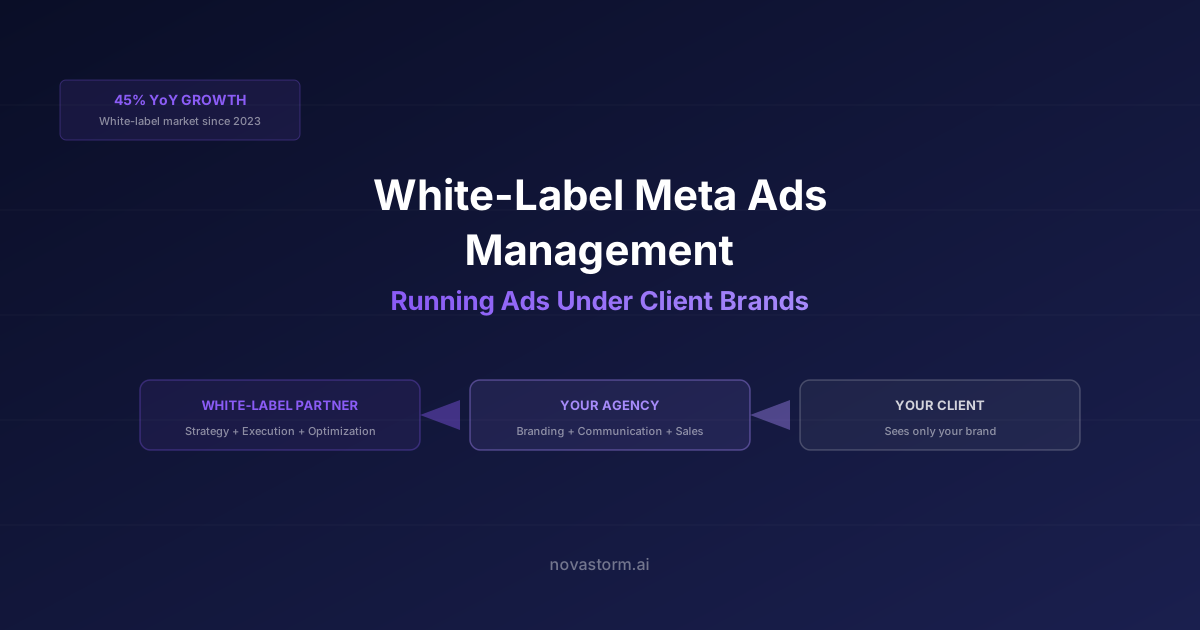
White-Label Meta Ads Management: Running Ads Under Client Brands
Structure white-label Meta delivery with authorized access, clear subcontracting rights, complete agency costs and an inspectable review and exit process.
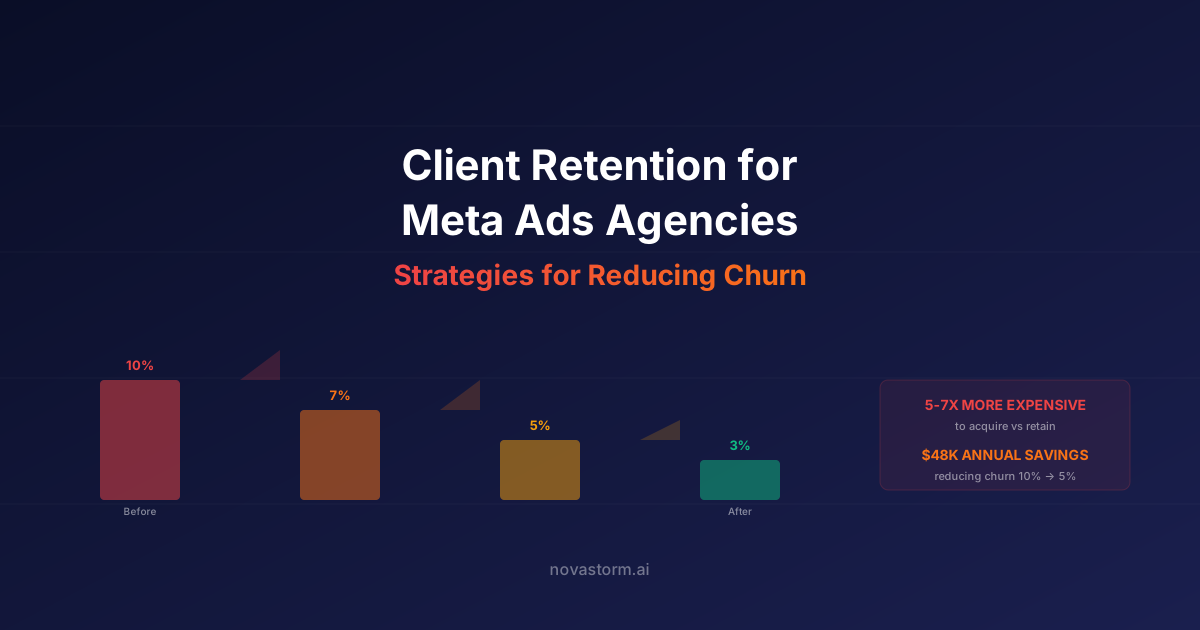
Client Retention for Meta Ads Agencies: Reducing Churn
Review agency client health with documented scores, correct monthly-to-annual churn arithmetic and a cost-limited conversation plan.