

Website Custom Audiences: Visitor Retargeting Done Right
Master website custom audiences for Meta Ads retargeting. Learn pixel setup, audience segmentation, time windows, and exclusion strategies for 2026.
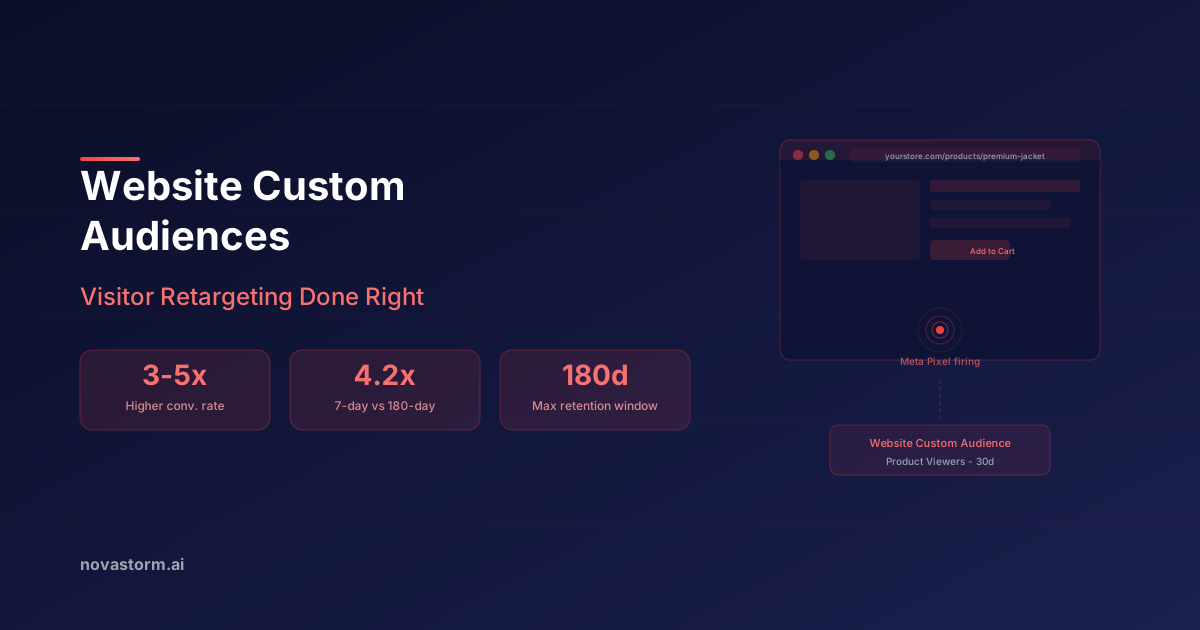
A shoe-category visitor needs a relevant reminder, not the same offer as a recent purchaser. Build website retargeting around a verified event or page rule, a complete exclusion plan, and a commercial CPA ceiling. This guide gives you a /shoes/ audience brief and a way to check whether retargeting adds sales.
Start with permission and an observable rule
Check which website audience sources, retention settings, URL operators and event parameters your account actually offers. Test tracking on the relevant pages using an authorized test session and applicable consent settings. A logged website session, a received event and an eligible matched audience member are different quantities. Do not equate raw event volume with reachable people. Server-side event transmission does not remove permission requirements.
| Proposed condition | What must be verified | Safer fallback |
|---|---|---|
| URL contains /shoes/ | Category and product URLs; redirects, query strings and false matches | An accepted product-category event rule |
| Pricing visit lasting 30 seconds | Your own consent-respecting timer event, foreground/engaged-time definition, and an accepted audience rule | An ordinary pricing-page visit |
| Three visits in 14 days | Meaning of a visit, identity/deduplication and support for the aggregation rule | One visit within an accepted window |
| Cart value above $200 | Currency, event value and accepted parameter filtering | An accepted AddToCart rule without an unverified value filter |
A built-in time-spent percentile is not a literal 30-second timer. Do not write a rule that the account cannot save. For a proposed timer, exclude background-tab time and repeat firing in the measurement design; have the implementation owner verify its behavior before relying on it. Meta’s CustomAudience SDK object includes rule, retention, status and approximate count fields; their existence is not a promise that every UI exposes every operator.
A complete exclusion waterfall
Use a common observation horizon before subdividing by stage. Hypothetical design: all four tiers below use a 30-day inclusion horizon. A person is assigned to their highest recorded stage within that horizon. Suppress known purchasers for the approved replenishment/return policy, and separately suppress opt-outs and irrelevant traffic using supported mechanisms. These choices are a design, not universal retention limits.
| Tier | Include | Exclude to prevent stage gaps |
|---|---|---|
| Checkout | InitiateCheckout within 30 days | Known purchasers; applicable suppression |
| Cart | AddToCart within 30 days | InitiateCheckout within 30 days; purchasers; suppression |
| Shoe views | Accepted /shoes/ page or category rule within 30 days | Cart OR checkout within 30 days; purchasers; suppression |
| Other visitors | Website visitors within 30 days | Shoe views OR cart OR checkout within 30 days; purchasers; suppression |
If you instead exclude checkout visitors for 14 days from a cart audience but only target checkout visitors for seven days, people whose checkout was eight to 14 days ago can disappear from both groups. Align horizons or explicitly assign that band. URL membership may overlap categories; assign priority or run a combined category audience if separate tiers cannot be enforced. Check actual saved exclusions and any expansion setting before launch.
Stop wasting ad budget
NovaStorm AI cuts Meta Ads CPA by 30% on average. No complex setup required.
A finished /shoes/ brief
Hypothetical example, not a customer case: promote an in-stock walking shoe with a size-guide page, accurate delivery terms and a category-specific image. Proposed copy: “Still choosing a walking shoe? Compare the fit guide and available sizes before you decide.” The hypothesis is that answering fit uncertainty improves profitable completed purchases; it is not an observed lift. Avoid fake scarcity or implying that a visit proves purchase intent.
Illustrative assumptions: each retained order contributes $24 after product, fulfilment, fees and expected returns; reserve $4 for other acquisition costs and required surplus. Media CPA ceiling = $24 − $4 = $20. An assumed $200 media allowance can cover ten orders at that ceiling, but does not guarantee ten orders or adequate precision. Set a total loss allowance and review date before launch; combine small tiers when the business cannot fund meaningful comparisons. A high CVR does not justify exceeding the margin ceiling.
Compare mature outcomes and additional sales
Hypothetical reporting worksheet: /shoes/ retargeting spends $200 and receives 12 retained attributed orders: media CPA $16.67. A comparison route spends $200 and receives ten: CPA $20. Keep product availability, creative, attribution settings and reporting age aligned. Mark pending orders, returns and unmatched sales separately. These small counts do not establish a reliable winner, and attributed orders may have happened without ads.
For an incremental claim, use an eligible randomized holdout with a planned sample, observation window and business outcome; document whether groups are comparable and report uncertainty. If randomization or sufficient reach is unavailable, report the campaign comparison as descriptive. Choose the retargeting allowance from reachable demand, margin and the uncertainty you can afford, rather than a fixed percentage of total spend.
Turn the brief into a reviewable draft
Prepare the approved category, exclusions, CPA ceiling, total allowance and review date in a NovaStorm campaign draft, then inspect the actual saved settings before publication. Maintain a dated manual audience-status check with the data source and approximate count range. “Shoe audience unavailable at review time; owner checks rule and delivery status before spending” is a proposed operating note, not a real-time product alert. Continue with retargeting exclusions when building the next tier.
Published by NovaStorm AI. Worked examples and proposed tests are labeled in the article.
Disclaimer: This article was generated with the assistance of AI and reviewed by the NovaStorm AI team. While we strive for accuracy, we recommend verifying specific data points and consulting official sources (linked where available) for critical business decisions.
Ready to automate your Meta Ads?
NovaStorm AI takes full responsibility for your campaigns — from monitoring to optimization.
Start NowMore on Custom audiences and retargeting
Retargeting Frequency: How Often Should You Show Ads to the Same Person
Diagnose retargeting frequency against your buying cycle, verify available controls and compare creative rotation using unique reach and mature acquisition cost.
Engagement Custom Audiences: Retargeting Social Interactions
Build engagement custom audiences on Meta Ads to retarget people who interacted with your content. Covers page, post, video, lead form, and shopping sources.
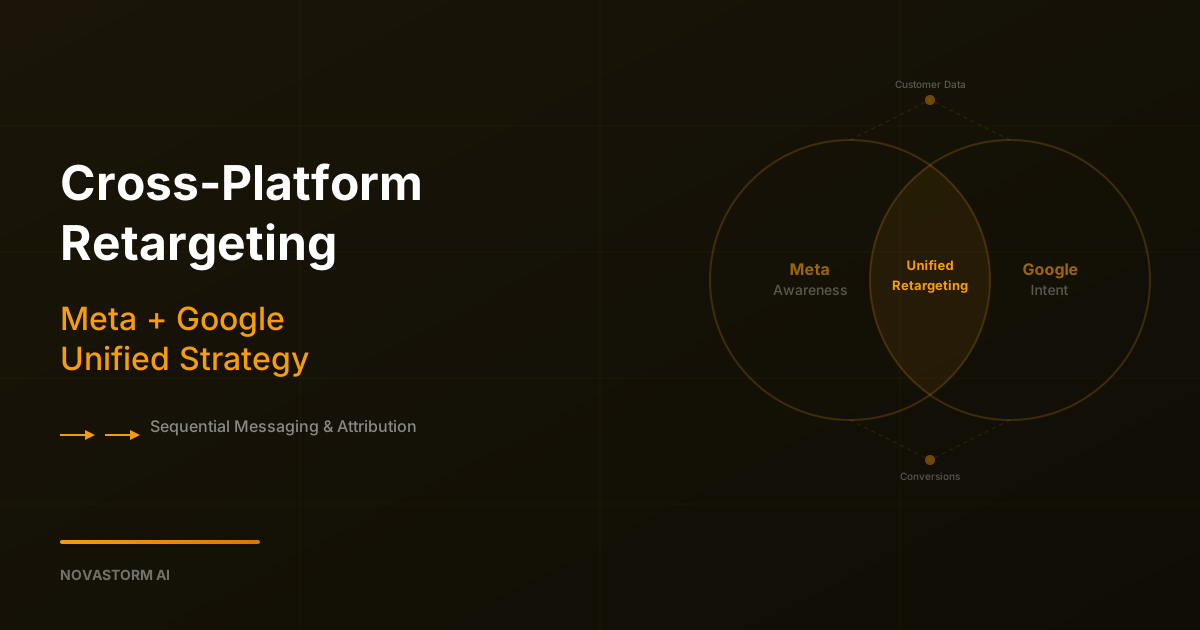
Cross-Platform Retargeting: Meta + Google Unified Strategy
Coordinate Meta and Google retargeting messages with permission-aware segment records, visible sync failures and separately tested incremental outcomes.
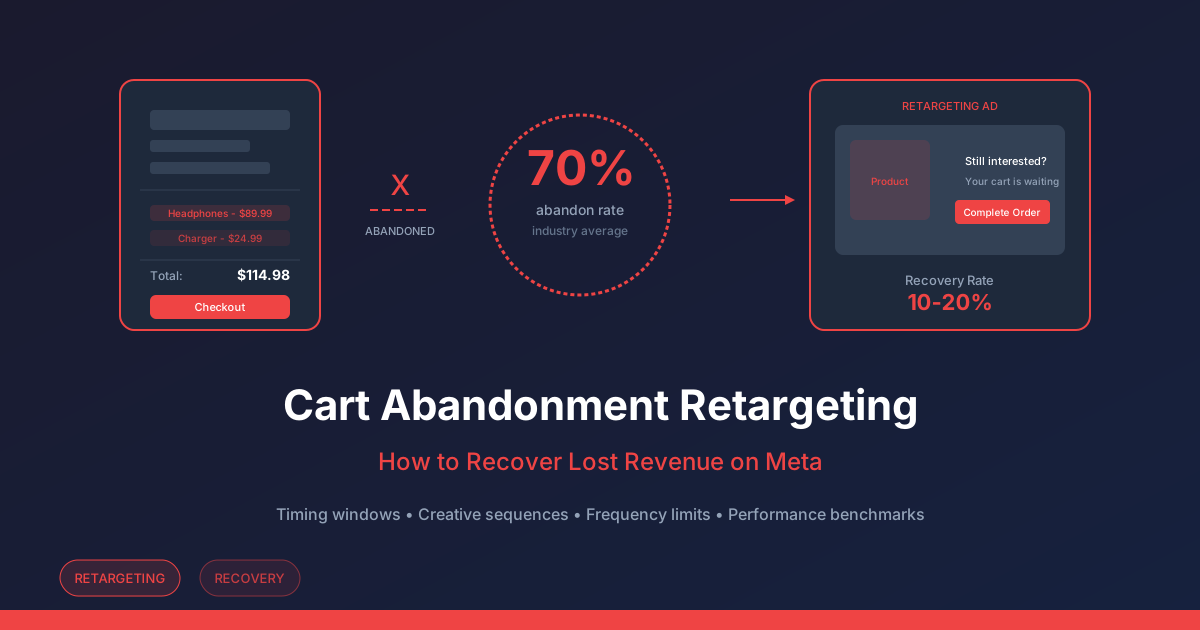
Cart Abandonment Retargeting on Meta: Test Incremental Profit
Plan a cart-retargeting sequence, verify purchases and suppression, and compare incremental contribution after discounts, delivery and advertising costs.