

Sound-On vs Sound-Off Ad Design: Optimizing for Both on Meta
Review one Meta video with sound on and muted, correct captions, verify music rights and check text against the actual placement preview.
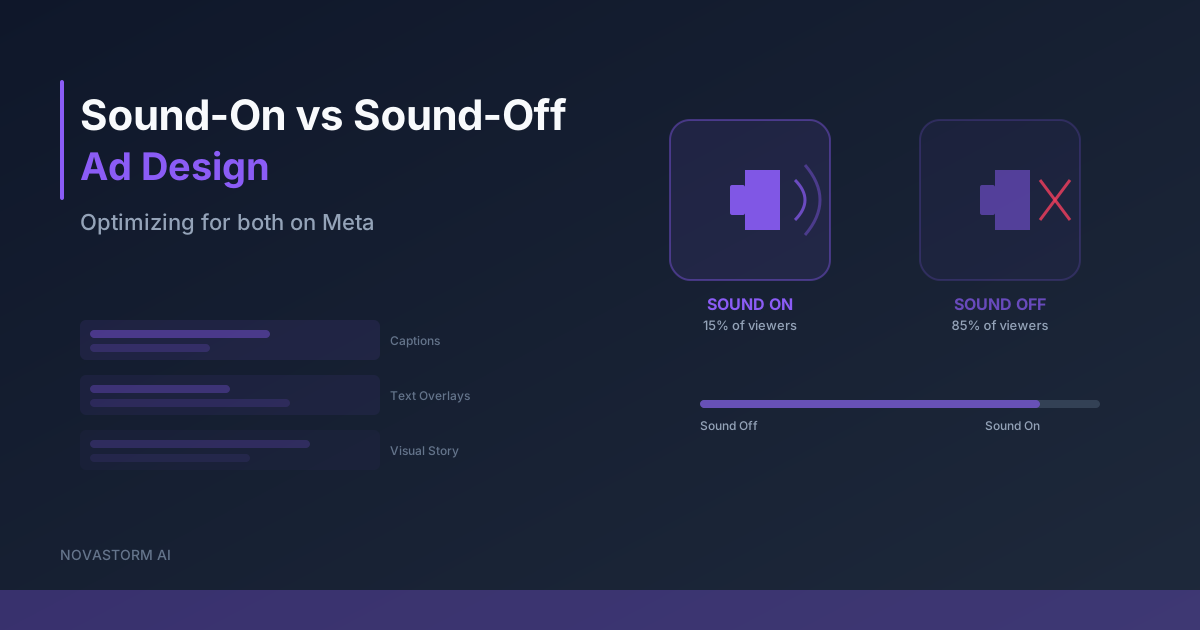
Make the decision information understandable both with audio and with the volume muted. This is a production requirement you can inspect on the final video, not a promise of higher conversion rates. Captions, readable text and a clear demonstration can help different viewing situations, but they do not make every visual universally understood.
Start with a transcript and a meaning checklist
The W3C explanation of prerecorded captions includes dialogue, speaker identification and meaningful non-speech sounds. A decorative headline alone does not replace accurate captions. Review the transcript against the original recording rather than accepting automatic output unexamined.
- Check every spoken product name, proper name, number, price, currency, date and qualification against the approved offer.
- Correct transcription and punctuation; confirm text appears at the corresponding audio moment and remains visible long enough to read.
- Include meaningful sounds or speaker changes where they affect understanding. Remove caption effects that distract from the statement or obscure the product.
- Inspect the rendered file on the intended phone size; a readable editing canvas does not establish readability after upload or crop.
Burned-in captions remain visible in the image but cannot be switched off or resized independently. A caption track may offer viewer controls where supported. Check the actual placement and upload path, including whether both mechanisms create duplicate captions. Neither implementation guarantees complete accessibility for viewers who cannot see the visual demonstration.
A proposed 15-second clip in two playback modes
This storyboard is an illustrative production brief, not an already filmed or user-tested video. The offer must be accurate before filming. Use a real product demonstration or a clearly identified prototype, with no invented result labels.
| Time | Picture and readable text | Sound-on layer | Muted acceptance question |
|---|---|---|---|
| 0–3 seconds | Product and task; “Prepare a campaign draft.” | Narrator states the same task. | Can the viewer name the task? |
| 3–10 seconds | A permitted screen capture showing draft preparation; short synchronized captions. | Narrator describes visible steps at a comfortable pace. | Can the viewer distinguish a draft from a live campaign? |
| 10–15 seconds | Approval step and “Review before publishing.” | Narrator states the approval requirement; unobtrusive licensed background track if used. | Is the next step clear without an audio instruction? |
Example transcript correction: if the approved line is “Review before publishing,” an automatic transcript saying “Revenue before publishing” changes the meaning and must be corrected. This illustrates an error type; it is not a reported transcription from a customer asset. Verify that tiny interface labels are not the only explanation of what the viewer is seeing.
Stop wasting ad budget
NovaStorm AI cuts Meta Ads CPA by 30% on average. No complex setup required.
Verify music rights and placement overlays
Instagram’s licensed-music guidance distinguishes ordinary licensed-library access from commercial use and identifies Sound Collection as an option for ads. Trending audio in an organic post is not by itself evidence of paid-ad rights. Keep the track, license source, permitted platforms, territories, term and paid-use permission with the asset. Check the exact applicable terms; permission for one platform does not imply permission elsewhere.
Balance music below speech and listen on the intended device. A sudden loud sound is not necessary for a useful opening. Verify voice, music and any sound effect independently, including whether a stock license permits the intended advertising use.
Open the preview for each selected placement and use the current safe-zone overlay where available. Check account labels, caption controls, buttons and crop against the actual text position. Do not rely on a universal “bottom 15%” rule. Save placement, device, date and preview capture, and repeat the check when the rendered asset changes.
Run the final-file comprehension check
- Show the finished video muted to a reviewer unfamiliar with the brief. Ask them to describe the product, offer, necessary limitation and next step without prompting. Record misunderstandings and revise.
- Replay the same file with sound. Confirm captions match speech, music does not mask it and the audio makes no claim absent from the approved message.
- Check the export again in each actual placement preview. Log asset revision, reviewer, device and outcome; a storyboard review is not final-file approval.
- If comparing campaign outcomes, use the creative testing framework with mature qualified results. Do not assume a controlled sound-on/off split is available or infer audio-state causality from aggregate delivery.
Visual demonstrations still depend on cultural context, reading ability and visibility. Use localized text where appropriate and provide an accessible explanation on the destination. This workflow does not establish compliance with every jurisdiction or a universal increase in completion.
NovaStorm can support proposed campaign preparation through paused campaign and local ad-set drafts for review. Captions, music selection and final-file verification belong to a confirmed production workflow; automatic subtitling or music licensing by NovaStorm is not established here.
Published by NovaStorm AI. Planning examples are illustrative assumptions, not measured customer results.
Disclaimer: This article was generated with the assistance of AI and reviewed by the NovaStorm AI team. While we strive for accuracy, we recommend verifying specific data points and consulting official sources (linked where available) for critical business decisions.
Ready to automate your Meta Ads?
NovaStorm AI takes full responsibility for your campaigns — from monitoring to optimization.
Start NowMore on Ad formats and placements
Video Ad Length on Meta: How to Compare 15-, 30- and 60-Second Edits
Compare 15-, 30- and 60-second Meta video edits with explicit metric definitions, a controlled message, a cash-risk limit and mature business outcomes.
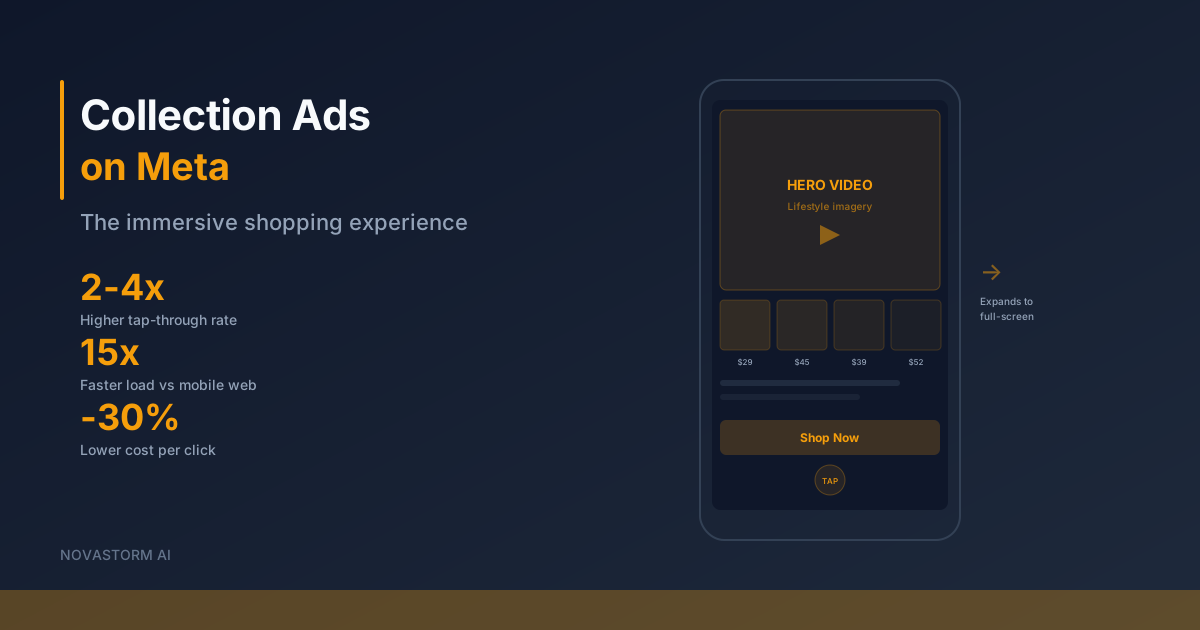
Collection Ads on Meta: The Immersive Shopping Experience Guide
Check the Collection-to-Instant-Experience-to-website journey, product IDs and mobile checkout before evaluating mature orders and margin.
Mobile-First Meta Ad Design: Preview, Readability and Form Recovery
Review Meta creative at actual phone size, distinguish artwork pixels from interactive controls, and test slow-network form recovery before approving a draft.
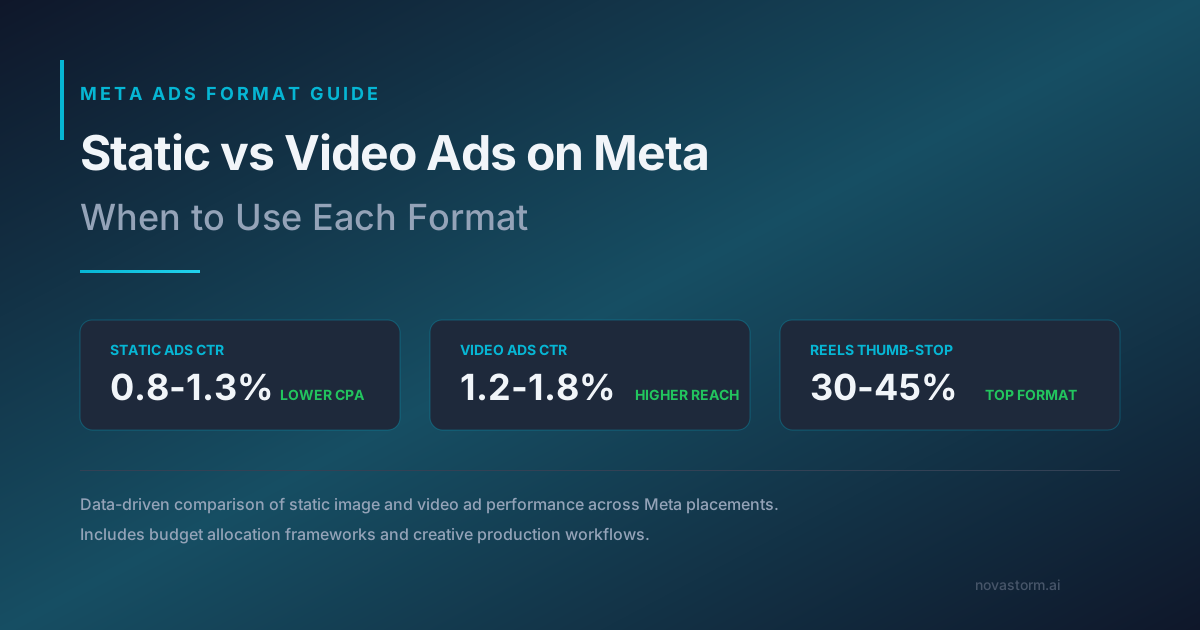
Static vs Video Ads on Meta: When to Use Each Format
Compare static and video ads using the same offer and mature business metric, including creative-production costs and unequal delivery.