

Magento and Meta Ads: Enterprise E-commerce Advertising Guide
Plan Magento and Meta integration with paid-order queues, consistent variant IDs and market-level reconciliation.
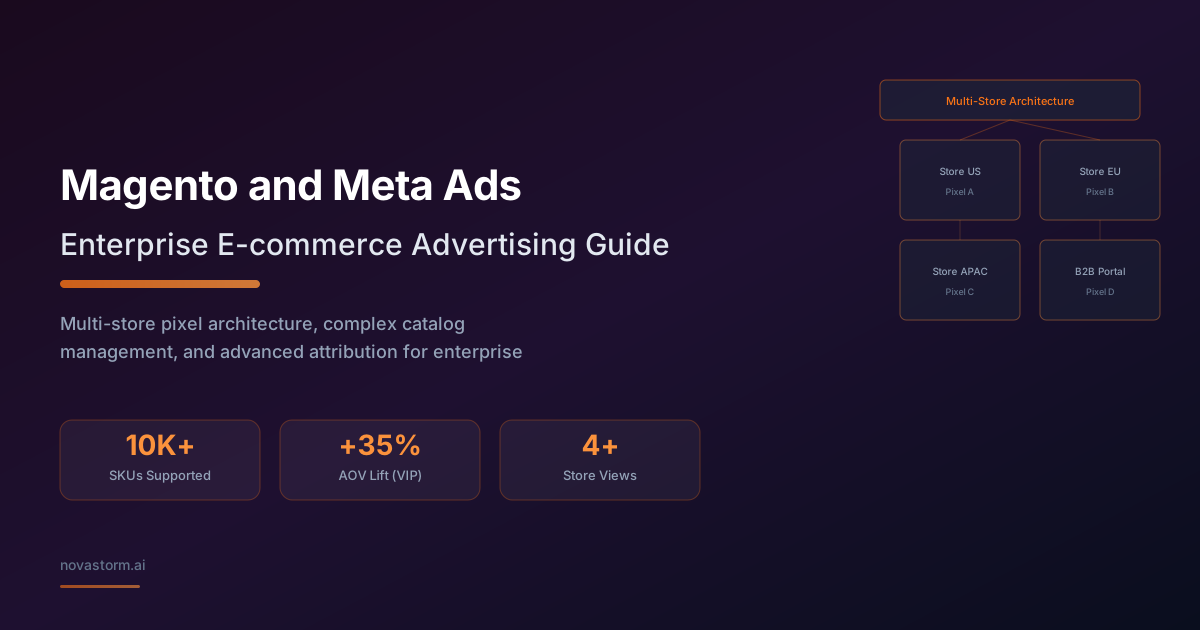
For Magento Open Source or Adobe Commerce, write down the installed version, patch level, payment module and enabled queue transport before designing a Meta integration. Store views, payment states and configurable products need explicit mappings. A thank-you page is not proof that payment was captured.
Versioned integration contract
Illustrative reference environment: a Magento 2.4.x installation with a custom integration module and a configured message-queue consumer. This is an architectural example, not code certified for every 2.4 release. Compare it with your exact installed release. Adobe’s message-queue framework documentation describes publishers and asynchronous consumers; supported transports and deployment configuration must match that release. A queue reduces synchronous work but still has latency and can fail.
Adobe’s invoice tutorial distinguishes receiving payment and creating an invoice for its example order. Define a paid-order predicate with your gateway: authorization alone, an invoice-save notification or order creation may not satisfy it. Handle partial capture explicitly rather than sending a whole-order Purchase for every invoice.
Worked consumer design
Synthetic order US:100042 has a fully captured USD 120 payment. In this illustrative design, emit one Purchase for a fully paid order, with ledger key US:100042:Purchase:v1. A later partial refund belongs to a separate accounting adjustment; it must not create a second purchase.
- The observer persists a minimal order/store reference in durable work after the transaction is committed. Do not perform a remote advertising request in the checkout success-page controller.
- The consumer loads current order and gateway payment evidence. If not fully captured under the declared policy, retain pending state and recheck through the supported payment-update path.
- Within a transaction, claim the stable ledger key and freeze event time, order currency and value definition. Build the allowed Meta event payload; use the matching event name and identity in the browser when it represents that same purchase, through the browser integration’s supported eventID option rather than a server-only payload field.
- Retry transient failures with the same key and payload. Separate terminal validation errors and dead-letter work for investigation. Reconcile captured orders against sent, suppressed, failed and pending rows after an outage.
- Honor consent and permitted identity use. Do not put a customer group name in user_data as though it were a supported identity field. Segmentation belongs in a separately approved audience workflow.
Choose one consistent variant export
Stop wasting ad budget
NovaStorm AI cuts Meta Ads CPA by 30% on average. No complex setup required.
| Illustrative mapping | Decision |
|---|---|
| Configurable parent TEE | Grouping identity; not a second purchasable row in this example |
| Sellable red-M child TEE-RED-M | Catalog retailer identity; event content ID uses the same value |
| Parent grouping | Map to the supported grouping field for the chosen feed format; CSV item_group_id is not automatically an API field name |
| Hidden standalone child | Keep it if the parent URL selects and sells that exact variant; exclude if unavailable or the destination cannot reproduce it |
Use the Meta product item model to check API field names and types, then the installed exporter’s feed contract. Preview the exact color, size, price and stock at the destination. Do not export variants and then exclude all of them merely because their Magento standalone visibility is disabled.
Reconcile each market without demanding identical attribution
Maintain a store-view ledger containing order currency, captured amount, tax, shipping, refunds, reporting exchange rate and dataset/catalog mapping. Separate store views into datasets only when ownership, consent, operational separation and measurement justify it; a store view does not universally require a new Pixel.
Hypothetical reconciliation: the shop ledger has ten fully paid orders; a UTM session report associates six with this campaign; Meta attributes seven under its selected settings. Those figures are not automatically tracking defects. Compare click/view credit, reporting time zone, cross-device behavior, consent loss, repeat visits and conversion lag before debugging event counts. Advertising credit is not incremental lift.
Use mature net contribution to judge a customer-reactivation hypothesis, with a comparable holdout where feasible. Do not assume an AOV or reactivation uplift. After the store contract passes, prepare market-specific offer drafts in NovaStorm and review prices and budget limits. The queue, feed exporter and cross-market reconciliation remain outside that draft workflow.
Published by NovaStorm AI. Worked examples and test fixtures in this article are illustrative, not observed customer results.
Disclaimer: This article was generated with the assistance of AI and reviewed by the NovaStorm AI team. While we strive for accuracy, we recommend verifying specific data points and consulting official sources (linked where available) for critical business decisions.
Ready to automate your Meta Ads?
NovaStorm AI takes full responsibility for your campaigns — from monitoring to optimization.
Start NowMore on E-commerce catalogs and channels
BigCommerce Meta Ads Setup: Catalog and Pixel Configuration
Verify BigCommerce catalog IDs and paid-order events with a webhook ledger, consent checks and a synthetic release matrix.
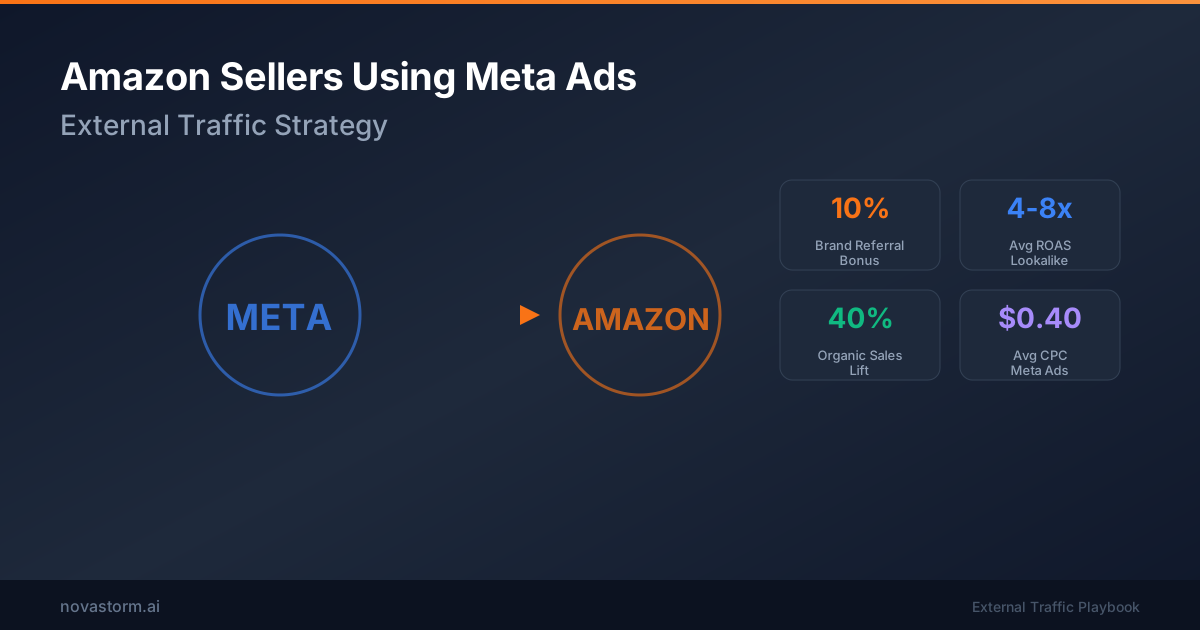
Amazon Sellers Using Meta Ads: External Traffic Strategy
Plan Meta traffic to Amazon using verified Attribution links, bonus eligibility and seller contribution after fees and refunds.
WooCommerce and Meta Ads: Complete Integration and Optimization
Validate Meta for WooCommerce against confirmed payment, variation identity, consent and duplicate delivery before preparing campaigns.
Etsy Shop Promotion Through Meta Ads: Handmade Product Marketing
Advertise handmade Etsy products with honest tracking limits, labor-based margins, cleared craft footage and achievable delivery promises.