Push Notification Strategy After Meta Ad App Installs
Build a push notification strategy that retains Meta Ad-acquired users. Learn timing, segmentation, and messaging that lifts D30 retention by 3x over no-push cohorts.
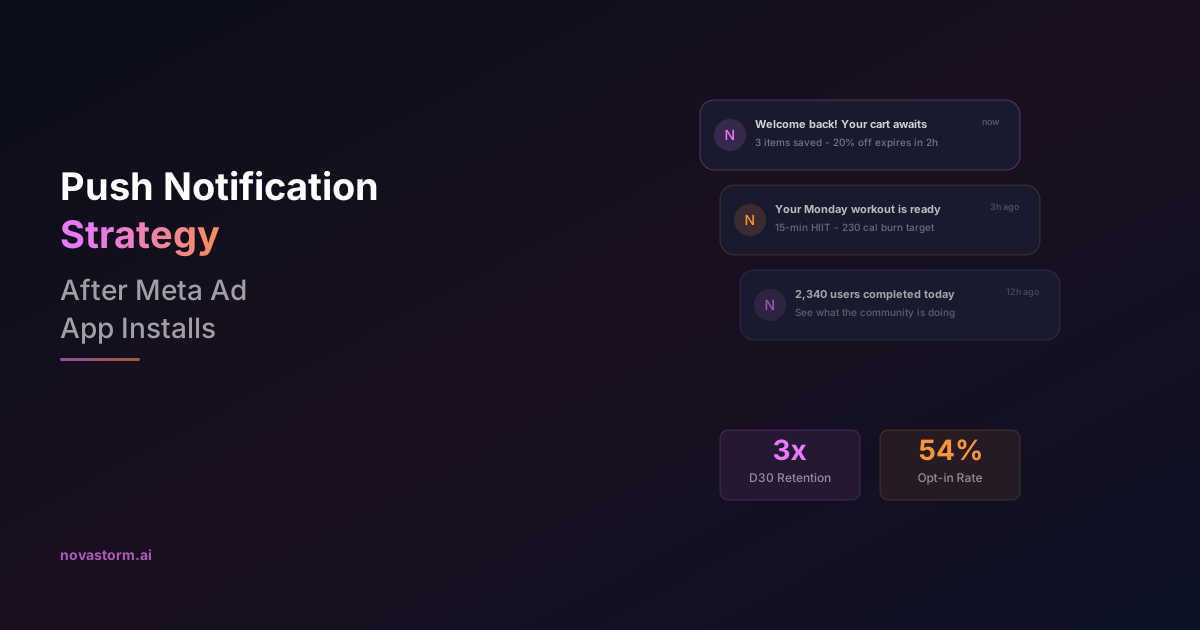
A push notification strategy Meta Ad installs is the bridge between acquisition and retention. You have spent budget driving users to install your app through Meta campaigns. Without a deliberate push notification plan, 77% of those users will be gone within 72 hours. Push notifications are the most direct, cost-effective tool to keep newly acquired users engaged past the critical first week.
This article covers how to design a push notification sequence specifically for users acquired through Meta Ads, from permission prompts to message timing, personalization, and the metrics that matter for measuring retention impact.
Why Meta Ad Users Need a Specific Push Strategy
Users acquired through paid ads behave differently from organic users. They arrived because an ad caught their attention, not because they actively searched for your app. Their intent level is inherently lower, and their tolerance for irrelevant communication is thinner.
| User Source | Opt-in Rate | D1 Retention | D7 Retention | D30 Retention |
|---|---|---|---|---|
| Organic (no push) | N/A | 38% | 18% | 8% |
| Organic (with push) | 62% | 52% | 28% | 16% |
| Meta Ads (no push) | N/A | 28% | 11% | 5% |
| Meta Ads (with push) | 54% | 46% | 24% | 15% |
The data shows two critical insights. First, push notifications lift D30 retention by 3x for Meta Ad users (5% to 15%). Second, the opt-in rate for paid users is lower than organic (54% vs 62%), which means your permission prompt strategy must be especially well-crafted.
Do not show the iOS push permission prompt on first app open. Wait until the user has completed one meaningful action (e.g., favorited an item, completed onboarding). Users who have experienced value are 40% more likely to opt in.
The First 48 Hours: Critical Push Notification Timing
The first 48 hours after install are the highest-leverage window for push notifications. Your messaging during this period determines whether a Meta Ad user becomes a retained user or a churn statistic.
- Hour 0-2: No push. Let the user explore the app organically. Interrupting exploration creates negative first impressions.
- Hour 3-6: First push if user has not returned. Gentle reminder of the value proposition that drove the install. Reference the ad context if possible.
- Hour 12-18: Second push highlighting a specific feature the user has not yet tried. Use in-app behavior data to personalize.
- Hour 24: Progress or social proof push. Show what the user has accomplished or what other users are doing.
- Hour 36-48: Incentive push if the user has not opened the app more than once. Offer a time-limited bonus, discount, or exclusive content.

Push Notification Personalization for Paid Users
Generic push notifications perform poorly with paid users. Because you know which Meta ad drove the install, you have a unique advantage: you know what value proposition resonated with the user.
| Ad Campaign Theme | Push Message Approach | Open Rate |
|---|---|---|
| Discount/offer ad | Remind of time-limited deal + countdown | 22% |
| Feature showcase ad | Highlight the showcased feature + tutorial link | 18% |
| Social proof ad | Show community stats + user activity | 16% |
| Problem-solution ad | Reference the problem + show first-step solution | 20% |
| Generic brand awareness | Standard onboarding sequence | 12% |
Passing the campaign_id or ad creative variant through the install attribution chain allows your push notification system to automatically select the right messaging template. This contextual continuity between ad and push notification increases open rates by 35-50% compared to generic onboarding pushes.
Segmentation Beyond Day One
Stop wasting ad budget
NovaStorm AI cuts Meta Ads CPA by 30% on average. No complex setup required.
After the initial onboarding sequence, your push strategy should shift from time-based to behavior-based triggers. Segment Meta Ad users by their engagement patterns to deliver the right message at the right moment.
- Power users (5+ sessions in first week): Reduce push frequency. These users are already engaged. Focus on feature discovery and upsell.
- Moderate users (2-4 sessions): Maintain 1-2 pushes per week. Highlight content or features aligned with their usage patterns.
- At-risk users (1 session, then silence): Increase urgency. Send value reminders, social proof, and incentives within 72 hours.
- Opted-out users: Use Meta retargeting ads as a push notification substitute. They cannot receive pushes but can see ads.
- High-value prospects: Users who browse premium features but have not purchased. Send targeted pushes with trial offers or limited discounts.
Never send more than 5 push notifications in the first week to Meta Ad users. Over-notification is the fastest path to opt-out or uninstall. Quality and timing always beat volume.
Push Notification Content That Converts
The craft of push notification copywriting follows strict rules. You have approximately 40-50 characters of visible text on a lock screen. Every word must earn its place.
- Lead with value, not the app name. The app icon already identifies the sender.
- Use numbers: "3 items in your cart" outperforms "You left items behind" by 28%.
- Create specificity: "Your Monday workout is ready" beats "Time to exercise" by 34%.
- Leverage loss aversion: "Your 7-day streak ends in 4 hours" drives 3x more opens than positive framing.
- Use rich notifications where supported: include an image, action buttons, or a progress indicator.
- A/B test aggressively: rotate 3-4 copy variants per trigger and retire underperformers weekly.

Measuring Push Notification ROI for Meta Ad Cohorts
To justify push notification investment, you need to isolate its impact on Meta Ad-acquired cohorts. Run holdout tests where 10-15% of new paid users receive no push notifications, then compare retention and revenue metrics.
- Incremental retention: Difference in D7/D30 retention between push and no-push cohorts from the same Meta campaigns.
- Revenue per user: Compare LTV between push-engaged users and the holdout group.
- Opt-in optimization: Track opt-in rate by permission prompt timing and A/B test prompt design.
- Push-to-session rate: Percentage of push notifications that result in an app session within 30 minutes.
- Unsubscribe rate: Monitor opt-out velocity. A spike indicates messaging fatigue.
Automating the Acquisition-to-Retention Pipeline
The most effective mobile marketers treat Meta Ads acquisition and push notification retention as a single connected pipeline. Attribution data from Meta flows into the push notification platform, triggering personalized sequences based on the user's acquisition context.
AI-driven systems can dynamically adjust push timing based on individual user behavior patterns, optimize send times per user rather than per segment, and automatically graduate users between engagement tiers. This creates a self-adjusting retention engine that maximizes the return on every Meta Ads dollar.
Without a deliberate push notification strategy, you are paying for installs and hoping for retention. With one, you are systematically converting ad spend into long-term user relationships.
Novastorm AI automates Meta Ads routine — from monitoring to optimization. Learn more at novastorm.ai
Disclaimer: This article was generated with the assistance of AI and reviewed by the NovaStorm AI team. While we strive for accuracy, we recommend verifying specific data points and consulting official sources (linked where available) for critical business decisions.
Ready to automate your Meta Ads?
NovaStorm AI takes full responsibility for your campaigns — from monitoring to optimization.
Start NowRelated Articles

AI Funnel Fingerprint Analysis for Meta Ads
Use AI-powered Meta Ads analytics to find funnel drop-offs and automate journey-specific creative for better conversions.

AI-Powered Meta Ads Lead Qualification for Sales
Learn how AI-powered Meta Ads lead qualification and conversation intelligence speed up sales handoff and improve lead quality.

AI-Powered Meta Ads Placement Exclusion Strategy
Learn how AI-powered Meta Ads placement optimization and exclusions can reduce wasted spend and improve campaign performance.