

Mobile App Deep Linking From Meta Ads: Setup and Optimization
Configure explicit Universal and Android App Link associations, validate route and authorization states, and separate deferred routing from privacy-aware attribution.

A deep link should open the content promised by an ad when the device and app can handle it, and offer a useful web fallback otherwise. Installed-app routing, deferred routing after installation and ad attribution are separate contracts. None guarantees a conversion lift.
Complete teaching association files
Illustrative domain https://links.example.com and fictional app com.example.catalog. The identifiers below are teaching values, not a working association. Replace them with the application identifier prefix, bundle/package identifier and signing certificate actually controlled by your organization; verify ownership before deployment.
iOS file at /.well-known/apple-app-site-association, without a filename extension:
{ "applinks": { "details": [ { "appIDs": [ "ABCDE12345.com.example.catalog" ], "components": [ { "/": "/product/*" } ] } ] } }
Add the Associated Domains capability for the correct app target with entitlement applinks:links.example.com. Serve the association JSON over HTTPS with no redirect. This limits the teaching universal-link path to /product/*; it does not grant a user access to the product.
Android file at /.well-known/assetlinks.json. The all-zero fingerprint is explicitly synthetic and must not be used as the release signature:
[ { "relation": [ "delegate_permission/common.handle_all_urls" ], "target": { "namespace": "android_app", "package_name": "com.example.catalog", "sha256_cert_fingerprints": [ "00:00:00:00:00:00:00:00:00:00:00:00:00:00:00:00:00:00:00:00:00:00:00:00:00:00:00:00:00:00:00:00" ] } } ]
In the Android manifest’s handling activity, a complete teaching intent filter is:
<intent-filter android:autoVerify="true"> <action android:name="android.intent.action.VIEW" /> <category android:name="android.intent.category.DEFAULT" /> <category android:name="android.intent.category.BROWSABLE" /> <data android:scheme="https" android:host="links.example.com" android:pathPrefix="/product/" /> </intent-filter>
Use the real release signing fingerprint, including the Play App Signing certificate where relevant. Verify the domain association on the installed release build. Android documents adb shell pm verify-app-links --re-verify com.example.catalog and adb shell pm get-app-links com.example.catalog for supported devices. A verified domain does not replace route validation inside the app.
Deferred links are conditional SDK behavior
Meta’s current iOS source exposes fetchDeferredAppLink with first-launch and configuration checks and possible nil/error results. Its Android source exposes fetchDeferredAppLinkData with a nullable completion result. These are source-level contracts, not a guarantee that every campaign, OS or installed SDK release resolves a link. Pin and inspect the actual released dependency you use; “v17+” alone is not sufficient compatibility evidence.
Stop wasting ad budget
NovaStorm AI cuts Meta Ads CPA by 30% on average. No complex setup required.
A Universal/App Link is not itself an install-referrer transfer mechanism. Test a permitted real acquisition route with the SDK release, consent configuration and store build. Avoid blocking onboarding indefinitely: choose a bounded wait, show the normal landing screen on timeout, and define whether a late verified result is offered without interrupting the user’s current task.
Validate parameters and authorization
| Teaching route case | Expected behavior |
|---|---|
| https://links.example.com/product/sku-17 | Parse an allowed product identifier, then load authoritative product data. |
| User logged out | Retain only safe pending destination data; ask for login if required, then recheck authorization. |
| User lacks access or product is unavailable | Show an honest unavailable/permission result and usable fallback. |
| Unexpected host, scheme, path, malformed ID or duplicate query parameter | Reject or ignore according to an explicit allowlist; never execute arbitrary navigation. |
| promo or price parameter supplied | Treat as an untrusted hint; server validates eligibility and authoritative price. |
| timeout then late callback | Do not navigate twice, bypass authorization or hijack a completed action. |
Never put session secrets, personal details or entitlement credentials in an advertising URL. Verify cold start, warm app, login return, back navigation, expired product, app update and web fallback on supported physical devices. Record route result separately from event attribution. No real device execution is claimed by this teaching matrix.
Routing success is not SKAdNetwork accuracy
Apple documents privacy-preserving install-attribution postbacks whose detail can depend on privacy tiers and conversion windows. Its current SKAdNetwork overview directs developers toward AdAttributionKit for app campaigns and documents interoperability. These APIs do not open a product screen or provide a user-specific URL identity; confirm the attribution framework supported by the campaign and app rather than claiming SKAdNetwork guarantees accurate individual matching.
| Measure | Explicit denominator and scope |
|---|---|
| Ad CTR | Reported ad clicks / eligible ad impressions under the report definition |
| Route success | Valid destination opens / attempted instrumented routes in the defined test scope |
| Deferred resolution | Valid eligible callback results / eligible first launches attempted under the SDK contract |
| Intended action | Unique completed actions / defined eligible routed cohort after its follow-up |
| Attribution | Framework-specific postbacks/reporting scope, delay and privacy limits |
There are no measured 53%/73% CTR or 66% conversion lifts established here. For a commercial comparison define assignment, outcome maturity, contribution and uncertainty with the app event measurement review. A successful route is a technical acceptance result, not a sales study.
Approve destinations before campaign preparation
Prepare the approved ad promise and destination as a NovaStorm campaign draft. Association hosting, mobile SDK integration, authorization and attribution remain separate engineering responsibilities; draft preparation is not a deep-link management service.
Published by NovaStorm AI. Worked examples and proposed tests are labeled in the article.
Disclaimer: This article was generated with the assistance of AI and reviewed by the NovaStorm AI team. While we strive for accuracy, we recommend verifying specific data points and consulting official sources (linked where available) for critical business decisions.
Ready to automate your Meta Ads?
NovaStorm AI takes full responsibility for your campaigns — from monitoring to optimization.
Start NowMore on SaaS and app growth
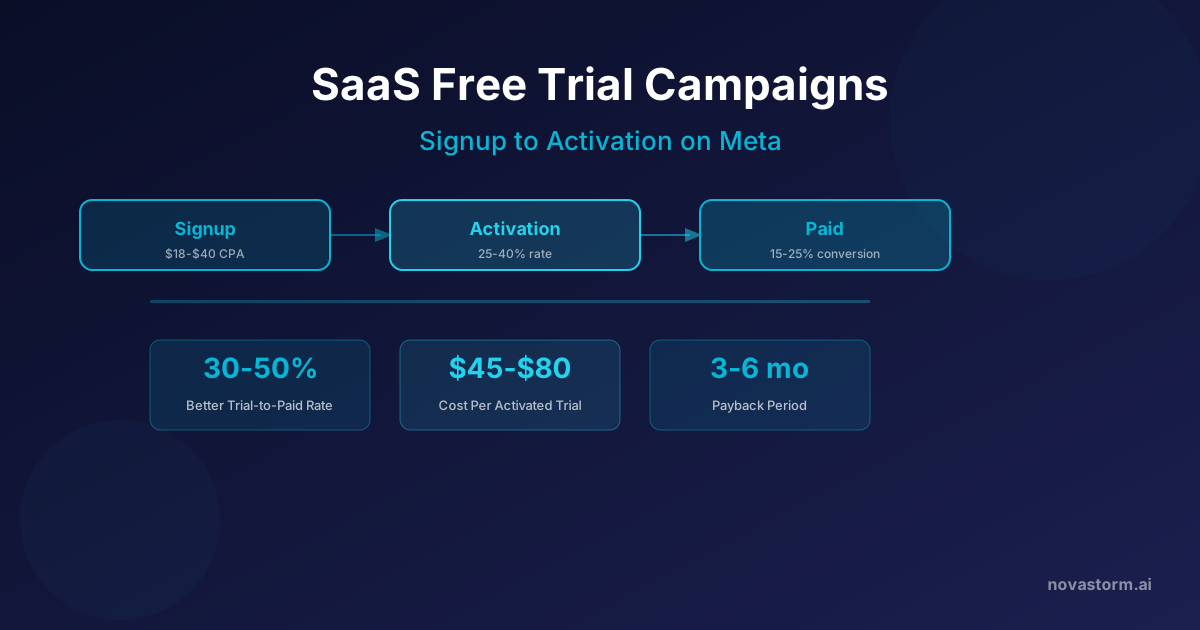
SaaS Free Trial Campaigns on Meta: Signup to Activation
Evaluate SaaS trial ads with verified activation events, retained paid cohorts, complete CAC and contribution-based payback instead of signup benchmarks.
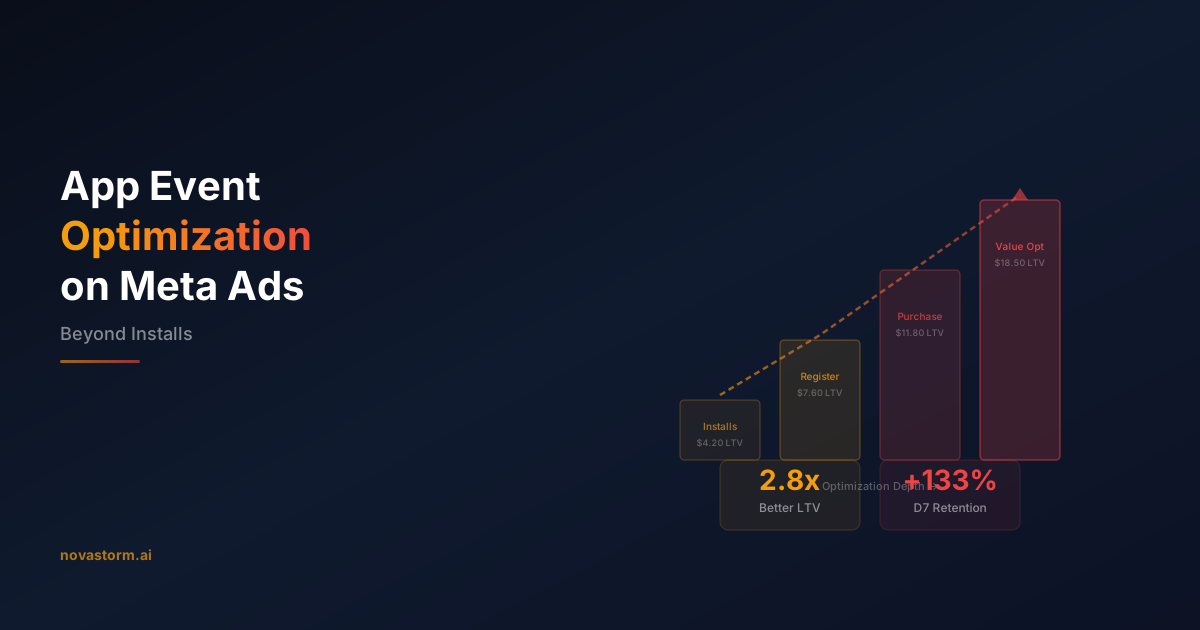
App Event Optimization on Meta Ads: Beyond Installs
Choose a reliable available app event, reconcile purchase value, consent and duplicates, and compare mature contribution rather than unsupported LTV promises.

Meta Ads for SaaS: Trial and Demo Campaign Planning
Plan separate SaaS trial and demo journeys, reconcile mature paid cohorts, and test targeting and budget changes within contribution and cash limits.
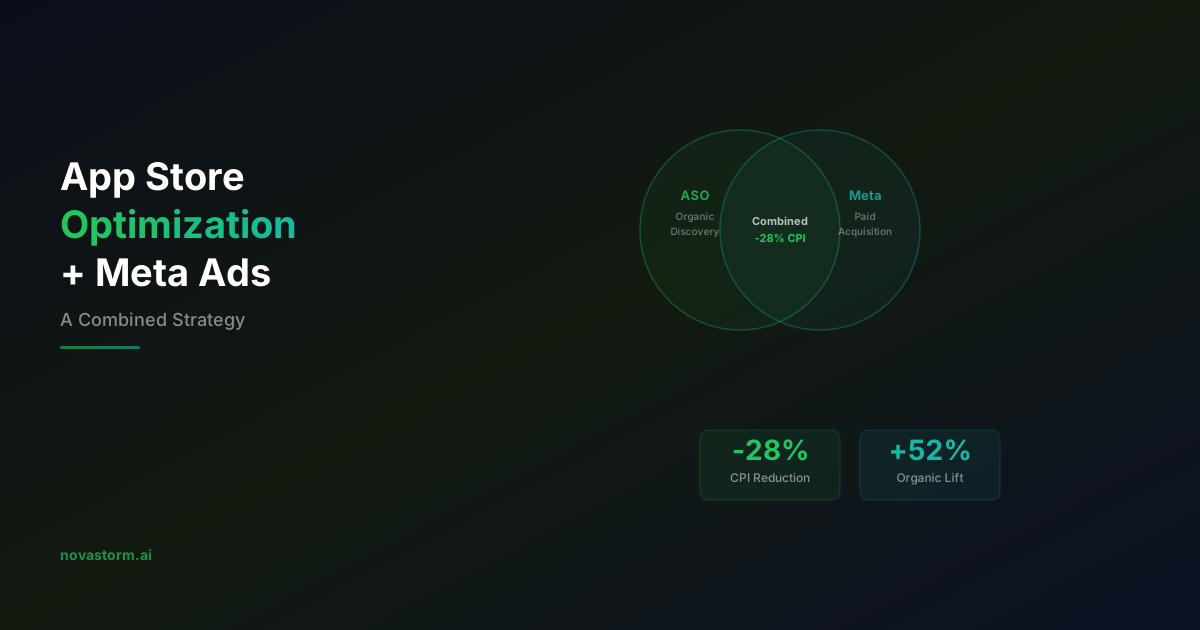
App Store Optimization and Meta Ads: A Combined Strategy
Align Meta app ads with custom store pages, verify destination behavior, and distinguish store conversion from hypothetical organic acquisition lift.