

Meta Ads Budget Pacing: Managing Delivery Within a Spending Plan
Control cumulative Meta spend against a saved allowance, account for reporting and pause delays, and investigate underspend without forcing delivery.

Budget pacing is actual spend over the saved schedule. It need not be equal each hour or day. Record the supported budget configuration, currency, dates, time zone and available limits before interpreting a spend chart. Verify the rules shown in your own account; a field in an SDK does not establish universal access to an accelerated-delivery toggle.
Continue the $600 and $180 example
This fictional saved plan allows $600 over six days. At the three-day review, reported delivered spend is $420, leaving a reported balance of $180. Dividing $180 by three days gives a planning average of $60 per remaining day, not a requirement or guarantee of even delivery.
Assume an additional $20 may be unreported and a further $15 of delivery may occur during a pause/reporting delay. Conservatively available discretionary headroom is $600 − $420 − $20 − $15 = $145, averaging $48.33 over three days if used fully. Those delay allowances are hypothetical risk assumptions; replace them with measured behavior and an affordable downside allowance. Unknown delays cannot be converted into a guaranteed hard cap.
| Saved-plan field | Illustrative entry | Owner or verification |
|---|---|---|
| Currency and allowance | USD; maximum approved exposure 600 | Finance owner |
| Schedule | Six days in account time zone UTC | Buyer compares saved settings, not only a spreadsheet |
| Reported spend at checkpoint | 420; timestamp and source recorded | Buyer reconciles latest delivered-spend export |
| Delay protection | 20 unreported +15 pause headroom | Operator checks actual lag and lowers exposure if uncertain |
| Remaining discretionary headroom | 145 | Budget owner approves any next tranche |
An executable human control
- Assign an operator with actual pause authority and a backup. Before launch, verify how to pause the intended campaign and confirm saved status in the account; do not assume a spreadsheet action changes delivery.
- Choose a review interval from affordable worst-case exposure. In this example the operator checks every two hours during staffed delivery, but must use a smaller tranche or shorter interval if that delay could exceed the loss allowance.
- Reconcile timestamped cumulative spend, pending reporting headroom and remaining allowance. Trigger a pause/review when the conservative total reaches the approved exposure boundary or a confirmed business failure occurs.
- After requesting pause, verify actual saved/delivery status and monitor further reported spend. If the action fails or reporting remains uncertain, escalate to the backup and restrict further authorizations; do not declare the cap enforced merely because an alert fired.
- Log request time, acknowledgment time, later spend, incident cause and the revised delay allowance. Resume only with named approval and adequate remaining cash.
Stop wasting ad budget
NovaStorm AI cuts Meta Ads CPA by 30% on average. No complex setup required.
In the same illustrative delay model, a reported-spend trigger at $565 reserves $35 of headroom to the $600 allowance. It is a chosen protective threshold, not a promise that final spend cannot exceed $600. A rule to pause at 110% likewise cannot establish a guaranteed bound when reporting and execution lag.
A filled underspend investigation log
| Observation | Check and evidence to capture | Action before more exposure |
|---|---|---|
| No delivery at planned start | Saved start date/time zone and actual status | Correct a verified schedule error with owner approval |
| Eligible-looking ad but no spend | Review, payment, audience, bid and destination status | Resolve the actual constraint; do not raise bids blindly |
| Tracking absent while spend continues | Authorized event receipt and order records | Investigate collection; pause if the approved risk rule requires it |
| Outcome still pending | Conversion/refund delay and cohort age | Keep performance provisional; do not switch to clicks merely to spend the balance |
This log is a proposed form, not an observed NovaStorm incident. A short deadline may limit the information the campaign can collect. Unspent cash is not a failure when additional exposure would violate the approved economics.
A proposed NovaStorm workflow is to prepare the plan and campaign material as paused campaign and local ad-set drafts, then use the verified account’s monitoring and human approval process for delivery. No NovaStorm hard-cap enforcement or pause latency is claimed. The budget-type guide and monthly spending worksheet keep configuration separate from business risk.
Published by NovaStorm AI. Planning examples are illustrative assumptions, not measured customer results.
Disclaimer: This article was generated with the assistance of AI and reviewed by the NovaStorm AI team. While we strive for accuracy, we recommend verifying specific data points and consulting official sources (linked where available) for critical business decisions.
Ready to automate your Meta Ads?
NovaStorm AI takes full responsibility for your campaigns — from monitoring to optimization.
Start NowMore on Budget and unit economics
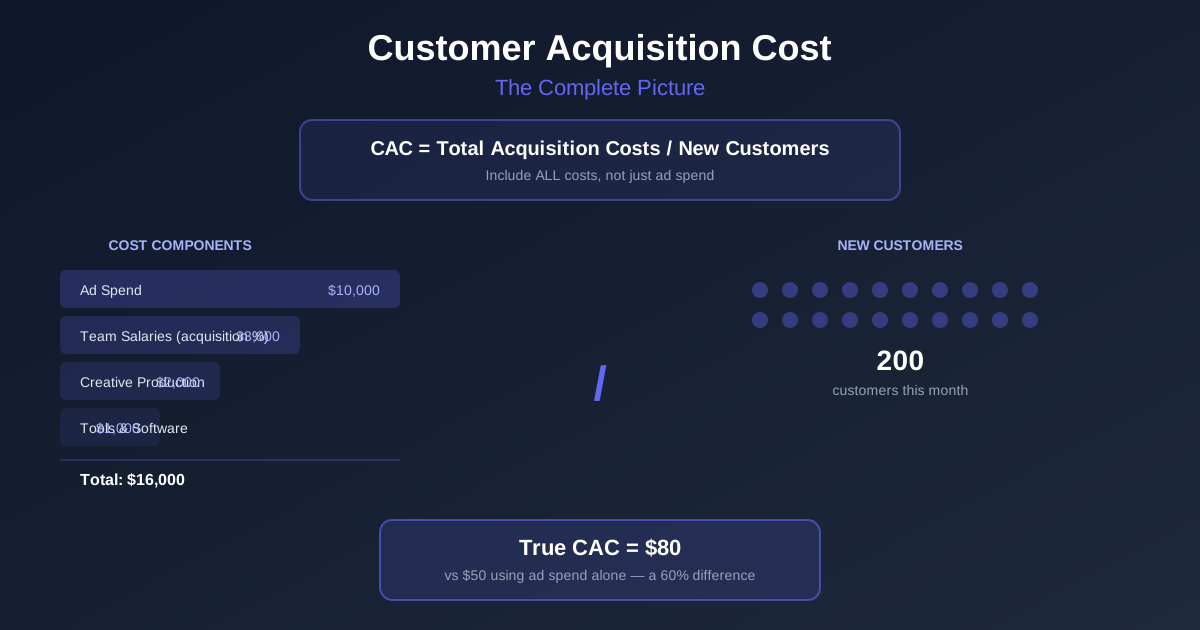
Customer Acquisition Cost: The Complete Guide to CAC for Advertisers
Reconcile full acquisition costs and unique new customers, model contribution payback with churn and apply a cash-constrained campaign ceiling.
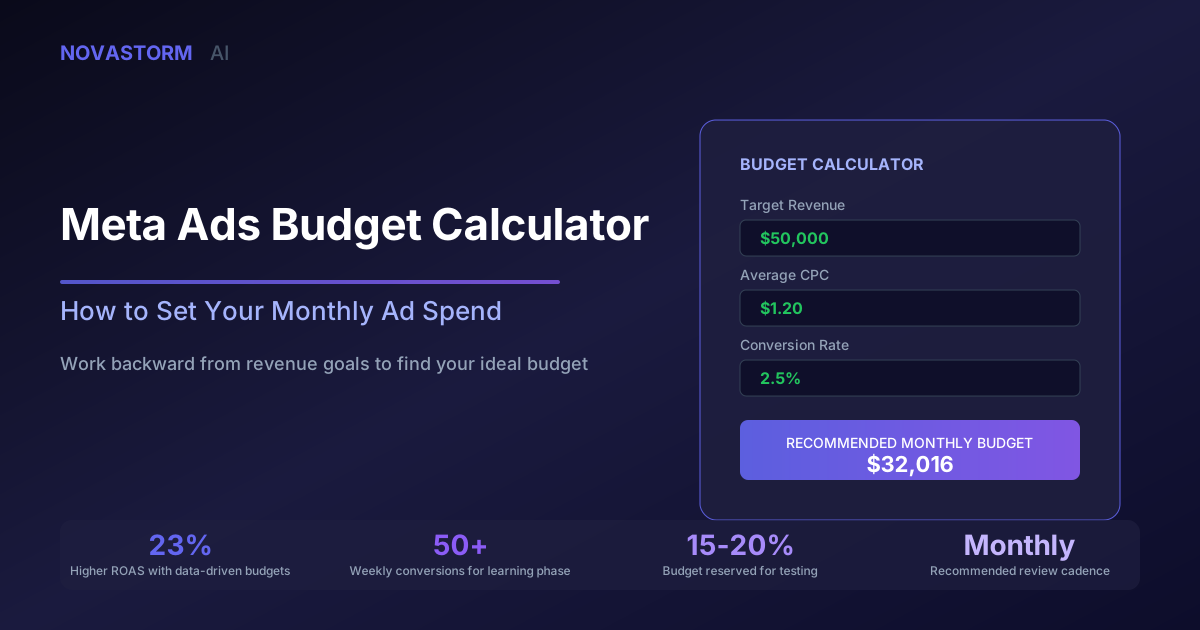
Meta Ads Budget Calculator: How to Set Your Monthly Ad Spend
Calculate monthly Meta ad spend from contribution and lead quality, test sensitivity, and reconcile cash limits with a paused campaign draft.
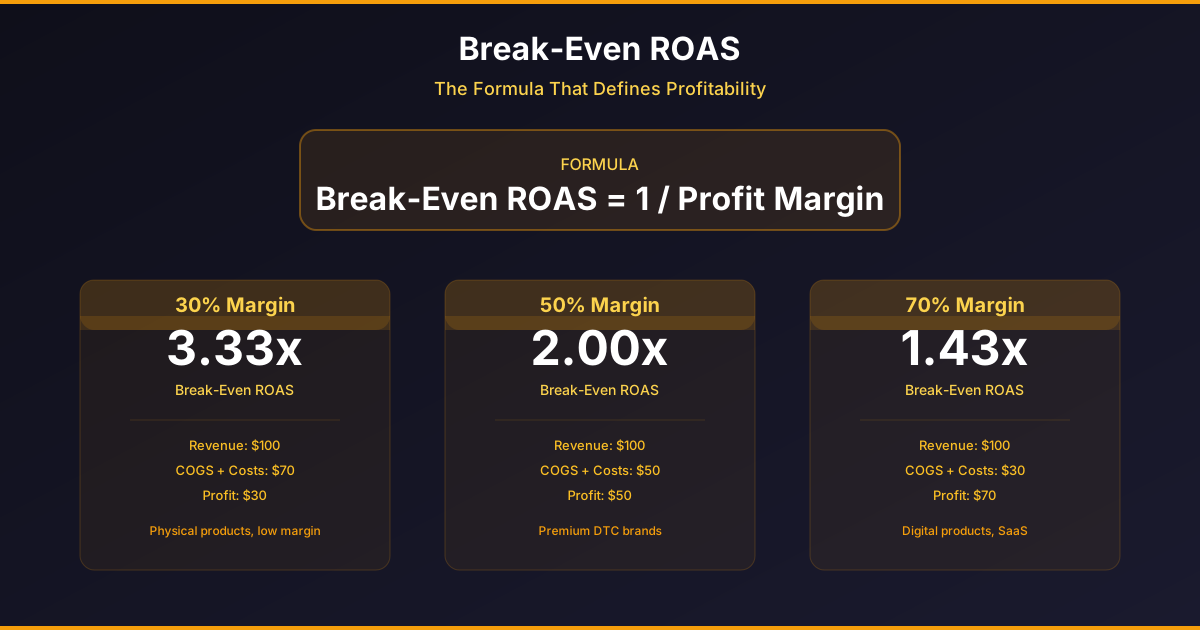
How to Calculate Your Break-Even ROAS for Meta Ads
Calculate a contribution-based CPA ceiling and ROAS target, then stress-test refunds, delivery, new-customer mix and mature campaign costs.

Budget Allocation Across Funnel Stages in Meta Ads
Allocate Meta budget by campaign job, deduplicate credited orders, model retargeting capacity and review mature contribution under one cap.